
I tested Blink and Ring kits so you can pick the right wired or wireless setup for your home — from simple battery-powered doorbells to long-range Blink XR systems and floodlight cameras.
I looked for systems that balance reliability, installation effort, and real-world features I actually use. My selections include battery-powered Blink kits for easy wireless installs and Ring bundles when I want bright floodlights, door coverage, or indoor cameras tied into a single app.
Across these picks I prioritized battery life, usable live view, sensible motion controls, and the storage options you can actually deploy at home.
If you want the simplest wireless setup with long battery life, Blink’s basic kits are my go-to. If you need coverage across a large property I recommend the Blink Sync Module XR. If you want integrated lighting or head-to-toe door coverage, Ring’s doorbell and floodlight bundles give more deterrence and lighting control but often require wiring or adapters.
1. Blink Outdoor 4 – 3 Camera System (Sync Module Core included) – Best Budget Wireless System
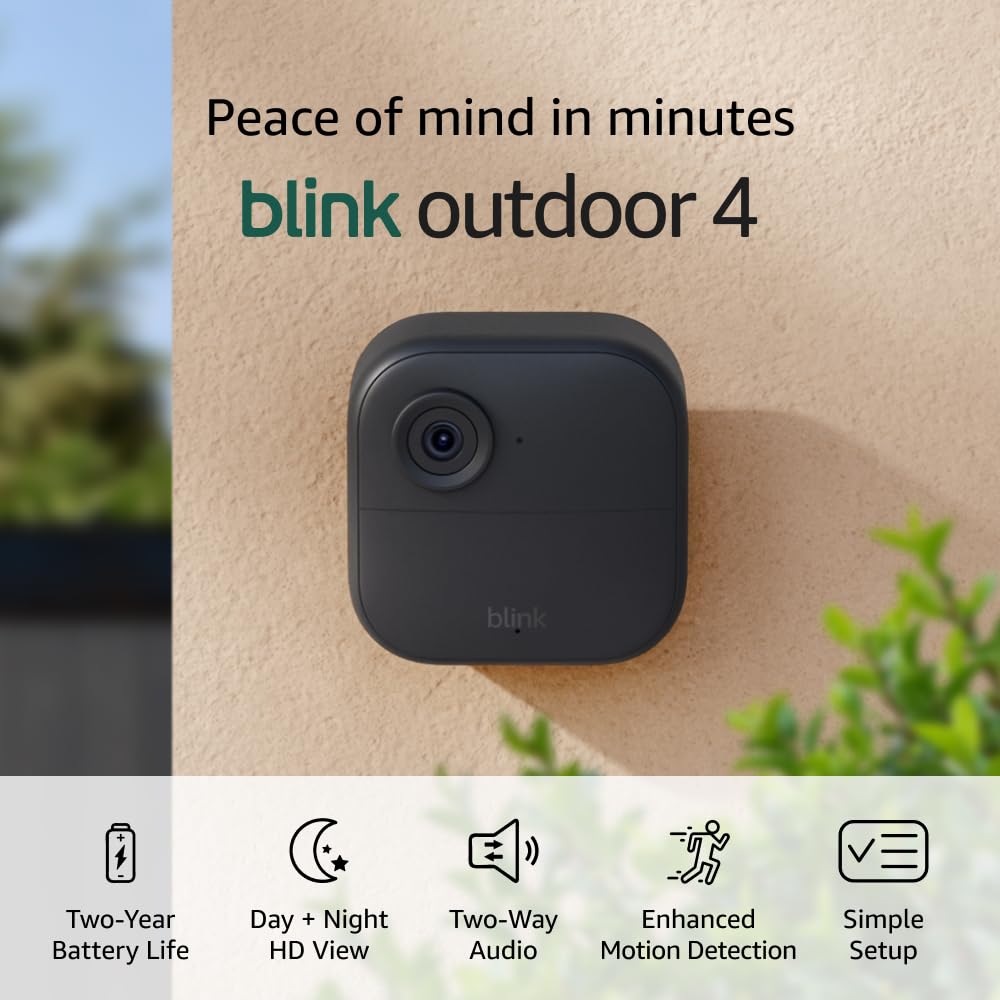
Three 1080p wireless outdoor cameras with two-way audio, infrared night vision, and up to two-year battery life with included Energizer lithium AAs. Sync Module Core is included but doesn’t provide local storage.
Why I picked it: Affordable multi-camera kit, fast install, strong battery claims and solid 1080p day/night footage.
Best for: Anyone who wants a true wireless, three-camera starter kit with minimal setup.
Includes Sync Module Core and batteries; cloud storage trial included. Local backup needs a Sync Module XR/2 or XR alternatives sold separately.
Pros
- True wireless three-camera kit
- Up to two-year battery life
- 1080p daytime and infrared night
- Crisp two-way audio
- Dual-zone motion detection
Cons
- No local storage with Sync Module Core
- Person detection requires subscription
- Occasional connectivity hiccups reported
My take
I set these up in minutes and appreciated that the Sync Module Core pushed Wi‑Fi updates to the cameras — that saved me the chore of reconfiguring each device when my network changed. The app gives a straightforward live view and two-way talk that I used often.
Video daytime clarity is solid at 1080p and night vision is usable for porch and yard views. Motion alerts arrive promptly thanks to the dual-zone detection, and two-way audio was clear enough for quick conversations.
Cloud storage is the simplest option here — Blink includes a free trial — but I kept in mind that local storage requires upgrading to a different Sync Module or XR hardware. Battery life is promising based on the included Energizer AAs, though I haven’t run them for the full two years yet.
Overall, I recommend this kit when you want the lowest friction wireless solution: easy setup, reliable live view, and long battery potential, with the trade-off being limited local storage unless you add other Blink modules.
2. Blink Outdoor 4 XR – 4 Camera System with Sync Module XR – Best for Long Range
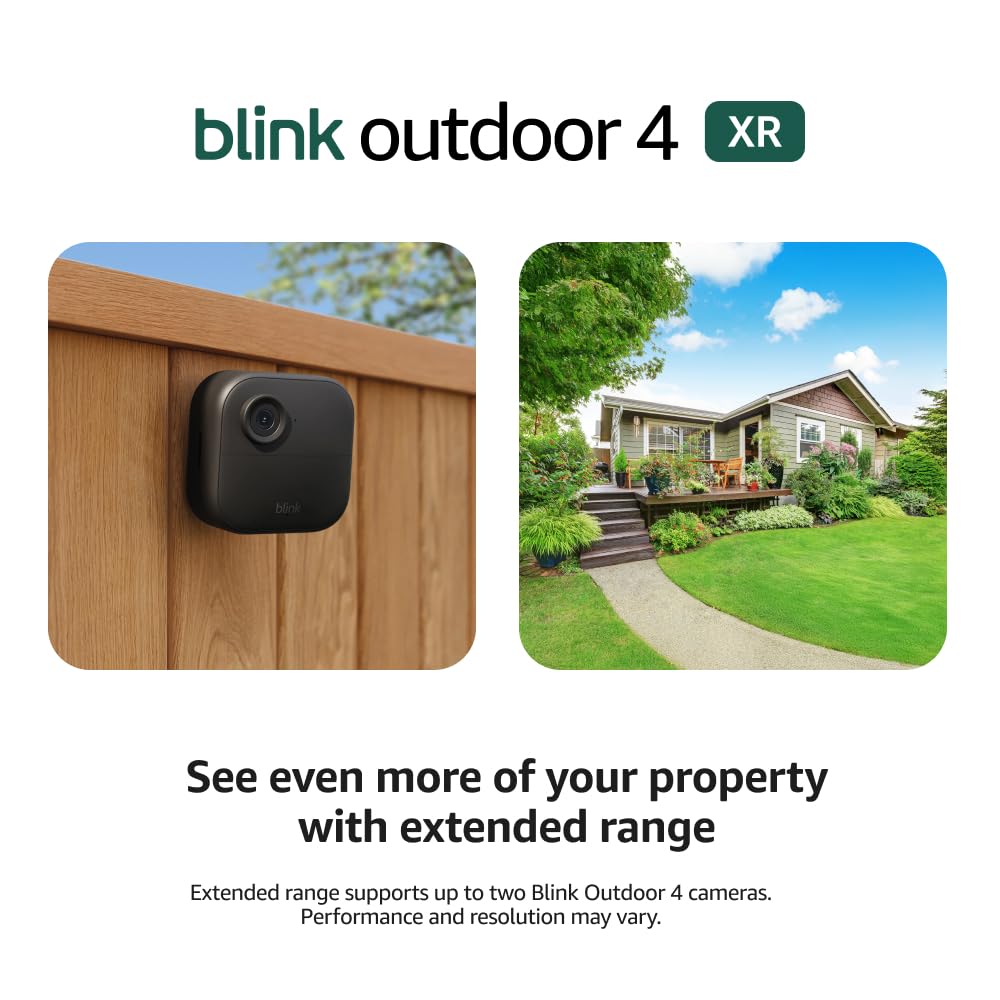
Outdoor 4 cameras paired with the Sync Module XR extend range up to 1000 ft open-air (400 ft typical), use the 900MHz band for less congestion, and claim 70% fewer disconnects with 20% faster live view.
Why I picked it: XR’s extended range and improved connectivity solve the single biggest limitation of Wi‑Fi cameras on large properties.
Best for: Large yards, farms, barns, and gates far from the house that need reliable wireless coverage.
Includes Sync Module XR and Energizer lithium AAs; higher price than the Core kit but adds long-range capability.
Pros
- Up to 1000 ft open-air range
- 70% fewer disconnects
- 20% faster live view
- Two-year battery life with XR
- Controls up to 10 Blink devices
Cons
- Higher cost than Core kits
- XR saver mode limits some features
- Batteries drain faster in high-traffic areas
My take
When I put the XR hub in my garage and mounted cameras at the gate and barn, distances that would have been marginal on Wi‑Fi became rock-solid. Live view felt noticeably quicker and I saw far fewer disconnects compared with cameras running on my home Wi‑Fi alone.
Setup in the Blink app was the same familiar flow, and two-way audio kept its responsiveness even in XR mode. I appreciate the sealed USB‑C port option for wired power if I want to stop worrying about batteries in the future.
Battery life held up well in low-traffic locations, but I did notice batteries drop faster when a camera watches a busy driveway — that’s expected behavior. There’s also an XR saver quality mode that changes feature availability in some circumstances, so be aware of that trade-off when you optimize for range.
3. Ring Battery Doorbell with Ring Indoor Cam 2nd Gen (Bundle) – Best Doorbell + Indoor Camera
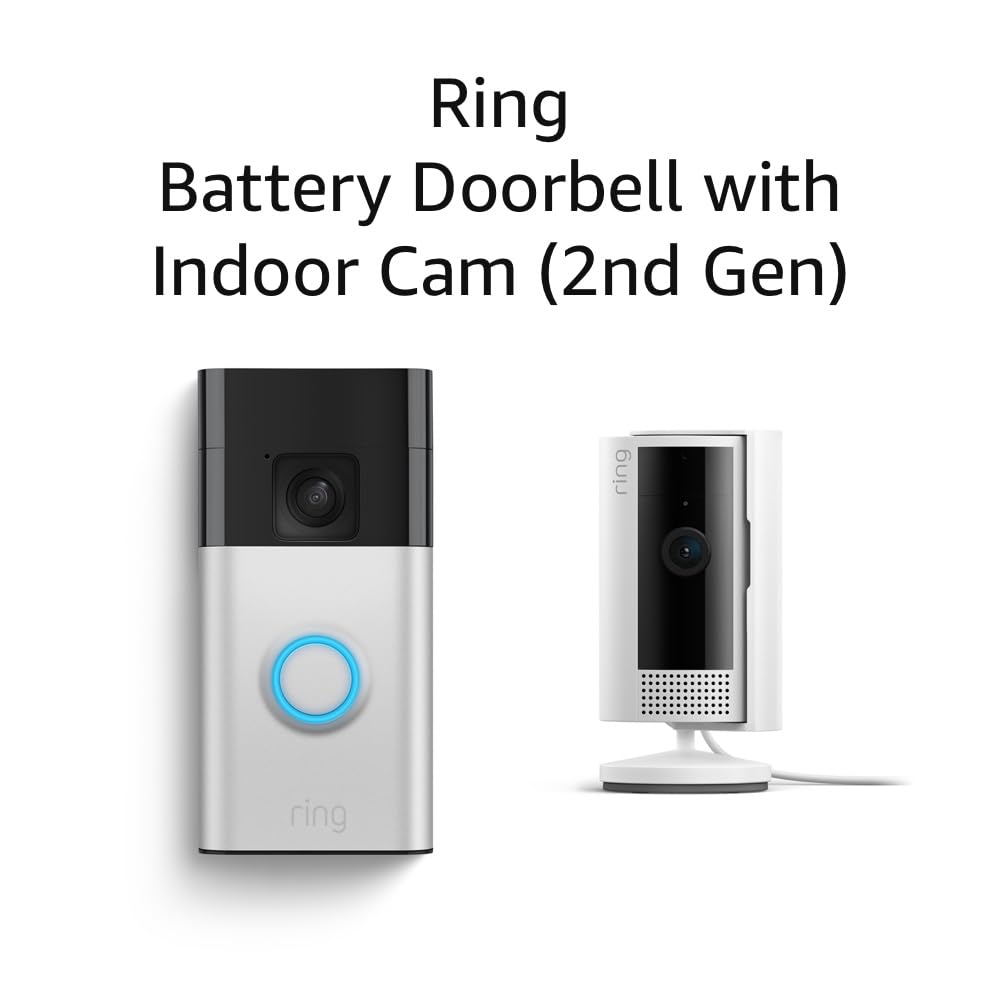
Battery-powered Ring Doorbell (2nd Gen) with head-to-toe video and a Ring Indoor Cam 2nd Gen. Live View, two-way talk, and customizable motion alerts are controlled from the Ring app.
Why I picked it: A compact, no-wires combo that covers the front door and an indoor space from a single app.
Best for: Renters or homeowners who want door and indoor coverage without complicated wiring.
Battery-powered doorbell requires periodic charging; advanced alerts (person/package/vehicle) require Ring subscription.
Pros
- Head-to-toe vertical coverage
- Easy app-based setup
- Clear indoor camera image
- Two-way talk on both devices
- Customizable motion zones
Cons
- Advanced alerts require subscription
- Doorbell sensitivity needs tuning
- Battery needs periodic recharging
My take
I paired the doorbell and indoor cam on the Ring app in under ten minutes and liked how both devices stayed together in one interface. The doorbell’s taller field of view lets me see packages and taller visitors without repositioning.
The indoor camera impressed me with sharp daytime footage and clear two-way audio, which I used to check on my garage and talk to people inside when needed. Motion detection took a few minutes of fine-tuning to avoid repeat alerts from passing cars.
If you rely on person, package, or vehicle notifications, plan for the optional subscription. For basic live view and two-way talk, the bundle works well out of the box and feels more polished than juggling separate devices.
4. Ring Battery Doorbell with Ring Floodlight Cam Wired Plus (Bundle) – Best Doorbell + Floodlight
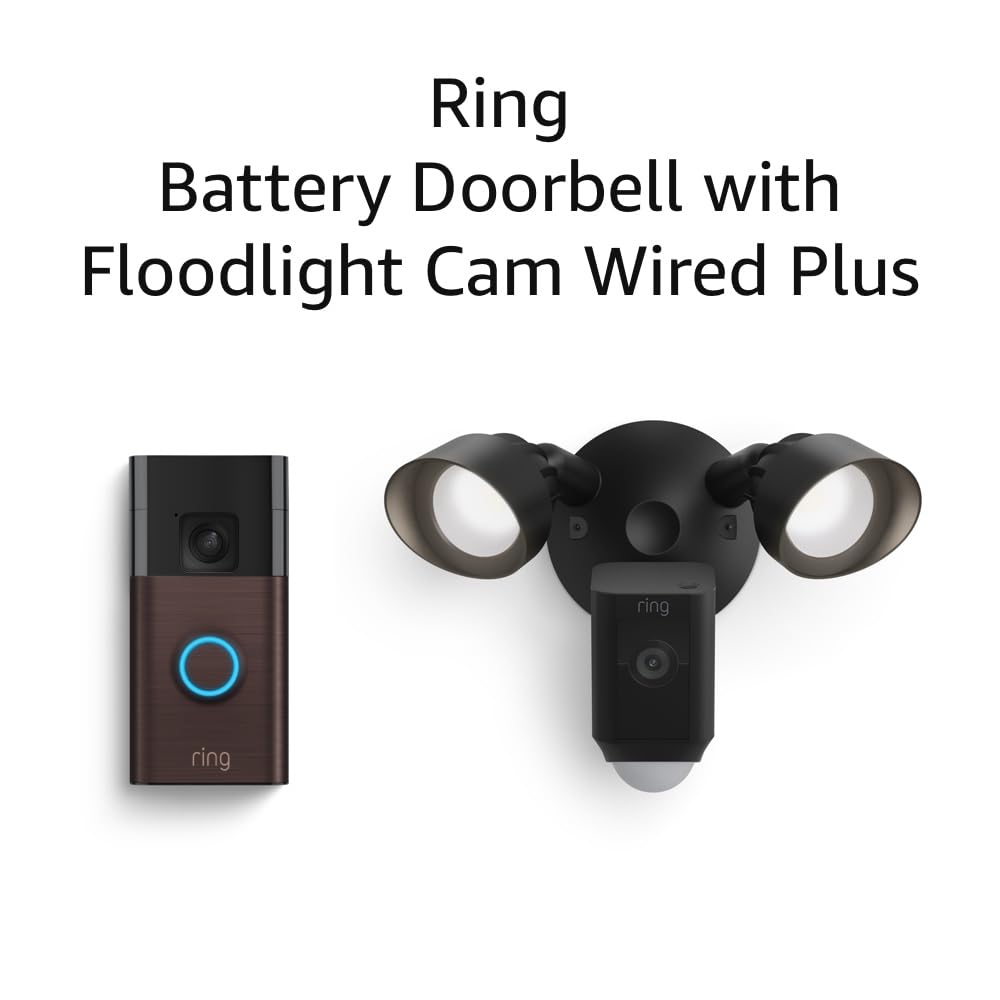
A battery-powered Ring Doorbell plus a wired Floodlight Cam Wired Plus that pairs bright motion-activated lighting with a 1080p camera and two-way talk.
Why I picked it: Combines head-to-toe door coverage with high-visibility floodlight deterrence in one coordinated setup.
Best for: Driveways and yards where bright lighting and camera coverage reduce blind spots.
Floodlight camera requires wired power; doorbell remains battery-powered. You may need mounting adapters for some installs.
Pros
- Integrated floodlight with camera
- Lights trigger on motion
- Head-to-toe doorbell view
- Clear two-way talk
- Good daytime image quality
Cons
- Floodlight sensitivity can be tricky
- Doorbell lens has some fisheye effect
- May require mounting adapter
My take
I swapped my old motion light for the Floodlight Cam and immediately noticed the improvement in coverage and video quality. At night the 2000-lumen lights wash the area cleanly so the camera captures useful detail.
The doorbell integrates nicely so motion at the entry can trigger the floodlight camera — that coordination is handy for package detection and deterring unwanted activity. Installation required an adapter on brick, which is an easy extra step but worth planning for.
Motion sensitivity on the floodlight took a bit of tweaking to avoid false triggers from trees and passing cars, but once dialed in it became a reliable part of my property’s lighting and monitoring setup.
5. Ring Floodlight Cam Wired Plus with All-new Ring Indoor Cam (Bundle) – Best Floodlight + Indoor Kit
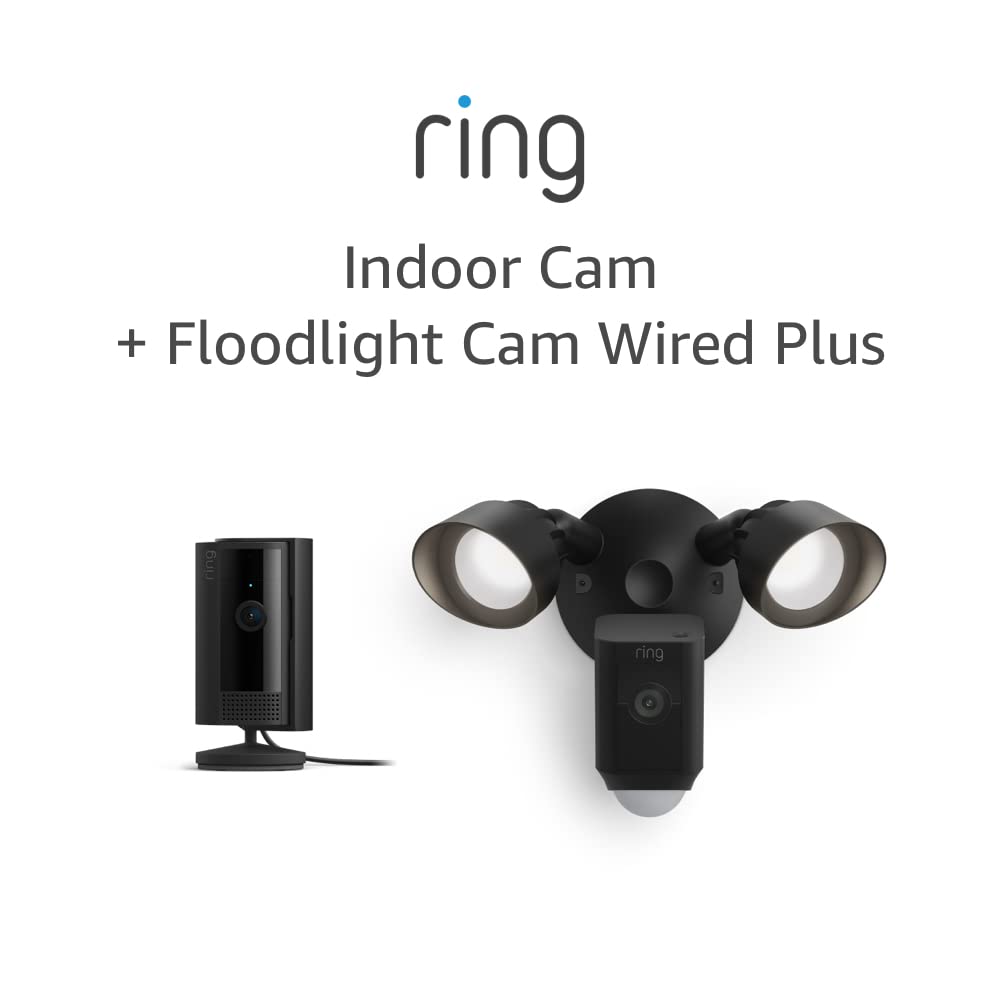
A wired Floodlight Cam Wired Plus with 2000-lumen LEDs and a Ring Indoor Cam. 1080p video, motion-activated lighting, and an 85dB siren combine to protect large outdoor areas plus indoor coverage.
Why I picked it: The floodlight’s brightness, siren, and motion zones make it a strong deterrent for larger properties, paired with an indoor cam for internal monitoring.
Best for: Garages, backyard areas, and garages where bright illumination and audible deterrence matter.
Floodlight requires hardwiring; indoor cam is plug-and-play. Consider electrician help for wiring if uncomfortable with electrical installs.
Pros
- 2000 lumen floodlights
- 1080p video quality
- 85dB siren for deterrence
- Customizable motion zones
- Indoor camera included
Cons
- Wired installation required
- May need pro install for wiring
- Siren can be loud for neighbors
My take
I replaced an old floodlight with this Ring Floodlight Cam and immediately saw the difference: bright, consistent lighting and clean 1080p footage even at night. The siren is loud enough to be an effective deterrent when I test it.
Linking the indoor cam to the same Ring account was quick and gave me an indoor view that complements the outdoor coverage. For storage and advanced alerts I used Ring’s app settings to tune motion zones so I only get the alerts I care about.
Installation is straightforward for anyone comfortable with hardwiring, but I recommend planning the wiring route and mounting hardware ahead of time — that saves time on the install day.
How I Choose the Right Home Security Camera
Decide wired or wireless based on placement
I choose wireless cameras when I need fast installs or I’m in a rental. Battery-powered doorbells and Blink cameras make setup painless.
When I want continuous power, brighter lights, or a built-in siren, I pick wired options like Ring’s floodlight cams and plan for a professional or DIY wiring job.
- Wireless: fastest install, battery changes required
- Wired: continuous power, brighter lights, often harder install
Range and connectivity matter more than raw specs
If cameras sit far from your router, I use range-extending hubs like Blink’s Sync Module XR instead of relying solely on Wi‑Fi.
For dense Wi‑Fi environments I prefer systems that run on less-congested bands or provide a dedicated hub to reduce disconnects.
- Large properties: prioritize Sync Module XR or wired cameras
- Urban homes: ensure cameras support quick live view under Wi‑Fi congestion
Storage and subscriptions — pick what you’ll actually use
I weigh cloud convenience against recurring costs. Blink and Ring both offer cloud plans, but Blink can use local storage with different Sync Modules.
If I want no monthly fee, I plan for local storage options before I buy so I’m not locked into a subscription.
- Cloud: easiest, recurring cost
- Local storage: one-time hardware, no monthly fee
- Hybrid: cloud for offsite backups, local for fast access
Motion controls and field of view
I tweak motion zones during setup to reduce false alerts from cars and trees. A taller field of view (head-to-toe) matters at doorways for package detection.
Two-way audio and quick live view are essential for me when I need to talk to visitors remotely.
- Use motion zones to cut false alarms
- Prefer head-to-toe doorbell views for package detection
- Two-way audio helps interact with visitors
Frequently Asked Questions
How long do batteries actually last in Blink cameras?
In my experience, batteries can last up to the advertised two years in low-traffic locations. If a camera watches a busy street or driveway, expect the batteries to deplete faster and plan for more frequent changes.
Can I avoid a cloud subscription with these systems?
You can avoid cloud subscriptions if you choose local storage options: Blink supports local backup with the Sync Module XR or Sync Module 2 and a MicroSD/USB drive; Ring offers Local Storage with select devices in some regions, but most advanced alerts and cloud history do require a Ring plan.
Do I need a professional to install floodlight cameras?
If you’re comfortable with basic electrical wiring, I installed floodlight cams myself with a few common adapters. If you’re unsure about wiring or local codes, hiring an electrician saves time and avoids safety risks.
When should I choose Blink XR over standard Blink kits?
I choose XR when cameras sit far from the house — gates, barns, or detached garages. XR extends range and improves reliability compared with cameras running on Wi‑Fi alone.
Final Take
I picked these five kits to cover the full range of homeowner needs: simple wireless installs, long-range coverage, doorbell + indoor combos, and lighting-backed deterrence.
If you want minimal setup and long battery potential, start with the Blink Outdoor 4 kit. For expansive properties, go with the Blink XR system. If lighting and louder deterrence matter, choose one of the Ring floodlight bundles.
Whichever route you take, plan your power and storage strategy up front so the system works the way you expect from day one.
