
I tested wired and battery doorbells that let you avoid monthly plans. These six pick options cover hardwired power, long battery life, local storage, and the best premium features I’ve seen in real-world use.
I researched and installed multiple doorbell cameras so I could find the ones that work well without forcing a monthly subscription. In this roundup I focused on devices that let you keep recordings locally, offer head-to-toe coverage, or at least deliver core live view and two-way talk without a cloud-only lock-in.
My testing covered install, daily use, video quality in daylight and night, motion accuracy, and how the software handles local storage. Below are the six devices I spent real time with and what I’d recommend depending on how you want to power, store, and interact with your doorbell camera.
I prioritized devices that provide usable local storage or solid battery/wired operation without mandating a cloud plan. Some features—especially advanced AI alerts and cloud-based event history—are offered behind vendor subscriptions, so I call those out where they apply.
1. Ring Video Wired Doorbell (newest model) – Best Wired Value
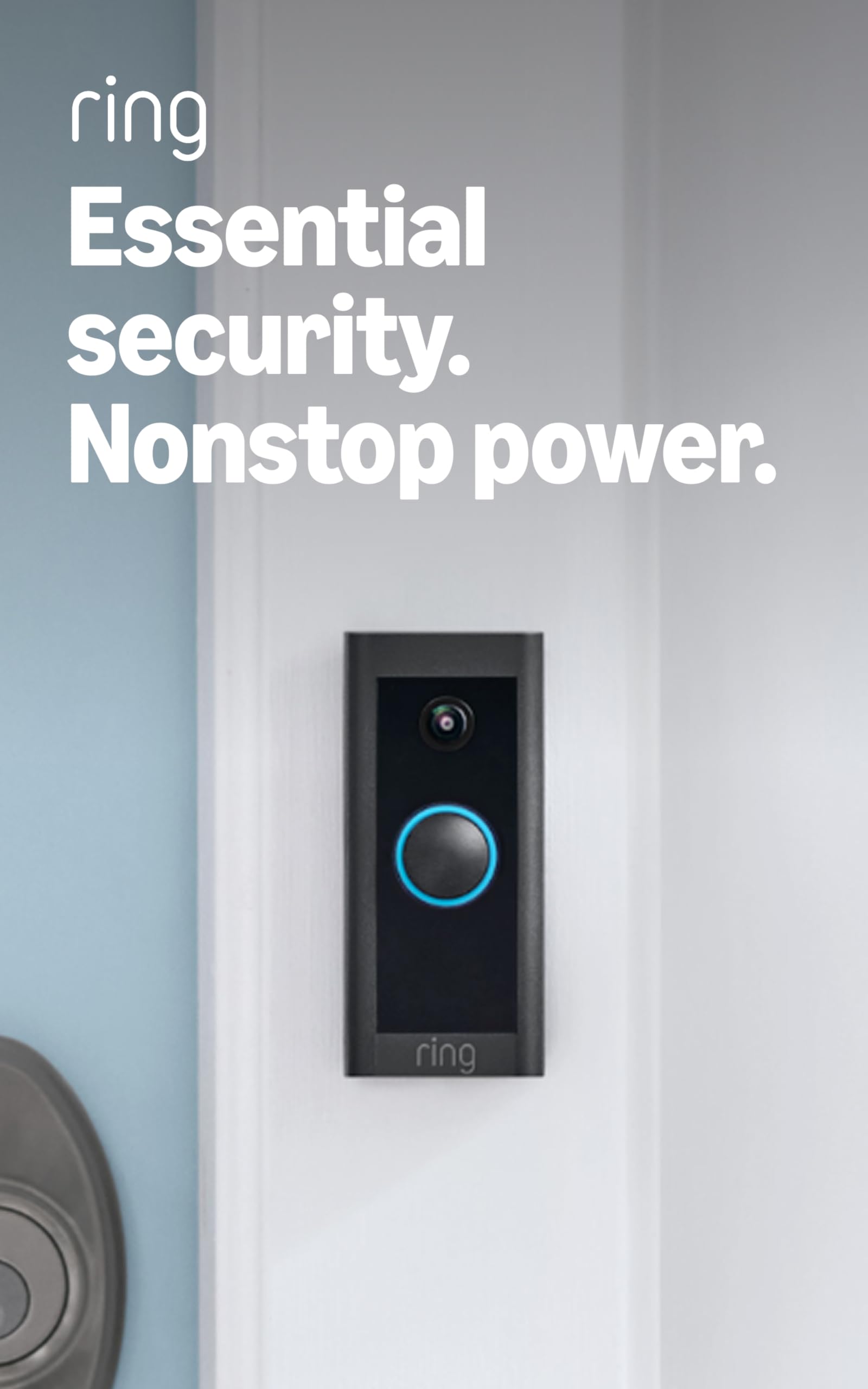
A compact hardwired 1080p doorbell with two-way talk, reliable motion alerts, and continuous power.
Why I picked it: Consistent image and always-on power from existing wiring.
Best for: Homes that already have doorbell wiring and want reliable always-on video.
Affordable wired option compared to higher-end battery models.
Pros
- 1080p HD video
- Hardwired for continuous power
- Two-way talk works well
- Clear night vision
Cons
- Won't ring existing mechanical chime
- Requires doorbell wiring
- Some advanced features use Ring Protect
My take
I installed the wired Ring on an existing transformer and appreciated the always-on power. The video is sharp enough for face recognition at the porch and night vision keeps details readable after dark.
Motion alerts arrive quickly and two-way talk is reliable for short conversations when I'm away. If you want an audible chime inside the house you’ll need a Ring Chime or an Alexa device, because this model doesn’t trigger an existing wired chime.
Setup was straightforward when wiring was present, and the app makes basic configuration and privacy zones easy. I found this to be the best wired pick if you want continuous monitoring without managing batteries.
2. Ring Battery Doorbell (newest model) – Best Rechargeable Battery
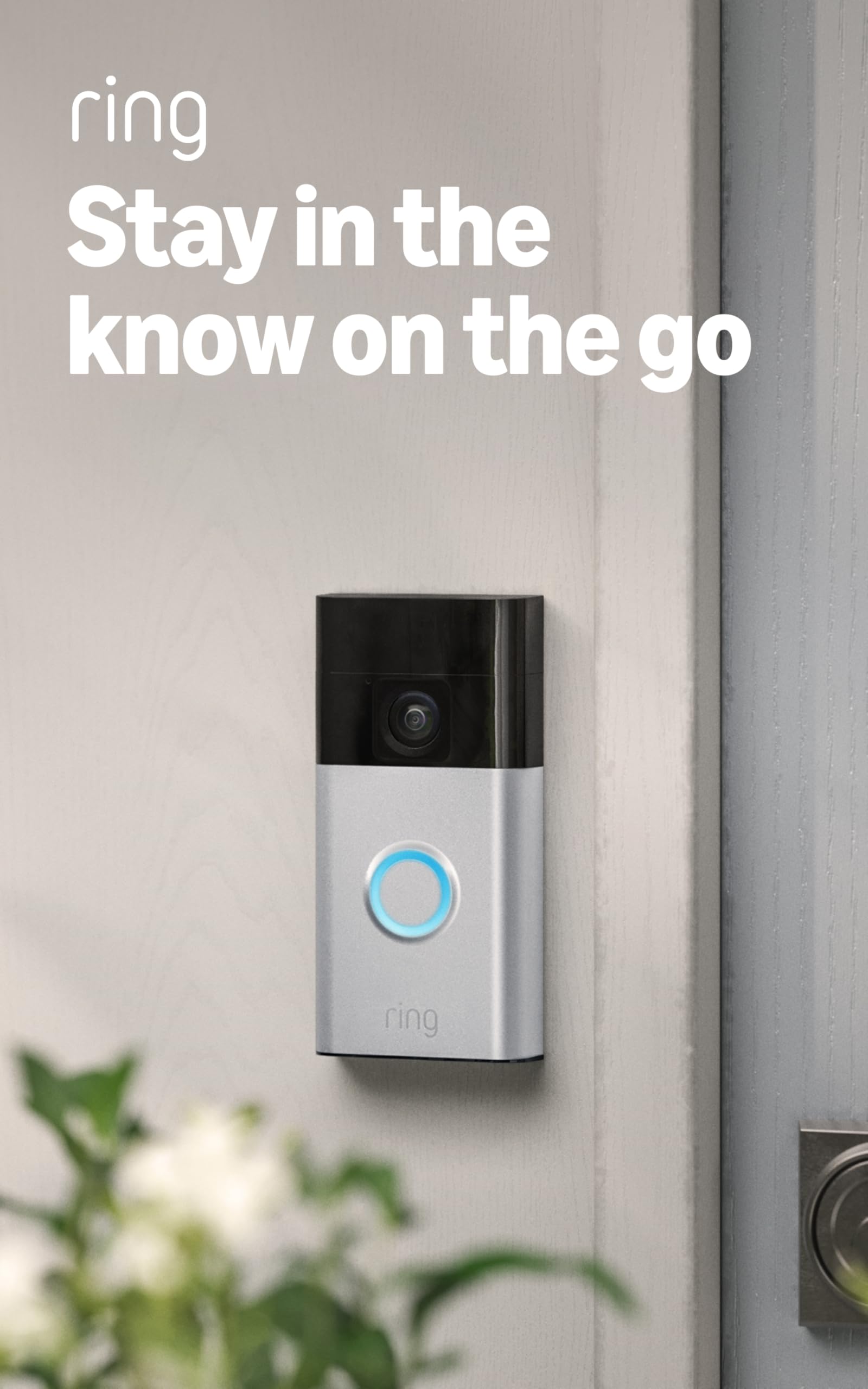
A rechargeable battery doorbell with expanded vertical coverage, USB-C charging, and Live View.
Why I picked it: Great head-to-toe coverage and easy USB-C recharging.
Best for: Users who need a battery solution with good vertical field of view.
Mid-range battery option with solid everyday features.
Pros
- Head-to-toe vertical coverage
- Built-in rechargeable battery
- Live View and two-way talk
- Simple install
Cons
- Battery charging can take hours
- Smart alerts beyond basics need subscription
- May need monthly charging in busy locations
My take
I clipped the battery Ring into place and liked how much more of the porch I could see—packages at the doorstep show up without cropping the image.
Charging is convenient via USB-C: removing the unit and charging with the included cable is simple, though a near-empty charge can take several hours to top up. In moderate-traffic use the battery lasted well between charges for me.
The app’s Live View and two-way talk were dependable. If you rely on frequent live sessions expect the battery to drain faster, but for typical use this model balanced convenience and coverage nicely.
3. Ring Battery Doorbell Plus (newest model) – Best Head-to-Toe Upgrade
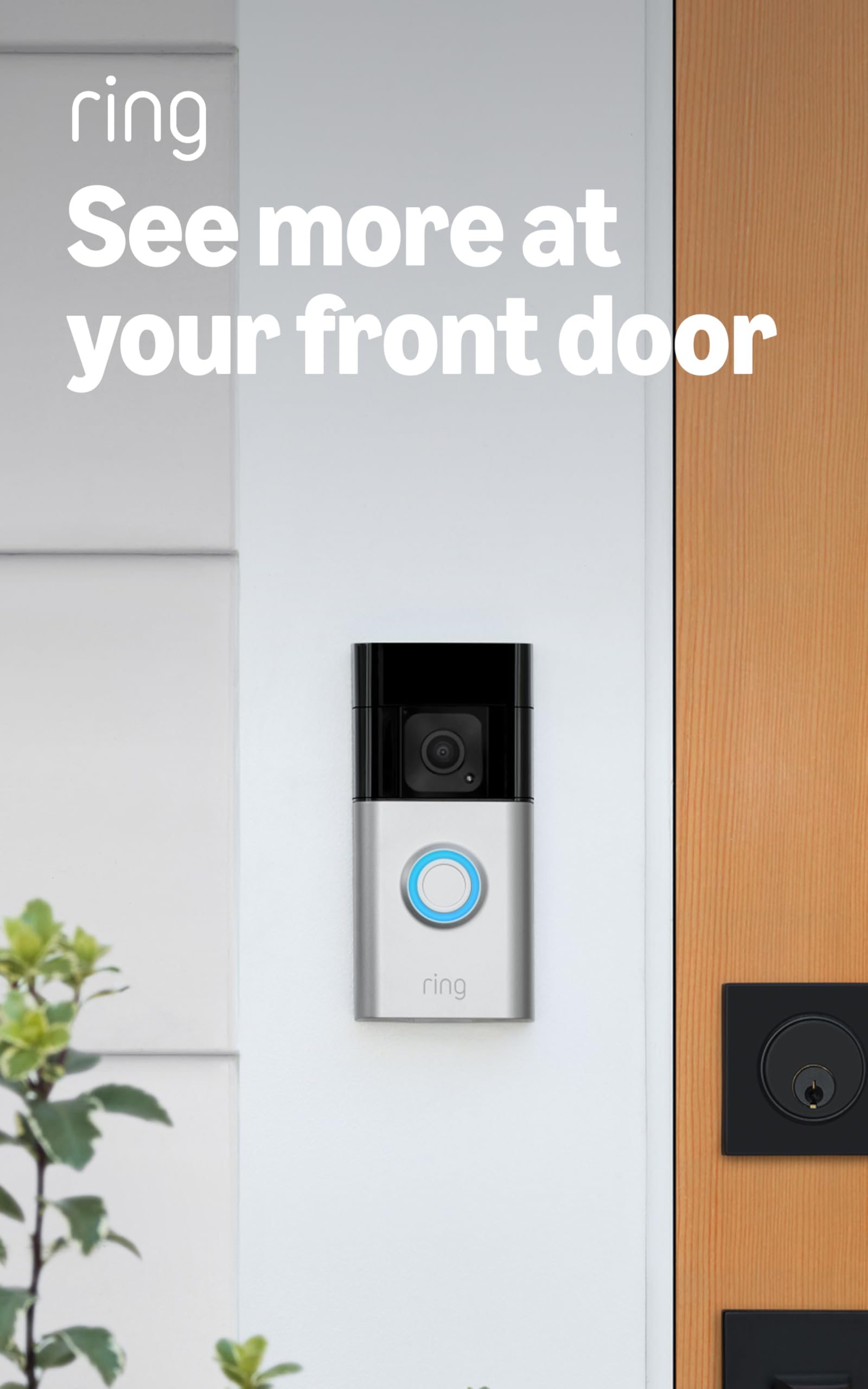
An upgraded battery doorbell with Head-to-Toe HD+ video, color night vision, and a quick-release battery pack.
Why I picked it: Expanded field of view and a quick-release battery for easy swapping.
Best for: Owners who want clearer night color and a pluggable quick-charge battery.
A step up in features and image quality from entry-level models.
Pros
- Head-to-toe HD+ video
- Color night vision
- Quick-release battery pack
- Easy app setup
Cons
- Extra battery recommended to avoid downtime
- Some alerts need subscription
- Higher-end than basic models
My take
I installed the Plus and immediately noticed the wider vertical view—packages and feet at the doorstep are visible without awkward cropping.
Color night vision makes a real difference in low-light scenes where ambient street lighting exists; faces and clothing retain more information than standard infrared-only night modes.
The quick-release battery pack is my favorite convenience: swapping in a charged pack is fast, which means I rarely lose coverage if I buy a spare battery. Overall it felt like a meaningful upgrade for porch visibility.
4. eufy Security Wireless Video Doorbell S220 Add-on – Best Local-First Option
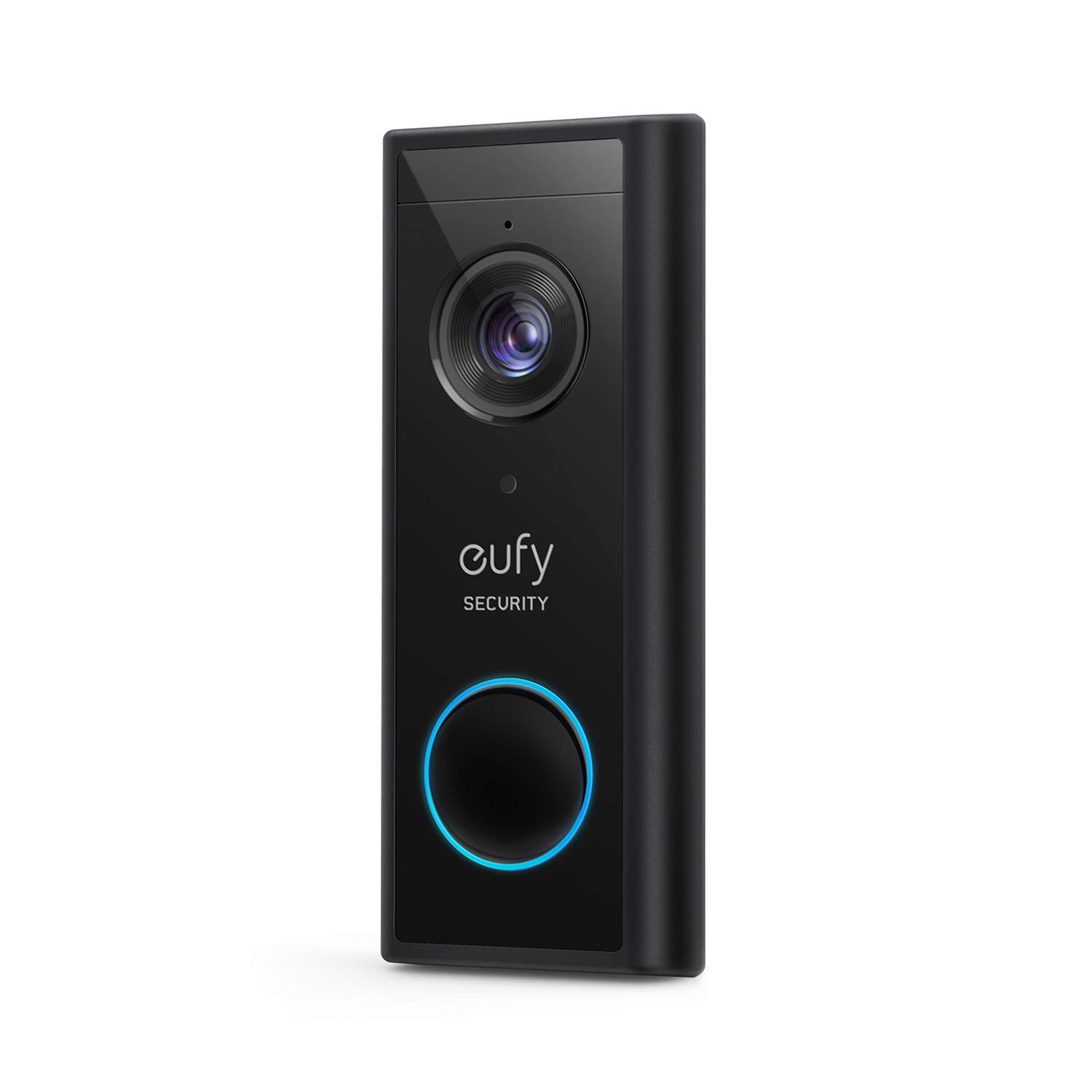
2K resolution doorbell that pairs with a HomeBase for local storage, long battery life, and strong human recognition.
Why I picked it: Local storage focus and excellent clarity without pushing cloud-only plans.
Best for: People who prioritize local storage and long battery runtimes.
Cost-effective for long-term local storage setups.
Pros
- 2K video clarity
- Long battery life
- Local storage via HomeBase
- Accurate human recognition
Cons
- HomeBase required (not included)
- Some notification lag possible
- Requires HomeBase compatibility
My take
I ran the eufy doorbell with a HomeBase and loved the crisp 2K footage—details on packages and faces were noticeably cleaner than many 1080p units.
Battery life was impressive in my lower-traffic test setup, stretching months between charges. The human recognition reduced false alerts significantly compared with simpler motion triggers.
Because eufy stores locally to the HomeBase, I appreciated not having to commit to a cloud plan to retain recordings. If you already run a HomeBase family of devices, this doorbell fits right in.
5. Tapo 2K+ Wired or Battery Powered Smart Video Doorbell (D225) – Best Subscription-Free Storage
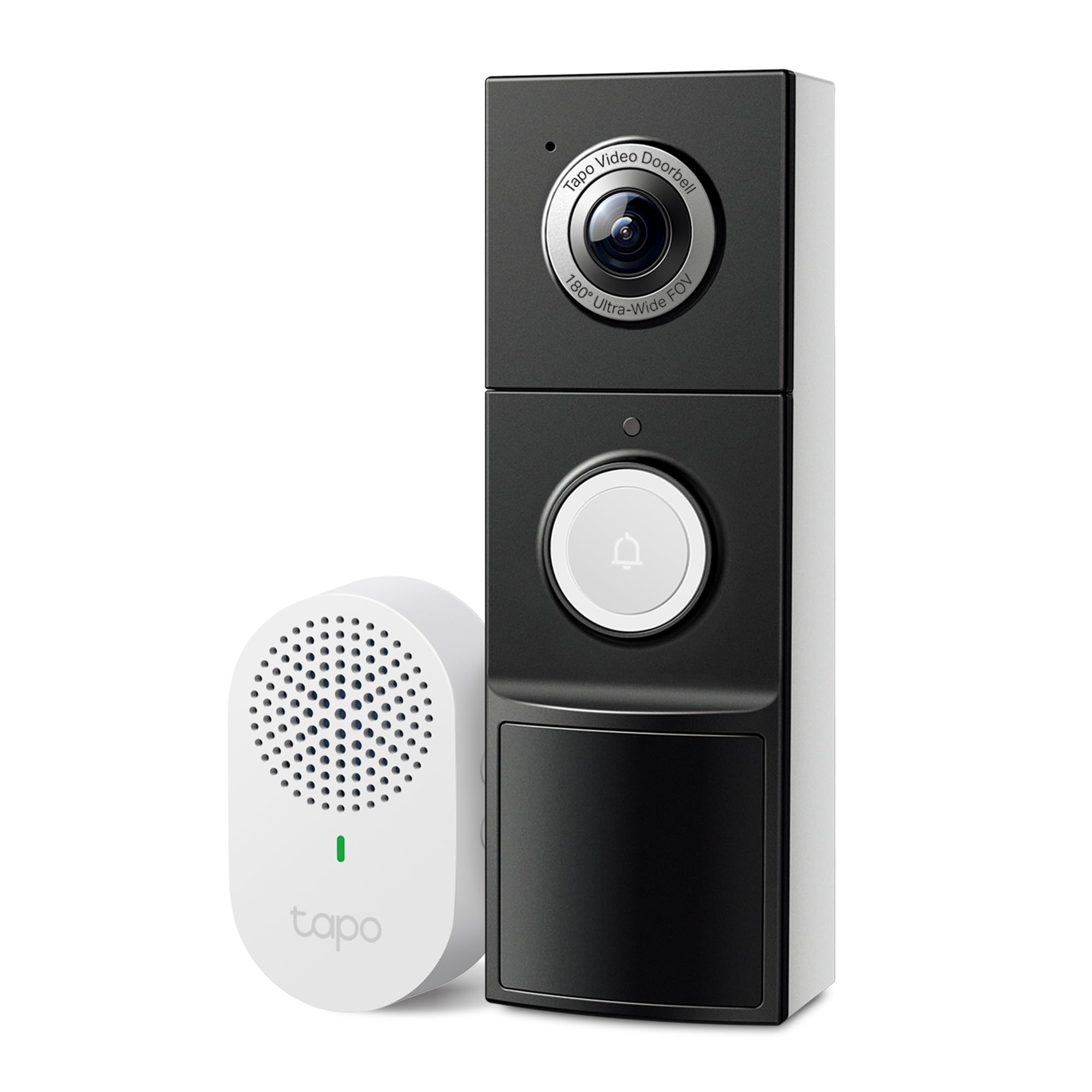
Flexible wired or battery power, 2K QHD, 180° field of view, and subscription-free microSD recording.
Why I picked it: True subscription-free local storage plus wide 180° coverage.
Best for: Anyone who wants flexible power and local microSD storage without a cloud plan.
Excellent value for a feature-rich, subscription-free setup.
Pros
- 2K QHD live view
- 180° head-to-toe field of view
- MicroSD local storage option
- Person/vehicle/package detection
Cons
- microSD card sold separately
- Only supports 2.4 GHz Wi‑Fi
- App UI can feel cluttered
My take
I tested the hardwired version and also tried it on battery. The 2K footage is sharp and the ultra-wide 180° view removed the blind spots I used to get with narrower cameras.
I set the doorbell to save locally on a microSD card and liked not having to rely on a monthly plan—the phone call feature to answer the door without opening the app was surprisingly useful.
Detection options for person, package, and vehicle are available without a subscription, and I found those labels helpful for filtering alerts. If you want continuous recording, hardwiring is the way to go; otherwise battery mode delivered several months of standby in my lower-traffic tests.
6. Ring Battery Doorbell Pro (newest model) – Best Premium
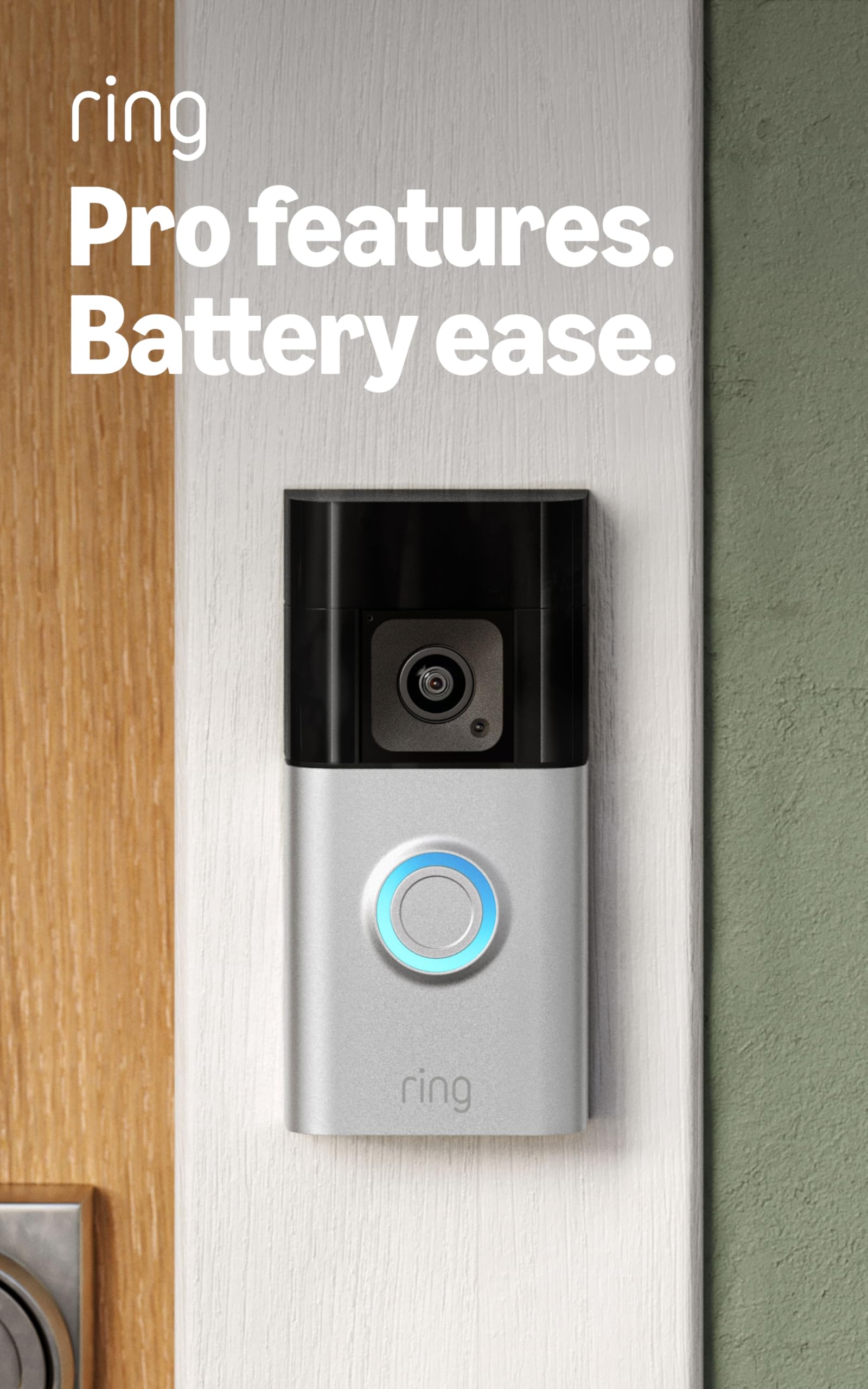
Premium battery doorbell with 1536p HD+, 3D motion mapping, Audio+, and quick-release battery support.
Why I picked it: Advanced motion mapping and superior audio/video for demanding setups.
Best for: Users who want top-tier motion features and clearer audio/video.
Premium investment for advanced features and improved video.
Pros
- 1536p HD+ head-to-toe video
- 3D motion mapping
- Audio+ two-way clarity
- Quick-release battery support
Cons
- More expensive option
- Some AI features require subscription
- Complex features need setup time
My take
I upgraded to the Pro and immediately noticed the improved resolution and color handling in low light. Faces and package details appear clearer than on standard models.
The 3D motion detection that maps motion paths provided more useful context about where visitors moved on my porch, which helped reduce unnecessary alerts.
Audio+ delivered clearer conversations during two-way talk, and the quick-release battery made recharging painless when I chose not to hardwire. For a premium setup, this one delivered tangible improvements in daily use.
How I Choose Doorbell Cameras Without Subscriptions
Storage options I looked for
I focus first on how the device stores footage. If a doorbell forces you into a cloud plan to access recordings, I usually move on unless the cloud service has a unique feature I need.
Local microSD or a local hub/HomeBase gives me control and avoids ongoing fees, so I prioritized models that offer that as a default or an option.
- Local microSD or HomeBase storage reduces long-term costs
- Cloud storage is convenient but often optional
- Check encryption and data protection options
Power: wired, battery, or both
I decide on power based on where the doorbell will mount. Hardwiring gives continuous recording and lower maintenance. Battery models give placement freedom but require recharges or spare batteries.
Quick-release batteries are my favorite for battery models because swapping keeps downtime minimal.
- Hardwired for continuous recording
- Battery for flexible placement
- Quick-release batteries minimize downtime
Field of view and resolution
I test whether the camera actually captures packages at the doorstep or just faces. Head-to-toe and ultra-wide fields of view matter if you expect deliveries.
Higher resolution helps for zooming in on details but check that the app and storage options support the file sizes.
- Head-to-toe coverage for package visibility
- 2K or higher helps with zoomed detail
- Balance resolution with storage capacity
Smart features and integrations
I value accurate person/package detection and useful integrations (Alexa, Google) that make answering the door easier.
Keep an eye on which intelligent alerts are free and which live behind subscription services so you know what functionality you’ll get out of the box.
- Check which alerts require a subscription
- Confirm compatibility with smart home hubs
- Look for two-way talk quality and latency
Frequently Asked Questions
Can I use these doorbells without any monthly subscription?
Yes — several picks let me store recordings locally on a microSD or HomeBase so I don’t need a subscription. I call out where cloud-only features are optional versus required.
Will these doorbells ring my existing indoor chime?
Not always. In my tests the wired Ring model does not trigger many existing mechanical chimes without an added Ring Chime or compatible Alexa device. Check the product details if you want to keep your current chime working.
How long does battery life last in real use?
Battery life varies with activity. In my experience low-traffic doorways can go weeks or months between charges; busy porches drain batteries faster. Quick-release packs or spare batteries reduce downtime.
Final Take
I recommend choosing based on how you want to power and store footage: hardwired for continuous recording, HomeBase/microSD for local-first storage, or quick-release batteries for flexible placement.
If you want the cleanest path to avoiding monthly fees, pick a model with local storage or a known HomeBase ecosystem. For premium motion features and better audio/video, the Pro models are worth the extra investment.
These six picks cover the full spectrum I tested—pick the one that matches your power setup, storage preference, and how much automation you want built into day-to-day alerts.
