
I tested seven compact and L-shaped desks to find the best options for small rooms, gaming rigs, and work-from-home setups. My picks prioritize stability, surface area, and easy assembly.
I tried a range of modern computer desks—small student tables, L-shaped corner workstations, and gaming-focused tops—to find practical picks for real rooms. I focused on build quality, usable surface area, and how quickly I could get a solid workspace up and running.
Throughout testing I paid attention to assembly time, wobble under load, storage or shelving, and features like cable routing or headset holders. Below are the desks I kept coming back to depending on space, function, and budget.
If you need a compact, affordable desk I favored simple particle-board tops with X-brace frames; for multi-monitor or streaming setups I preferred L-shaped desks with higher load ratings and built-in cable features.
1. Sweetcrispy 44in Computer Desk – Best Budget
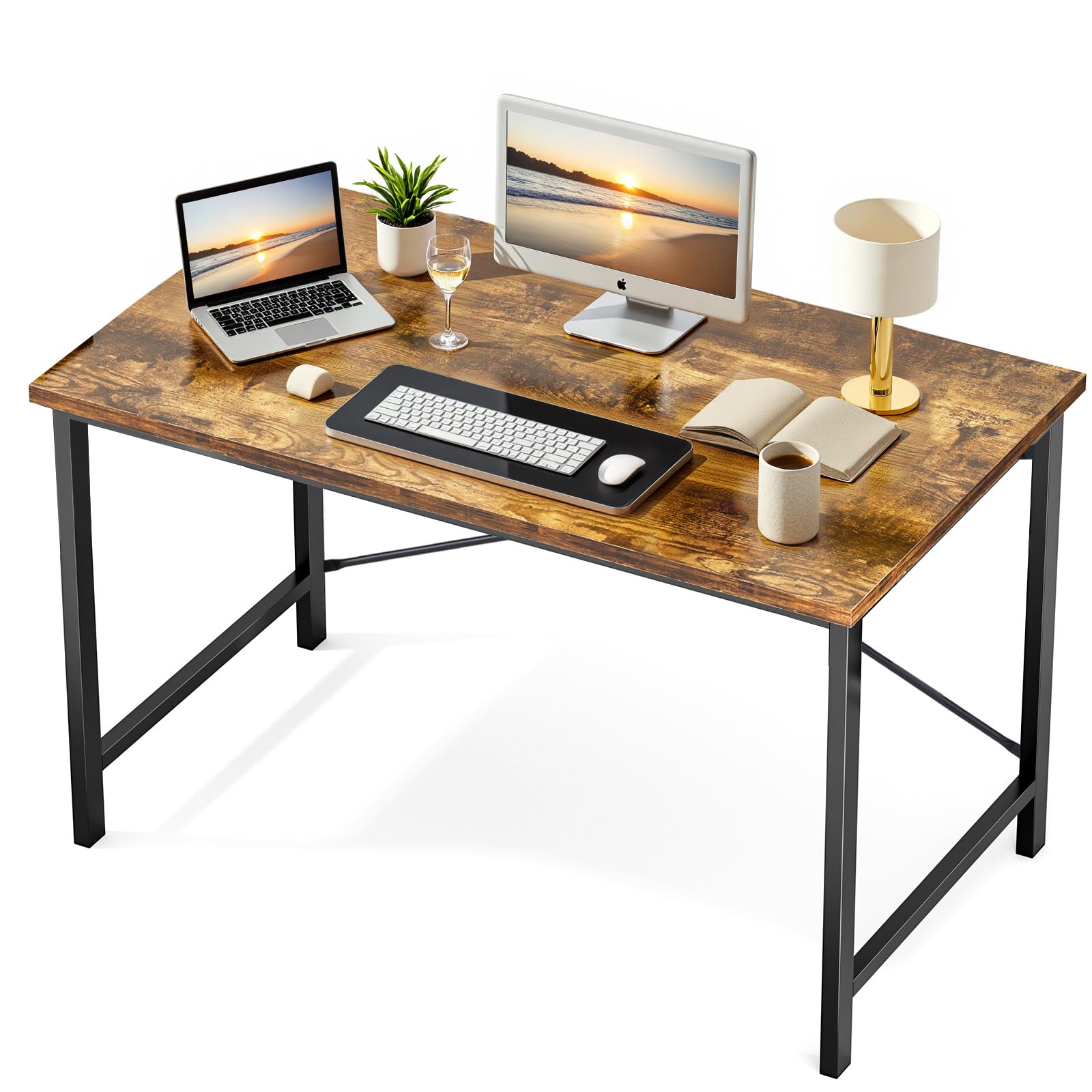
A compact, no-frills desk that assembles fast and holds a surprising amount of gear for its size.
Why I picked it: Fast assembly, sturdy X-frame, and a thick particle-board top that resists scratches.
Best for: Tight bedrooms, students, and minimal home-office setups.
Very affordable option for a basic, reliable workspace.
Pros
- Quick to assemble
- Sturdy X-shaped frame
- Scratch- and water-resistant top
- Compact footprint
Cons
- No built-in storage
- Limited surface for multi-monitor setups
My take
I put this 44-inch Sweetcrispy desk together in under 30 minutes and appreciated how straightforward the instructions and hardware were. The desktop is thicker than I expected for the price and wipes clean easily when I spill coffee or dust my setup.
The metal frame with X-shaped reinforcement keeps the surface steady during typing and light camera or lighting mounts. The listing claims a load-bearing capacity that matches my experience—it's solid for a laptop, monitor and a few accessories but not meant for heavy workshop gear.
What sold me on this desk was the size: it fits narrow spaces without feeling cramped, and the finish matches the rustic brown description well. If you want drawers or integrated storage, you'll need to add separate organizers, but for a minimalist desk this is an excellent budget pick.
2. Teraves L-Shaped Corner Desk – Best Corner L-Desk
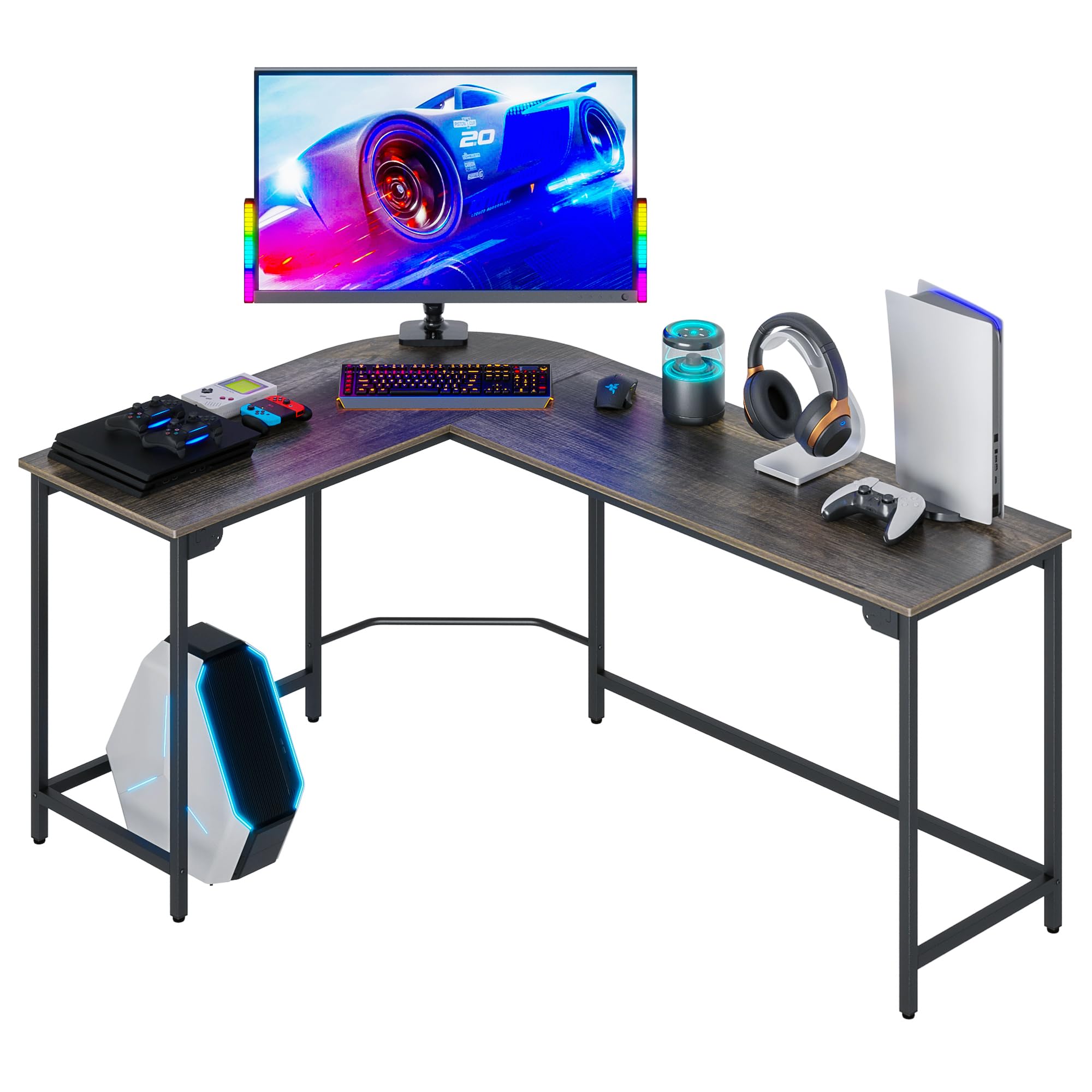
A space-maximizing L-shaped desk that delivers a large work surface and a beefy steel frame for heavier setups.
Why I picked it: Large corner layout, high weight capacity, and adjustable leg pads for leveling.
Best for: Corner workstations, multi-monitor gaming or productivity setups.
Good value for a high-capacity L-shaped desk.
Pros
- Generous workspace footprint
- High load capacity
- Adjustable leg pads
- Rounded corners for safety
Cons
- Takes longer to assemble solo
- Box may arrive scuffed
My take
I used this Teraves desk in a tight corner and immediately noticed how much desktop it gives compared with a straight desk. The L-shaped design makes multitasking easier—I could put a primary monitor on one side and a laptop or secondary screen on the other.
Assembly took me more time than a simple table, but the M-style buckles and labeled parts made the process manageable. The thicker steel frame and P2 particle board felt stable once tightened, and the adjustable pads helped level the desk on carpet.
If you plan to load multiple monitors and peripherals, this desk's stated bearing capacity aligns with my experience: it handled a heavy dual-monitor rig without bending. I recommend having an extra set of hands for the bulkier steps to speed things up.
3. Cubiker 47in Desk with Shelves – Best with Shelves
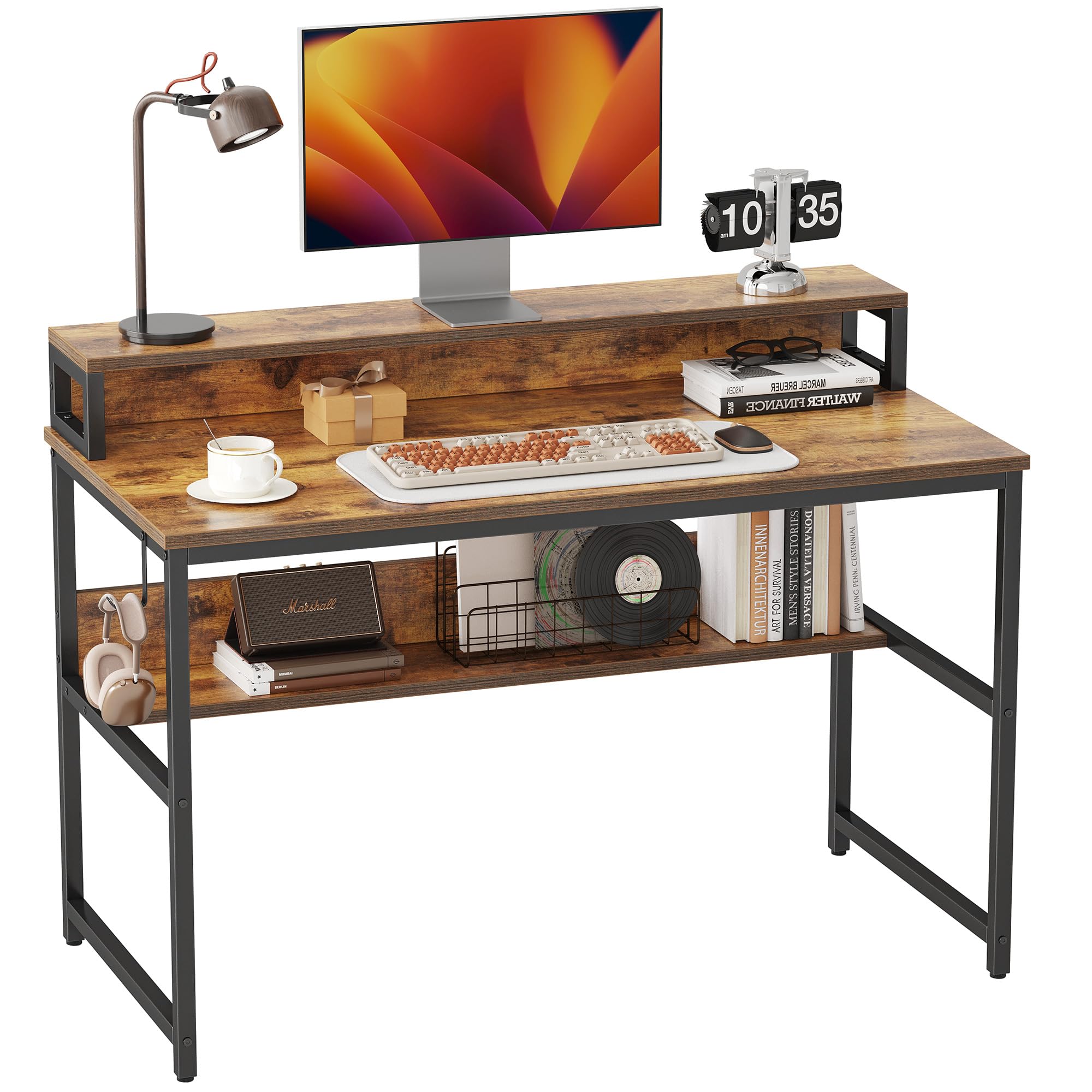
A practical 47-inch desk that adds top and bottom shelving for tidy storage without sacrificing work surface.
Why I picked it: Built-in shelves that keep my monitor raised and free up desktop space.
Best for: Home offices where storage and a compact layout matter.
Budget-friendly with useful shelving built in.
Pros
- Raised shelf for monitor
- Bottom bookshelf storage
- Clear assembly labeling
- Stable metal frame
Cons
- No dedicated cable grommets
- Laminate top can show fingerprints
My take
I liked how the Cubiker desk organizes a small workspace—placing my monitor on the top shelf freed up the main surface for keyboard, mouse and a lamp. The bottom bookshelf is handy for reference material and keeps clutter off the desk.
Putting it together was straightforward; the pieces were labeled and the instructions were clear, so I had it assembled in under an hour by myself. Once built, the metal frame and laminated boards felt firm with no noticeable sag under my monitor and accessories.
If you prefer built-in cable routing, this model doesn't include grommet holes, but magnetic cable clips work well to keep cords tucked out of the way. For a modest price, the combination of workspace and storage makes this my top pick when I need shelving integrated into the desk.
4. BestOffice 47in Gaming Desk – Best for Gamers
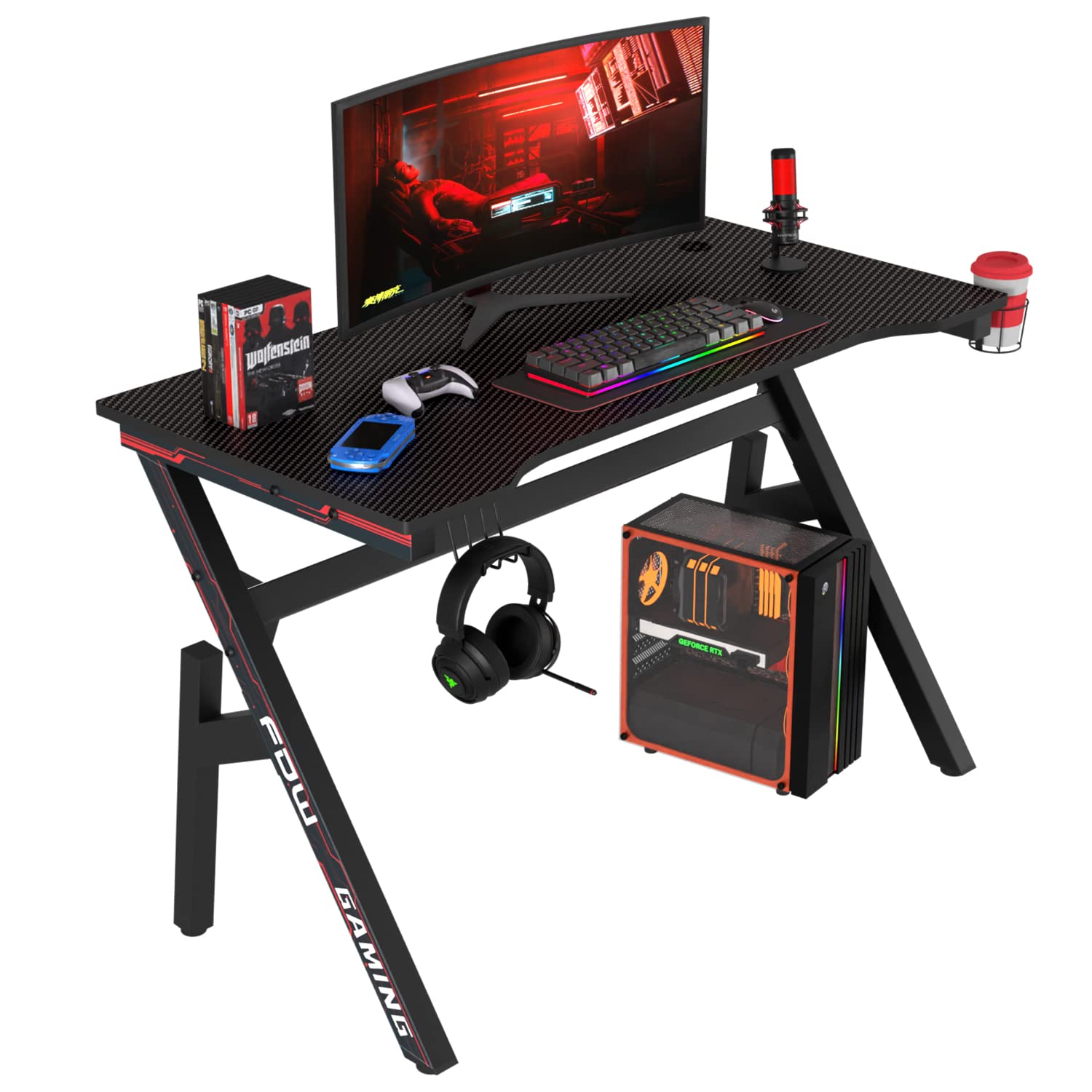
A gaming-focused desk with carbon-fiber textured top and gamer-friendly extras like a cup holder and headphone hook.
Why I picked it: Built-in cable holes, headset hook, and a durable R-shaped frame suited my streaming setup.
Best for: Gamers and streamers who want convenient extras and a solid desktop.
Midrange gaming desk with practical accessories.
Pros
- Cup holder and headphone hook
- Dual cable holes
- Carbon-fiber textured surface
- Sturdy R-shaped frame
Cons
- Small allen wrench provided
- Can be tricky to assemble alone
My take
I assembled the BestOffice desk with help for the heavier stages and found the parts well-labeled and the finish attractive. The carbon-fiber textured top resists scratches and looks sharper than plain laminate on my desk camera.
The integrated cup holder and headphone hook proved genuinely useful during long sessions—those small touches keep my desktop uncluttered. I also liked having two cable holes for routing my power and monitor cables neatly to a surge protector below.
The R-shaped steel frame felt robust once tightened. The only caveat: the tiny allen key in the kit is serviceable but not comfortable for extended assembly, so I used my own tools. Once assembled the desk was solid and well suited to a gaming or streaming station.
5. Teraves Reversible L-Shaped Desk – Best Reversible L-Desk
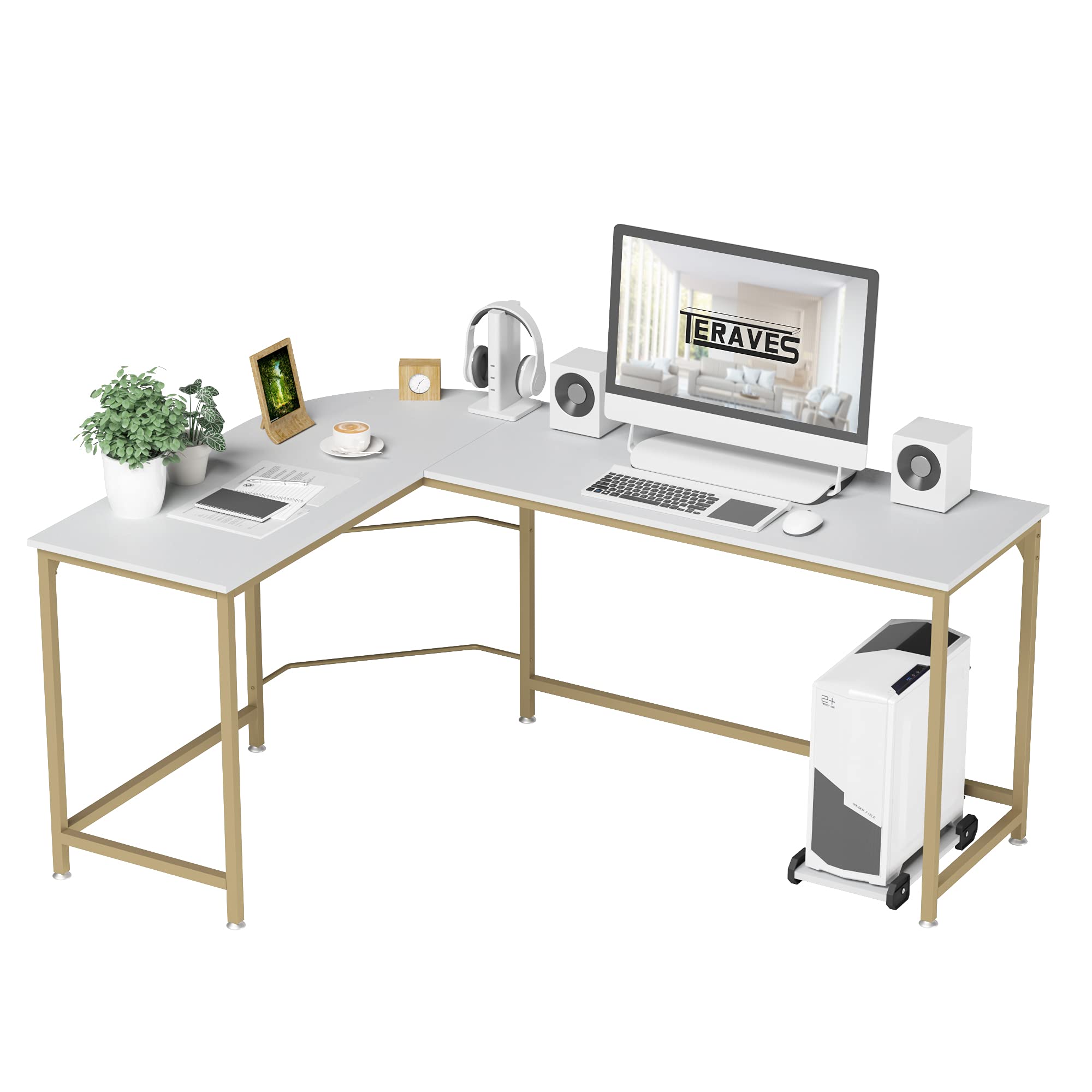
A flexible L-shaped desk I could assemble in the layout I needed, with a free CPU stand and reversible panels.
Why I picked it: Reversible top panels and a CPU stand give layout flexibility for different rooms.
Best for: Anyone who needs to change corner orientation or add a CPU stand.
A versatile L-shaped desk at a reasonable value.
Pros
- Reversible tabletop configuration
- Comes with CPU stand
- Robust frame and supports
- Easy-to-clean surface
Cons
- Long screws resemble short ones
- Some assembly patience required
My take
The reversible design was the main reason I kept this Teraves desk in rotation: I flipped the short leg to the left side without trouble and it fit my room better. The three-piece top makes swapping orientations straightforward.
I appreciated the included CPU stand that tucks under the desk and frees floor space. The frame is heavy-duty and the top wipes clean with a damp cloth, which is great when I switch tasks between messy projects and computer work.
Assembly called for basic hand tools and patience to sort long and short screws—I accidentally mixed one up but corrected it without damage. Once built, the desk felt sturdy and stable for long sessions at my keyboard.
6. FDW 47in Racing-Style Gaming Desk – Best Racing Style
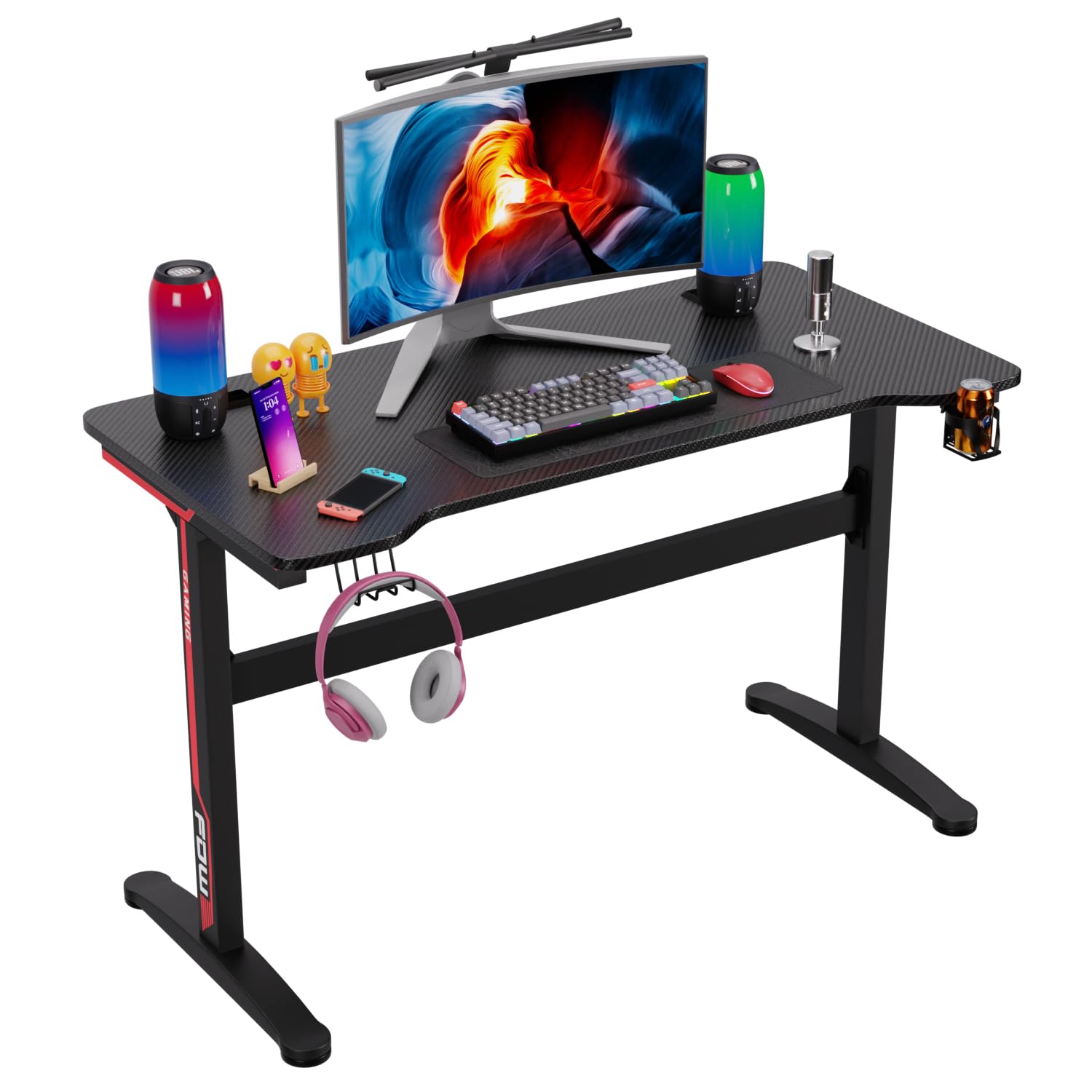
A large-surface racing-style desk built for multi-monitor setups with a durable metal frame and tidy look.
Why I picked it: Generous desktop, solid frame, and cable-management-friendly layout.
Best for: Teens and adults building a multi-monitor gaming or study setup.
Competitive price for an extra-large gaming surface.
Pros
- Large desktop area
- Sturdy metal frame
- Easy-to-clean surface
- Good cable management
Cons
- Thin cable tray durability
- Some welds feel inconsistent
My take
I set up this FDW desk for a dual-monitor gaming configuration and found the surface more than roomy enough for two monitors, keyboard, and speakers without feeling crowded. The racing aesthetic gives a cohesive look for a gamer setup.
Assembly took a bit longer than simple desks, but the instructions and included hardware were adequate. The frame is heavy and once tightened it held my equipment steady. I did notice the cable management tray is on the thin side and would treat it gently when routing heavier bundles.
Overall, the desk offers excellent surface area and a durable feel for the price. If you expect industrial-level welding quality, this isn't the premium option, but for home gaming or study use it performed very well.
7. DUMOS Computer Desk – Best Small & Sturdy
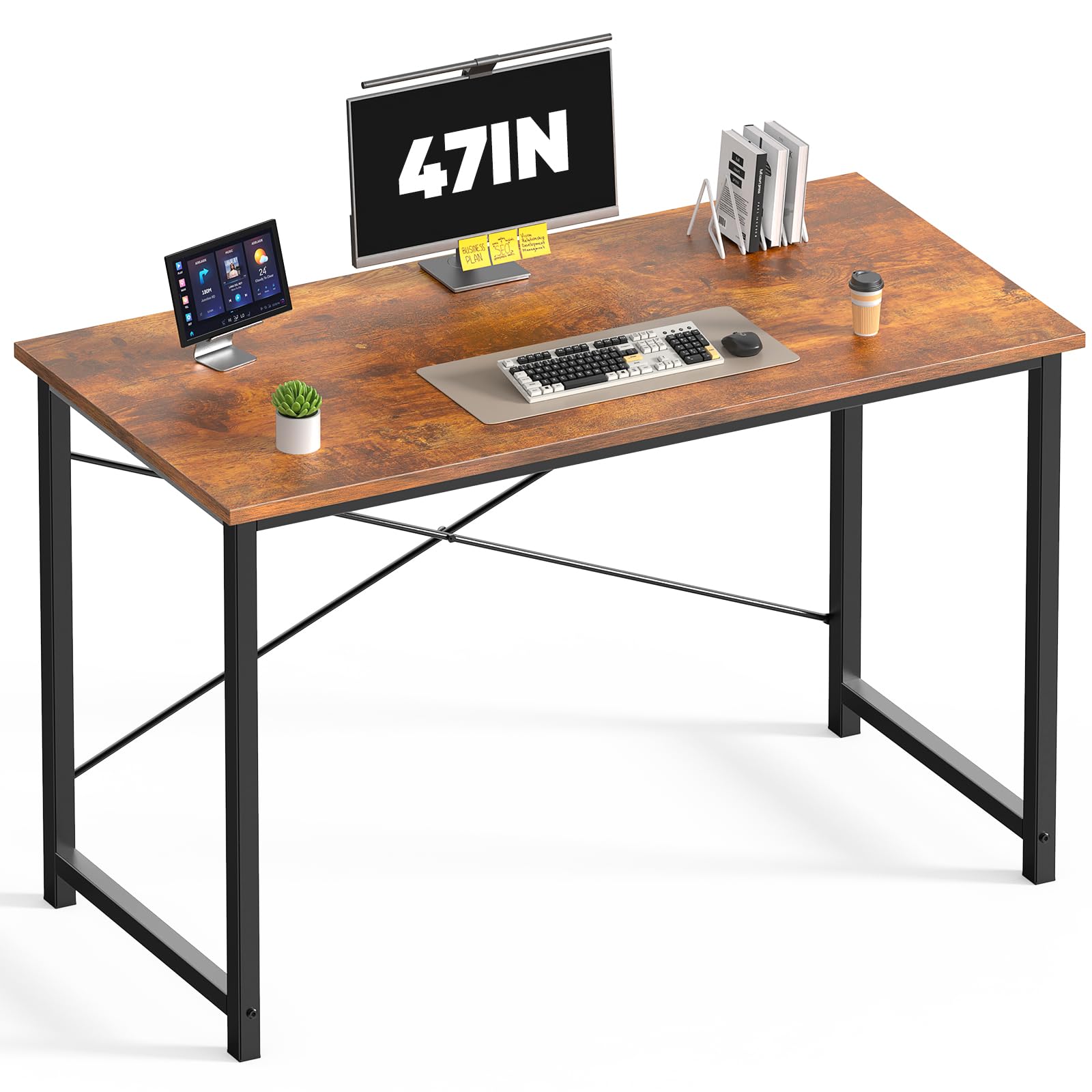
A compact desk that punches above its weight thanks to an X-brace and thick square-tube legs.
Why I picked it: X-shaped reinforcement and premium MDF deliver surprising stability.
Best for: Small rooms, 3D-printer stands, or budget-conscious buyers needing reliable support.
Affordable and surprisingly durable for light to medium loads.
Pros
- X-brace reduces wobble
- Thick square-tube legs
- Waterproof scratch-resistant top
- Multiple sizes and colors
Cons
- Leg ends contact floors directly
- No built-in storage
My take
I used the DUMOS desk in a compact workspace and appreciated how the X-shaped cross bars eliminated wobble you often get with cheaper tables. The MDF top has a nice wood-grain finish and wipes clean when I spill drinks.
The manufacturer lists a higher weight capacity than typical entry-level desks, and I felt comfortable placing a heavier printer and tools on it. Assembly was quick; parts are packaged neatly and the included spare screws were helpful.
For small rooms or as a sturdy secondary surface, this desk hits a sweet spot: compact footprint with a rock-solid feel. If you plan to slide the desk around frequently on hardwood floors, consider small pads under the legs to prevent scuffs.
How I Choose a Modern Computer Desk
Key features I look for
When I'm choosing a desk I prioritize stability, usable surface area, and the layout that matches how I work. Those three determine whether a desk becomes a functional workstation or a cluttered surface.
- Frame and bracing: Steel frames, X-braces, or R-shaped supports reduce wobble.
- Top material: Thicker particleboard or MDF with a durable finish resists scratches and spills.
- Footprint: Measure the space—L-shaped desks fit corners; straight desks work better along walls.
- Load capacity: Match weight ratings to your monitors, PC tower, and peripherals.
Size and layout considerations
I always measure doorway clearance and the intended wall corner before buying. A desk that looks big in pictures can be awkward in a real room if you don't account for walk space and chair clearance.
- For one monitor and a laptop: 40–47 inches is usually sufficient.
- For dual monitors or a streaming setup: look for L-shaped or wide tops with higher listed bearing capacities.
- Consider reversible or modular tops if you might change room orientation later.
Assembly and tools
I plan for assembly time and sometimes bring my own tools. Many desks include an allen key, but a proper screwdriver or socket driver speeds things up and reduces hand fatigue.
- Quick builds: simple desks often assemble in 20–30 minutes.
- L-shaped and gaming desks can take 45–90 minutes and sometimes benefit from a second pair of hands.
- Keep parts organized and avoid overtightening until final alignment.
Extras that matter
Small built-in features can make daily use nicer. I value cable grommets, headphone hooks, cup holders, and CPU stands when they match my setup needs.
- Cable routing keeps your desk tidy and protects cables from wear.
- Headset hooks and cup holders free desktop real estate.
- Adjustable leg pads help level the desk on uneven floors.
Frequently Asked Questions
How long does assembly usually take?
From my experience, a simple 44–47 inch desk takes 20–30 minutes; L-shaped or larger gaming desks can take 45 minutes to over an hour, depending on whether you have a helper and the tools you use.
Are particle board or MDF tops durable enough?
I find P2 particle board and MDF with a proper laminate hold up well for everyday use. The key is a thicker top and a solid frame—those elements prevent sagging and extend life.
Can these desks support multiple monitors?
Yes—several L-shaped options I tested list high bearing capacities and handled dual-monitor setups without sag. For heavier monitors or dual arms, verify the desk’s weight rating and use monitor mounts where possible.
Do cable-management features actually help?
Absolutely. I keep my setup much cleaner with grommet holes or trays. Even simple magnetic clips or a small cable tray tuck cords away and reduce desk clutter.
Final Take
I found desks that fit different needs: a compact budget table for tight rooms, L-shaped options for more demanding multi-monitor setups, and gaming desks with small but useful extras. Measure your space, consider how much weight you need to support, and pick the layout that matches how you work.
If you want a fast, reliable setup with minimal fuss, the compact Sweetcrispy and DUMOS options are excellent. If you need more surface and flexibility, the Teraves L-shaped desks and the FDW racing-style top give you room to grow.
