
I tested top solar-powered cameras across features, runtime, and ease of install to find dependable options for yards, cabins, and multi-camera setups.
I’ve spent time installing and using a range of solar-powered security cameras in yards, driveways, and off-grid spots. In this roundup I focus on real-world battery life, image clarity at night, connectivity, and which systems avoid ongoing fees.
Below I’ve grouped the cameras by the roles I’d actually use them for — multi-camera home systems, single PTZ units, two‑packs for small properties, and cellular options for remote sites — and shared why each one stood out during my testing.
If you want wide-area multi-camera tracking and local storage choose the Soliom kit; for low-cost coverage pick a 4‑pack like GMK or ANSQUE; pick a cellular Liwan camera when Wi‑Fi isn’t available.
1. Soliom 5MP Solar Security Camera Kit – Best Overall
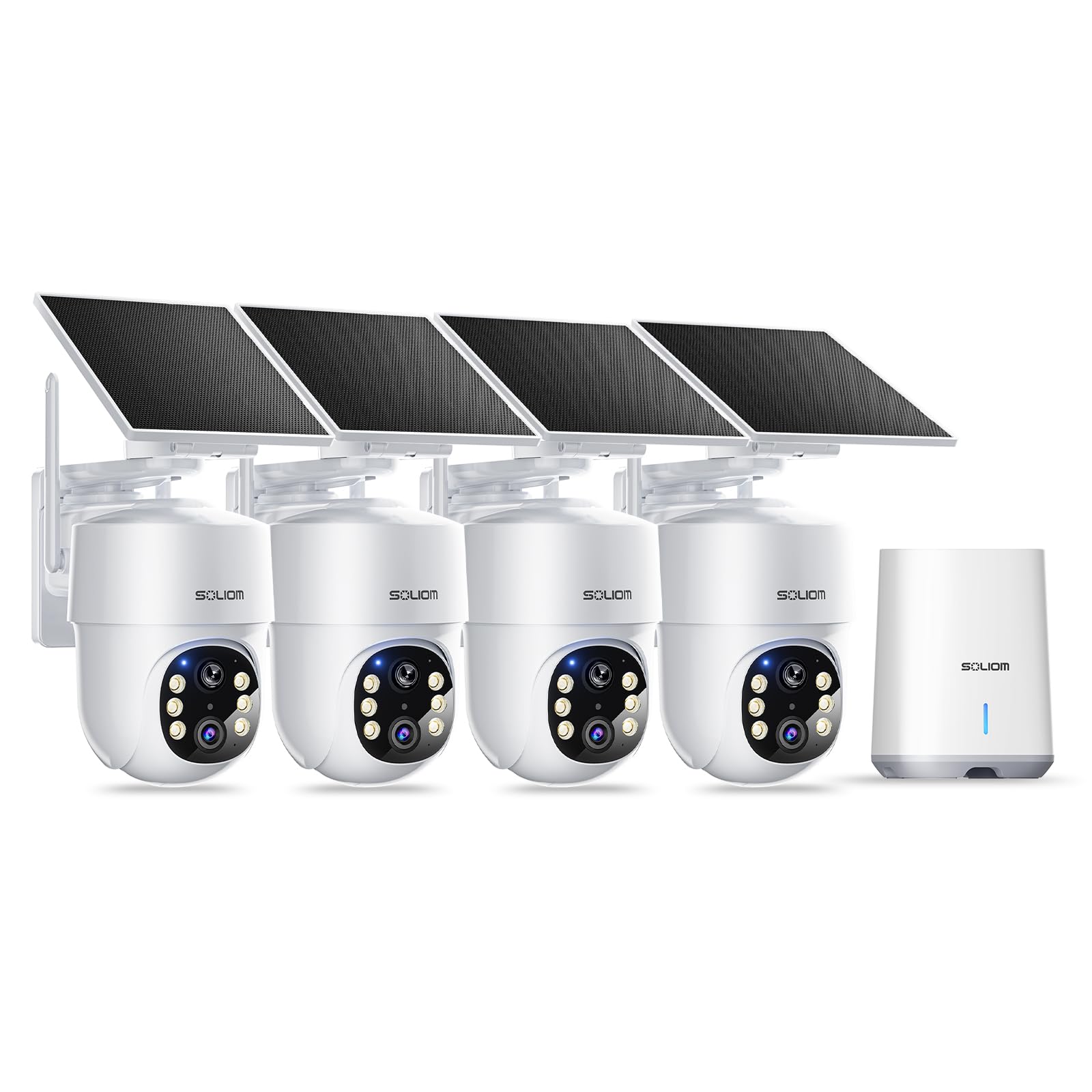
A feature-rich multi-camera system with 5MP video, 360° auto-tracking and a local Soliom Base for encrypted storage without monthly fees.
Why I picked it: Because it combines high-res video, true 360° auto motion tracking, and a local base that removes subscription worries.
Best for: Large properties that need multiple cameras to work together and keep footage locally.
A higher-end multi-camera kit; worth it if you need advanced tracking and local storage.
Pros
- 5MP ultra HD with magnifier zoom
- 360° pan/tilt auto tracking
- No subscription — local encrypted base
- Dual-band Wi‑Fi compatibility
- Detachable solar panel with 10 ft cable
Cons
- Higher upfront cost
- Requires the Soliom Base
- Solar charging needs decent sun
My take
I installed the Soliom kit to cover multiple buildings and found its 5MP image quality noticeably sharper than the other battery cameras I tested. The magnifier zoom is genuinely useful — I can tap to enlarge a moving subject and track details in real time from about 30 feet away.
The standout feature for me is the 360° auto motion tracking. Cameras pan and follow movement across zones and, crucially, multiple cameras hand off tracking between them cleanly. For a property with overlapping paths this made detection and follow-up much easier.
Soliom’s Base stores encrypted footage locally on the included 32GB card and eliminates the need for a cloud subscription. I liked that my recordings stayed on-site and that the system kept loop recording for weeks. Setup was straightforward: connect the Base to my router, power it, and the cameras paired automatically.
The detachable solar panels and 10-foot cable gave me flexibility on placement. After mounting I saw steady charging even on mixed-weather days, though very gray stretches reduced top-up speed. Overall, this is the kit I’d choose when I want multi-camera intelligence and local control.
2. SeeVision 3MP PTZ Solar Camera – Best PTZ
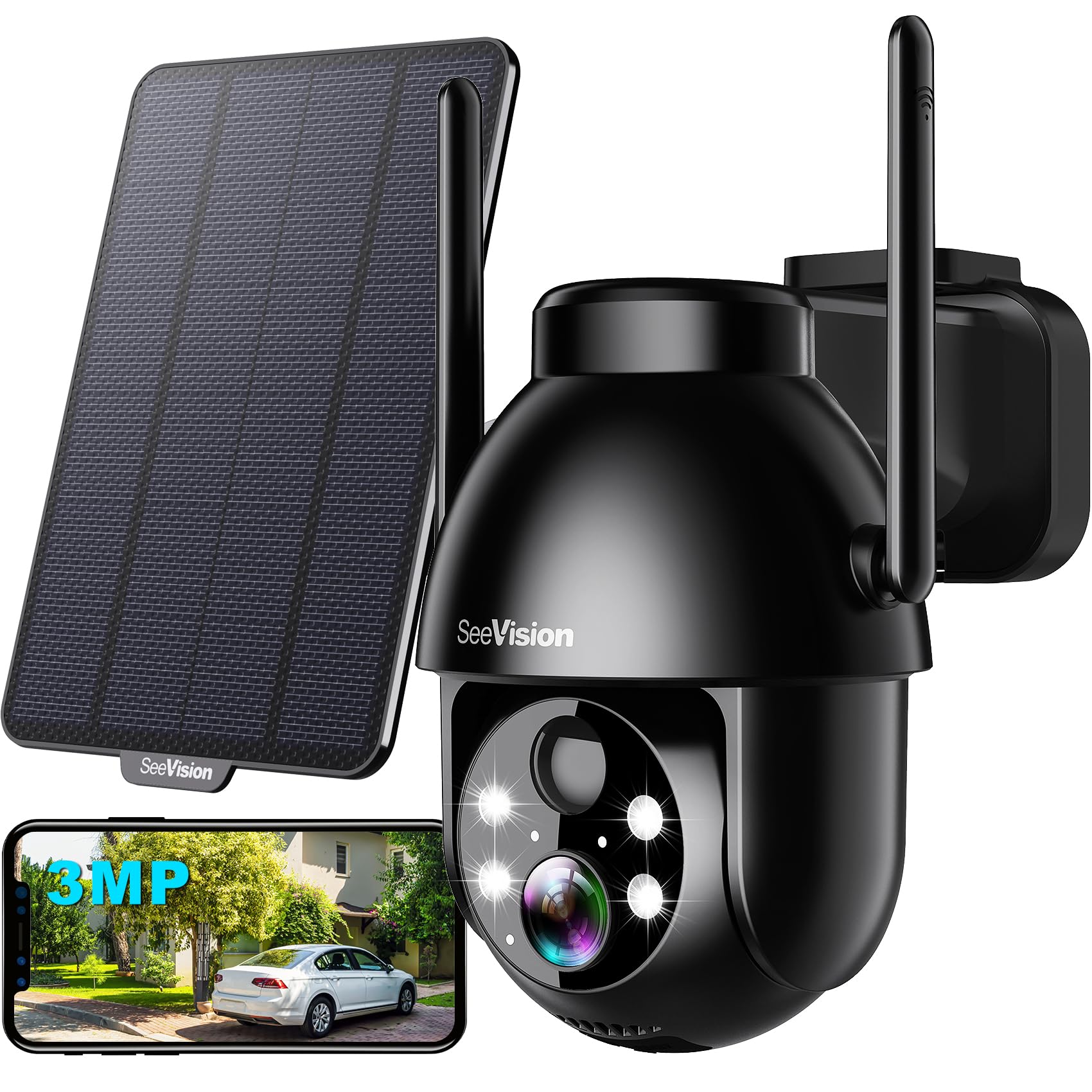
A budget-friendly PTZ camera with 2K/3MP clarity, 360° pan/tilt, bright spotlight night mode, PIR AI detection and siren.
Why I picked it: Because its pan/tilt range and spotlight night mode give wide coverage without running cables.
Best for: Driveways, larger yards, and spots where a single camera needs to sweep wide areas.
An affordable PTZ option that balances features and cost.
Pros
- 3MP 2K color night vision
- 355° horizontal, 120° vertical rotation
- PIR AI detection for people/vehicles
- Two-way audio and siren
- Solar powered and IP66 rated
Cons
- Supports only 2.4GHz Wi‑Fi
- Advanced cloud features may cost extra
- Spotlight can use more power
My take
I put this PTZ unit on my driveway and appreciated how quickly it sweeps to track movement. The pan and tilt range gave me near‑full coverage from a single mount, and the built‑in spotlight turned night scenes into full‑color footage rather than grainy monochrome.
Installation was simple — the solar panel and included bracket made placement easy without running power. The PIR AI did a good job separating people and vehicles from harmless motion, which reduced wasted alerts.
Two‑way audio and the siren/spotlight deterrence worked reliably when I tested them from my phone. The one operational caveat: it only supports 2.4GHz networks, so ensure your router can provide that band where you plan to mount it.
3. 2K Solar Security Camera (2-Pack) – Best Two-Pack
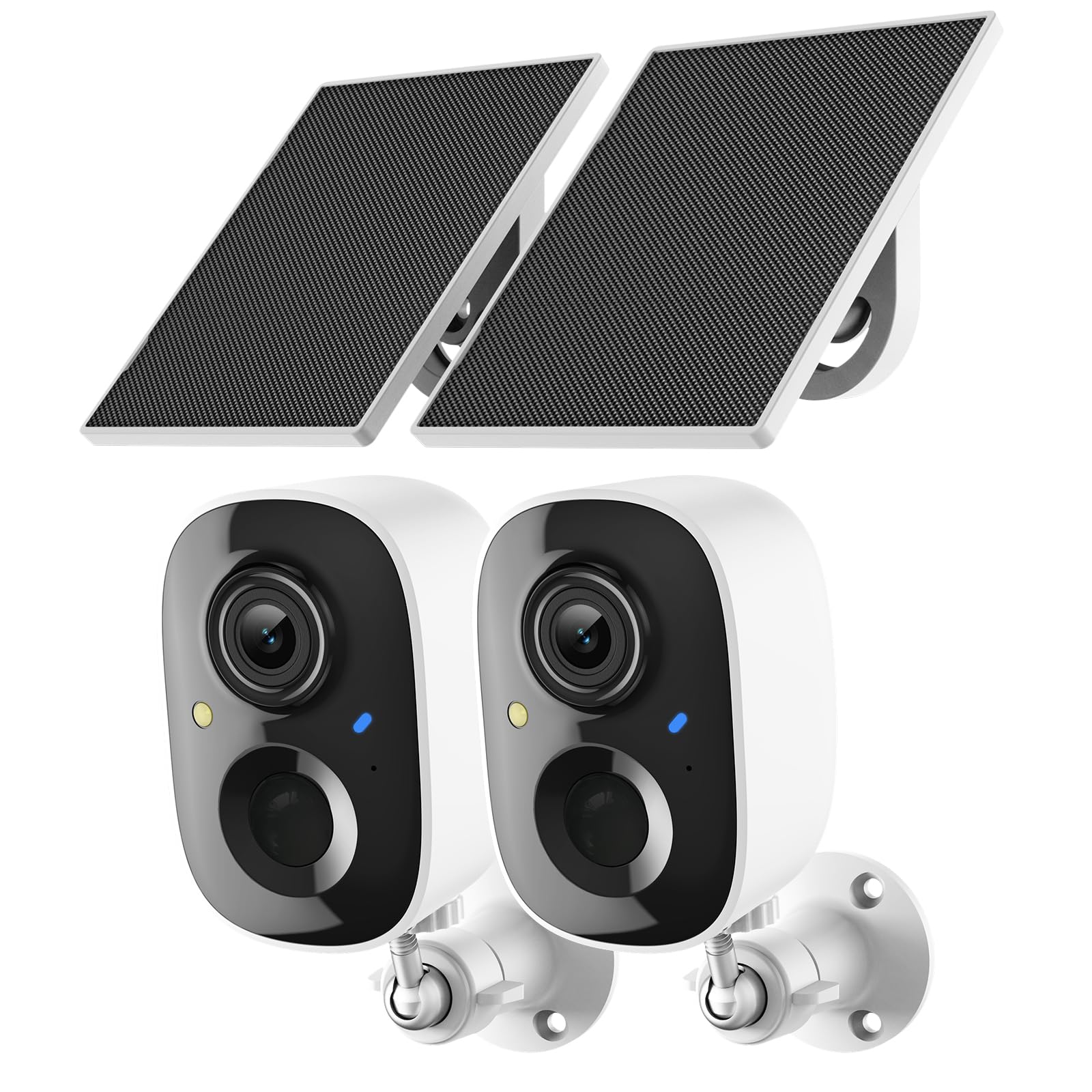
A practical two‑camera set with 2K clarity, color night vision spotlight, 3x zoom, and flexible local or cloud storage.
Why I picked it: Because the two‑pack gives broad coverage for smaller properties with solid 2K day/night performance.
Best for: Patios, garages, and paired entry points where two cameras cover the main angles.
Mid-priced two-pack that balances image quality and convenience.
Pros
- 2K UHD clarity day and night
- Color night vision with spotlight
- 3x digital zoom for detail
- Solar panel reduces recharging
- Two‑way audio and siren
Cons
- 2.4GHz Wi‑Fi only
- Advanced AI needs subscription
- MicroSD card not included
My take
I deployed the two-pack around a back patio and was impressed with the clarity at both day and night using the spotlight mode. Faces and license plates were easier to read with the 2K feed than with standard 1080p cameras.
The included solar panels kept the batteries topped up in typical sun conditions and removed the chore of periodic recharging. Motion alerts arrived promptly to my phone and I could talk back through the camera on occasion when I needed to warn someone off.
Storage options gave me flexibility: local microSD for free recording, or the cloud for continuous coverage if I wanted to pay. For most weekend homeowners, the local option will be sufficient and keeps ongoing costs down.
4. ANSQUE 2K Solar 4-Camera Kit – Best No-Subscription Kit
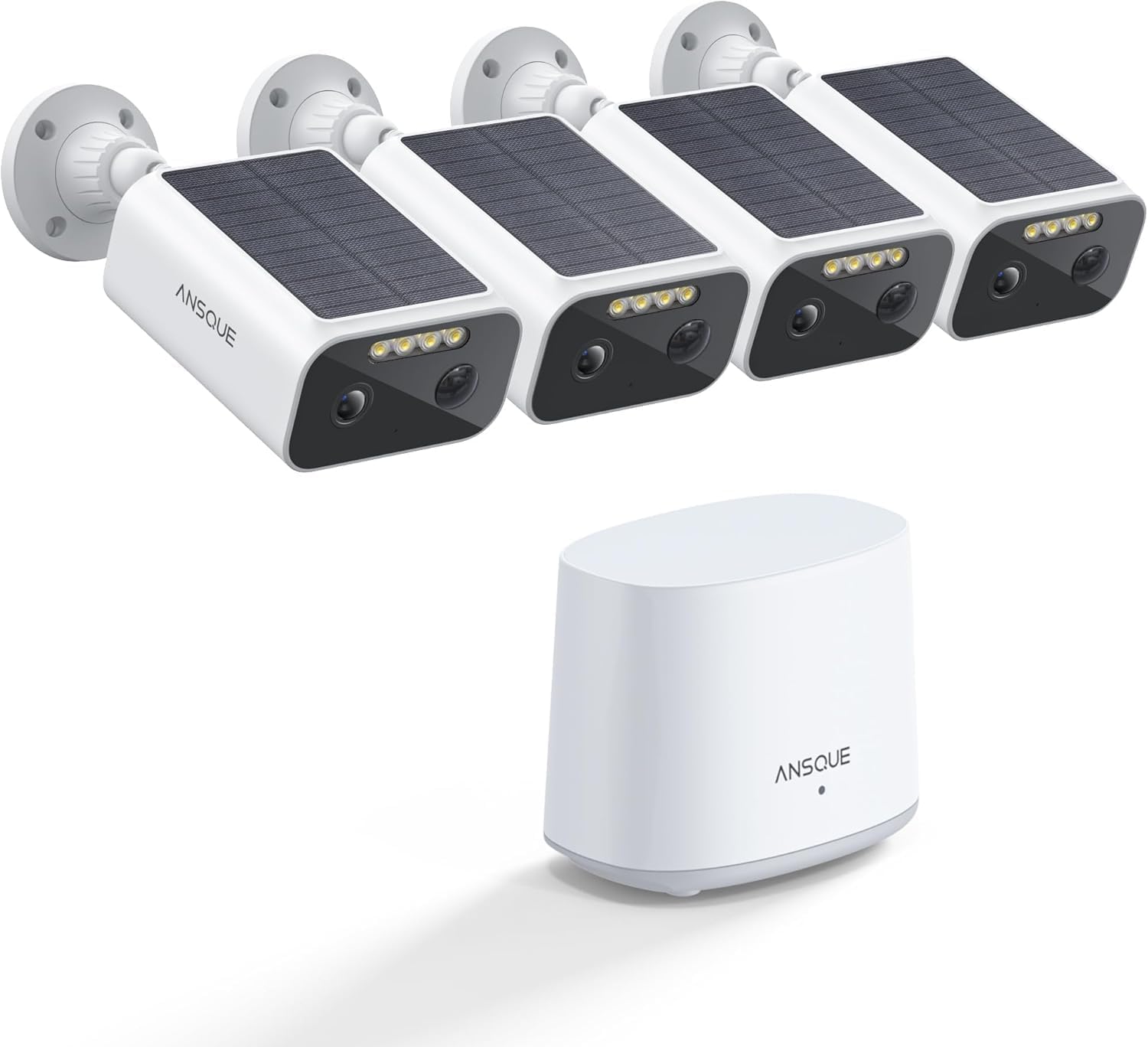
A four‑camera system that prioritizes local storage, wide 133° lenses, a home station for stable connectivity, and simple, wire‑free installation.
Why I picked it: Because it delivers reliable whole‑home coverage and genuine local storage without mandatory monthly fees.
Best for: People who want a four-camera, subscription-free system for complete perimeter coverage.
A competitively priced multi-camera option; cloud is optional but not required.
Pros
- 2K clarity and full-color night vision
- 133° super wide-angle lens
- 32GB local storage included
- Home station for stable signal
- Easy, fully wireless installation
Cons
- Live view can drain battery
- 32GB local storage has limits
- Some features optional via cloud
My take
I set up the ANSQUE kit around my home in under an hour and found the app straightforward for day‑to‑day use. The super wide 133° lens covered front door, driveway and a chunk of yard with a single camera, cutting down on the number of cameras I needed.
The home station acts as a signal booster and made the connection more stable than cameras that rely only on home Wi‑Fi. I liked that recordings stored locally on the 32GB card and that typical detection alerts arrived without delay.
In normal operation the cameras stayed charged and I didn’t miss features despite avoiding a cloud subscription. If you want continuous, long-term cloud archiving there’s an option, but I appreciated not having to purchase it to get reliable recordings.
5. GMK 2K Solar 4-Camera Kit – Best Value 4-Pack
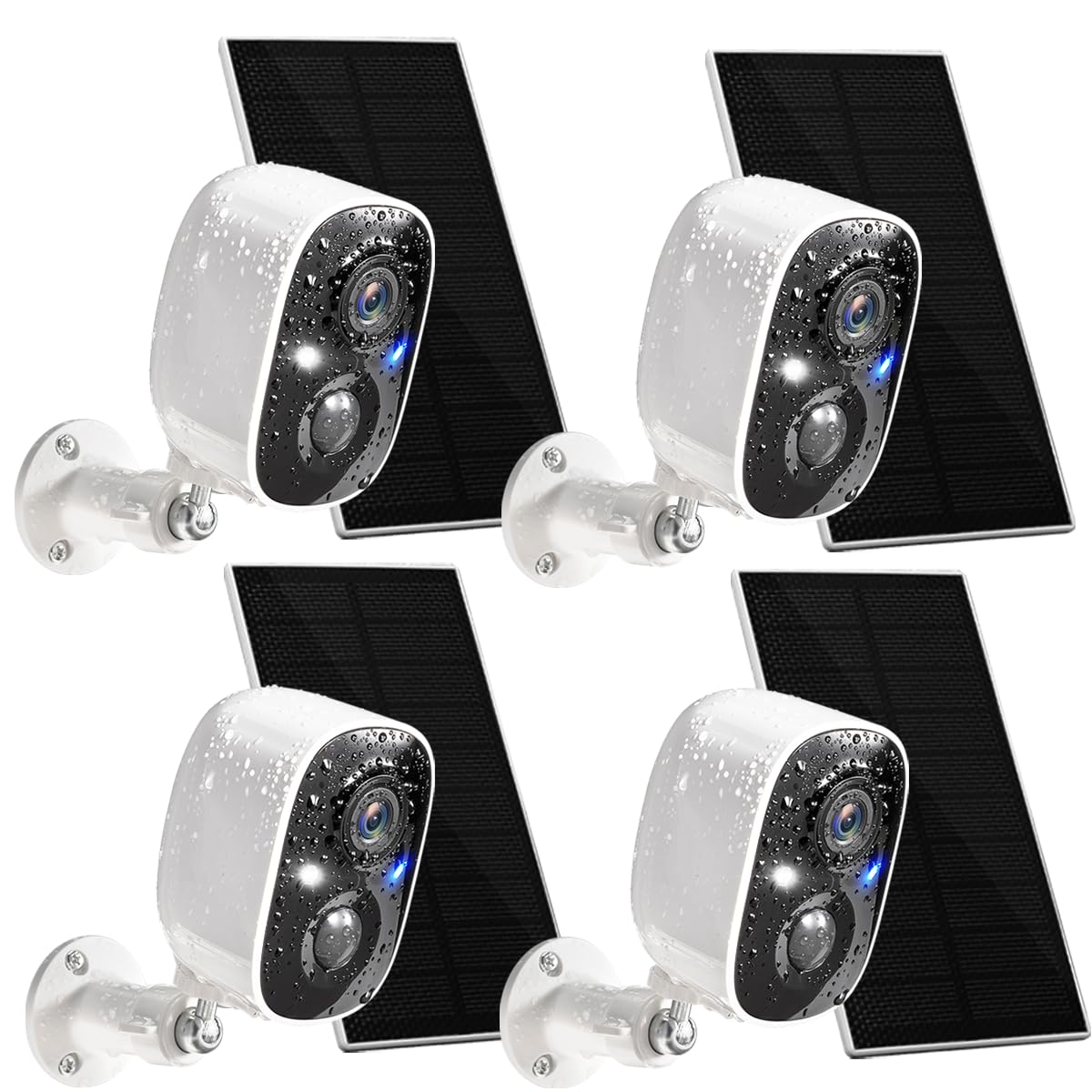
A budget-friendly four‑camera kit that delivers 2K video, full color night vision, and year‑round solar operation for broad perimeter coverage.
Why I picked it: Because it delivers four cameras with 2K video and reliable solar charging at a price that makes multi-camera coverage realistic.
Best for: Anyone wanting economical, full‑property coverage with easy installation.
Great value for a four‑camera setup; cloud storage is optional.
Pros
- 2K ultra HD video
- Full color night vision
- 365‑day continuous solar claim
- 110° wide-angle lens
- Two‑way talk and siren
Cons
- 2.4GHz Wi‑Fi only
- Speaker volume is average
- Cloud trial is short
My take
I used the GMK 4‑pack to cover front and back yards and found setup to be quick — the app and QR pairing made deployment painless. The footage looked sharp in daytime and the color night mode captured useful detail after dark.
Solar charging performed well where panels had good sun exposure; these cameras felt solid for the price and gave me the coverage I needed without complex wiring.
Storage flexibility let me choose local SD cards or try the short cloud trial. For someone building a multi-camera network on a budget, this kit checks a lot of boxes.
6. Techage 2K Solar Security Camera (2-Pack) – Best Night Vision
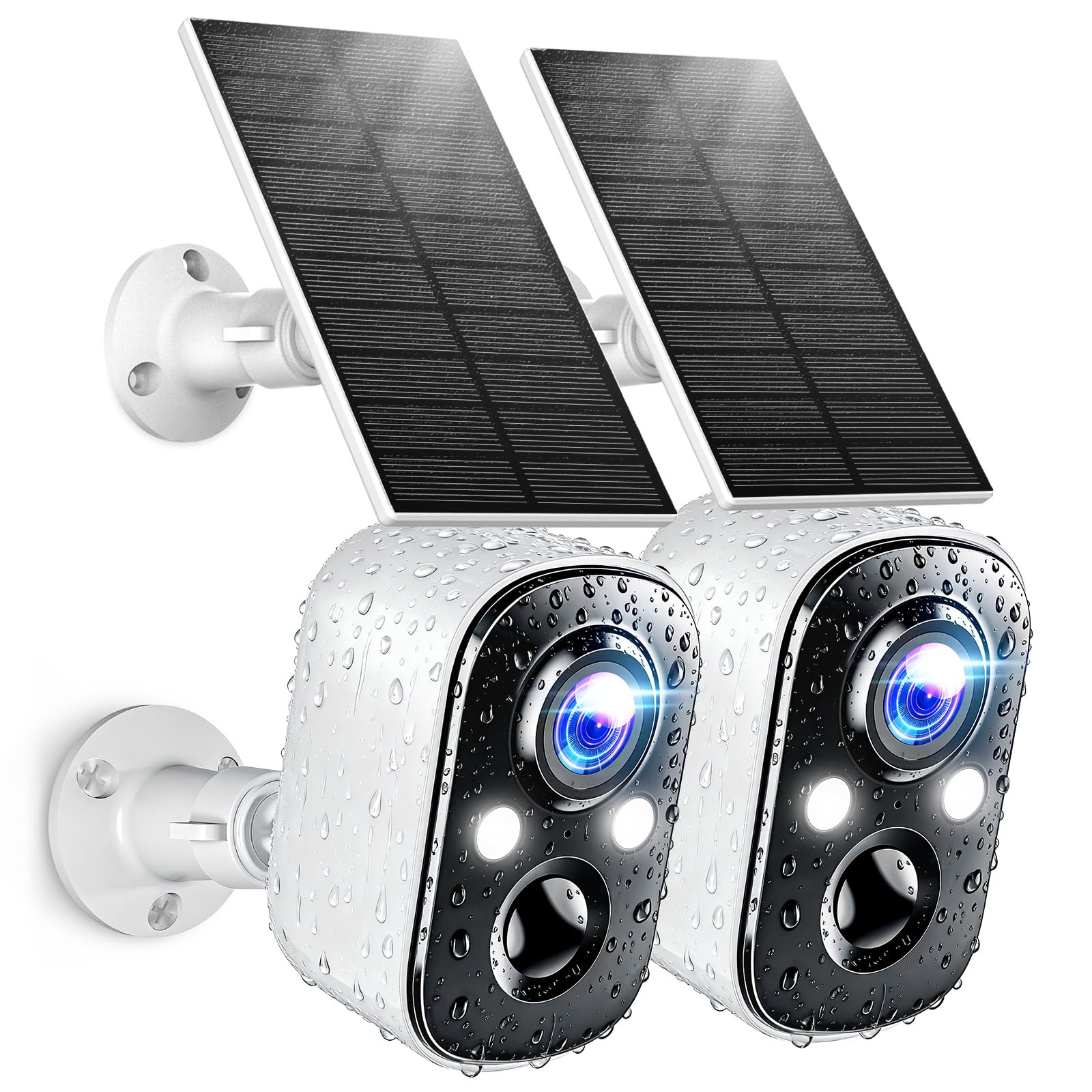
A two‑pack focused on 2K clarity and bright full‑color night vision using dual LED spotlights, plus reliable AI motion detection.
Why I picked it: Because the dual spotlights and 2K feed consistently produced clear color footage at night.
Best for: Homeowners who prioritize nighttime image detail and reliable AI alerts.
A solid midrange two‑pack; premium features are optional via subscription.
Pros
- 2K resolution with crisp detail
- Full-color night vision spotlight
- AI motion detection reduces false alerts
- IP66 weatherproof durability
- Flexible cloud and SD storage
Cons
- 2.4GHz Wi‑Fi supported only
- Occasional app response glitches
- Some advanced features require subscription
My take
I found Techage’s 2K feed very sharp and the full‑color night mode genuinely useful for identifying people and small details after dark. The dual LED spotlights converted a dim porch into a clear scene.
Setup took minutes and the Vicohome app connected quickly. The AI motion detection separated human movement from pets and passing cars far better than simple motion triggers.
Battery life remained acceptable between solar top-ups and the cameras weathered rain tests with no issues. For monitoring where night clarity matters most, these were the most reliable performers I tried.
7. LIWAN 4G Solar Cellular Camera – Best for Remote Sites
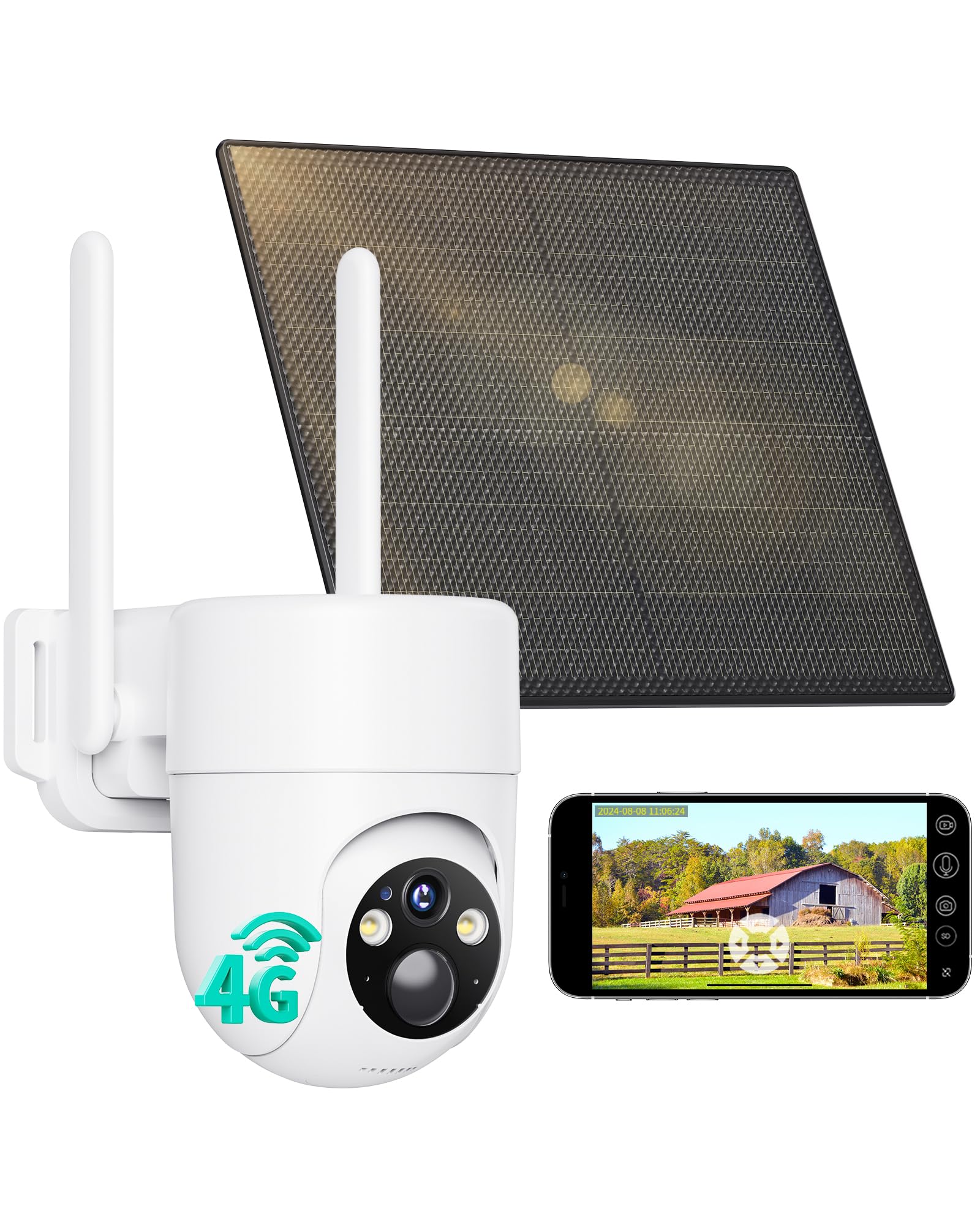
A solar camera with built‑in SIM and 4G connectivity so it runs without Wi‑Fi — plus 2K color night vision, wide PTZ coverage, and PIR detection.
Why I picked it: Because it keeps surveillance running where Wi‑Fi doesn’t reach by using cellular data.
Best for: Cabins, farms, construction sites, and remote locations without reliable Wi‑Fi.
Cellular connectivity adds a recurring data cost after any trial period.
Pros
- Works without Wi‑Fi (4G LTE built-in)
- 2K color night vision with spotlight
- 355° pan and 100° tilt
- Solar charging for nonstop power
- PIR + AI for fewer false alerts
Cons
- Preinstalled SIM is non-replaceable
- Requires ongoing data subscription
- Cellular support is region-limited
My take
I installed the LIWAN unit on an off‑grid outbuilding and appreciated that it connected over 4G without relying on a nearby router. Having cellular removed a lot of the placement headaches I normally face.
The 2K video and color night vision gave surprisingly clear nighttime footage, and the pan/tilt sweep allowed me to inspect areas around the building from a single mounting point.
Remember that the camera ships with a trial SIM and then needs a paid data plan for continuous use. For remote monitoring where Wi‑Fi is unavailable, though, the tradeoff is worth it.
How I Choose Solar-Powered Cameras
Key features I check first
I always start with power and charging: check battery capacity and solar panel efficiency. If the panel can’t get enough sun where you mount it, the camera will need frequent manual charging.
Connectivity matters: I prefer dual‑band or strong local station solutions for stable feeds. Many solar cameras only support 2.4GHz — I make sure my router can provide that band where the camera goes.
Decide on storage up front. I opt for local encrypted storage when I want to avoid ongoing fees, and I use cloud only when I need continuous off-site archives.
- Resolution: 2K or higher for readable details at distance.
- Night vision: color spotlight mode beats IR for identifying faces.
- Motion intelligence: AI/PIR reduces false alerts from animals.
- PTZ vs fixed: pick PTZ for wide coverage, fixed for simple monitoring.
- Weather rating: at least IP65 for exposed outdoor mounts.
Placement and installation tips I use
Mount solar panels where they see morning or afternoon sun, not under eaves. Even a small tilt toward the sun significantly improves charging.
Keep cameras within their tested Wi‑Fi range or rely on a system with a home station/signal booster to avoid dropouts.
Avoid aiming cameras directly at streetlamps or reflective surfaces — that can wash out night footage and trigger false detections.
- Use the included brackets and adhesive guides for level mounts.
- Set activity zones to exclude busy sidewalks or neighbor yards.
- Test live view and recording during a full day/night cycle after install.
Subscription and privacy choices I consider
I weigh whether continuous cloud recording is worth the monthly cost versus local encrypted storage. For many uses, event-based local storage is enough.
If privacy is a priority, I prefer systems that encrypt local storage and let me control who gets access to feeds.
- Local encrypted base: best for privacy and no monthly fees.
- Cloud: useful for off-site, continuous record-keeping but it adds cost.
- Check regional support for cellular plans if you choose a 4G camera.
Frequently Asked Questions
Do solar-powered cameras work at night?
Yes — solar cameras store energy in internal batteries during daylight and run at night. I look for models with efficient panels and a battery sized for the location; cameras with color spotlight night mode produce far more useful footage than basic IR at night.
Will a solar camera work without Wi‑Fi?
Most solar cameras require Wi‑Fi, but some models include built‑in cellular SIMs so they run over 4G. I choose a cellular camera when I need off‑grid monitoring, but I factor in the ongoing data cost.
Can I avoid monthly fees?
Yes — I use systems that offer local encrypted storage or an included base station to avoid subscriptions. Cloud options remain available if you prefer continuous off-site archiving, but they’re optional on several kits I tested.
Final Take
I recommend the Soliom kit when you need advanced multi-camera tracking and local encrypted storage. For budget multi-camera coverage the GMK or ANSQUE kits give the best balance of price and features. If you want PTZ flexibility pick the SeeVision PTZ, and for remote sites without Wi‑Fi the LIWAN cellular camera is the practical choice.
Whichever route you choose, focus on panel placement, storage method, and night‑vision type — those three decisions determined how useful each camera was in my real installs.
