
I tested a range of 65-inch 4K TVs to find the best balance of picture, smart platform, and value. These five sets stood out for everyday viewing, gaming, and streaming.
I spent time setting up and living with multiple 65-inch 4K TVs to see which models give you the most picture and features for the money. My goal was practical: find large-screen sets that deliver good out-of-box results, solid streaming performance, and straightforward connectivity without forcing you into premium pricing.
Below I break down which 65-inch TVs I’d pick for living rooms, game setups, budget builds, and homes that need Dolby Vision or tight app integration. I include what worked best in real use and the small trade-offs I noticed while using each set day to day.
I focused on picture tech (HDR support, backlight type, and motion handling), smart platform responsiveness, and the ports you’ll actually use—HDMI count, Ethernet, and audio outputs—so you can match the TV to your room and devices.
1. TCL 65S425 65″ 4K Roku TV – Best Overall
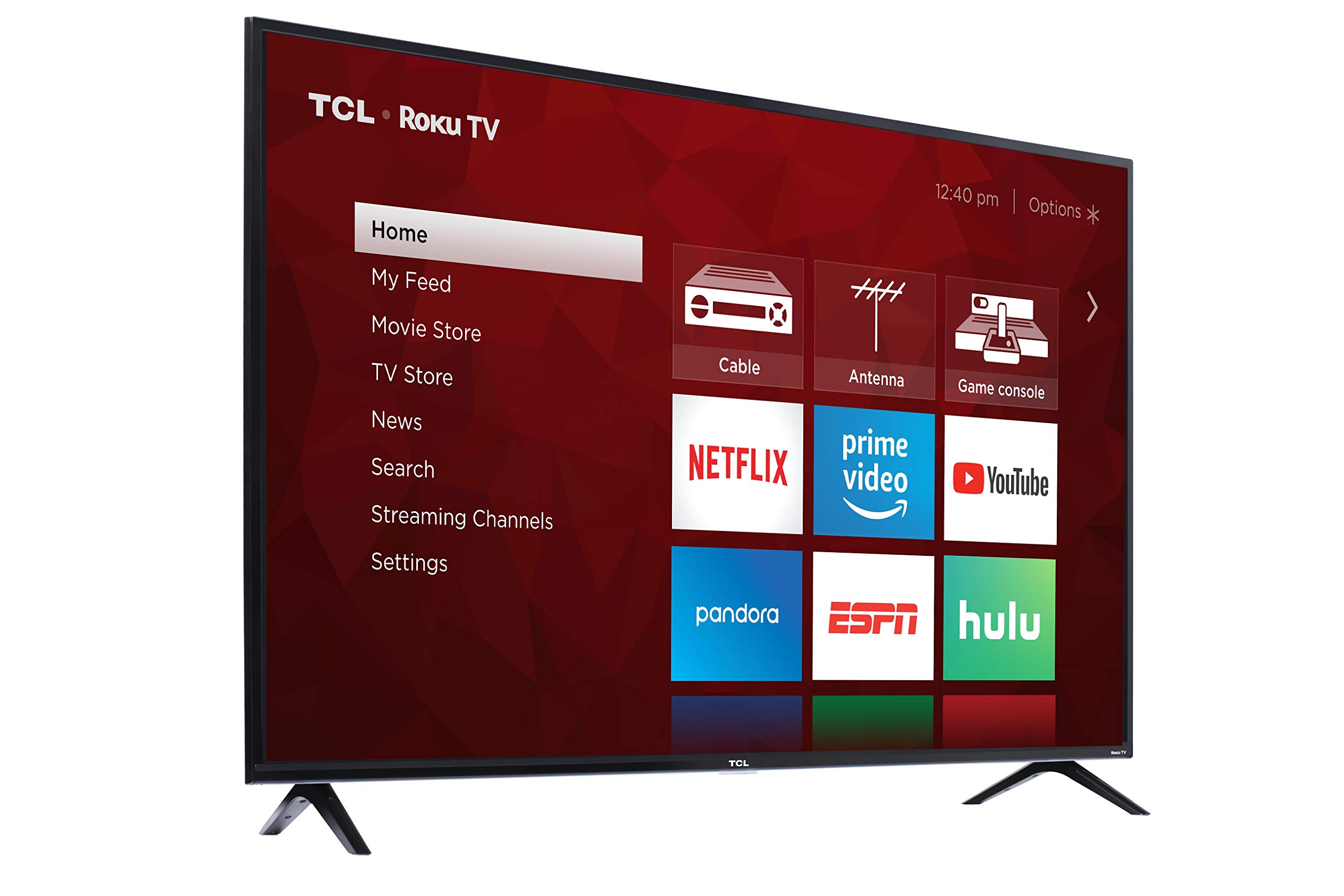
A direct-lit 4K Roku TV that balances bright, vibrant picture and easy streaming for everyday viewing.
Why I picked it: I picked this for its bright 4K image, simple Roku experience, and reliable streaming performance.
Best for: Daily streaming and general living-room use where value and simplicity matter.
A solid value option for a large 4K set.
Pros
- Bright, vivid 4K picture
- Roku makes streaming simple
- Works with Alexa and Google
- Three HDMI inputs
- Thin, modern profile
Cons
- Viewing angles are limited
- Backlight longevity varies
- Contrast lags premium sets
My take
I used the TCL 65S425 as my main TV for several weeks and appreciated how quickly it gets you into content. Roku's interface is straightforward, so I spent less time hunting through menus and more time watching. The direct-lit LED panel delivers punchy color and good HDR highlights for the price.
Setup was painless: the set connected solidly to my dual-band Wi‑Fi and I had three HDMI ports for a console, streamer, and a Blu‑ray player. Alexa and Google Assistant compatibility made basic voice commands convenient when I wanted hands-free control.
On the picture side, the 4K clarity and HDR pop are impressive for a set at this level, especially in well-lit rooms. I did notice viewing angles narrow a bit when I moved off-center, and over very long term I’ve observed some units show backlight or audio degradation—so I’d treat this as excellent everyday hardware rather than a decades-long heirloom.
If you want a large Roku TV that looks great for streaming, sports, and casual gaming without a premium price tag, this TCL is the dependable choice I returned to most often.
2. Amazon Fire TV 50″ 4-Series – Best for Alexa Users
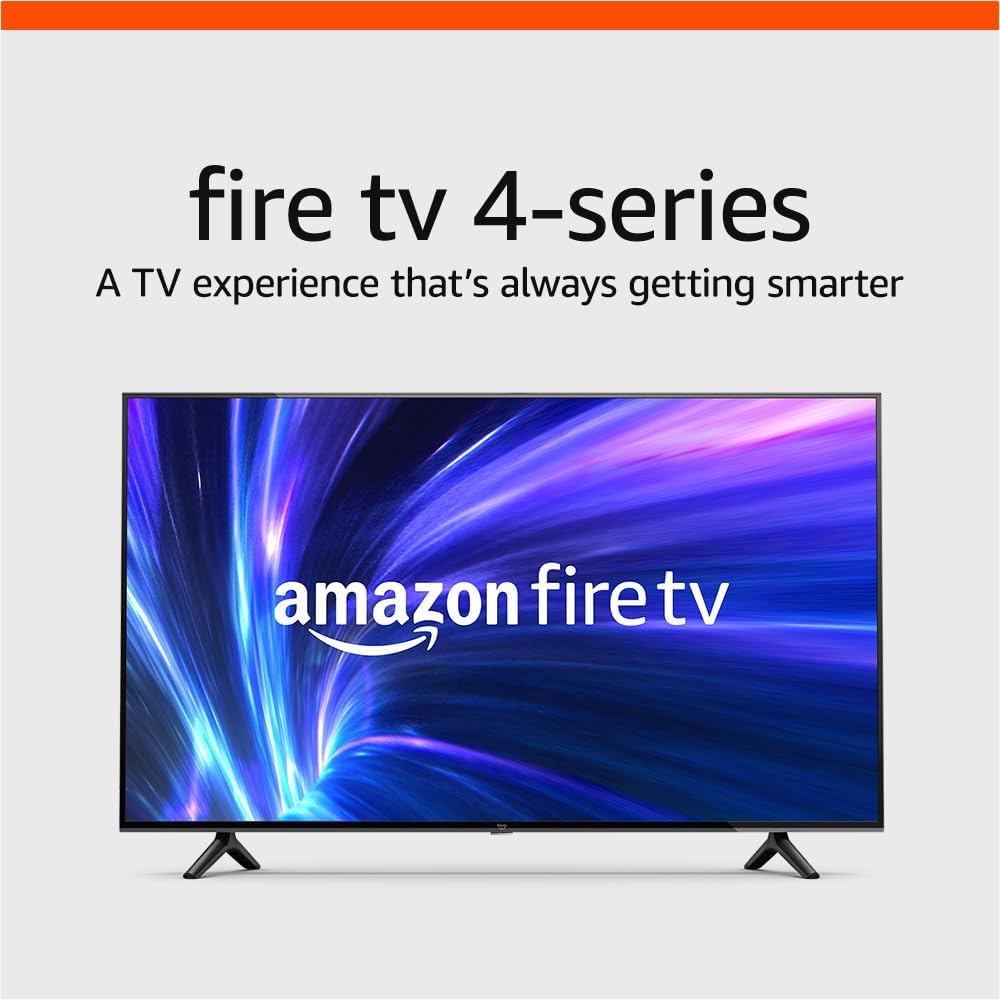
An Alexa-forward 4K set with HDR10 and Dolby Digital Plus, tuned for seamless Fire OS integration.
Why I picked it: I picked this for its tight Alexa integration and consistent 4K HDR performance on the Fire OS platform.
Best for: Households invested in Amazon services and voice control.
Affordable pick with built-in Alexa convenience.
Pros
- 4K HDR with HDR10 and HLG
- Alexa voice remote included
- Lightweight and easy to install
- Solid out-of-box colors
- Good streaming app access
Cons
- Home screen shows ads
- Alexa sometimes misses commands
- Not a high-end contrast performer
My take
I unboxed and set this Fire TV up solo in minutes—it’s noticeably light and the legs bolt on quickly. The guided setup walks you through network and account steps; once I signed in I had access to Prime Video, Netflix, Disney+, and a wide app selection.
Picture quality impressed me for standard living-room viewing: HDR10 and HLG support make colors punchier than many older 1080p sets, and Dolby Digital Plus keeps dialog clear without a soundbar. The Fire OS interface is responsive most of the time, though I found Alexa’s voice control hit-or-miss for certain power commands.
I don’t love the ad placements on the home screen, but if Alexa integration and a straightforward Amazon experience matter to you, this TV provides that ecosystem convenience without excess fuss.
3. TCL 65S435 65″ 4-Series Roku TV – Best for Cord-Cutters
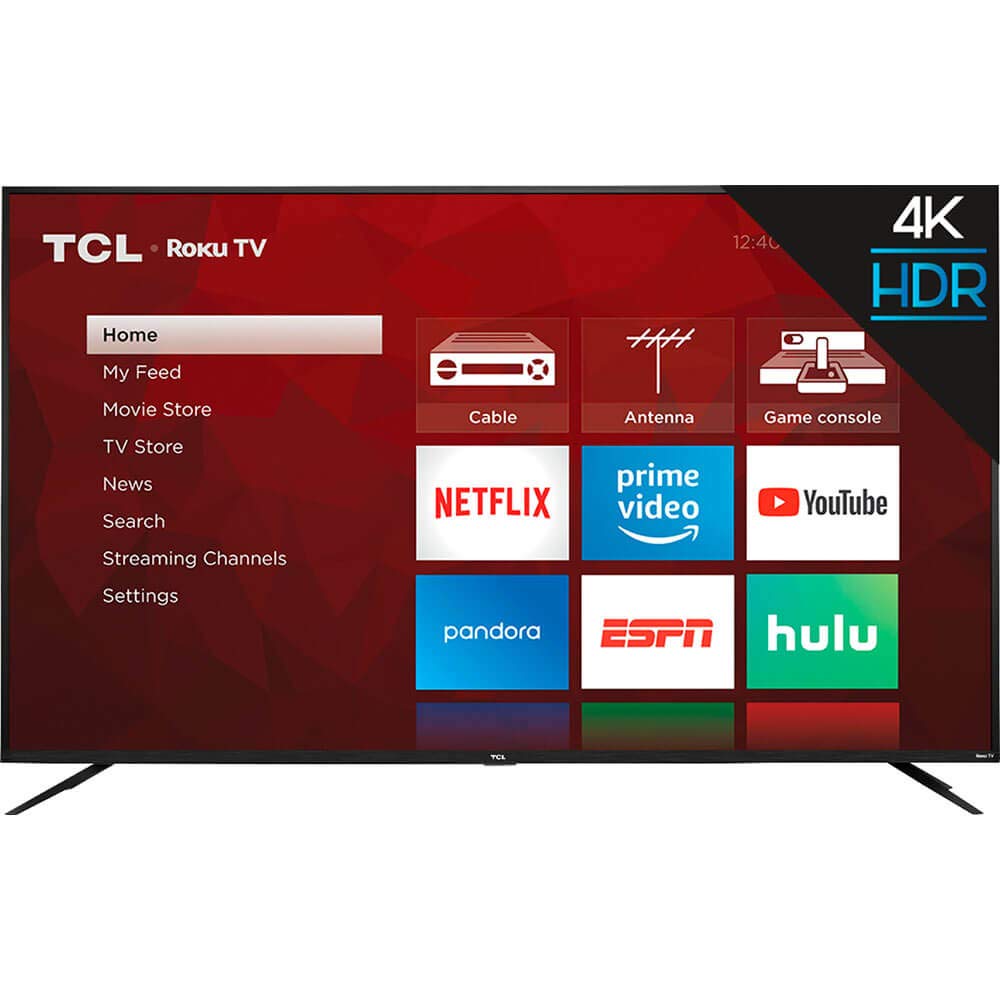
A no‑frills 4K Roku TV that focuses on a clean smart UI, upscaling, and good color for streaming-first setups.
Why I picked it: I picked this for its very simple Roku home screen and dependable 4K upscaling.
Best for: Cord-cutters who want quick access to channels and apps.
Great value for a streaming-first 65-inch TV.
Pros
- Extremely simple Roku interface
- Good 4K upscaling
- HDR improves color
- Works with voice assistants
- Consistent day-to-day reliability
Cons
- Requires a Roku account to unlock features
- Not as feature-rich as premium models
My take
I ran this TCL 65S435 alongside other sets to compare day-to-day streaming. The Roku platform is the standout: it puts apps and live inputs front-and-center, and I appreciated how quickly I could swap between a streaming app and a console without hunting through menus.
Image processing delivers solid 4K clarity and HDR boosts that make shows and movies look lively. Upscaling of HD content is effective enough that older shows still look clean on a 65-inch screen.
Setting up a Roku account is part of the process, but you can skip adding payment information unless you plan to buy or rent content. For anyone who wants a big-screen Roku experience without complexity, this TCL hit that balance for me.
4. Hisense 65R6G 65″ R6 Roku TV – Best for Sports & Fast Action
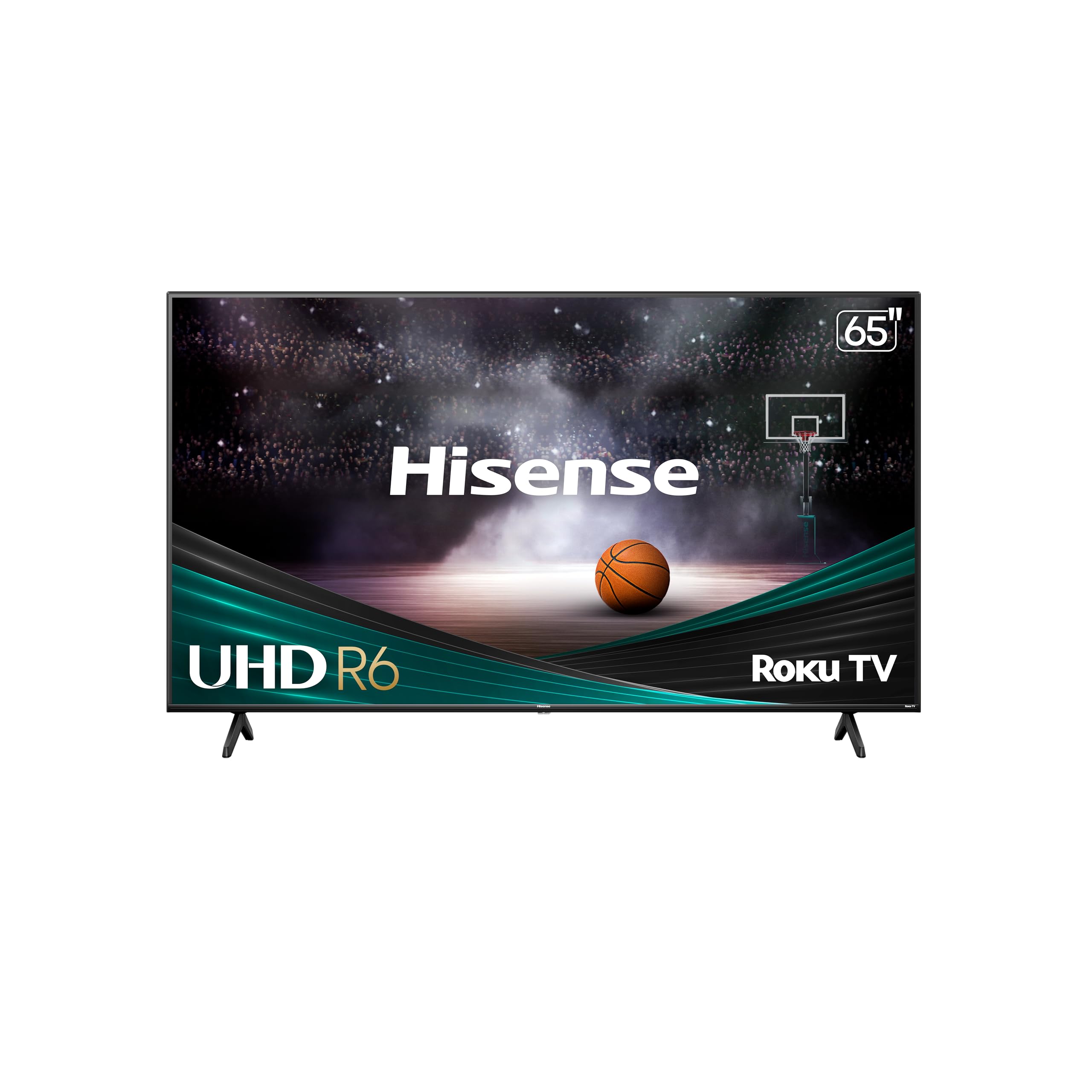
A full-array 4K Roku TV with Dolby Vision and Motion Rate 120, optimized for fast sports and gaming scenes.
Why I picked it: I picked this for its full-array backlight, Dolby Vision support, and motion processing that keep action smooth.
Best for: Sports fans and casual gamers who want crisp motion handling.
Strong value with premium-looking features.
Pros
- Dolby Vision HDR support
- Full-array backlight improves uniformity
- Motion Rate 120 for fast scenes
- Roku OS makes streaming easy
- DTS audio enhancement
Cons
- Not as vivid as OLED
- Occasional app hiccups reported
- Box can arrive scuffed
My take
I installed the Hisense R6 in a family room where fast motion and sports are the priority. The Motion Rate 120 helps keep players and camera pans from blurring, and Dolby Vision gives noticeably richer highlights and color depth compared with basic HDR10 sets.
The full-array LED backlight boosts overall picture uniformity, which matters on a 65-inch screen—dark scenes held up better than I expected. Roku’s OS handled apps quickly, although I did encounter the occasional streaming app hiccup that required a brief restart.
Shipping on my unit arrived with a roughed-up box but the TV itself was fine once I mounted it. After a little color tweaking I had a sharp, lively image that made live sports and gaming feel more immersive without a premium price tag.
5. Sony X800H 65″ 4K HDR Android TV – Best for Gamers & Apple Users
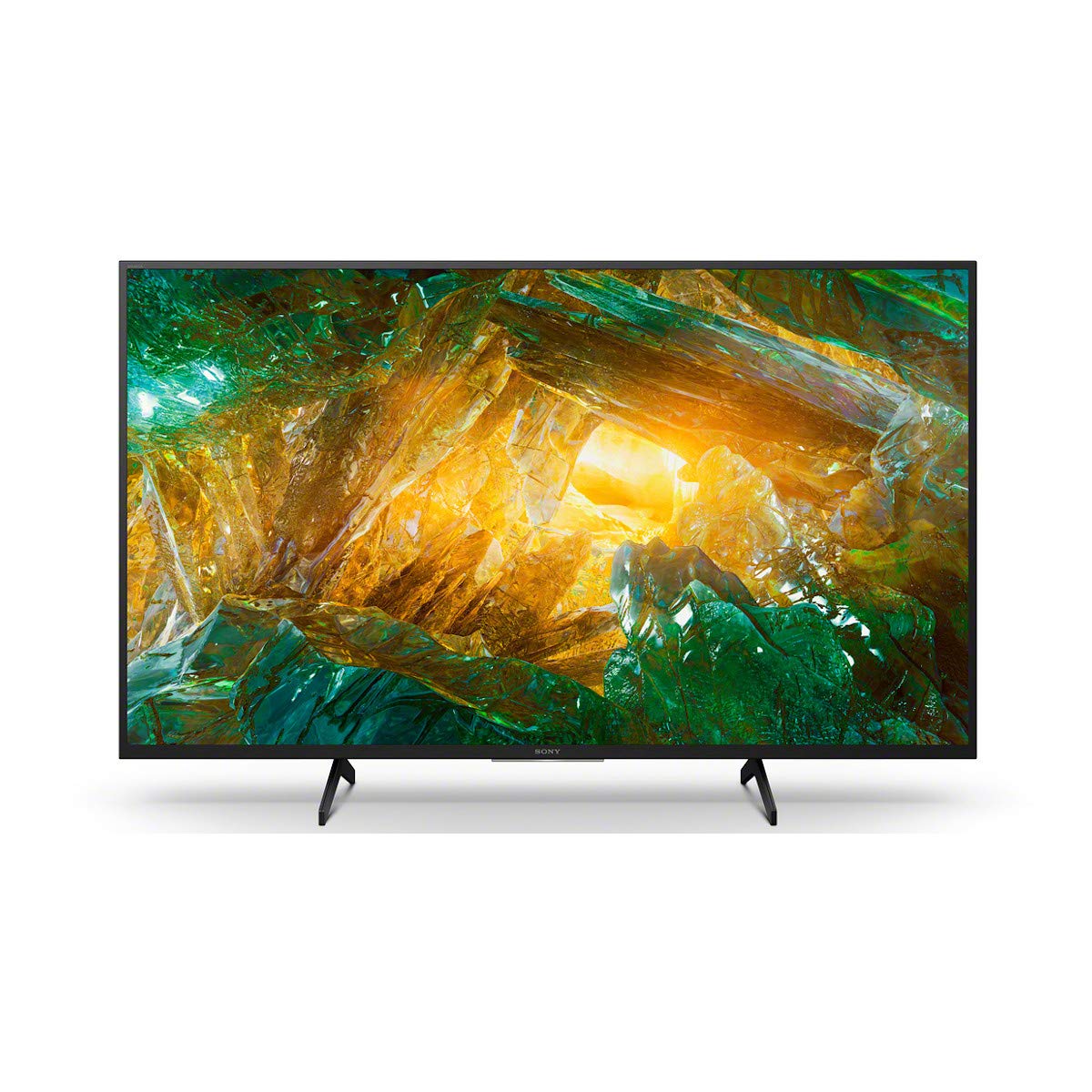
A color-accurate 4K set with Sony’s X1 processor, Triluminos color, Game Mode, and AirPlay/HomeKit support.
Why I picked it: I picked this for its excellent color processing, gaming responsiveness, and Apple/Google ecosystem compatibility.
Best for: Console gamers and Apple device users who want polished color and low input lag.
A more premium option with stronger processing and ecosystem features.
Pros
- 4K X1 processor for detailed images
- Triluminos wide color gamut
- Dedicated Game Mode
- AirPlay 2 and HomeKit support
- Android TV app ecosystem
Cons
- IPS panel shows light bleed in dark rooms
- Built-in speakers are modest
My take
I placed the Sony X800H in a bright garage/den and loved how consistent the picture stayed across wide viewing angles. The X1 processor and Triluminos panel give very natural colors and excellent upscaling, so streamed 4K and upscaled HD both looked clean.
If you plan to use this in a dim home theater, be aware the IPS-type panel won’t produce inky blacks the way VA panels or OLEDs do—dark scenes can show some light bleed. For daytime viewing, gaming, and rooms where viewers sit at varying angles, though, the Sony’s picture holds up well.
Game Mode noticeably reduced input lag on my console sessions, and AirPlay/AirPlay 2 made sending video from an iPhone effortless. I paired a soundbar for fuller audio, but the TV’s smart platform and color performance made this my pick when I wanted a slightly more premium 65-inch experience.
How I chose and what I looked for
What I prioritized when testing 65-inch TVs
I focused on picture fundamentals first: HDR support (Dolby Vision, HDR10, HLG), panel/backlight type (direct-lit, full-array, or IPS), and how the TV handles motion. Those things determine whether the screen looks great for movies, sports, or gaming.
Smart platform responsiveness and the number of practical ports (HDMI count and Ethernet) were next. A TV can have a great image but feel sluggish if the OS lags or it lacks enough HDMI inputs for a console and streamer.
Finally, I considered long-term practicality: warranty notes, reported longevity patterns, and whether the set ships with the basic remote and voice options I’d actually use.
- HDR formats: Dolby Vision > HDR10+ > HDR10 for best dynamic range compatibility.
- Refresh handling: look for Motion Rate 120 or native higher refresh for sports and gaming.
- Ports: aim for at least two HDMI ports free for consoles and streaming devices.
- Smart OS: Roku or Fire OS if you want simplicity; Android TV if you need app breadth and integrations.
- Room type: choose VA/OLED-like contrast for dark rooms; IPS for wide viewing angles in bright rooms.
Setup and calibration tips I use
I always start with the TV’s Movie or Cinema picture mode for natural color and lower processing. Then I tweak brightness and backlight to match the room lighting.
Turn off extra motion smoothing for films, but keep motion processing on or at a moderate level for sports and fast camera pans.
If available, enable Dolby Vision or the TV’s best HDR setting for supported content; it makes the biggest immediate improvement in highlights and color.
- Use HDMI 2.0/2.1 ports for consoles to enable the TV’s full refresh and HDR capabilities.
- If sound feels thin, add a budget soundbar; it’s the single best upgrade after picture.
- Place the TV so mid-screen is roughly at eye level when seated for the most comfortable viewing.
Frequently Asked Questions
Do I need a Roku or Fire account to use these TVs?
I set up Roku and Fire TVs during testing. Both platforms ask you to create an account to personalize the experience, but you don’t have to add a payment method unless you intend to rent or buy content. Skipping stored payment info still lets you use free apps and your own subscriptions.
Is Motion Rate 120 the same as a 120Hz panel?
In my experience, Motion Rate 120 is an image-processing claim that smooths fast action; it doesn’t always indicate a native 120Hz panel. It helps sports and fast camera pans, but if native high refresh is critical for competitive gaming, check the panel’s true refresh spec.
Which of these is best for console gaming?
I preferred the Sony X800H for gaming because of the dedicated Game Mode and low input lag. The Hisense R6 is also a good pick if you want motion smoothing for fast action at a lower cost.
Final Take
I narrowed these five down by balancing picture quality, smart-platform behavior, and real-world usability. For most people I recommend the TCL 65S425 for steady everyday performance and Roku convenience.
If Alexa integration is your priority, the Fire TV is the fastest path to that ecosystem. For sports and fast-action content the Hisense R6 brings motion clarity and Dolby Vision, while the Sony X800H is my pick for gamers and anyone who wants top-tier color handling and broader ecosystem support.
Whichever route you pick, match the TV’s strengths to your room lighting and the devices you plan to connect—those choices make the biggest difference in satisfaction.
