
I tested replacement blades, a bulk balancing kit, and blade-mounted air filters so you can stop wobble, restore finishes, and cut dust without replacing a whole fan.
I spent time fitting replacement blades, chasing wobble with balancing weights, and attaching blade filters so I could compare how each approach solved common ceiling fan problems.
This roundup focuses on practical fixes I’ve actually used: full blade replacement when parts are cracked or drooping, balancing kits when the fan wobbles, and blade-mounted filters to cut airborne dust and allergens.
If your fan is cracked or drooping I usually replace all blades at once; if it just wobbles, I start with a balancing kit; if dust and allergies are the issue, I add blade filters for continuous capture.
1. Westinghouse 52″ Replacement Fan Blades (Oak/Walnut) – Best Overall Replacement
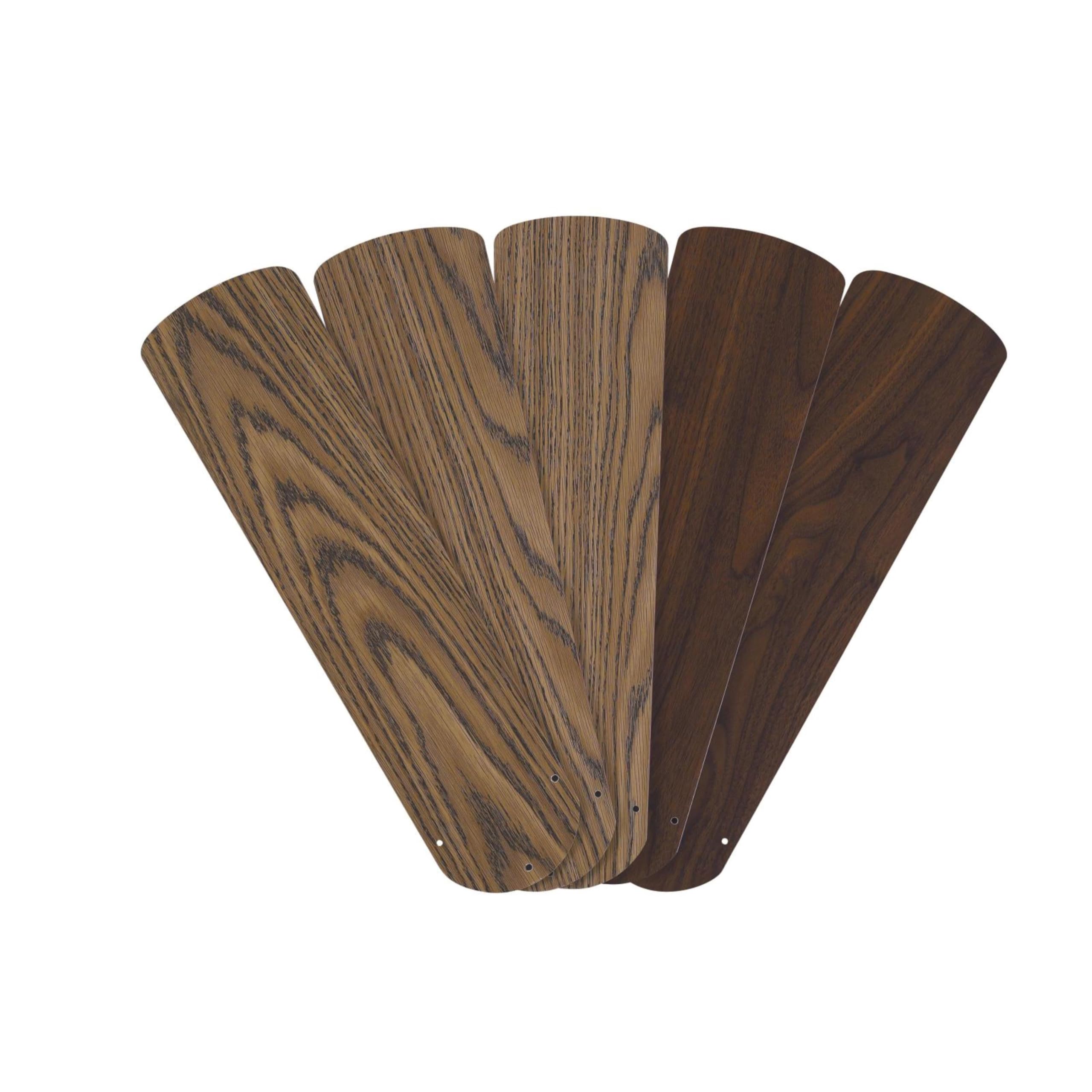
I used this five-pack to restore a 52" fan’s appearance and performance; the reversible oak/walnut finish and accurate dimensions made the set the most practical full replacement I tested.
Why I picked it: Reversible finish, five-piece set, and accurate hole measurements for 52" fans.
Best for: Replacing worn or broken blades on most 52" ceiling fans when you want a finished look.
Good value compared with replacing the whole fan.
Pros
- Reversible oak and walnut finish
- Complete five-blade set
- Accurate outer hole spacing
- Solid build quality
Cons
- May require enlarging screw holes
- Not a guaranteed fit for every brand
My take
I installed this five-pack on a 52" fan and appreciated that each blade has a sticker showing its weight — that helped me pair heavier and lighter blades opposite each other for better balance.
Fit and finish matched my existing fan well; the reversible oak/walnut faces allowed me to pick the tone that worked with the room. The blades felt well made and restored the fan’s look.
A word of caution: some fans (I encountered this with a Harbor Breeze unit) needed the mounting holes opened up slightly to accept the blade bracket posts. I drilled the holes larger and the blades seated fine; that extra step lowered my ease-of-install score but didn’t affect the final performance.
Once installed and balanced, the fan ran quietly and smoothly. If you’re comfortable measuring the hole spacing and doing small modifications, this set saved me from buying a whole new fan.
2. Ceiling Fan Balancing Kit (25 Sets, 100 pcs) – Best for Balancing
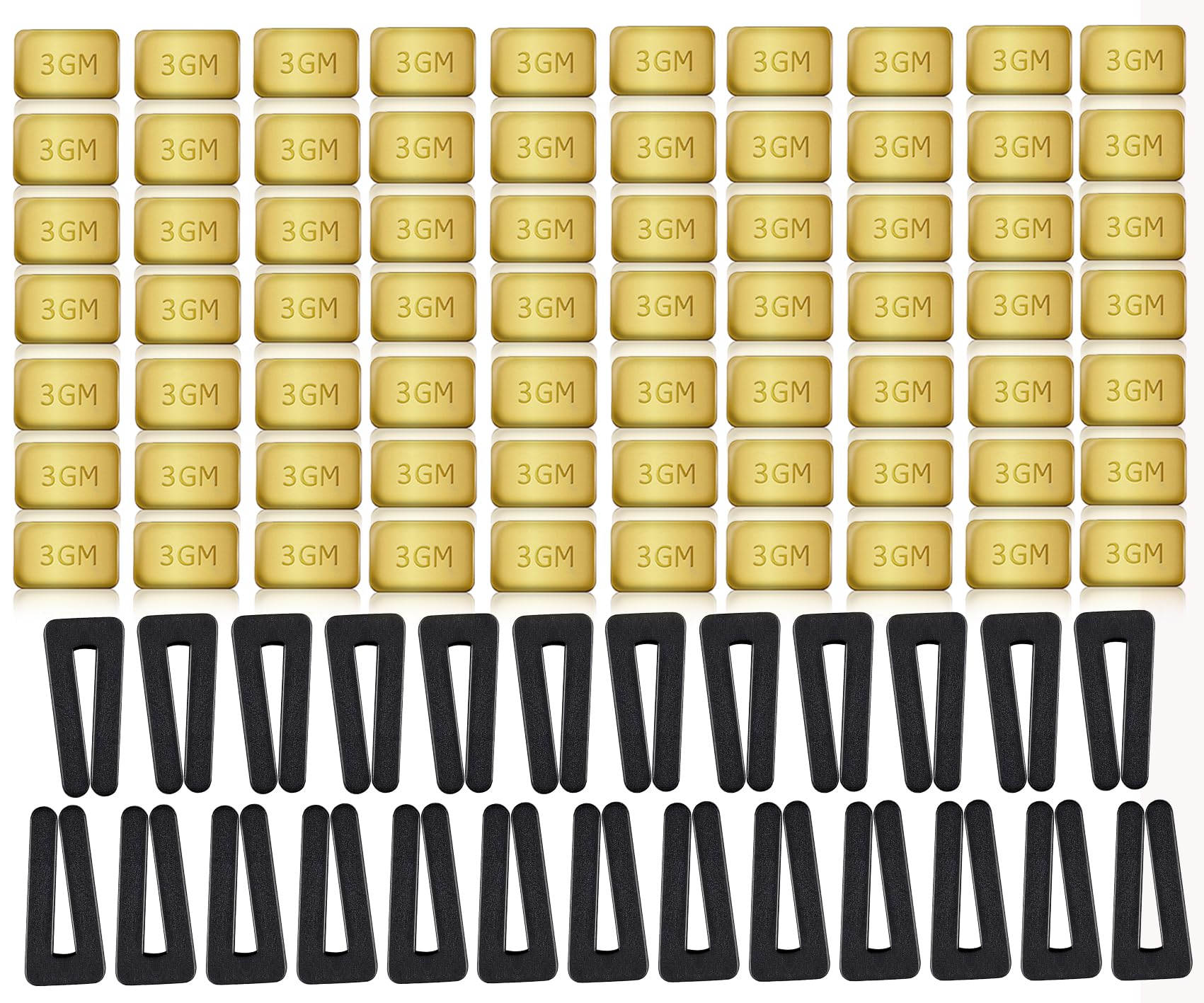
I used this bulk balancing kit to eliminate wobble on multiple fans — the clip-and-weight method is simple but can take patience to get perfect.
Why I picked it: Bulk quantity and proven clip/weight method for tracking and correcting wobble.
Best for: Fixing unbalanced blades without replacing them; ideal if you have several fans.
High value for multi-fan households or future fixes.
Pros
- Plenty of weights and clips
- Simple clip-and-place method
- Works across most fan types
Cons
- Clips are stiff to work with
- Balancing can be time-consuming
My take
I followed the included procedure: clip the balance clip to suspect blade positions, run the fan, then add adhesive weights where needed. The clip made it easy to find the trouble spot.
On one fan I had it spot on in about 15 minutes after a couple of adjustments. Doubling the weight on the clip before sticking a permanent weight is a trick I used to get closer to perfect balance.
Balancing isn’t magic — it requires patience. I found the plastic clips fairly stiff and awkward at first, and I took care not to crease blade edges because stiff clips can be harsh on thin materials.
Overall the kit fixed wobble and reduced noise, and the quantity gave me enough parts to balance multiple fans or rework stubborn blades without hunting down replacements.
3. BioStrike Ceiling Fan Blade Air Filters (6-Pack) – Best for Dust & Allergies

I stuck these lightweight filters to fan blades to catch dust before it circulated; they’re simple to install and noticeably cut the dust that used to fall from the fan.
Why I picked it: Continuous dust capture directly on blades to reduce airborne particles.
Best for: Bedrooms and living areas where dust and allergens are a concern.
Reasonable for allergy relief, but plan for recurring replacements.
Pros
- Easy, tool-free installation
- Silently captures dust
- Made in the USA
Cons
- Leaves adhesive residue on blades
- Requires periodic replacement
My take
I applied the filters 3–5 inches from the motor as recommended and immediately noticed less dust falling from the fan when it ran at night.
Installation was straightforward — peel and stick — and the attachments operate silently while the fan runs. For my allergy-prone household the difference was real; the fan no longer showers the room with visible dust.
Be aware the adhesive can leave a residue on painted or finished blades. I tested one filter on an inconspicuous blade first and removed it after a week to see how the finish reacted.
The pack covers multiple replacements, but expect to swap them out periodically if you have heavy dust or pet hair. For me they’re a small recurring maintenance step that improved indoor air comfort.
4. OhLectric 42″ Replacement Fan Blades (Oak/Walnut) – Best for Durable Outdoors/Porch
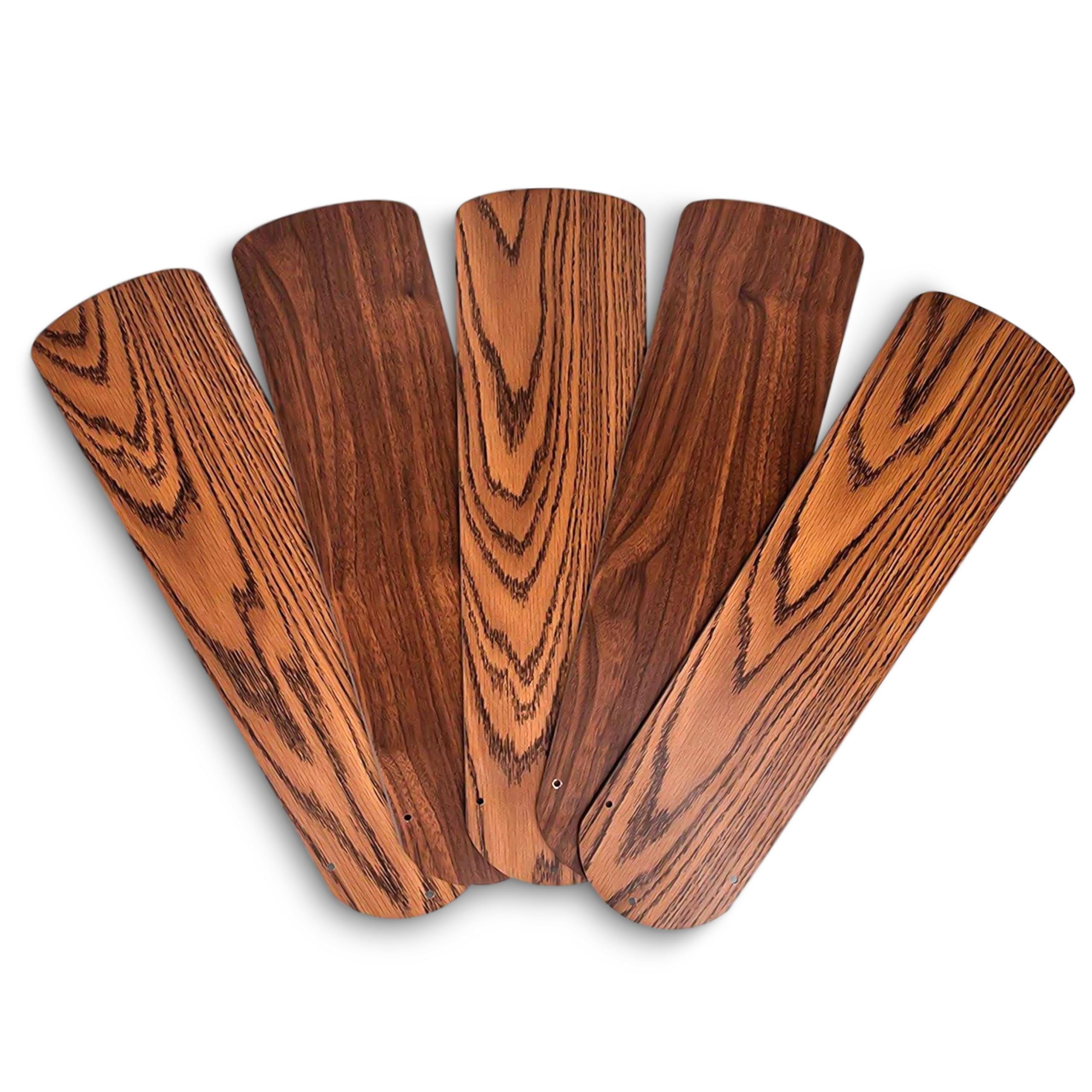
I used these solid plastic blades to replace drooping or water-damaged blades; they’re robust, paintable, and stood up in humid conditions where thin particle-board blades failed.
Why I picked it: Durable, solid material that resists droop and outdoor humidity.
Best for: Porches, garages, or rooms where moisture and wear are concerns.
A practical, cost-saving alternative to buying a new fan.
Pros
- Solid, droop-resistant material
- Can be painted for custom looks
- Durable in humid conditions
Cons
- Pre-drilled holes may not align
- Variable quality control
My take
I installed these blades after my original fiberboard ones started to sag. The plastic construction stayed rigid through a hot, humid season and didn’t show the wilting I’d seen with the old blades.
They accept paint well; I painted a set to match a refurbished fan housing and it transformed the look. That made these a very effective cosmetic and functional refresh.
A downside: hole alignment isn’t universal. I had to fill and re-drill one set to line up with my fan’s attachment points. Other times I saw users report the same — be ready to modify holes or use a guide hole when necessary.
Quality seemed to vary between batches; I recommend inspecting parts before committing to permanent installation. When they fit, they held up and looked great; when they didn’t, some additional work was required to make them usable.
How I Choose Replacement Blades, Balancers, and Filters
Measure and Confirm Fit
I always measure blade length and hole spacing before ordering. A correct blade length and center-to-center hole distance save a lot of modification time.
If the listing shows outer hole spacing, compare it to your blade bracket; some brands (like certain Harbor Breeze models) use different post sizes.
- Measure blade length tip-to-tip and note the fan diameter (e.g., 42", 52").
- Check the distance between mounting holes and compare to the product measurements.
- Expect to drill or enlarge holes on some universal blades.
Material & Finish Matter
I choose solid plastic or higher-grade wood for humid or outdoor spaces to avoid drooping. MDF or fiberboard can warp over time.
Reversible or painted finishes let me match decor without custom orders.
- Plastic: durable and weather-resistant.
- Wood/veneered: looks authentic but watch for warping.
- Reversible finishes double your styling options.
When to Balance vs Replace
I start with a balancing kit for wobble — it’s quick and cheap compared with full replacement. If the blade is cracked, warped, or badly damaged, I replace the whole set.
Balancing takes patience. Expect to spend time swapping weights and testing at speed.
- Wobble only: try a balancing kit first.
- Visible damage or droop: replace blades.
- Use the clip to locate problem blades before applying permanent weights.
Using Blade Filters
I use blade filters when dust or allergens are the main concern. They catch particles before the fan redistributes them.
Test adhesive compatibility with your blade finish, and plan for periodic replacement based on dust load.
- Stick filters 3–5 inches from the motor as recommended.
- Check for adhesive residue and remove carefully if needed.
- Filters run silently and don’t add energy use.
Frequently Asked Questions
How do I know what blade size I need?
I measure the overall fan diameter (blade tip to opposite tip) and confirm the listing length matches that diameter. If the product lists outer hole spacing, I measure my bracket to be safe.
Will replacement blades fit every fan?
From my experience, universal blades cover many fans but holes and post styles vary. I often check measurements and keep a drill handy for small hole adjustments.
Can a balancing kit fix a severely wobbling fan?
I’ve used balancing kits to correct most wobble issues. If wobble persists after balancing, I inspect for bent blade holders or worn bearings — then I replace blades or the motor as needed.
Do blade-mounted filters reduce airflow or noise?
I didn’t notice a measurable airflow loss or added noise when I used thin blade filters. They run silently and capture dust before it falls into the room.
Final Take
I pick a five-blade replacement when blades are damaged or drooping, reach for a balancing kit when wobble is the only issue, and add blade filters when dust or allergies are my priority.
Between these options I avoided buying full new fans in most cases. Measure carefully, expect occasional minor drilling or trimming, and you’ll get reliable performance without a full replacement.
