
I tested a range of affordable and smart hygrometers so I could recommend reliable monitors for bedrooms, cellars, greenhouses, and multi-room setups.
I spent hands-on time with six popular hygrometers to find devices that give quick, dependable temperature and humidity data.
My focus was on accuracy, refresh speed, placement flexibility, and whether a unit offered smart features like Bluetooth and data logging.
Below I walk through the winners and why I reached for each one in specific rooms and use cases.
I compared refresh rates, stated accuracy, display size, and placement options to match each model to a clear use case—some are simple and dependable, others add Bluetooth logging and alerts.
1. TempPro TP50 Digital Hygrometer – Best Value
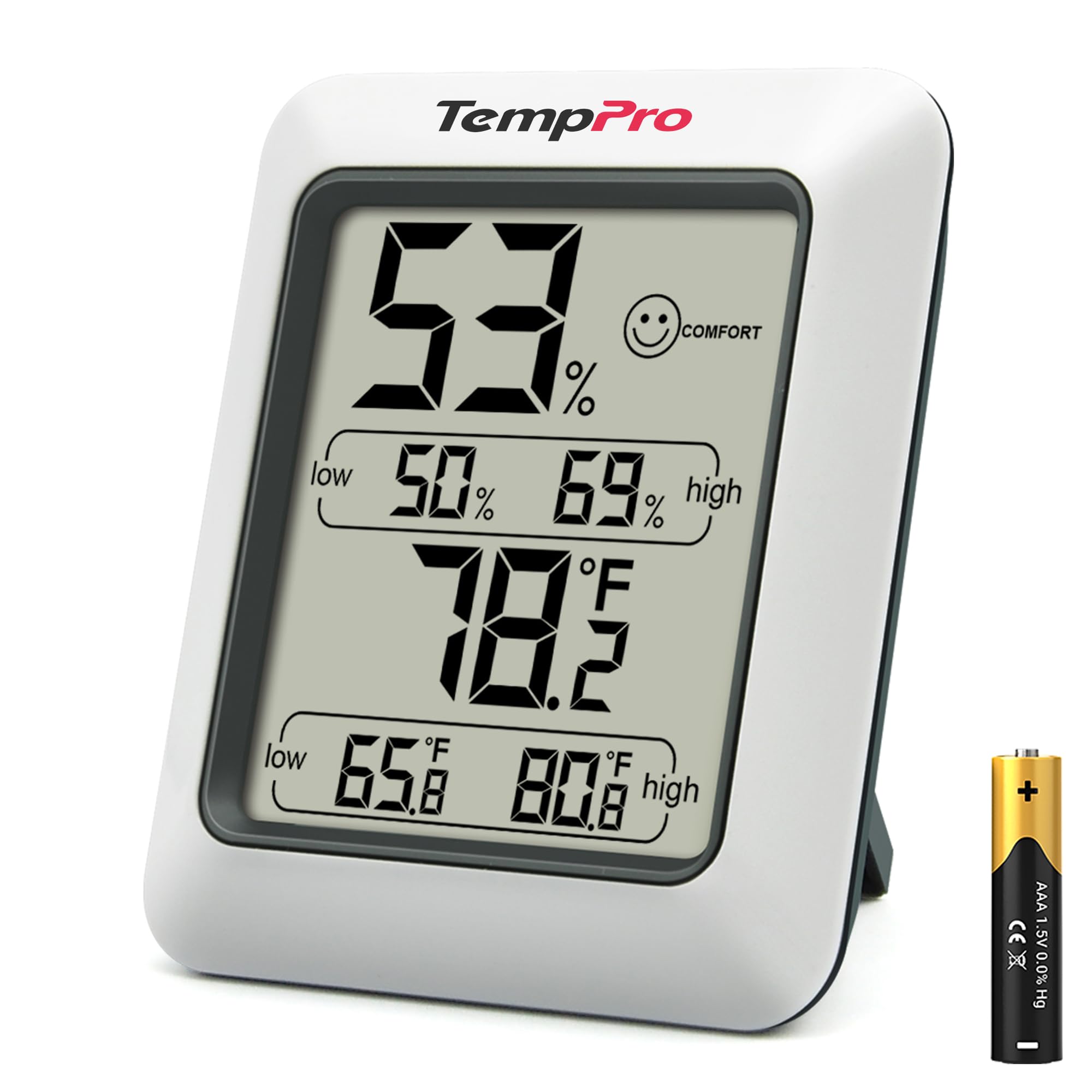
A straightforward, fast-updating hygrometer with a clear comfort icon and flexible placement options.
Why I picked it: Because it pairs quick 10-second updates with a readable display and multiple mounting options.
Best for: Bedrooms, offices, fridges, humidor monitoring where simple, fast feedback matters.
Very budget-friendly without feeling cheaply made.
Pros
- Comfort icon for instant interpretation
- Fast 10-second refresh rate
- Magnetic back and kickstand
- Large, easy-to-read display
Cons
- No smart connectivity
- Screen isn't backlit
My take
I put the TP50 in a bedroom and on my fridge to judge both ambient and enclosed temperatures. The display is easy to read from across the room and the DRY/COMFORT/WET icon gives me an immediate sense of conditions without parsing numbers.
Readings settle quickly and the 10-second refresh rate helped me catch short swings from a nearby humidifier. I liked having the magnetic back and kickstand so I could move it between counter, fridge, and shelf in minutes.
Accuracy lined up well with my other meters within the stated tolerance. For a no-frills monitor that I can deploy anywhere in the house, this delivers dependable results at a low cost.
2. Govee H5075 Bluetooth Hygrometer – Best for Remote Monitoring
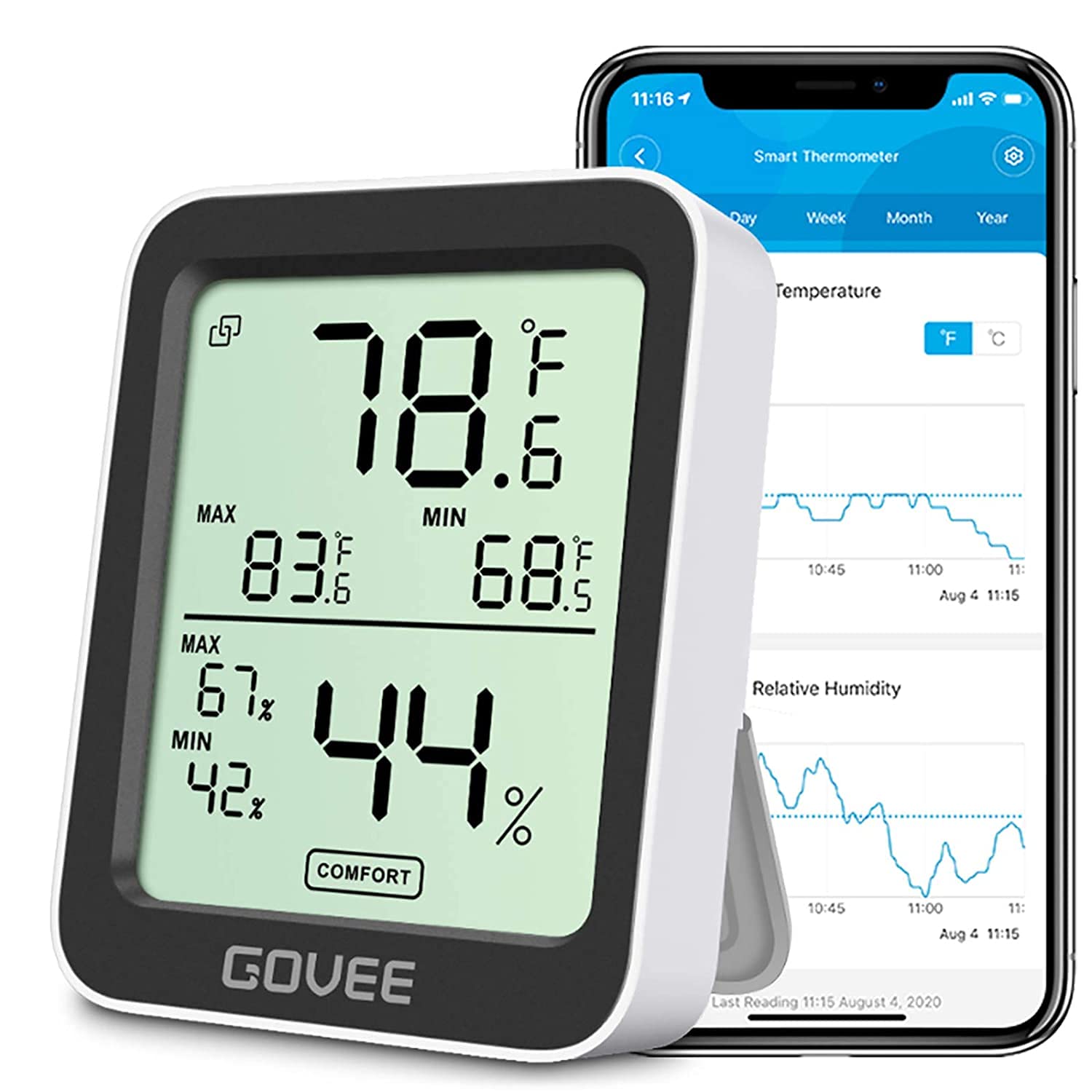
A compact Bluetooth-enabled monitor with remote app access, alerts, and long-term data export.
Why I picked it: Because I needed remote access and exportable records for a basement and wine cellar.
Best for: Remote monitoring of basements, nurseries, wine cellars, and plant rooms.
An affordable smart option with useful app features.
Pros
- Bluetooth remote monitoring
- Fast 2s refresh for quick changes
- App alerts and CSV export
- Large, bright LCD
Cons
- Bluetooth limited to about 164 ft
- Occasional connection hiccups
My take
I installed the H5075 in my basement and paired it to the app to watch temperature trends while away from the room. The Swiss-made sensor gave stable numbers and the app graphing made it easy to spot slow changes over days.
The two-second refresh rate is noticeably snappy—helpful when testing vents and HVAC behavior. I did see intermittent connection drops, but data continued to log locally and exported correctly when reconnected.
For monitoring areas where I want push alerts and historic data, this is the unit I reach for. It’s compact enough to tuck into a cabinet yet bright enough for a quick glance.
3. AcuRite Indoor Thermometer & Hygrometer – Best Simple Monitor
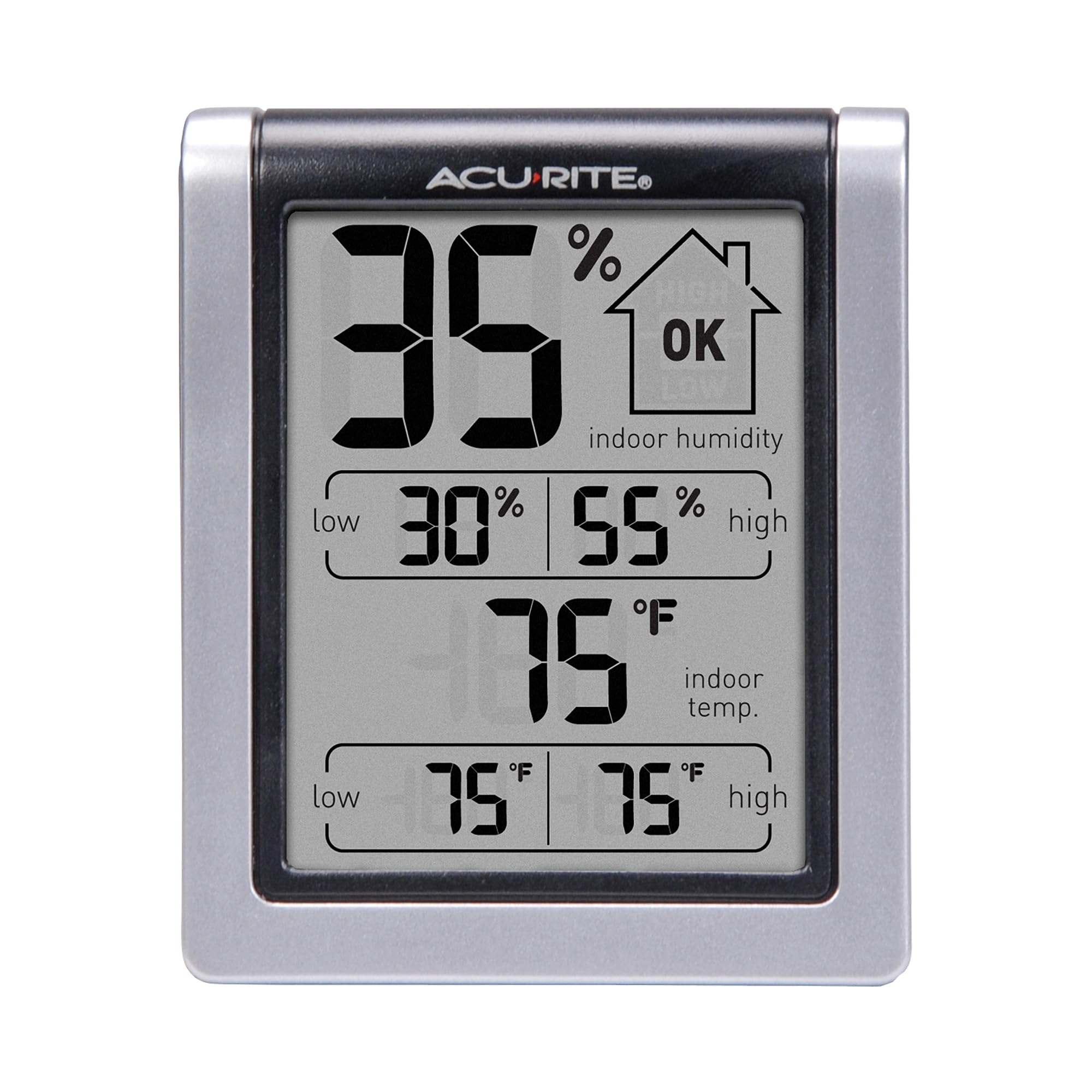
A reliable, easy-to-read monitor with daily high/low tracking and multiple placement options.
Why I picked it: Because it gives clear 24-hour min/max info and has versatile mounting choices.
Best for: General whole-house monitoring, basements, and rooms where I want a clear daily range.
A budget-friendly, dependable classic.
Pros
- Clear, easy-to-read display
- Daily high/low records
- Wall mount, magnet, or tabletop
- Simple operation
Cons
- Spec sheet lists unit-to-unit variation
- Battery type listing has been inconsistent
My take
I placed several of these around the house to compare them with the thermostat and other meters. The large readout made it easy to check conditions at a glance, and the high/low records helped me see daily swings without needing a phone.
Setup is straightforward and the magnetic back plus keyhole mount give me flexible placement. I used one in a guitar room to keep humidity in a safe range and it performed consistently.
If you want a solid, no-nonsense monitor that shows the last 24 hours and current status, this is a practical choice.
4. ThermoPro TP55 Touchscreen Hygrometer – Best Large Display
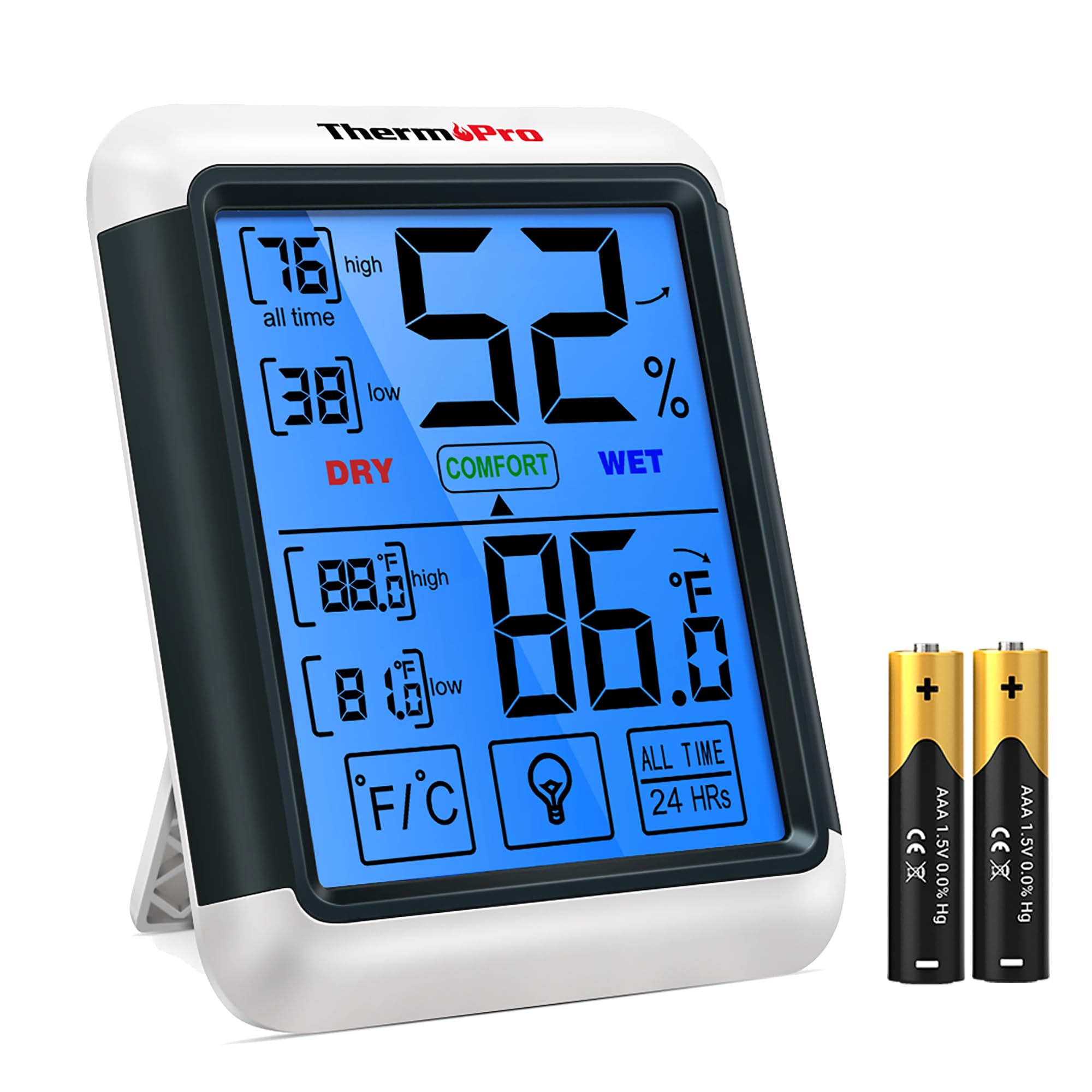
A large 4-inch touchscreen display with backlight and responsive sensors for easy wall or table viewing.
Why I picked it: Because the oversized display and touch controls make checking conditions effortless from across a room.
Best for: Living rooms, greenhouses, or workshops where a big, readable display matters.
A mid-range option that emphasizes visibility and ease of use.
Pros
- Large 4-inch backlit display
- Touchscreen controls
- Accurate sensors and quick refresh
- Max/min records
Cons
- Can be slightly off at times
- External sensor placement matters for wireless models
My take
I put the TP55 on a kitchen counter and mounted another outside under a deck to watch indoor vs outdoor shifts. The digits are bold and the touch buttons on the bezel make toggling units and checking records painless.
It generally tracked within the claimed accuracy and the 10-second updates helped me tune a humidifier. The large display is the reason I kept it on the wall in a family room—no squinting required.
For anyone who values a big, readable station with simple touch controls, this model is my go-to.
5. Antonki 2-Pack Digital Hygrometers – Best for Multiple Rooms
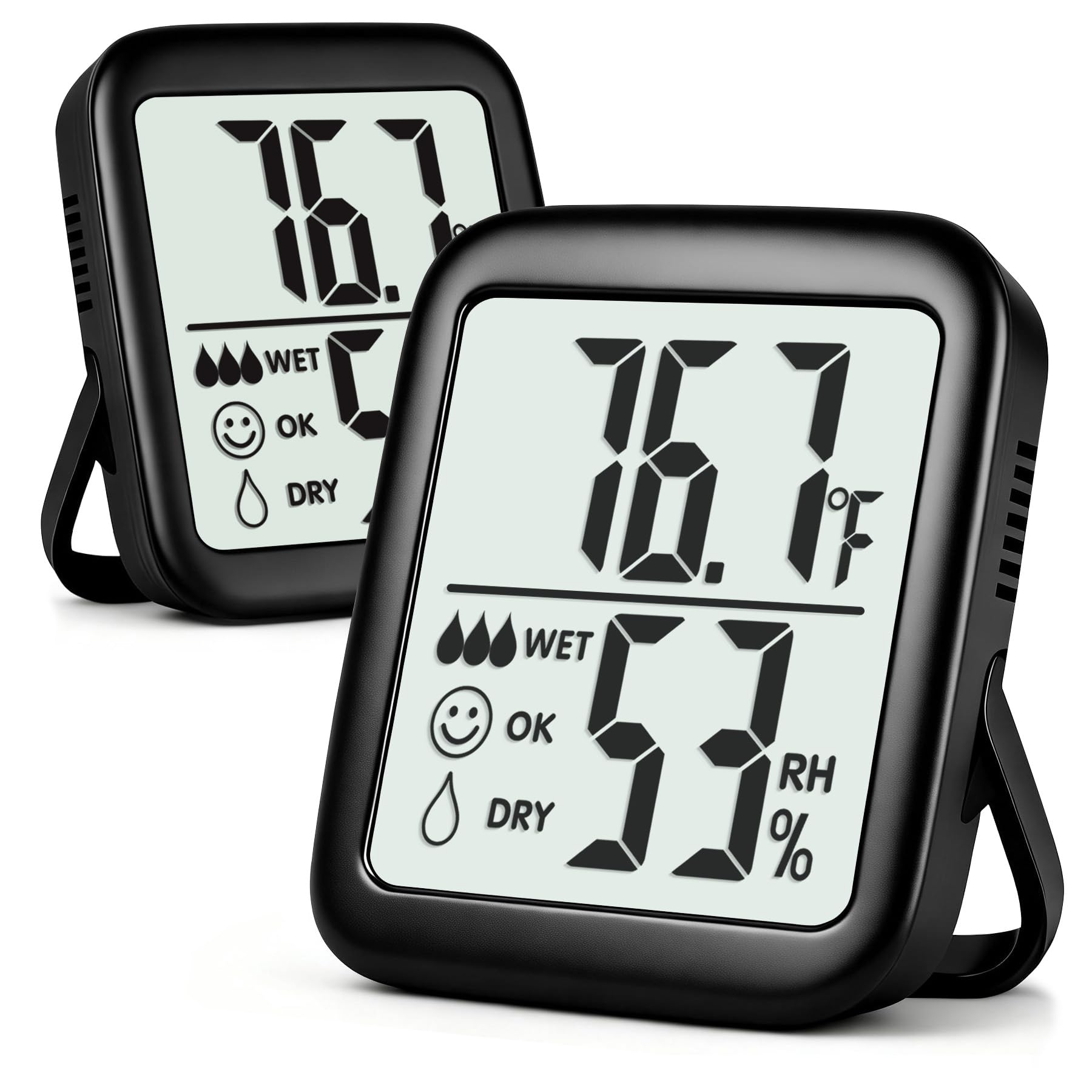
Two compact, easy-to-read monitors that let me cover several rooms without extra cost.
Why I picked it: Because the two-pack gives me quick coverage of multiple locations at once.
Best for: Deploying across bedrooms, nurseries, greenhouses, and cabinets for broad monitoring.
Very affordable two-pack that stretches monitoring coverage.
Pros
- Two units for multi-room use
- Large digits on clear LCD
- Magnet, hang loop, and kickstand
- Long-life button battery included
Cons
- No backlight for dark rooms
- Humidity accuracy is modest
My take
I put one Antonki on a bedside table and the other in my plant room. Out of the box they settled quickly and gave consistent readings; having two units made it easy to compare conditions between rooms.
The CR2032 batteries lasted and the large display makes them surprisingly readable despite the small overall size. I appreciated the multiple mounting options—magnet, hang loop, and adjustable kickstand.
For anyone who wants to monitor multiple spaces without spending much, this two-pack offers straightforward value.
6. ThermoPro TP53 Backlit Hygrometer – Best with Backlight
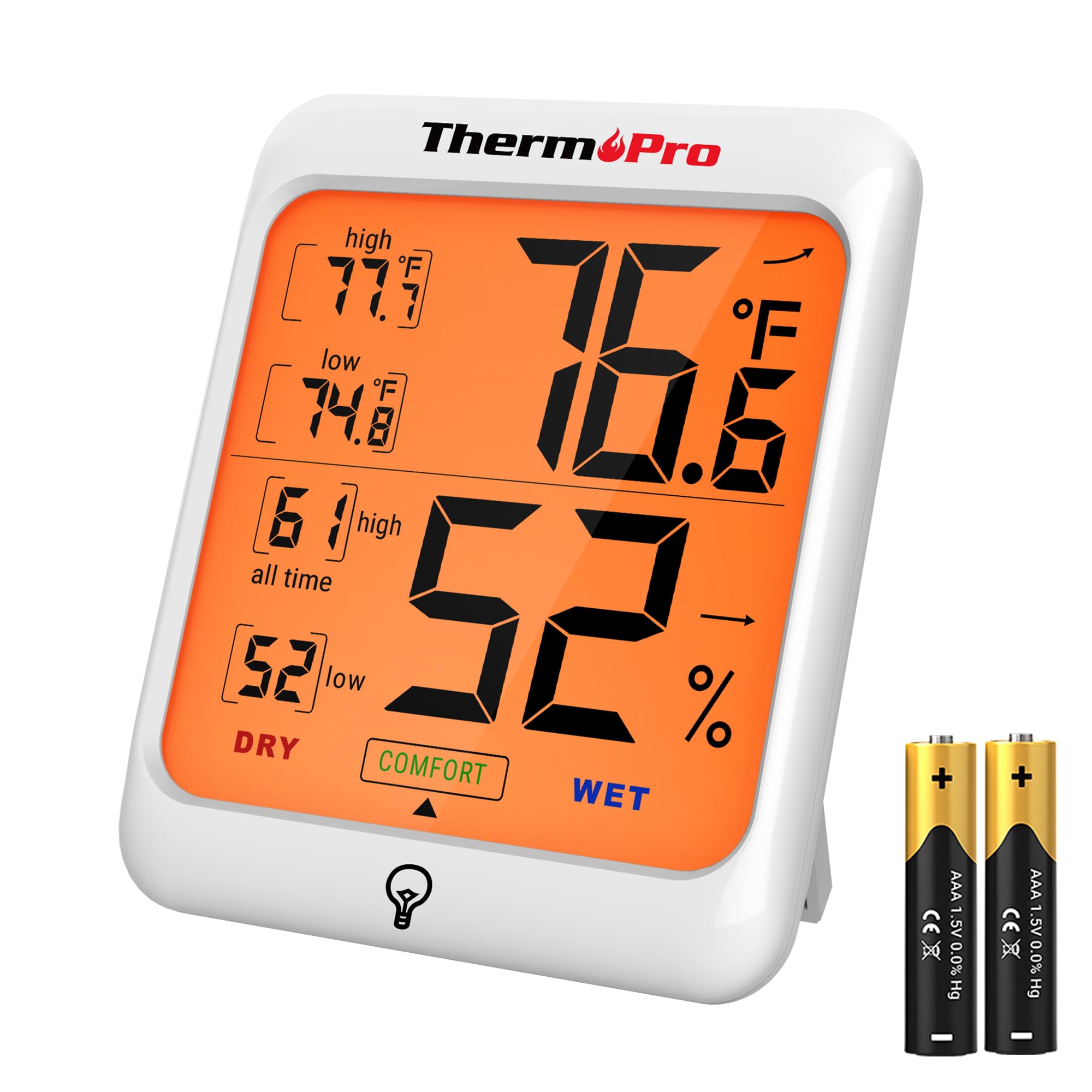
A slim monitor with touch-activated backlight, comfort indicator, and useful max/min records.
Why I picked it: Because the touch backlight and compact footprint make it perfect for bedrooms and tight spaces.
Best for: Bedrooms, crawl spaces, and places where a night-time readout helps.
A reasonably priced option with a helpful backlight.
Pros
- Touch-activated backlight
- Comfort indicator for quick checks
- Max/min history
- Multiple mounting choices
Cons
- Backlight angle can wash out numbers from below
- Limited visibility from steep angles
My take
I installed TP53 units in upstairs bedrooms and a crawl space. The touch backlight is very convenient at night—just a tap and I can read numbers without turning on a lamp.
The comfort indicator gives a quick read on whether the humidity sits in a healthy range. Build quality felt solid and the varied mounting options let me place units wherever I needed them.
If you want a compact hygrometer with an easy night-time view, this is the device I reach for.
How I Choose a Hygrometer
What I look for in accuracy and refresh rate
I prioritize devices that promise tight RH and temperature tolerances and that refresh quickly so I can spot short-term swings from humidifiers, heaters, or ventilation.
If I need to tune HVAC or greenhouse conditions, a meter with a 2–10 second refresh rate and +/-1–3% RH accuracy is what I pick.
- Faster refresh rates (2–10s) for responsive environments
- Accuracy within ±1–3% RH for useful humidity control
- Check manufacturer tolerance and real-world consistency
Placement and mounting choices that matter to me
I always decide placement first: a magnetic back helps on fridges and metal surfaces, a kickstand is handy for counters, and a keyhole mount lets me hang a unit on a wall.
Avoid placing a hygrometer in direct sunlight, right over vents, or too close to humidifiers—those spots produce misleading peaks.
- Use magnets for refrigerators or metal cabinets
- Wall mounts for central display; stands for counters
- Keep devices out of direct sun and away from vents
When to choose smart features
I opt for Bluetooth or Wi‑Fi models when I need alerts or long-term logs for a cellar, nursery, or remote space I can't visit often.
If I only need quick local checks, a basic non-connected unit usually gives better value and simpler reliability.
- Pick Bluetooth for local remote checks and CSV export
- Choose Wi‑Fi if you need cloud alerts from anywhere
- Skip smart features for a simple bedroom or fridge monitor
Power and battery considerations I follow
Battery type affects longevity: AA/AAA cells are easy to swap, while CR2032 coin cells can last a long time in compact units.
I disable unused display features to extend battery life when possible.
- AA/AAA for frequent battery changes; coin cells for long life
- Turn off extra features if you need extended battery runtime
- Keep a spare battery on hand for critical monitors
Frequently Asked Questions
How accurate are these hygrometers in real use?
I found most models track closely to each other and to my reference tools within the manufacturers' tolerances; expect small unit-to-unit variation and occasional 1–3% RH or 1°F differences.
Where should I place a hygrometer for best readings?
I place them away from direct sunlight, vents, and heat sources—ideally at breathing height in the room or near the object I'm monitoring (wine rack, plant shelf), and I avoid enclosed pockets of air.
Do I need to calibrate a hygrometer?
I occasionally check devices against a calibrated reference or salt‑test; for general home use I rely on factory accuracy, but I calibrate if precise control is required for instruments or humidor use.
Final Take
I matched each hygrometer here to a specific role—simple local monitoring, multi-room coverage, or smart remote logging—so you can pick the tool that fits how you monitor humidity.
For straightforward, budget-conscious monitoring I reach for the TempPro TP50 or the Antonki two-pack; for remote logging and alerts I use the Govee. The other models strike good balances between display size, backlight, and placement options.
Whichever you choose, place the meter thoughtfully and use the refresh and min/max features to get the most useful picture of your space.
