
I tested common label types — printable sheets, half-sheet shipping, and thermal fanfold — and picked options that deliver clean prints, strong adhesion, and dependable feeding for home and small business use.
I depend on labels every day for mailings, shipping, product packaging, and organization. Over the years I’ve tried printable sheets, half-sheet shipping labels, and thermal stacks to find what actually works without wasted sheets or peeling corners.
In this roundup I focused on fit-for-purpose picks: printable address labels for bulk mailings, small packs for handwritten tasks, high-volume laser-sheet packs, half-sheet shipping labels with TrueBlock, and direct thermal fanfolds for thermal printers. Each option performed reliably for me in its intended workflow.
I compared printable sheets, non-printable sticker packs, and thermal stacks by feed reliability, print clarity, and adhesive. Printable sheets with Sure Feed are my go-to for crisp, aligned labels from desktop printers, while thermal fanfolds win for fast, jam-free shipping label printing. For quick handwritten labeling, compact permanent packs are the simplest solution.
1. Avery 8160 Easy Peel Address Labels – Best Overall
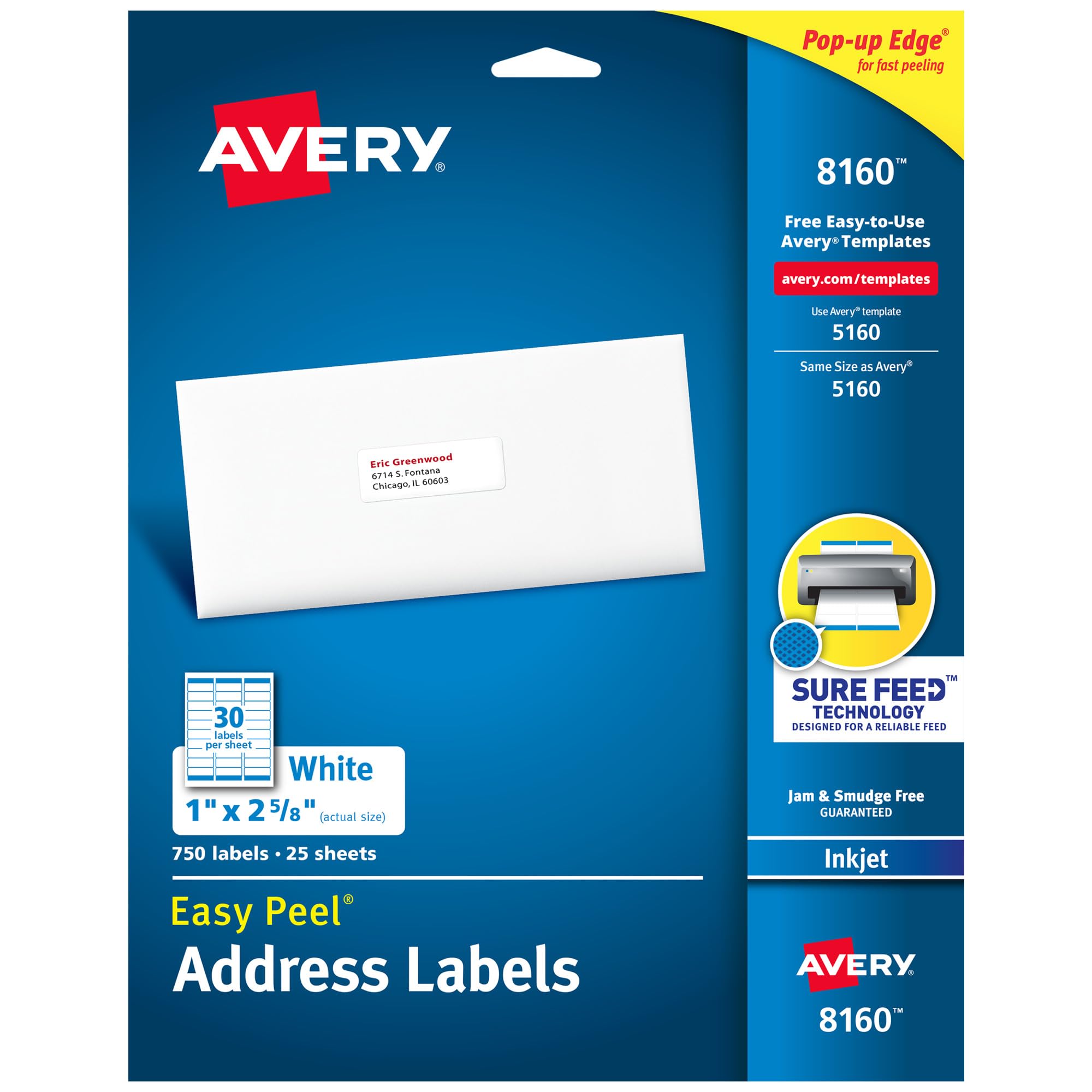
My everyday choice for inkjet printable mailing and organization labels — reliable feed, strong adhesive, and an easy-peel edge.
Why I picked it: Sure Feed alignment and a true Easy Peel pop-up edge that saves time on large runs.
Best for: Bulk mailings, filing, and multipurpose home or office labeling.
Good value for a large printable pack.
Pros
- Easy Peel pop-up edge
- Sure Feed reduces printer jams
- Strong permanent adhesive
- Optimized for inkjet print clarity
- Large 750-count pack
Cons
- Primarily inkjet-optimized
- Large pack may be overkill for light users
My take
I reach for these Avery sheets when I need consistent, professional-looking address labels straight from my inkjet. The Sure Feed technology keeps the sheets tracking cleanly through the printer, so misaligned prints and jams are rare in my experience.
The Easy Peel pop-up edge really works — I save minutes when I’m labeling envelopes or boxes in batches because the labels lift cleanly without tearing. The Ultrahold adhesive sticks to paper, cardboard, glass, and metal without curling or lifting.
I’ve used Avery’s online templates to import address lists and the output is crisp and smudge-free. For a mix of printing and occasional handwriting, these labels handle both well and hold up in warmer conditions.
2. Avery 6113 Multi-Use Permanent Labels – Best Budget
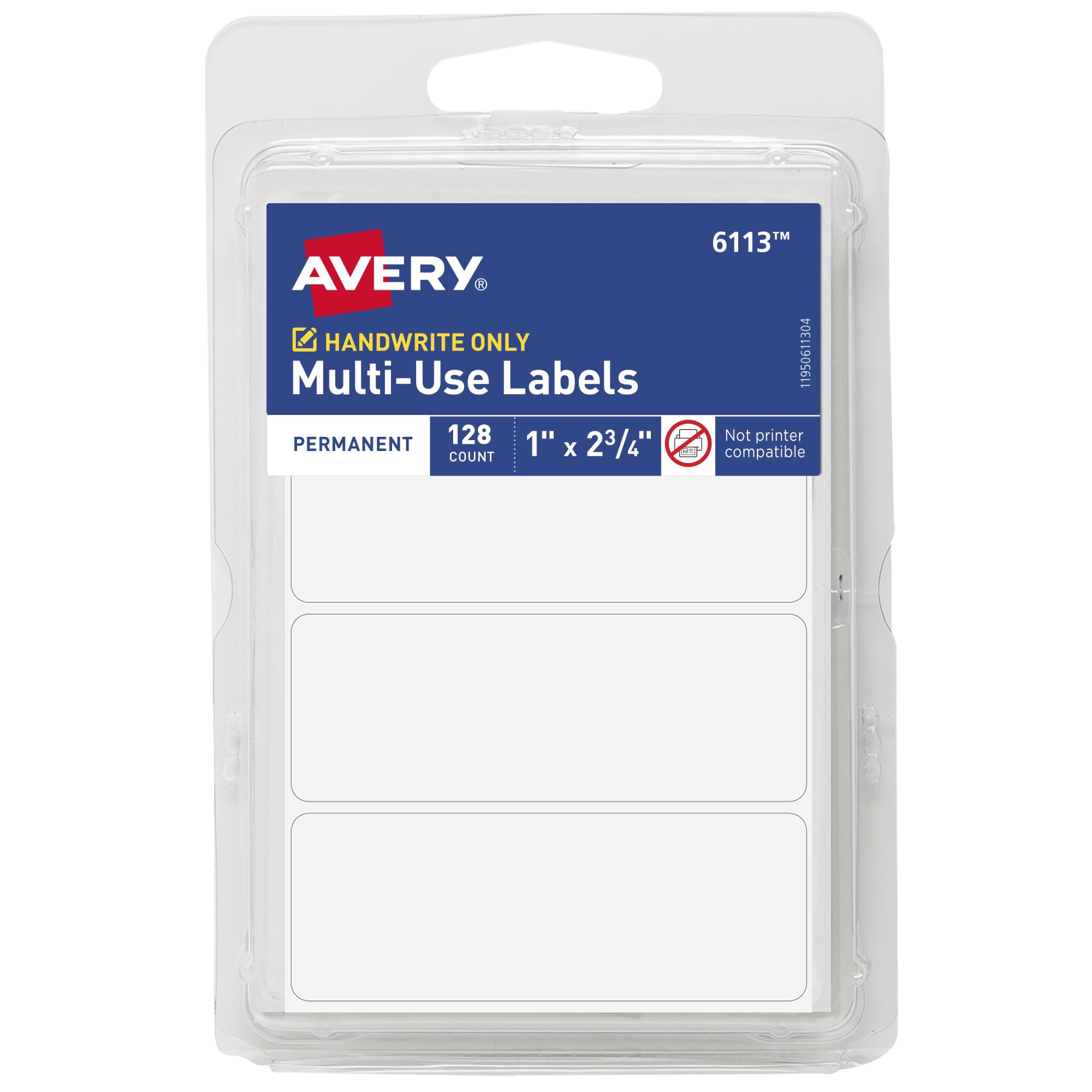
A compact, no-frills pack of writable permanent labels that stick firmly and travel easily in the reusable plastic case.
Why I picked it: Simple, reliable adhesive and a handy reusable package for quick labeling tasks.
Best for: Handwritten bin labels, moving boxes, gift tags, and quick organization.
Very affordable small-pack option.
Pros
- Permanent adhesive that sticks
- Writable surface for pens
- Reusable plastic storage case
- Compact and portable
Cons
- Not compatible with printers
- Only 128 labels per pack
My take
When I need labels I can write on quickly, these little Avery stickers are the fastest option. I use them on storage bins, file folders, and small craft projects and the ink from a ballpoint or marker dries cleanly.
The adhesive is noticeably strong — labels stay put on cardboard, plastic, and glass without curling. The reusable plastic package keeps unused stickers flat and accessible, which I appreciate for on-the-go tasks.
If I need printed sheets I grab a printable pack, but for everyday hand-labeling these are a practical, low-cost choice.
3. Avery 5160 Easy Peel Address Labels (Bulk) – Best for High Volume
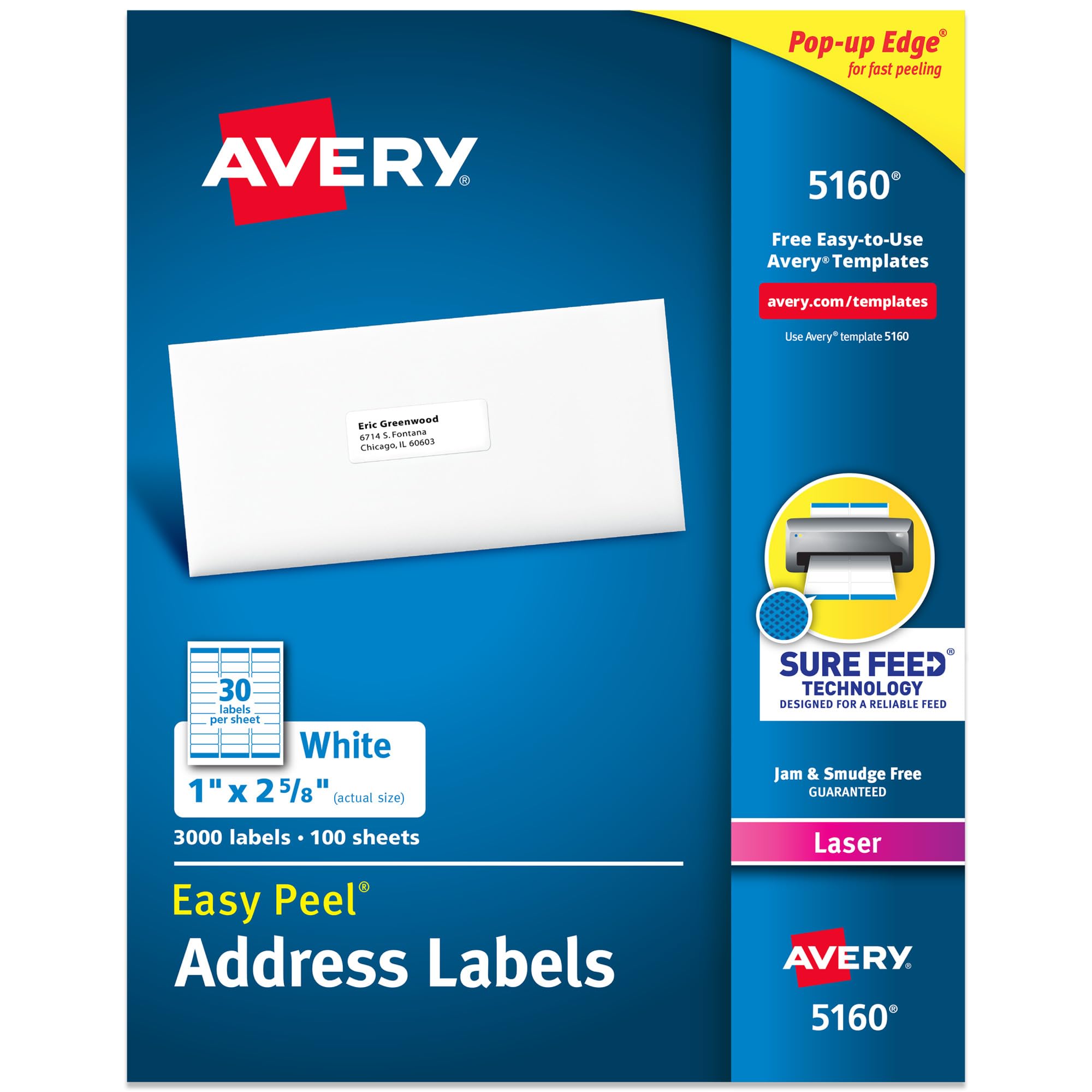
A massive laser-optimized sheet pack for frequent mailings — superb feed, strong adhesive, and excellent value per label.
Why I picked it: Bulk quantity and laser optimization for heavy printing needs.
Best for: Small businesses and high-volume mailing operations.
Economical bulk pack suited to frequent printing.
Pros
- Huge 3,000-count volume
- Laser-optimized for crisp printing
- Easy Peel pop-up edge
- Sure Feed alignment
Cons
- Overkill for occasional users
- Sheets need correct printer handling
My take
For my busiest mailings I turn to this 3,000-count pack because it keeps me stocked for months and prints consistently on my laser printer. Alignment is predictable and I haven’t wasted sheets to misfeeds.
The Easy Peel feature speeds application when I’m processing envelopes, and the adhesive reliably stays put without causing curling at the corners.
If you run regular mailings or ship products frequently, this pack gives professional-looking results and a lower per-label cost compared with small packs.
4. Avery 8126 Half-Sheet Shipping Labels – Best for Shipping
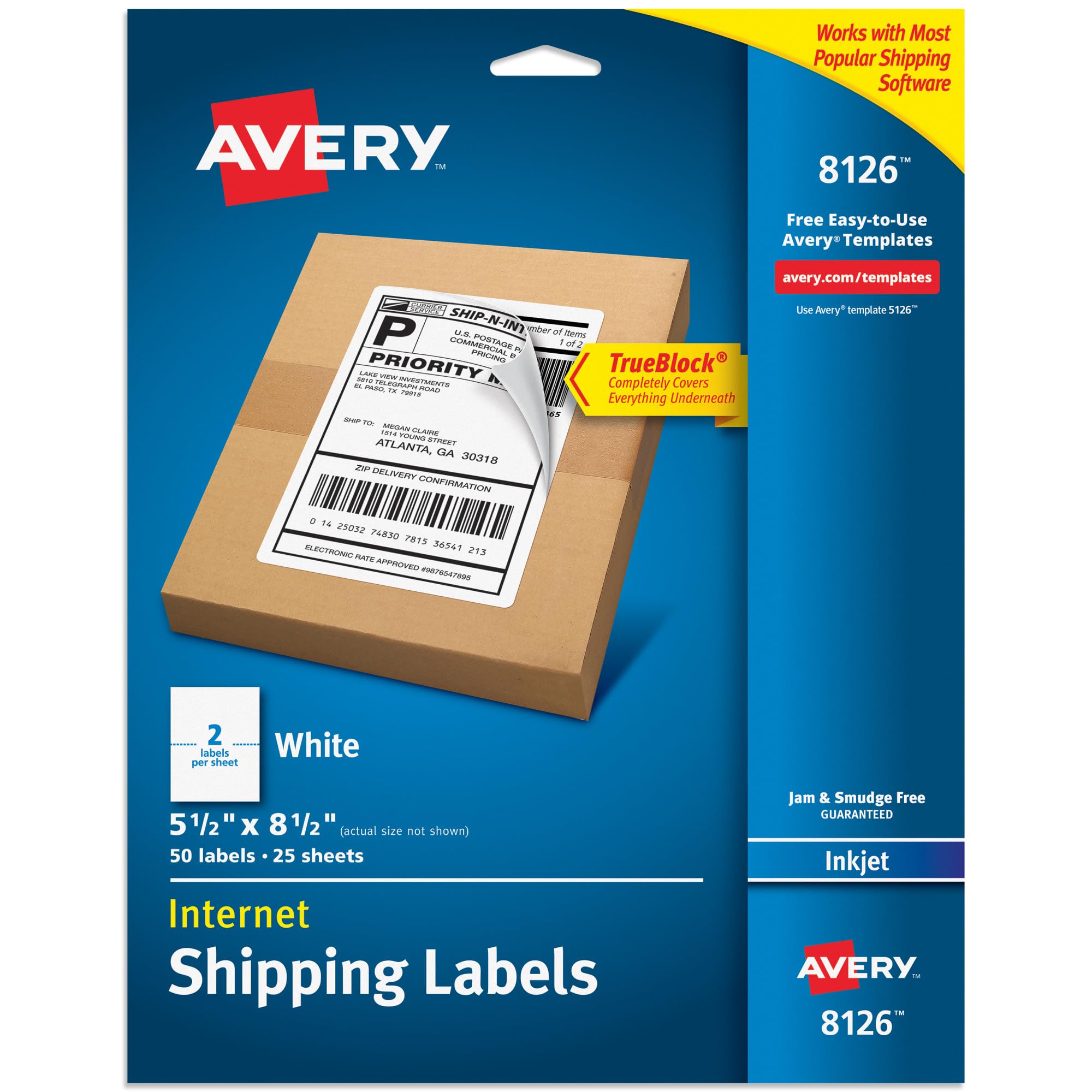
Large half-sheet labels with TrueBlock technology to cover old markings — ideal when you need a big printable area for shipping or product labeling.
Why I picked it: TrueBlock backing that completely hides old labels and ample printable area for shipping addresses.
Best for: Packages, covering old labels, and large product labels.
Mid-range choice for shipping and larger labels.
Pros
- TrueBlock covers previous markings
- Large printable area
- Strong permanent adhesive
- Optimized for inkjet printing
Cons
- Only 50 labels per pack
- Occasional older printers may misfeed first sheet
My take
When I need to cover old shipping labels or print large address blocks, the half-sheet Avery labels are my go-to. TrueBlock masks anything beneath the sticker so the new label looks clean and professional.
They feed well through my modern inkjet and produce crisp text and graphics; the adhesive holds to cardboard, kraft paper, and plastic without peeling.
I did see one misfeed on a very old printer once, but every subsequent page printed perfectly. For small-business orders and eco-minded reuse of boxes, these save a lot of time.
5. 4×6 Direct Thermal Fanfold Shipping Labels – Best Thermal Option
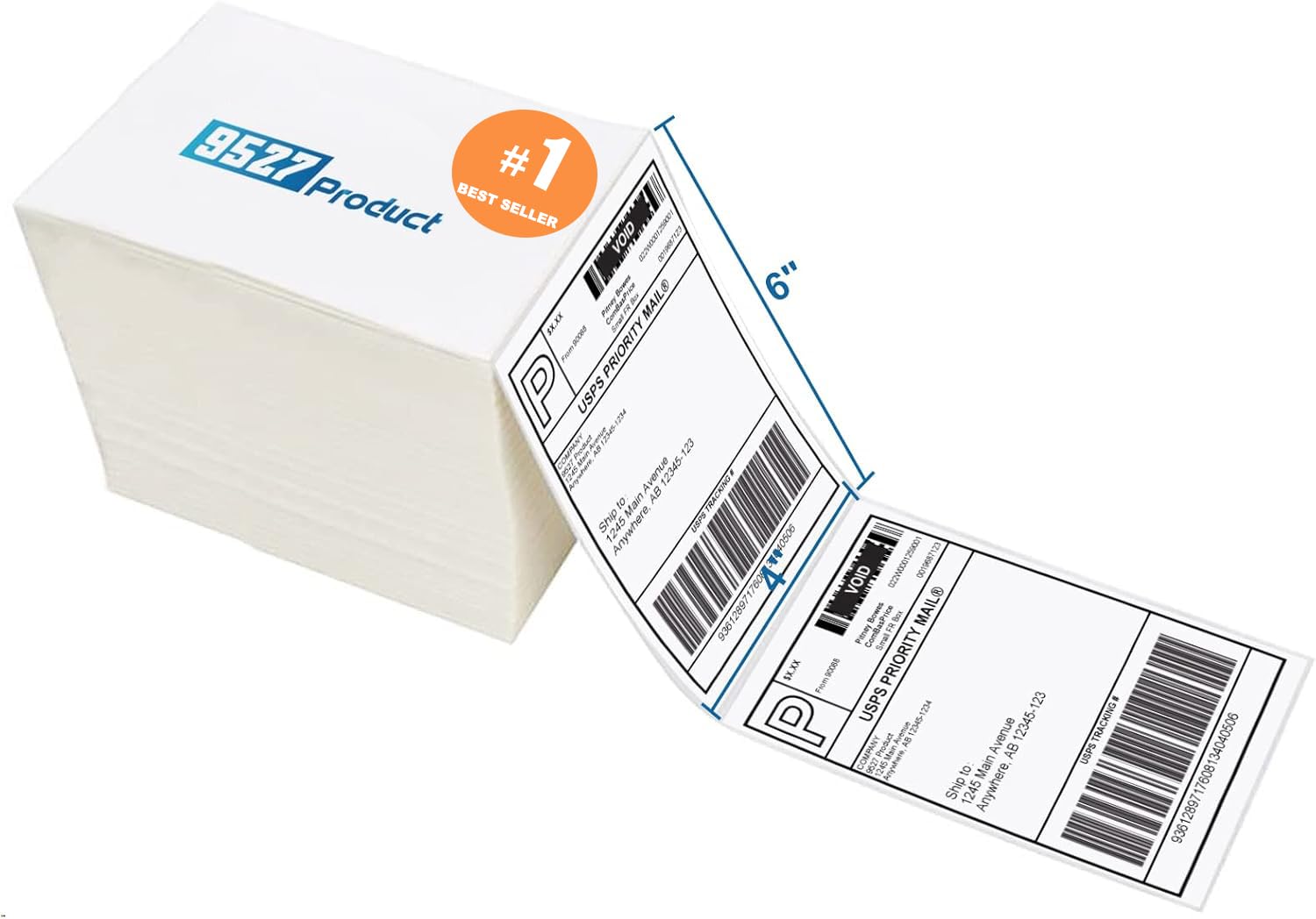
A fanfold stack of direct thermal 4×6 labels that printed crisp barcodes and ran smoothly through my thermal printer with no jams.
Why I picked it: Direct thermal print quality and wide compatibility with many thermal printers.
Best for: Thermal shipping workflows and small-business fulfillment.
A budget-friendly alternative to name-brand thermal stacks.
Pros
- 4×6 standard shipping size
- Crisp thermal printing, sharp barcodes
- Strong adhesive on corrugated boxes
- No-sheet fanfold reduces jams
Cons
- Not compatible with Dymo/Brother or laser printers
- Thermal paper needs dry storage
My take
I switched to this fanfold pack for my thermal printer and immediately appreciated how smoothly it runs — no jams and easy loading. The 4×6 format prints clean, scannable barcodes every time.
Adhesion is solid on poly mailers and cardboard; I haven’t had corners lift even during busy shipping days. The thicker backing helps the labels feed consistently in my Rollo and similar printers.
For anyone using a direct thermal workflow these stacks are a cost-effective, reliable choice—just keep them stored in a cool, dry place to protect the thermal coating.
6. Avery 5294 2.5″ Round Printable Labels – Best for Branding
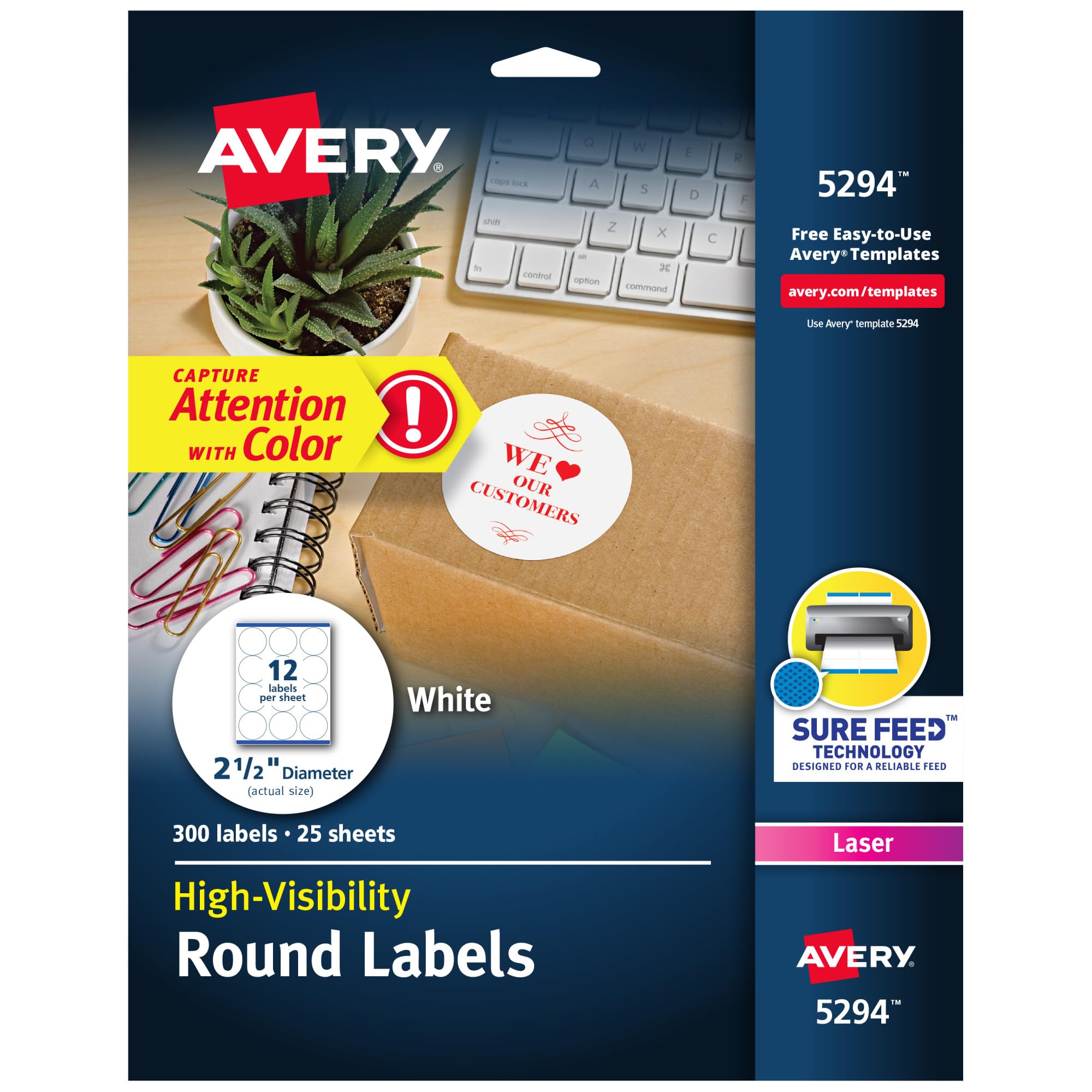
Matte round labels that print vibrant logos and look clean on packaging — great for branding, crafts, and product seals.
Why I picked it: Round matte finish makes logos pop and feeds reliably through printers.
Best for: Branding, product labels, event stickers, and craft projects.
Solid mid-range option for branding and craft use.
Pros
- Matte finish enhances print contrast
- Sure Feed reduces misalignment
- Laser and inkjet compatible
- Permanent adhesive
Cons
- Best on flat surfaces only
- May require test prints for exact placement
My take
I use these round labels for product seals and custom packaging. The matte surface gives my logo a professional edge and colors print rich and sharp.
They feed through my printer without jamming and peel cleanly from the sheet. The adhesive is strong yet forgiving enough to reposition during application if needed.
My teen even used these for a student government campaign and they printed perfectly — a good indicator that they work for both hobby and small-business branding tasks.
How I Choose Labels
Printer compatibility
I always match label type to my printer: inkjet-optimized sheets for inkjets, laser-optimized sheets for laser printers, and direct thermal stacks for thermal printers. Using the wrong type increases misfeeds and smudging.
- Inkjet sheets have coatings that dry quickly to avoid smearing.
- Laser sheets are formulated to handle toner heat without warping.
- Thermal labels print without ink but must be kept dry and away from heat.
Adhesive & surface
Adhesive performance matters more than you expect. I test labels on the actual surface I’ll use — cardboard, plastic, or glass — because some adhesives hold better on certain materials.
- Permanent adhesive is best for shipping and long-term use.
- Test small batches on curved surfaces before committing to full runs.
- TrueBlock or full-coverage labels are helpful for reusing boxes.
Feed reliability and ease of use
I value labels with feed technology like Sure Feed or fanfold formats that avoid jams and wasted sheets. Easy-peel edges save time during repetitive application.
- Look for pop-up edges on sheet labels to speed peeling.
- Fanfold thermal stacks reduce handling and jams in thermal printers.
- If you print often, buy larger quantities to lower per-label cost.
Label size and template availability
I pick label sizes that match the information I need to print. Avery’s templates and online design tools make layout and mail merges quick, so I factor template availability into my choice.
- 1 x 2-5/8 in for address labels and filing tabs.
- 4 x 6 in for shipping labels and barcodes.
- 2.5 in round for branding and product seals.
Frequently Asked Questions
Can I run printable Avery sheets in a laser printer?
I check each pack’s specification before printing; some Avery sheets are specifically optimized for inkjet or laser. The 5160 sheets I use are laser-friendly, while the 8160 sheets work best with inkjet. Using the recommended type keeps the print crisp and prevents feeding issues.
Do direct thermal labels need special handling?
Yes. I store thermal labels in a cool, dry place away from direct sunlight and chemicals. Thermal coatings can darken or degrade if exposed to heat or humidity, so sealed storage keeps them printing cleanly.
Will TrueBlock cover old shipping labels completely?
In my experience TrueBlock does a very good job hiding previous markings. It completely masks the underneath content on cardboard and kraft boxes, giving a clean printable surface for new addresses.
Are round labels harder to align when printing?
Round labels can require a quick test print to dial in alignment, but with Sure Feed sheets and Avery templates I get repeatable placement. I recommend a single-sheet test before running the full job.
Final Take
I pick labels based on the job: printable sheets with Sure Feed for desktop printing, half-sheet TrueBlock for shipping, and direct thermal fanfolds for fast fulfillment printing. For quick handwritten jobs, the compact permanent packs are unbeatable.
If you print often, choose the laser or thermal-optimized option that matches your hardware. For occasional labeling, the smaller writable packs or a 750-count printable pack balance convenience and value.
Whichever label type you choose, a quick test print and the right storage will keep your labels looking professional and sticking where they should.
