
I tested six laptop sleeves for fit, padding, materials, zippers, and carry options. These are the ones I rely on for daily protection and travel.
I carry a laptop nearly every day, so I focused on sleeves that balance protection, fit, and portability. My testing prioritized corner protection, internal padding, zipper quality, and whether the sleeve still fits inside a backpack without adding too much bulk.
I tried sleeves across sizes and styles—recycled fabric options, printed designs, and basic utility sleeves—and judged them by how confidently they protected my laptops and how easy they were to live with on the go.
I compared these sleeves by measuring fit with multiple laptop sizes, dropping each sleeve lightly to check corner and edge padding, testing zippers and pockets for daily use, and evaluating materials for water resistance and durability.
1. tomtoc 360° Protective Laptop Sleeve for 13-inch New MacBook Air & Pro (Black) – Best Overall
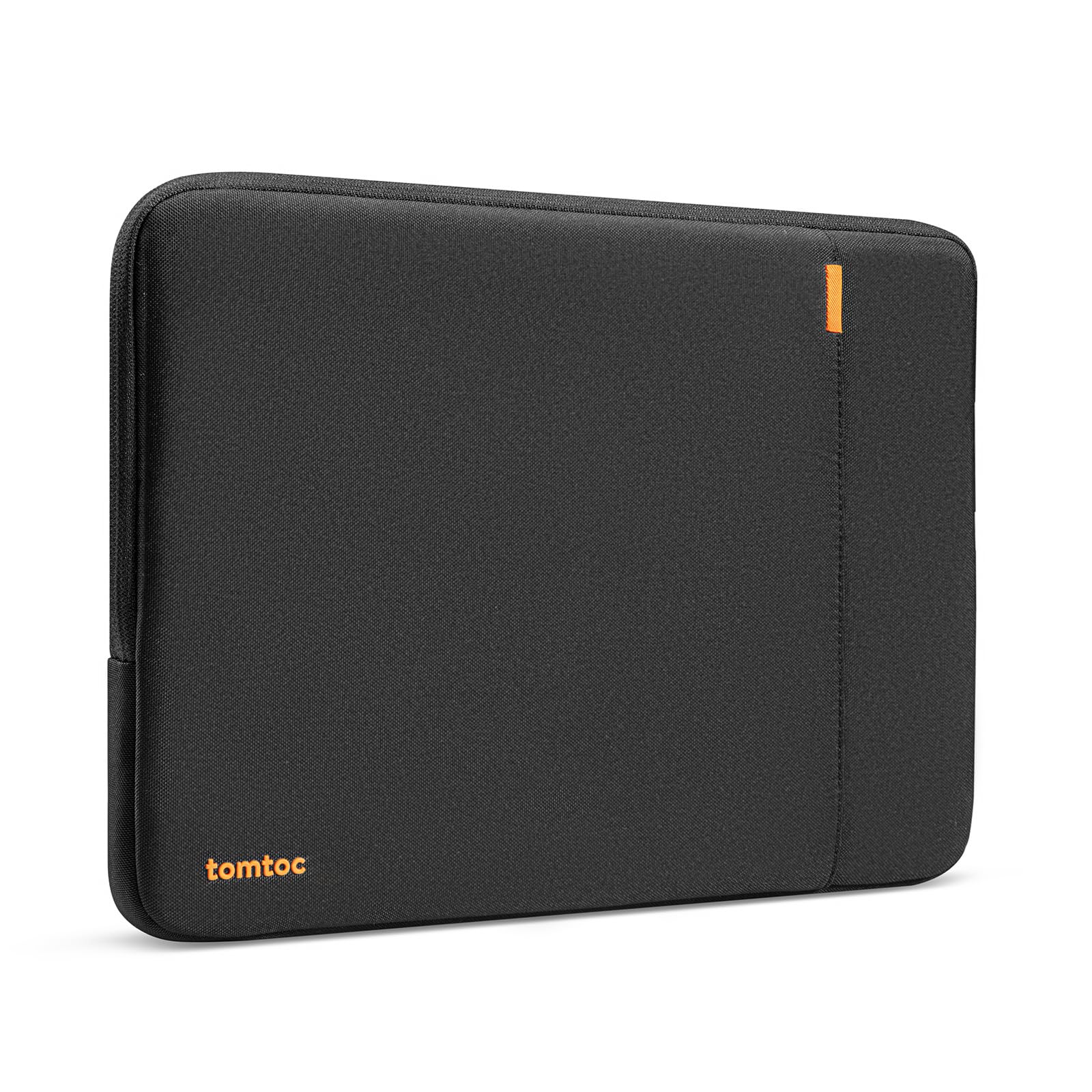
My go-to 13-inch sleeve for military-grade corner protection, recycled materials, and a useful front pocket.
Why I picked it: I picked it because the CornerArmor padding and dense interior give true 360° protection without feeling toy-like.
Best for: People who want top-tier protection for a 13-inch MacBook or similar ultrabook.
Premium-feeling build that still represents solid value.
Pros
- CornerArmor military-grade protection
- Recycled, spill-resistant exterior fabric
- Smooth YKK zipper action
- Slim profile fits most backpacks
- Extra front pocket for cables
Cons
- Adds noticeable bulk
- Front pocket can bulge with lots of cables
My take
I use this sleeve with a 13-inch MacBook and appreciate how securely it holds the laptop—snug but not tight. The padding around the corners and the dense interior give me confidence when I slide it into a backpack.
The recycled, spill-resistant fabric feels premium and the zipper glides smoothly. The front pocket is convenient for a charger and a couple of accessories, though it will bulge if I overpack it.
The tradeoff is a little extra bulk: it protects well, but the sleeve takes up more room inside a tight bag than slimmer covers. For everyday protection and a sustainable-feeling build, I still reach for this one first.
2. Voova Laptop Sleeve Carrying Case 12.6–13.6 Inch (Grey) – Best Budget Sleeve
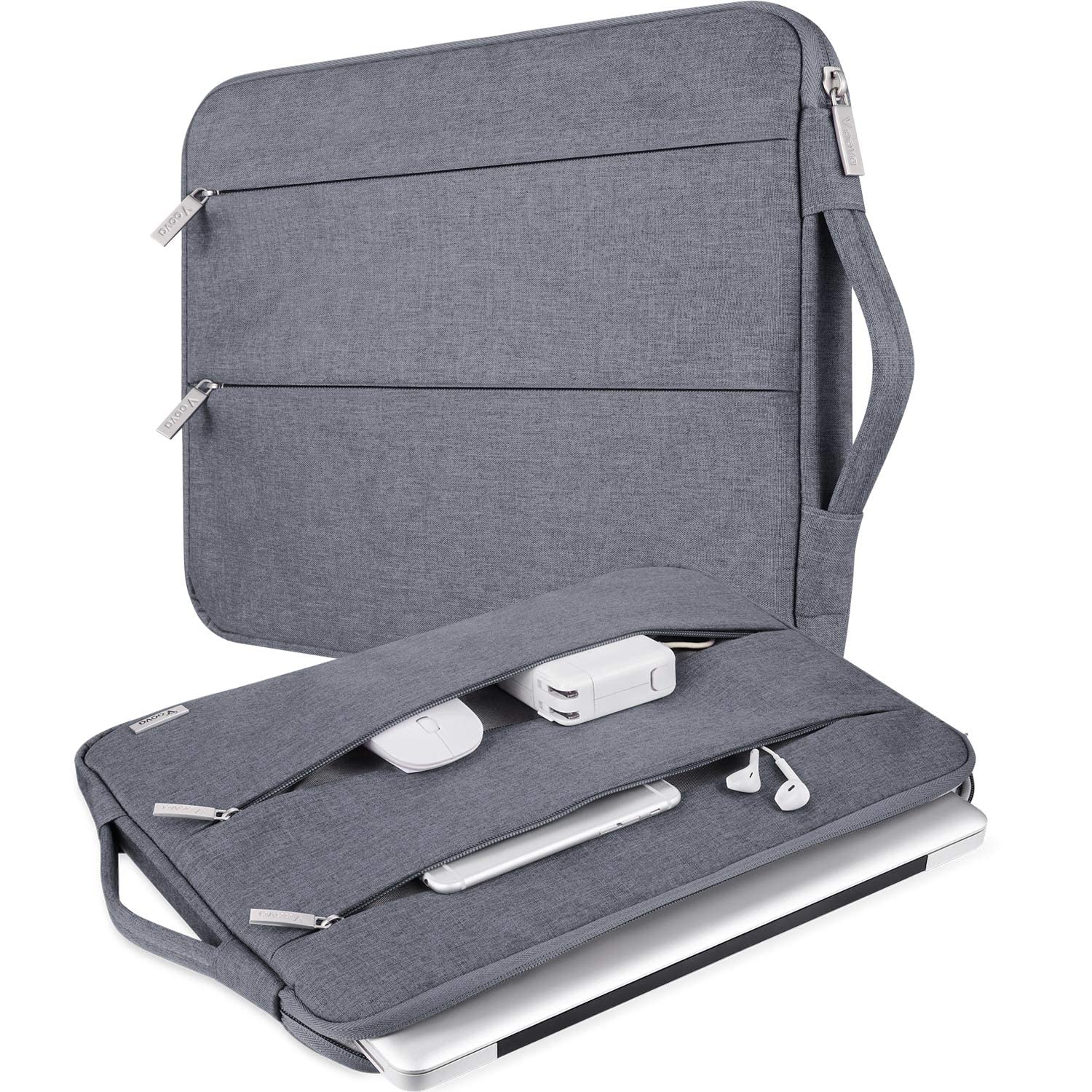
A pleasantly affordable sleeve with a top handle, soft velvet lining, and two accessory pockets.
Why I picked it: I picked it for the handle and generous internal padding at a price that doesn't make me worry about daily knocks.
Best for: Anyone wanting protection and utility without spending a lot.
An affordable option with solid materials and extra storage.
Pros
- Convenient top handle
- Soft, thick velvet lining
- Two front zip pockets
- Water-resistant oxford fabric
- Smooth zippers
Cons
- Can run large for smaller laptops
- Zipper can tuck under flap
My take
I like the Voova for quick commutes and travel where I want a little extra storage. The handle makes it easy to grab from a carry-on or pull out of a backpack.
The interior lining is plush and protective; I stashed a 13-inch laptop plus a charger comfortably in the main compartment. The front pockets are useful for a mouse and cables.
This one isn't as trim as premium sleeves—I found it a touch roomy on some devices and the zipper can get tucked into its flap which is mildly annoying—but for the price the protection and utility are hard to beat.
3. Kinmac 360° Protective Laptop Sleeve with Handle (Floral, 15.6–16 inch fit) – Most Stylish
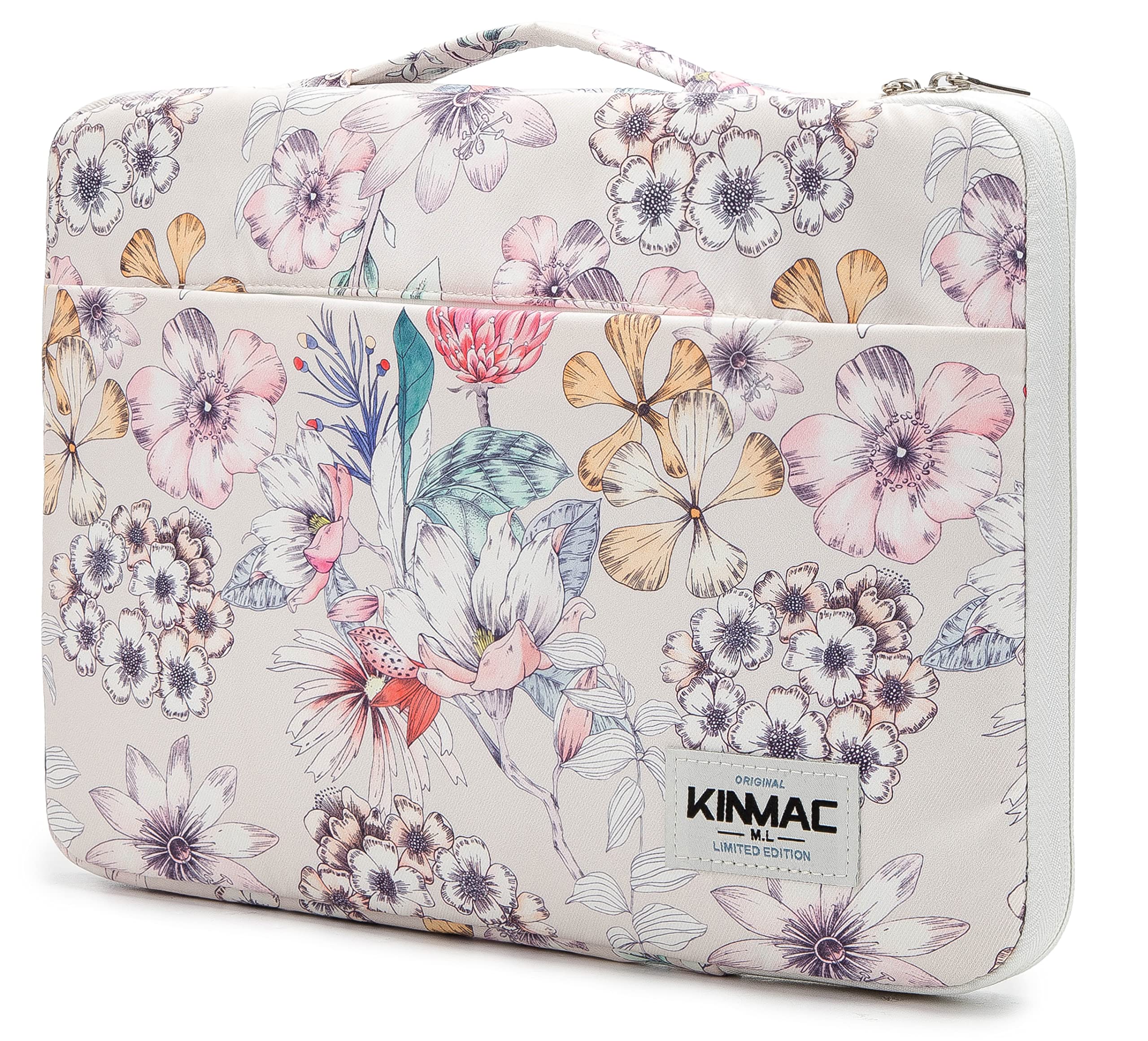
A padded, water-resistant sleeve that pairs reliable protection with playful patterns and a long-end handle.
Why I picked it: I picked it for its combination of personality, thick padding, and a handle that actually helps when I’m juggling bags.
Best for: People who want dependable protection with a standout design.
A mid-range pick that prioritizes looks and function.
Pros
- Eye-catching patterned designs
- Thick, shock-absorbing padding
- Retractable/long-end handle
- Dual zipper for easy access
- Front pocket with good capacity
Cons
- Print alignment can vary
- Sizing varies across models
My take
I gravitated to the Kinmac when I wanted something that didn’t look like every other sleeve. The floral print drew compliments, and the feel is sturdier than the average patterned case.
The padding is substantial and the front pocket swallowed a book, external drive, and cables without protest. The handle is on the long end, which I prefer for slipping in and out of overhead bins or backpacks.
Fit requires attention: I tested multiple sizes and found the smaller size hugs devices tightly while the next size up gives a little extra room. Overall, it’s a reliable protective option that also brings personality.
4. tomtoc 360 Protective Laptop Carrying Case for 16-inch MacBook Pro (Black) – Best for 16-inch Laptops
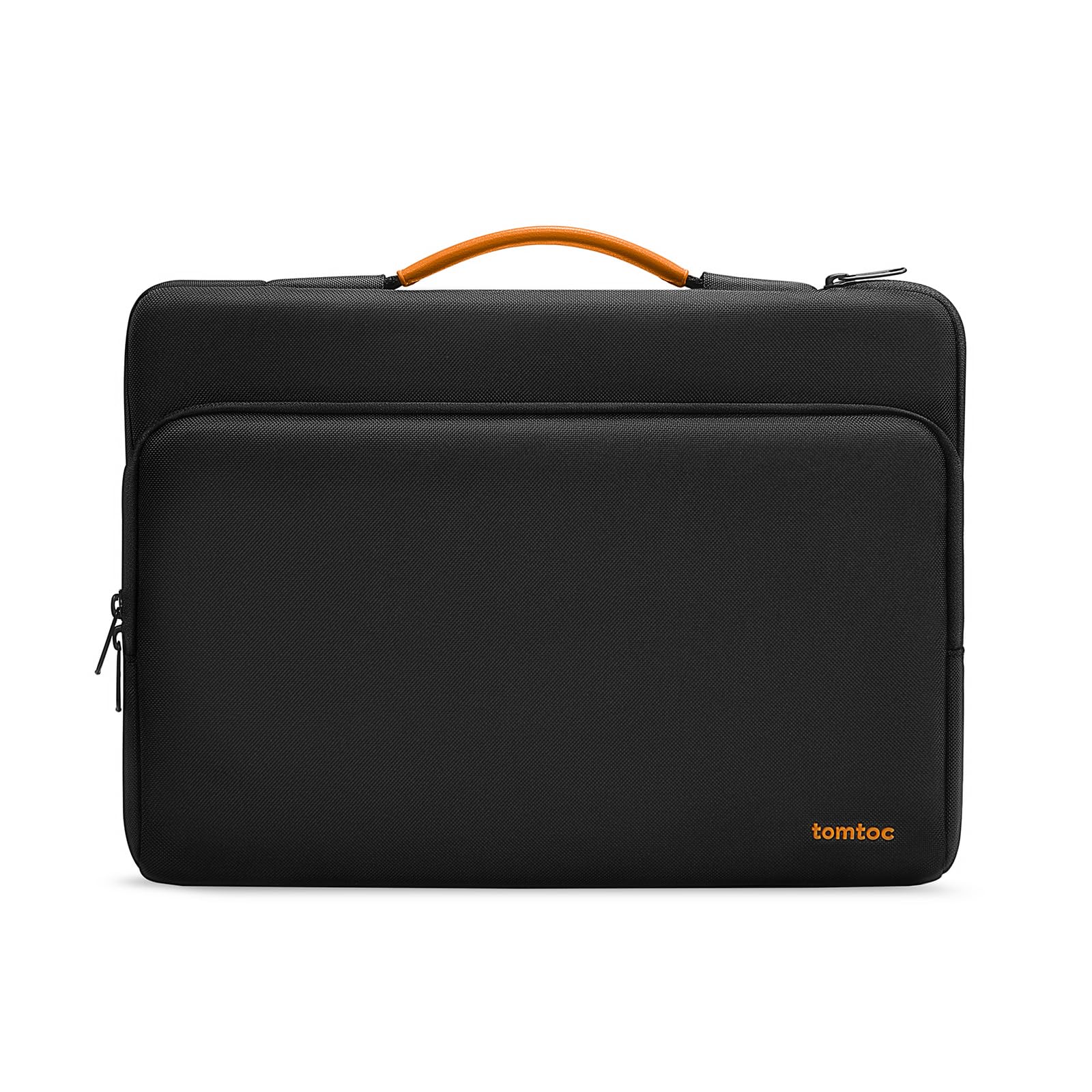
A roomy, military-grade 16-inch sleeve with smart organization and a soft interior.
Why I picked it: I picked it because it’s purpose-built for larger pro laptops and balances protection with a slim, briefcase-ready silhouette.
Best for: Users with 16-inch MacBook Pros or similarly sized work laptops.
A higher-end option focused on protection and organization.
Pros
- CornerArmor for heavy-duty protection
- Multiple organized pockets
- Side zipper for easy insertion
- Soft plush interior
- Leather-padded carry handle
Cons
- No shoulder strap included
- Front pocket could be wider
My take
I used this sleeve with a 16-inch MacBook Pro and appreciated the extra internal room for a charger and a few accessories. The interior is very soft, so the laptop slides out without scuffs.
The tri-compartment layout and a hidden back pocket make it practical for business travel—the side zipper also makes slipping the laptop in and out easier than end-entry designs.
If you carry a ton of cables, note the front pocket has a capacity limit and the case doesn't include a shoulder strap. For balanced protection and professional looks with a large laptop, this model tops my shortlist.
5. MoKo 13.3–14 Inch Laptop Sleeve with Handle and Shoulder Strap (Black & Gray) – Best for Daily Carry
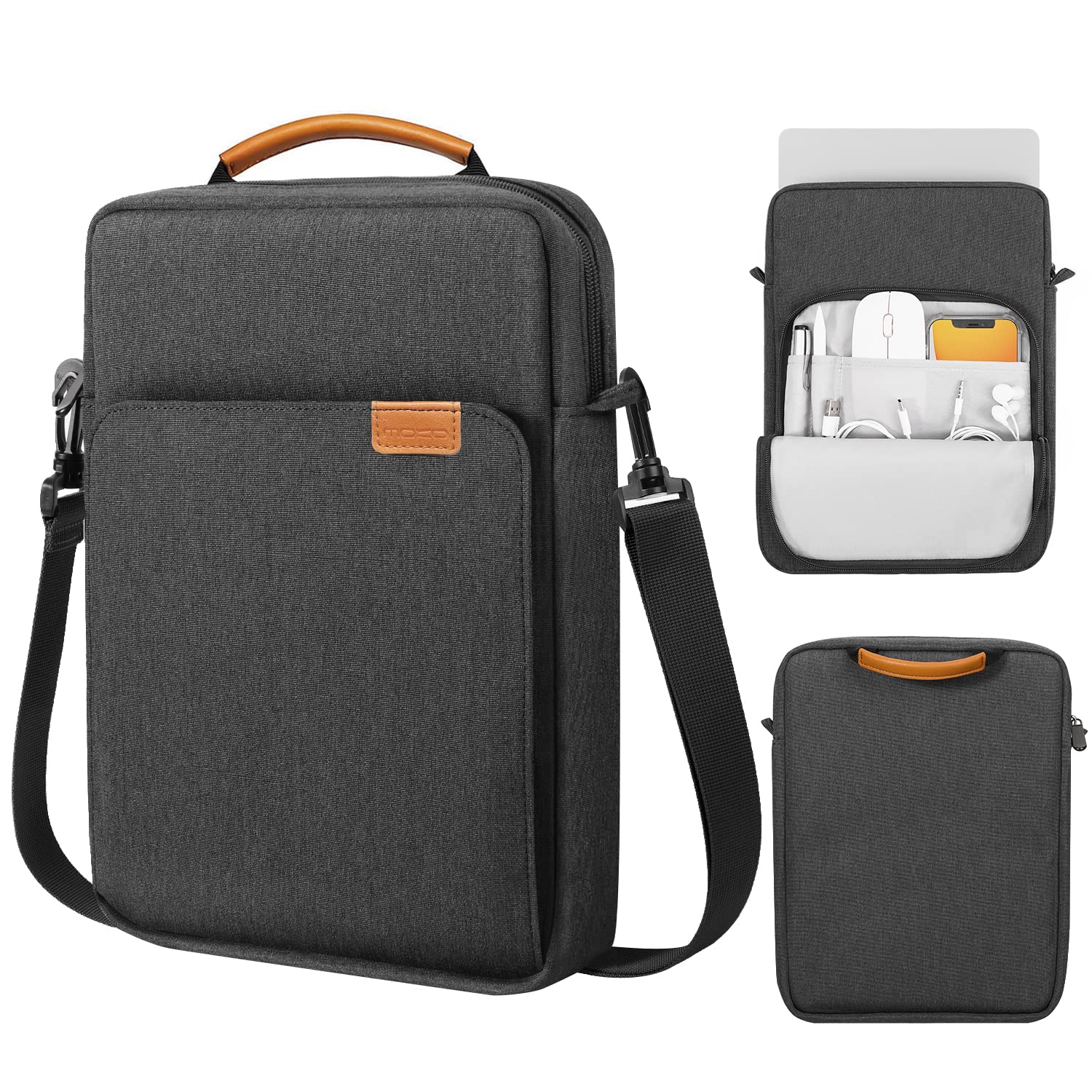
A versatile everyday sleeve with two compartments, water-resistant exterior, and a detachable shoulder strap.
Why I picked it: I picked it for comfortable daily carry thanks to the padded interior, dual compartments, and the option to use a shoulder strap.
Best for: Commuters who want a multifunction sleeve with carry options.
A practical mid-range choice with thoughtful carry features.
Pros
- Two compartments for neat organization
- Detachable shoulder strap
- Water-resistant polyester exterior
- Smooth, durable zipper
- Slim yet protective
Cons
- Strap hardware is plastic
- Size can be unforgiving for larger laptops
My take
I appreciated the versatility of the MoKo—its two compartments let me separate a charger and mouse from the laptop, which keeps things tidy during a commute.
The detachable shoulder strap is handy on days I want hands-free carry, though I noticed the strap hardware is plastic, so I avoid overloading it.
I recommend measuring carefully: the sleeve is designed for bare-machine use, and while padding is substantial, the fit isn’t forgiving for machines that run larger than the stated dimensions.
6. tomtoc 360 Protective Laptop Case Sleeve for 14 Inch Laptops (Black) – Best for Windows Ultrabooks
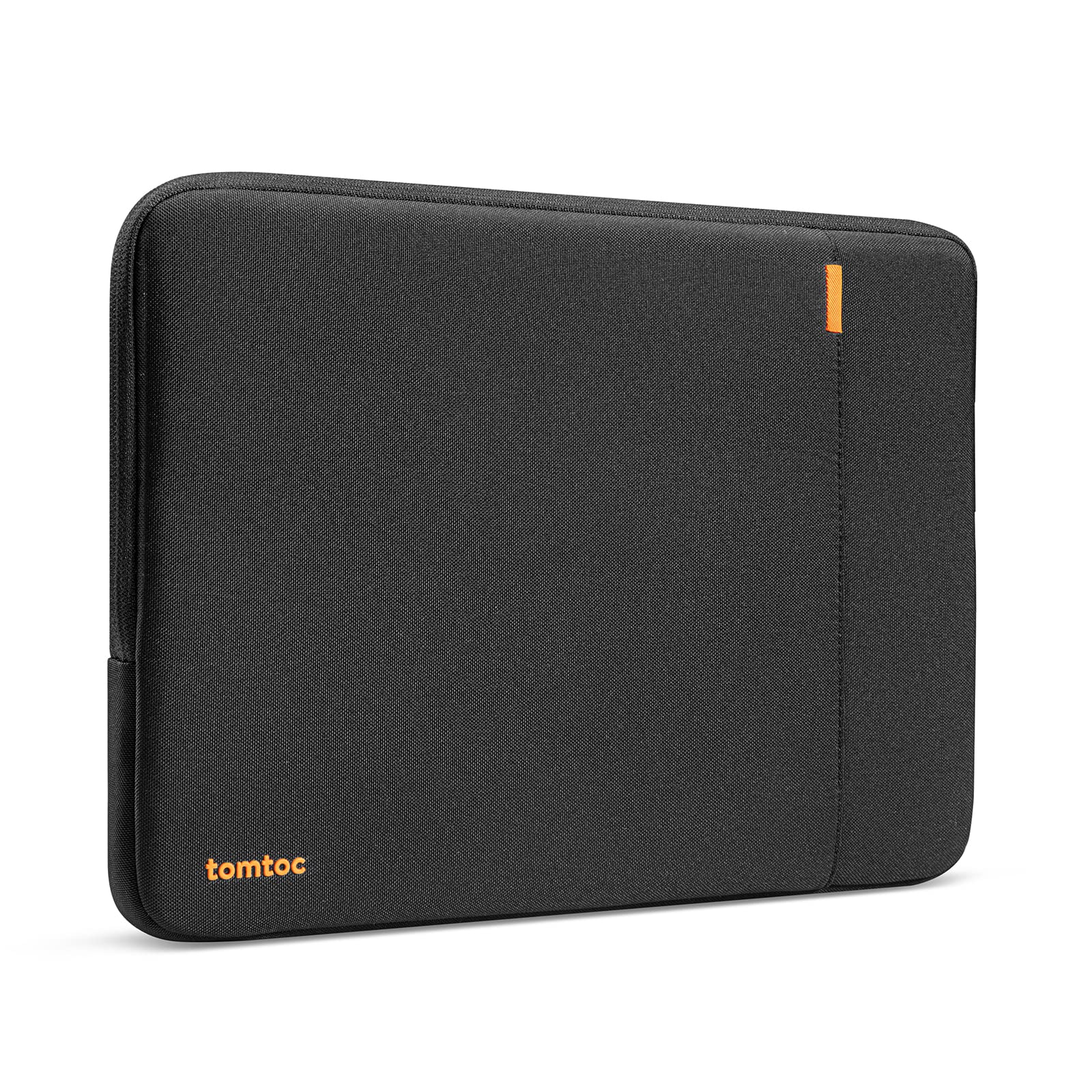
A robust option for 14-inch Windows laptops and ultrabooks with proven corner protection and a plush interior.
Why I picked it: I picked it because it pairs military-grade corner protection with a slim silhouette that fits 14-inch ultrabooks comfortably.
Best for: Owners of 14-inch ThinkPads, X1s, Framework, and other Windows ultrabooks.
A dependable mid-to-premium sleeve that prioritizes padding and durability.
Pros
- Thick padding and corner protection
- Plush interior prevents scratches
- Slim profile slides into packs
- Smooth zipper and durable build
Cons
- External pocket is small
- Not meant for very hard drops
My take
I put a 14-inch ThinkPad and a Framework laptop in this sleeve and liked how the fit kept the device from shifting. The thick borders and corner reinforcement feel reassuring.
The exterior slides easily in and out of bags, and the interior lining is soft enough to keep finishes pristine. The pocket is useful for a mouse or small accessory, but it won't swallow a full charger cable comfortably.
If you need absolute hard-drop protection, this isn’t an armored case—but for everyday bumps, brief drops, and keeping a laptop looking new, this sleeve is a top pick for 14-inch machines.
How I Choose a Laptop Sleeve
Protection & Padding
I prioritize corner protection and dense padding first. Corners take most impacts, so sleeves with reinforced edges or CornerArmor-style padding earn my trust.
A plush interior prevents scratches, while high-density foam and raised edges absorb shocks from bumps and drops.
- Look for corner reinforcement and high-density foam
- Plush, non-abrasive interior to protect finishes
- Understand padding limits—sleeves protect from bumps, not vehicle-level impact
Fit & Compatibility
I measure my laptop and compare it to internal dimensions rather than nominal size labels. A sleeve that’s too big lets the device shift; too small won’t zip.
When a sleeve lists internal dimensions, I use those numbers and allow a few millimeters for screen bezels or cases.
- Always check internal dimensions
- Allow space for thin protective cases if you keep one on
- Pick a snug fit for best protection
Materials & Water Resistance
I prefer spill-resistant exteriors and YKK-quality zippers because they reduce long-term wear. Recycled fabrics are a bonus if sustainability matters to you.
Water-resistant doesn’t mean waterproof—expect light splashes to bead off, but avoid submersion.
- Choose water-resistant outer fabric
- Check zipper quality and stitching
- Consider recycled materials if sustainability matters
Storage & Carry Options
I decide between a simple sleeve and one with pockets based on how many accessories I carry. Extra pockets add bulk but increase utility.
Handles and detachable shoulder straps change how I carry—top handles are great for quick pulls, long-end handles work better for slipping into luggage.
- Front pockets are great for chargers and mice
- Handles vs. shoulder strap—pick what you’ll actually use
- Remember extra pockets add bulk
Build Quality & Practical Details
I test zippers, seams, and attachment points; premium zippers and reinforced stitching last longer. Plastic hardware is fine but less durable than metal.
Small details like side zippers or hidden pockets make everyday use noticeably better for me.
- Prefer metal or reinforced hardware over thin plastic
- Look for YKK zippers when possible
- Hidden or back pockets add secure storage
Frequently Asked Questions
How do I know which sleeve size to buy?
I always measure my laptop's width, height, and depth and compare to the sleeve's internal dimensions. If I use a thin protective case on the laptop, I add that thickness to my measurements and pick a sleeve that allows a snug fit.
Are these sleeves waterproof?
I treat most sleeves as water-resistant rather than waterproof. They shrug off light rain and spills, but I avoid submerging them or exposing them to heavy downpours without an extra rain cover.
Can I put a sleeved laptop inside a backpack?
Yes—I regularly slide a sleeved laptop into a backpack. I made sure the sleeve was slim enough to fit inside my bag's laptop compartment without compressing the padding too much.
Final Take
After testing these sleeves across sizes and workflows, I recommend the tomtoc 13-inch for overall protection and the Voova if you want a budget-friendly handle-equipped option.
If style matters, the Kinmac brings personality without sacrificing padding. For larger machines, tomtoc’s 16-inch model earns my trust. Pick the sleeve that matches your laptop dimensions and how much accessory storage you actually use.
I use these criteria every time I replace a sleeve, and keeping fit, padding, materials, and carry options in mind will help you pick the right one for your daily needs.
