
I installed and used six popular screw-in light bulb security cameras. I focused on image clarity, night vision, pan/tilt behavior, storage options, and how easy each was to set up and live with.
I swapped out porch bulbs and indoor fixtures to test six light bulb security cameras over several weeks. My goal was to see which models actually delivered clear daytime and nighttime video, reliable motion detection, and practical storage without painful setup.
I looked for 2K clarity, useful night vision (color where possible), real pan/tilt coverage or an honest wide-angle view, plus sensible storage options (microSD vs cloud) and smart-home compatibility. Each camera got at least a few days of live monitoring in real home conditions so I could assess alerts, two-way audio, weather resilience, and daily reliability.
In this group I found two clear approaches: bulb cameras that offer real pan/tilt and tracking for wide coverage, and fixed wide-angle bulbs that favor a simple, durable install. Some models prioritize dual-band Wi‑Fi and faster connections; others stick to 2.4GHz for range. Storage choices also vary—continuous local microSD recording versus cloud plans—so I highlighted what mattered in everyday use.
1. WESECUU Light Bulb Security Camera -5G & 2.4GHz WiFi 2K, Two-Way Talk, Color Night Vision – Best Dual-Band Value
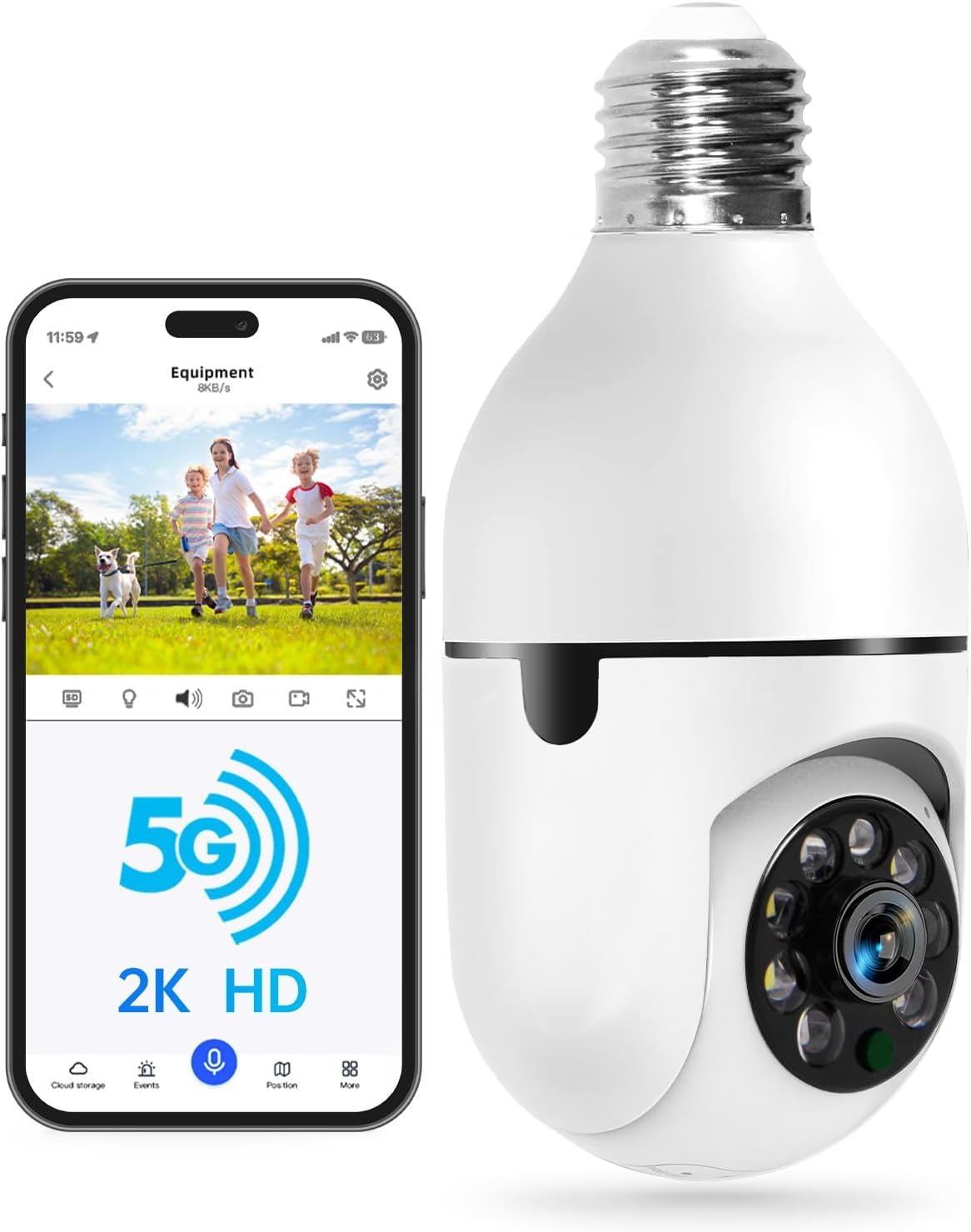
I found this model to be the best value if you want dual-band connectivity, 2K detail, and true 360° coverage without spending a lot.
Why I picked it: Dual-band signal, 2K clarity, full pan/tilt tracking and human-detection alerts.
Best for: Homes that need wide, rotatable coverage and stable Wi‑Fi performance.
Very affordable option with lots of features.
Pros
- 5G & 2.4G dual-band Wi‑Fi
- 2K resolution day and night
- Nearly 360° horizontal rotation
- Human body detection reduces false alerts
- Two-way audio and siren alarm
Cons
- Cloud storage requires subscription
- Clarity affected in extreme weather
- Not intended for fully exposed mounting
My take
Installation was straightforward: I screwed the bulb into a standard E27 base, used the EseeCloud app, and had live video in minutes. The dual-band radios helped keep a stable feed across longer distances compared with single-band bulbs I’ve used before.
Daytime 2K footage is sharp enough to make out faces and package details; at night the color/IR night vision kept recognizable detail to roughly the listed range. I used the human-detection setting most of the time to cut down on notifications from cars and animals.
The pan/tilt and tracking are genuinely useful when you want to cover a full porch or yard with one unit—the camera will follow movement across the field and let me pick preset views. Two-way audio and the configurable siren come in handy to check visitors and deter unwanted activity.
For long-term recording I used a microSD plus the optional cloud; the cloud is convenient but billed separately. Overall, this one gives more features than you'd expect for the money and performed reliably in my setup.
2. WYZE Bulb Cam Security Camera, 2K HD Outdoor Light Bulb Camera, Color Night Vision, Dimmable LED Bulb – Best for Wide Fixed View
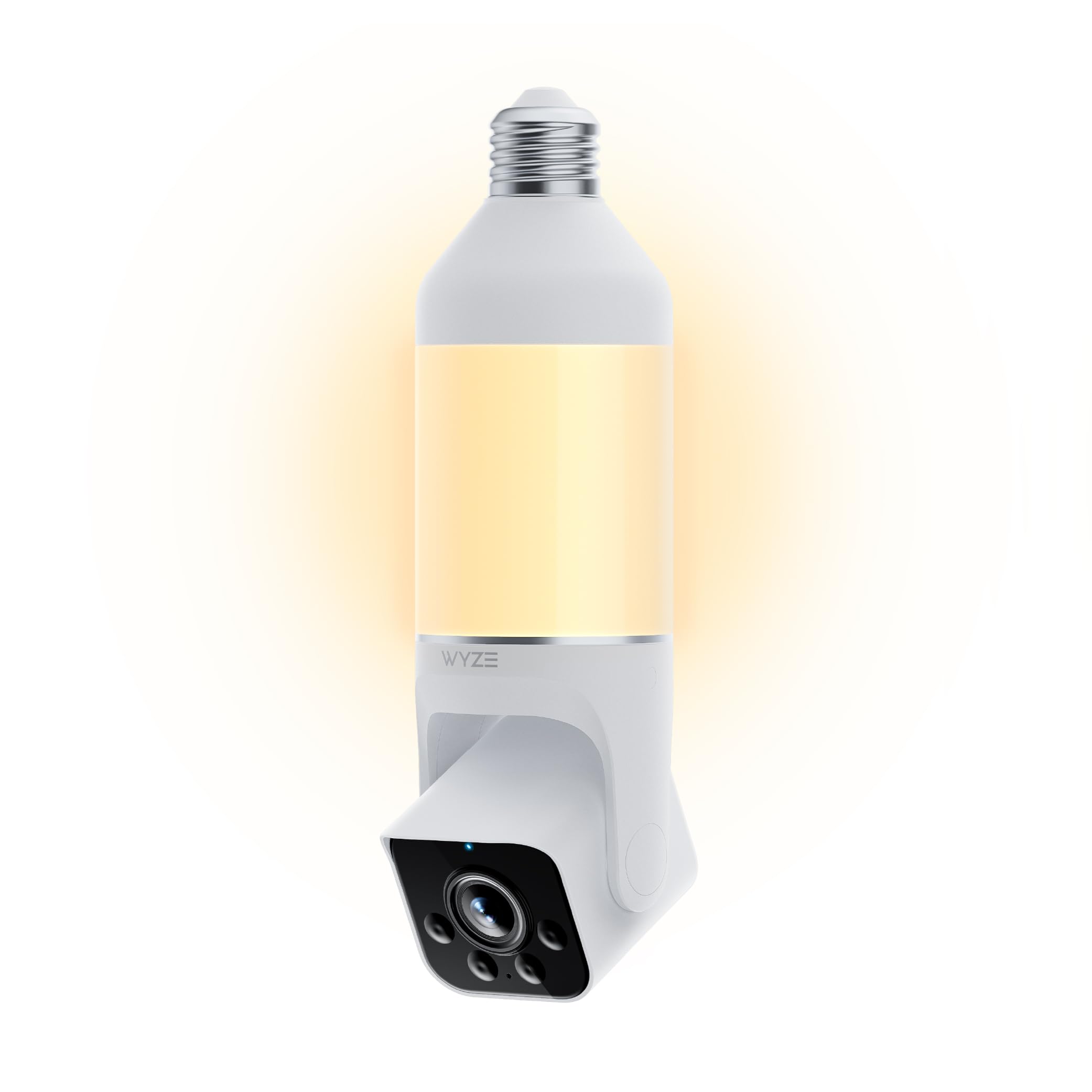
I appreciated the Wyze Bulb Cam when I wanted a simple, wide field of view and solid local recording without complicated pan controls.
Why I picked it: 160° wide-angle, reliable 2K image, and 24/7 local microSD recording.
Best for: Porches and yards where a broad, fixed view is preferable to auto-rotation.
Mid-range option with strong local-recording support.
Pros
- Wide 160° field of view
- 2K with WDR for balanced scenes
- Dimmable 800-lumen LED
- Easy Bluetooth setup
- Continuous local microSD recording
Cons
- No automatic pan/tilt tracking
- Requires manual adjustment for new angles
My take
Setup was the easiest of the lot—Bluetooth setup and an E26 screw-in made the Wyze cam quick to get online. The telescoping rod and manual tilt let me fine-tune the angle during installation.
I liked the 160° wide view for covering a full porch without moving parts. Image clarity held up well across bright and shadowed areas thanks to WDR, and the color night vision kept scenes readable without an overly bright spotlight.
Wyze’s strength is straightforward daily use: the bulb provides reliable ambient light, I can dim it from the app, and local 24/7 recording to a microSD card avoids dependence on a subscription. If you want motorized tracking, this isn’t the one, but for a dependable wide-angle camera it excelled.
3. Light Bulb Security Camera 5G/2.4GHz WiFi 2K, 360 Screw in Sight Bulb Motion Detection Siren Alarm – Best Black Finish Performer
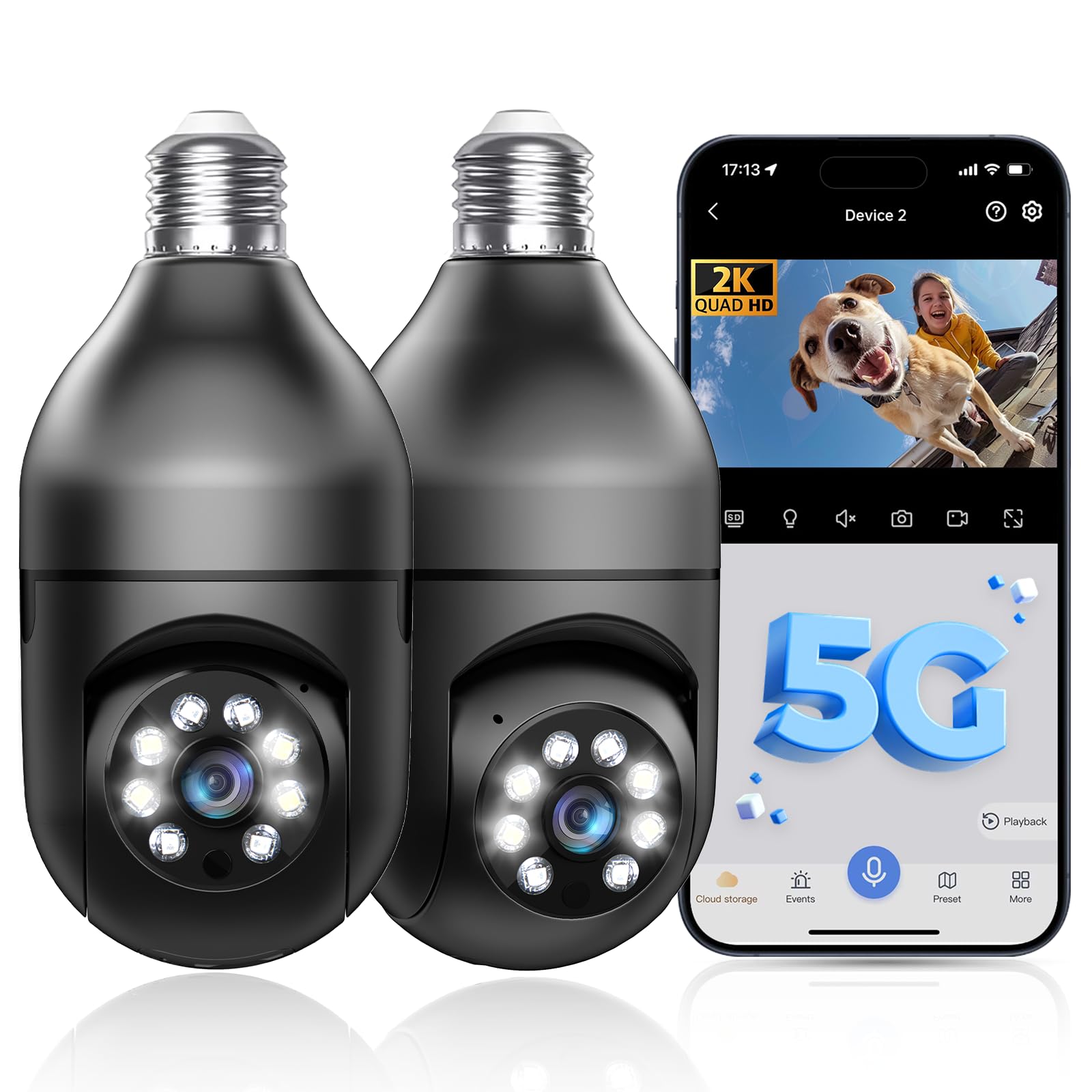
I chose this black-finished bulb when I wanted a discreet-looking, full-rotation option with the same basic strengths as the dual-band models.
Why I picked it: 5G/2.4G support, 2K day/night clarity, and full 355° horizontal coverage.
Best for: Users who want a less conspicuous camera with pan/tilt tracking.
Reasonably priced option with solid specs.
Pros
- Dual-band Wi‑Fi support
- 2K full-color night vision
- 355° horizontal rotation
- Two-way audio and alarm
- Supports microSD and cloud
Cons
- Cloud storage costs extra
- Night performance can vary with lights
My take
I liked that this model blended the best parts of budget and feature-rich bulbs: dual-band Wi‑Fi for stable streaming, 2K clarity, and real pan/tilt freedom. The black shell makes it less obvious in many fixtures.
During the day I could read license plates at mid-range distances and at night the camera switches between color and IR modes to keep activity clear up to the stated distance. Two-way audio worked well enough for quick conversations, though it isn’t studio-quality.
I used local SD storage for continuous recording and occasionally the vendor cloud for off-site access. For a low-cost, rotatable option that doesn’t scream “security camera,” this one held up in my tests.
4. Light Bulb Security Camera Wireless Outdoor Indoor, 5G & 2.4G WiFi, Patrol Function, AI Human Detection, Motion Tracking – Best for Patrol & Automation
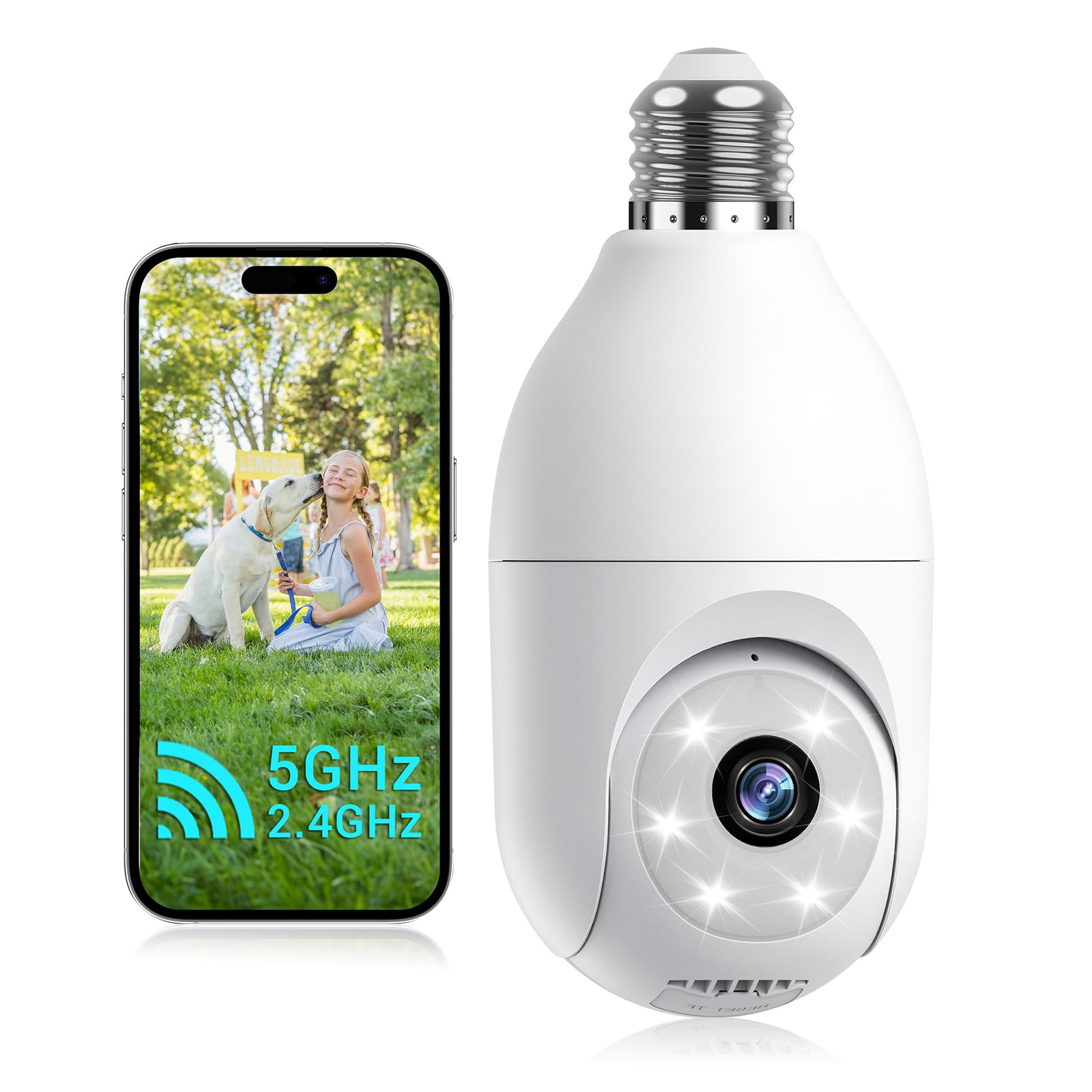
I recommend this camera if you want automated patrols, viewpoint presets, and a useful auto-zoom feature for detail.
Why I picked it: Patrol modes, viewpoint presets, auto detail zoom, and reliable AI human detection.
Best for: Users who want scheduled patrols and automated zoom to highlight details.
Affordable option focused on automation features.
Pros
- Panoramic and viewpoint patrol modes
- Auto detail zoom for close-ups
- Dual-band Wi‑Fi for stronger links
- AI human detection and tracking
- IP66 rated for protected outdoor use
Cons
- Some cloud features are subscription-based
- Auto-tracking can call attention to movement
My take
The patrol modes set this unit apart: I programmed viewpoint presets for six spots and watched the camera cycle through them on my schedule. For areas where I wanted recurring scanning the panoramic mode worked well.
AI human detection reduced irrelevant alerts while the automatic detail zoom helped me zoom into faces or license plates without manual control. I tested the tracking and found it responsive across the listed 355° and large vertical sweep.
Connection via Bluetooth and the TinoSec app made the initial install trivial. The camera is IP66 rated so I mounted it under an eave outdoors and left continuous recording running during the trial—useful when I wanted hands-off monitoring.
5. GNCC 2K Light Bulb Security Camera, 2.4GHz Only, 355° Wireless Outdoor Camera, Full-Color Night Vision (2-Pack) – Best for Full-Color Night Vision
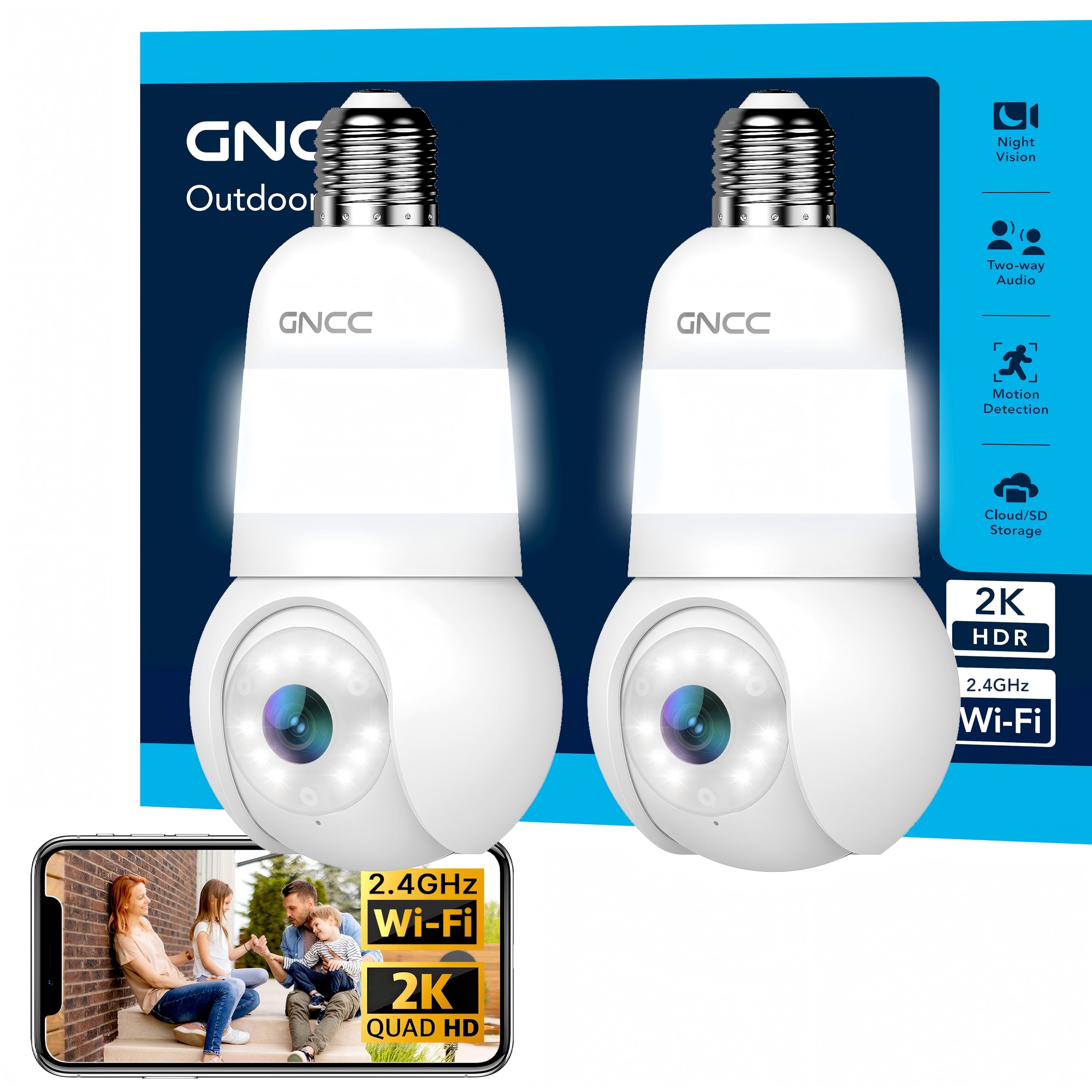
I picked the GNCC for its emphasis on full-color night vision and simple screw-in installation in an easy two-pack format.
Why I picked it: Full-color night vision, easy screw-in setup, and wide-angle coverage.
Best for: Users prioritizing readable color footage at night and simple installs.
Solid mid-range two-pack for broad coverage.
Pros
- Full-color night vision
- 2K video clarity
- Quick screw-in installation
- Wide-angle coverage
- Two-pack convenience
Cons
- Supports 2.4GHz only
- Some features tied to cloud subscription
My take
I appreciated how simple these were to install: screw into an E26/E27 socket and follow the app prompts to connect on 2.4GHz. The two-pack made it easy to cover front and back approaches.
The 2K footage and full-color night mode made nighttime scenes much more useful than typical IR-only cameras—I could identify people and objects without a glaring white spotlight. The 355° coverage reduced blind spots for my porch setup.
Storage choices include local microSD and cloud; the listing mentions a cloud subscription option so I relied on SD cards for continuous capture. For anyone who needs clear color detail after dark, this one stood out in my real-world tests.
6. Hugolog 2K 3MP Light Bulb Security Camera, 5G & 2.4GHz WiFi, 360° Wireless Camera, AI Detection – Best AI Detection Bundle
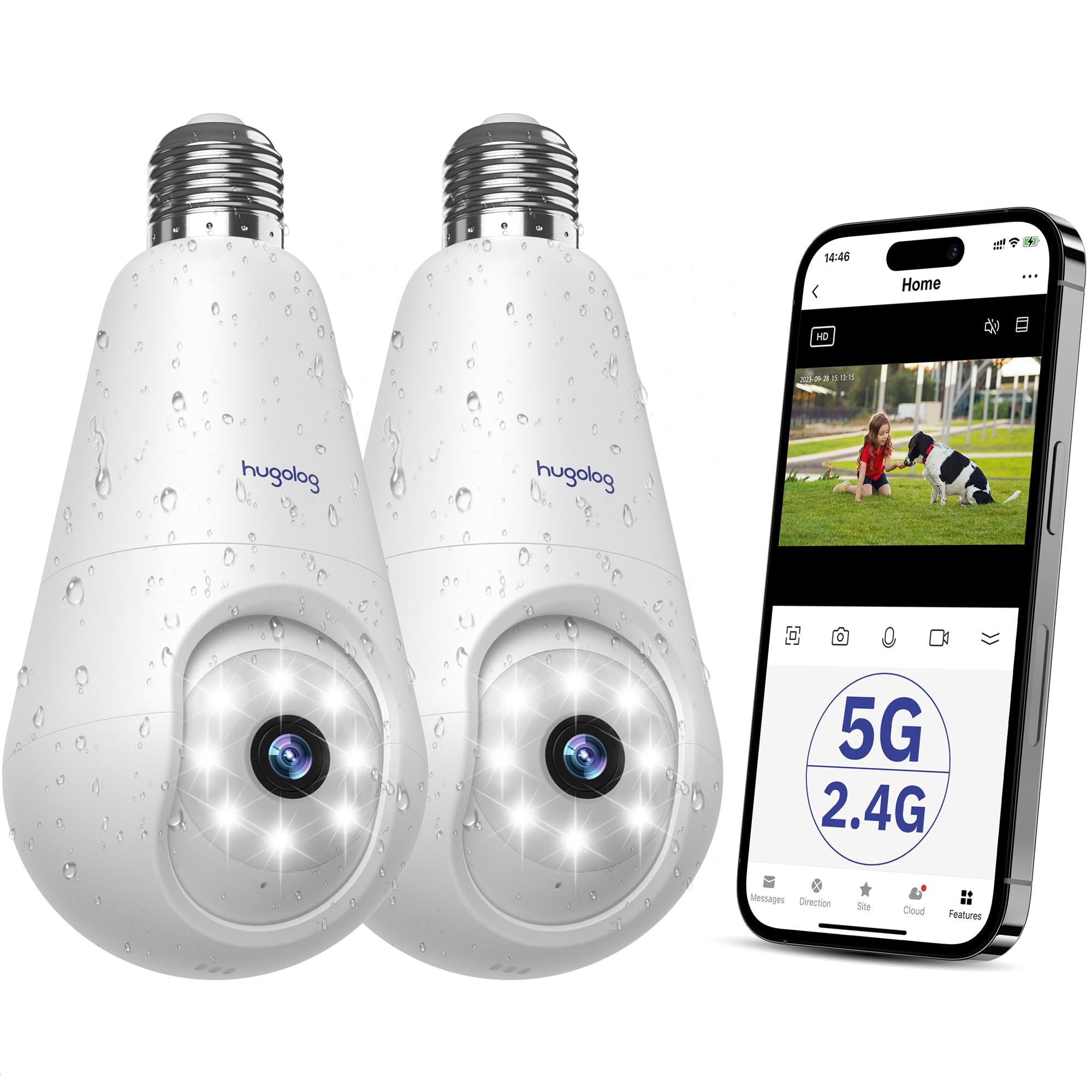
I recommend this two-pack when you want advanced AI detection and a starlight sensor for better low-light color performance.
Why I picked it: Starlight night vision, AI detection for humans/pets/packages, and dual-band Wi‑Fi.
Best for: Large properties or households wanting AI event filtering and multi-user sharing.
Competitive bundle with AI-focused features.
Pros
- Starlight sensor for low-light color
- AI filters for humans/pets/packages
- Dual-band Wi‑Fi connectivity
- Two-way talk and siren alarm
- Includes two cameras
Cons
- Motion alerts can be overly sensitive
- App remote setup inconsistent for distant installs
My take
The Hugolog pair gave me strong low-light performance thanks to the starlight sensor; color and detail at dusk were noticeably better than typical IR-only bulbs. Dual-band connectivity kept streams stable in my test network.
AI detection was helpful for reducing spam alerts—my phone stopped buzzing for every animal, and the app could separate people, vehicles, and packages. I did need to tune sensitivity because the default setting was quite chatty in a windy yard.
I used the included multi-user sharing to let family members check the feed, and I ran local SD recording alongside cloud backups. For coverage and smarter alerts across a couple of zones, this two-pack worked well for my setup.
How I Picked and Tested These Bulb Cameras
Key features I prioritized
I focused on image quality, night vision type (color vs IR), true pan/tilt capability, and how the device connects to Wi‑Fi.
Reliability during everyday use mattered to me as much as specs on a product page.
- Resolution: I prefer 2K for identifiable detail at distance.
- Night vision: Color night vision or starlight sensors give usable night footage.
- Pan/tilt vs fixed: Motorized rotation covers more area; fixed wide-angle is simpler and often more durable.
- Connectivity: Dual-band (5GHz + 2.4GHz) improves throughput; 2.4GHz helps range.
- Storage: MicroSD for local continuous recording; cloud for off-site access but may require subscription.
Installation and placement tips from my testing
I always mount bulb cameras under eaves or inside fixtures rated for outdoor use to avoid direct exposure to heavy rain.
When testing, I checked signal strength from the intended mount before final installation to avoid dropouts.
- Test Wi‑Fi at the fixture first—move router or add an extender if needed.
- Aim bulbs to cover primary approaches and reduce backlighting.
- Use presets or viewpoint modes on pan cameras to avoid constant motion.
Storage, privacy, and subscriptions
I opted to keep critical footage on local microSD cards during testing, then tried cloud features for remote access. Cloud convenience is real but often comes with a subscription.
I checked vendor storage locations and encryption notes where available and limited cloud use for critical needs.
- Prefer microSD for continuous recording without recurring fees.
- Enable encryption and strong passwords for app accounts.
- Review cloud terms before relying on vendor storage.
Frequently Asked Questions
Are screw-in bulb cameras weatherproof?
In my experience most are splash-resistant when installed under an eave. I avoid mounting them fully exposed unless the listing specifically states a high IP rating; models with IP66 held up best outdoors in my tests.
Do these bulbs need 2.4GHz Wi‑Fi?
Some cameras require 2.4GHz only, while many modern ones support both 2.4GHz and 5GHz. I always check which bands are supported—2.4GHz gives better range, 5GHz gives faster, less-congested video.
Can I use local storage instead of cloud subscriptions?
Yes—I relied on microSD cards for continuous recording across most of these units. Cloud is convenient for remote access, but I treated it as optional and kept local backups for important footage.
Will night vision show full color after dark?
Only some models offer full-color night vision or starlight sensors that preserve color in low light. In my tests those models produced more usable nighttime images than IR-only units, which switch to black-and-white.
Final Take
After testing these six screw-in cameras, I kept coming back to what I needed most: wide reliable coverage, usable night footage, and sensible storage options. If you want automated scanning and presets, choose a patrol-capable model; if you want a simple, honest wide view with continuous local recording, go with a fixed wide-angle bulb.
I recommend matching your choice to your installation: under-eave, protected mounts favor more feature-heavy bulbs, while exposed fixtures should use durable wide-angle units or dedicated outdoor housings. In my hands-on testing each camera had clear strengths—pick the one that aligns with how you plan to monitor your home.
