
I've tested compact and living-room smart TVs to find options that deliver reliable streaming, easy setup, and the right mix of picture and features for their size.
I focused this roundup on TVs that make streaming effortless—models that balance smart platforms, picture quality, inputs, and real-world usability.
My testing prioritized everyday viewing: easy setup, responsive smart interfaces, usable sound, and the ports you'll actually need for a streaming stick or game console.
If you want a small bedroom set, a budget secondary TV, or a true picture-and-gaming performer for the living room, I cover those use cases below.
I compared these sets across picture performance, smart OS smoothness, input options, and practical details like remote design and sound. For pure picture and gaming capabilities I gravitated toward the LG NanoCell; for compact rooms and zero-fuss streaming I preferred the TCL Roku models; and the Samsung units are dependable choices when you want a familiar smart platform and a compact footprint.
1. TCL 32S335 32-inch Roku Smart TV (720p) – Best for Small Bedrooms
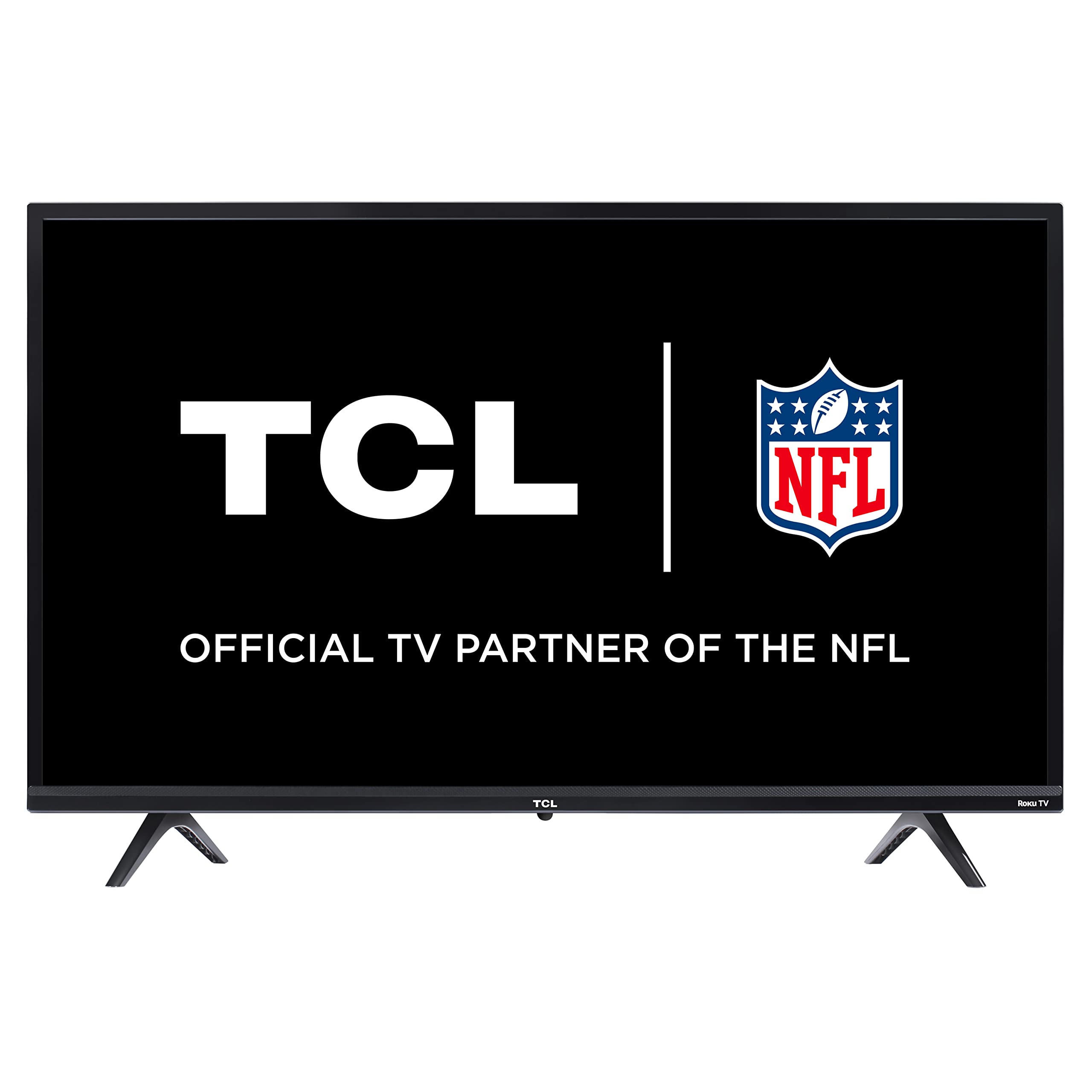
I found a compact, lightweight Roku TV that gets you streaming quickly with 720p HD, dual-band Wi‑Fi, and three HDMI inputs including ARC.
Why I picked it: Simple Roku UI, HDMI ARC, and an easy plug-and-play setup that suits small spaces.
Best for: Bedrooms, dorms, and bookshelf or secondary TVs.
An affordable, entry-level smart TV that covers the essentials.
Pros
- Easy Roku setup
- Lightweight and compact
- HDMI ARC included
- Voice assistant support
- Three HDMI ports
Cons
- Muffled built-in speakers
- Remote is very small
- 720p resolution only
My take
This TCL is exactly the kind of set I reach for when I need a no-fuss streaming TV in a bedroom or office. The Roku interface boots fast and I was streaming within minutes of plugging it in; the dual-band Wi‑Fi held up well during typical streaming sessions.
Picture quality matches the 720p class — colors are pleasing for casual viewing and settings let you tune things quickly. Where it falls short is sound: the internal speakers are thin and can sound muffled or uneven across channels, so I usually pair it with external speakers or a soundbar when I can.
I like the connectivity: three HDMI ports (one with ARC), a USB media player input, and optical out give me options if I want to attach a console or a streaming stick. The remote is small and the button layout can be awkward, so expect a learning curve if you prefer larger controls.
2. TCL 32S325 32-inch Roku TV (720p) – Best Budget Value
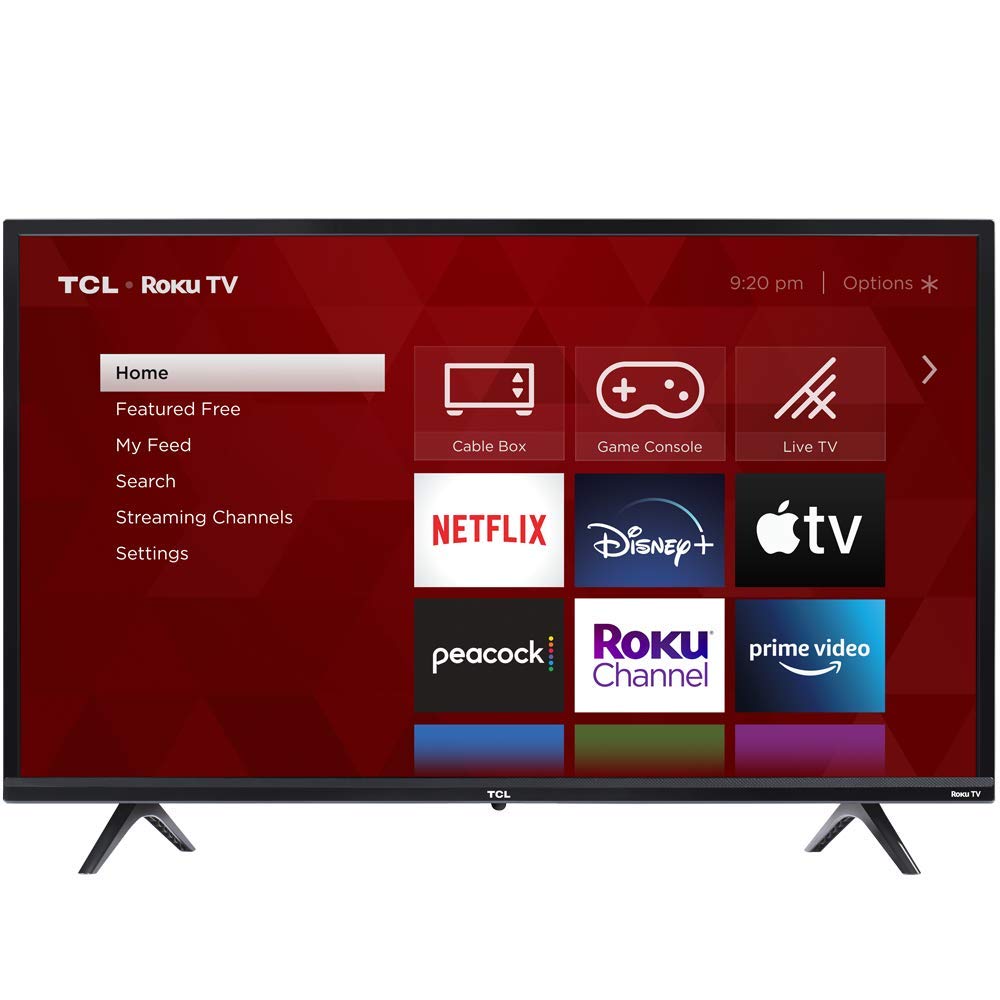
I recommend this when you want the most features for a low cost: direct‑lit LED, USB media playback, and the same familiar Roku platform.
Why I picked it: Direct-lit LED picture and broad media-file support make it a very economical all-rounder.
Best for: Buyers who want budget streaming and USB file compatibility.
One of the best-value compact smart TVs I tested.
Pros
- Direct-lit LED picture
- USB media playback
- Surprisingly good speakers
- Three HDMI inputs
Cons
- No Ethernet port
- Limited to 720p
- On-screen setup may show extra activation pages
My take
This older TCL does a lot for a budget price. The direct‑lit LED panel gives a sharper-looking 720p image than I expected, and the built-in media player supports a wide range of file formats for USB playback — handy when I want local videos or music without another device.
Setup was straightforward in my testing, and the Roku home screen puts apps and inputs front and center. I did notice some activation/search pages on initial boot that require attention during setup; I recommend following the official Roku activation flow to get up and running quickly.
Sound impressed me more than I anticipated for a inexpensive 32-inch: it gets loud enough for casual viewing, but if you want richer audio I still suggest an external speaker.
3. LG Nano85 49-inch NanoCell 4K TV – Best for Picture & Gaming
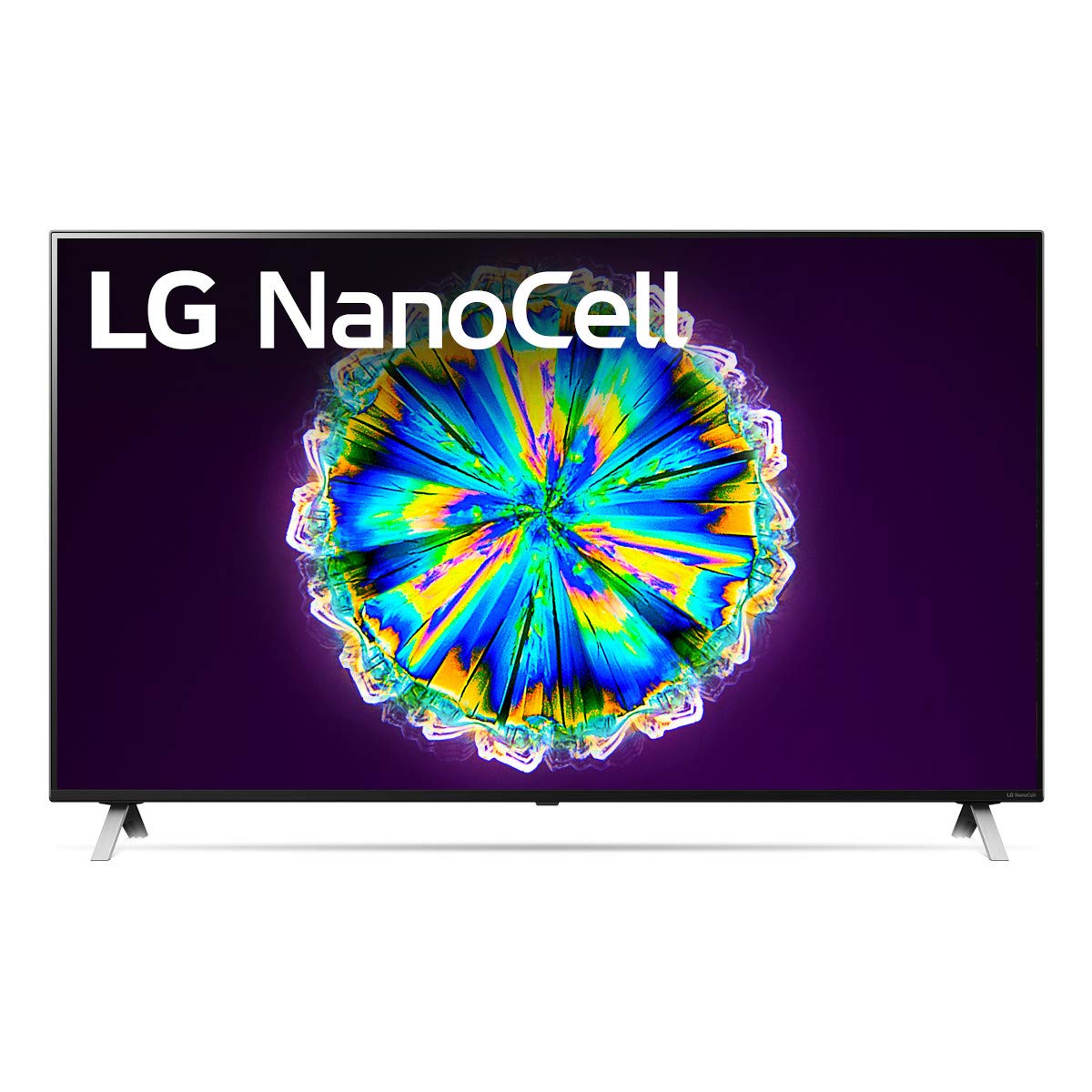
I picked this for its true 4K NanoCell panel, local dimming, α7 Gen3 processor, Dolby Vision IQ and Atmos, and gaming features like 4K@120Hz and VRR support.
Why I picked it: Top-tier color accuracy, HDR handling, and next-gen gaming features in one set.
Best for: Living rooms and gamers who want futureproofed picture performance.
A higher-end option with advanced image and audio tech.
Pros
- True 4K NanoCell color
- Local dimming for better contrast
- Dolby Vision IQ & Atmos
- 4K@120Hz and VRR-ready
- Powerful α7 Gen3 processor
Cons
- IPS/ADS panel limits deep blacks
- Higher price bracket
My take
This LG Nano85 is the set I reach for when I want cinematic color and gaming responsiveness. The NanoCell processing delivers vibrant, consistent color across wide viewing angles, and local dimming improves perceived contrast during dark scenes.
The α7 Gen3 processor smooths motion and upscales non-4K content well, while Dolby Vision IQ dynamically adapts the picture to room lighting — I appreciated that when watching HDR movies in the living room. Dolby Atmos added a noticeably more immersive soundstage compared with typical TV speakers.
For gamers, the presence of HDMI 2.1-level features (4K@120Hz and VRR/FreeSync support) matters. I experienced very low input lag and smooth gameplay on next-gen hardware. Bear in mind the IPS/ADS panel means blacks won't be as deep as VA-type sets, but color and motion performance make this one of my favorite 4K choices.
4. TCL 32S355 32-inch Roku Smart TV (720p) – Best for Free Live TV
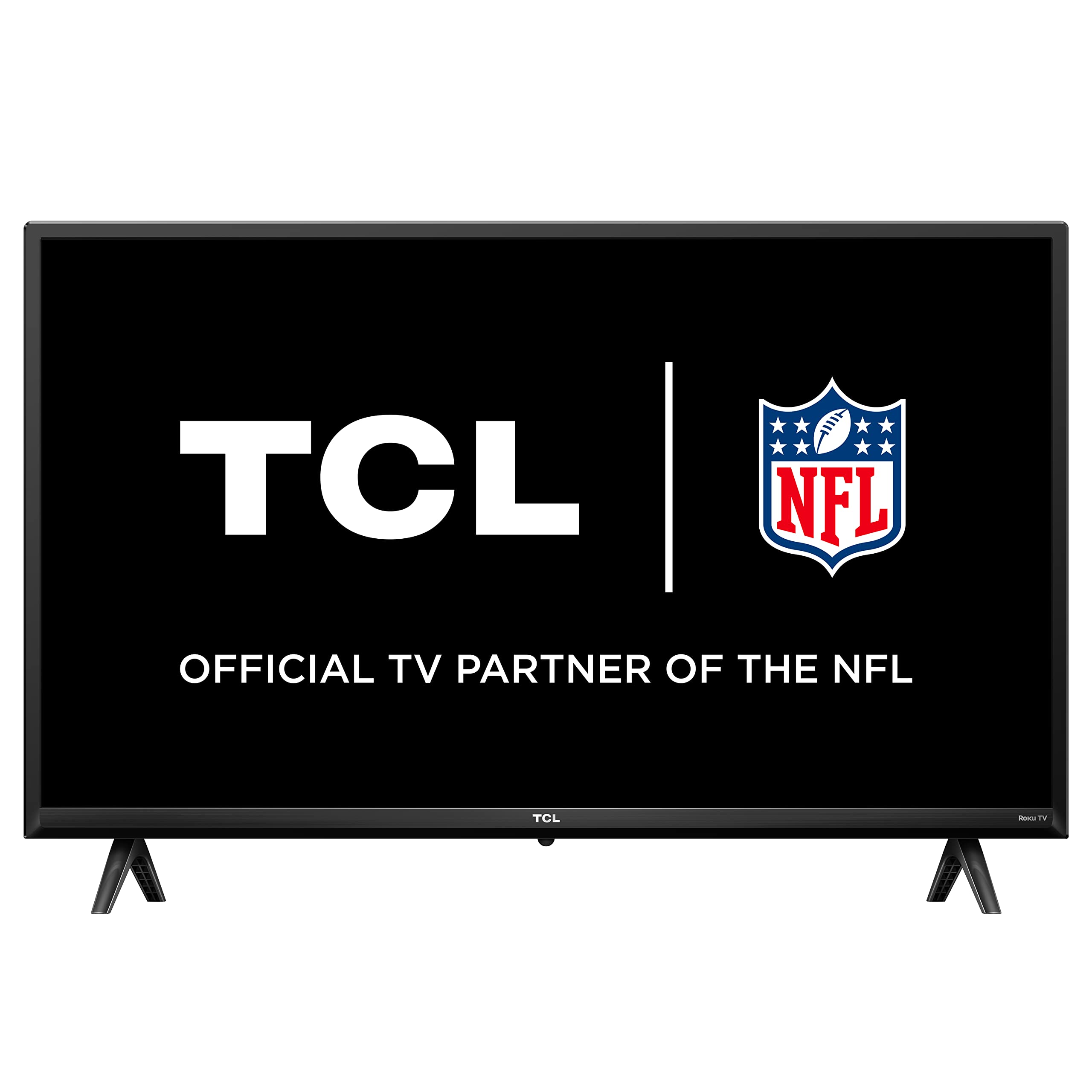
I like this TCL when you want a simple Roku home screen plus a built-in Live TV guide with 250+ free channels.
Why I picked it: Live TV channel guide and a streamlined interface make finding free content fast.
Best for: Small rooms and anyone who watches free live or ad-supported streaming channels.
Affordable, geared toward convenient streaming and live channels.
Pros
- Live TV guide with many free channels
- Customizable home screen
- Slim, wall-friendly design
- Straightforward setup
Cons
- Average built-in sound
- Remote can be unresponsive at angles
My take
If you want quick access to free live channels, this TCL makes that effortless. The Live TV channel guide puts broadcast and streaming channels side by side, so I spent less time hunting and more time watching.
Picture and overall performance are solid for a 32-inch HD set; it’s ideal for bedrooms or kitchens. The remote is simple and pared down, which I like for basic use, though I did notice it can be finicky if not pointed directly at the IR sensor.
Sound is serviceable for background viewing, but I recommend external speakers if you want fuller audio for movies or gaming.
5. Samsung UN32M4500A 32-inch Smart TV – Best as Kitchen or Office TV
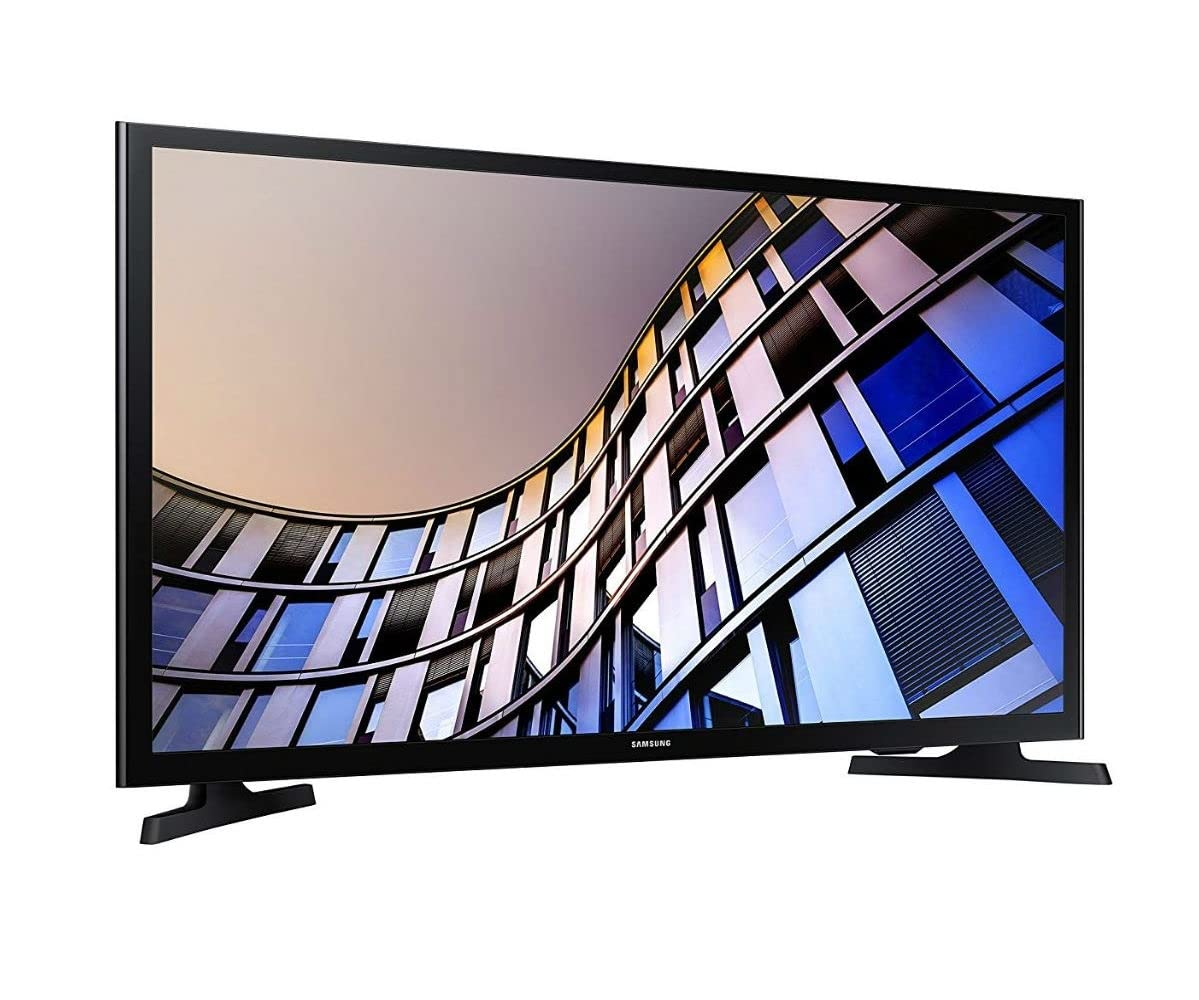
I recommend this Samsung for compact spaces where a dependable smart platform and a clear HD picture matter more than premium HDR performance.
Why I picked it: Familiar Samsung smart experience and a useful on-screen guide in a compact package.
Best for: Kitchens, home offices, and small rooms where space is limited.
A reliable compact TV with a solid feature set for everyday use.
Pros
- Clear picture for size
- Handy on-screen guide
- VESA wall-mount ready
- Simple smart features
Cons
- Colors wash at wide angles
- No Bluetooth connectivity
My take
I used this Samsung as a small-room monitor and it delivers a clean, detailed picture that suits desks and kitchen counters. The remote's guide feature is a practical touch — I could see program listings quickly without juggling apps.
Setup went smoothly and the built-in apps were responsive. I did notice color wash when viewing from sharp side angles, so I prefer to use it where viewers sit more directly in front of the screen.
If you want a compact, dependable smart TV with a recognizable interface and straightforward features, this Samsung fits the bill.
6. Samsung UN32M4500B 32-inch Smart TV – Best for Simple Smart Use
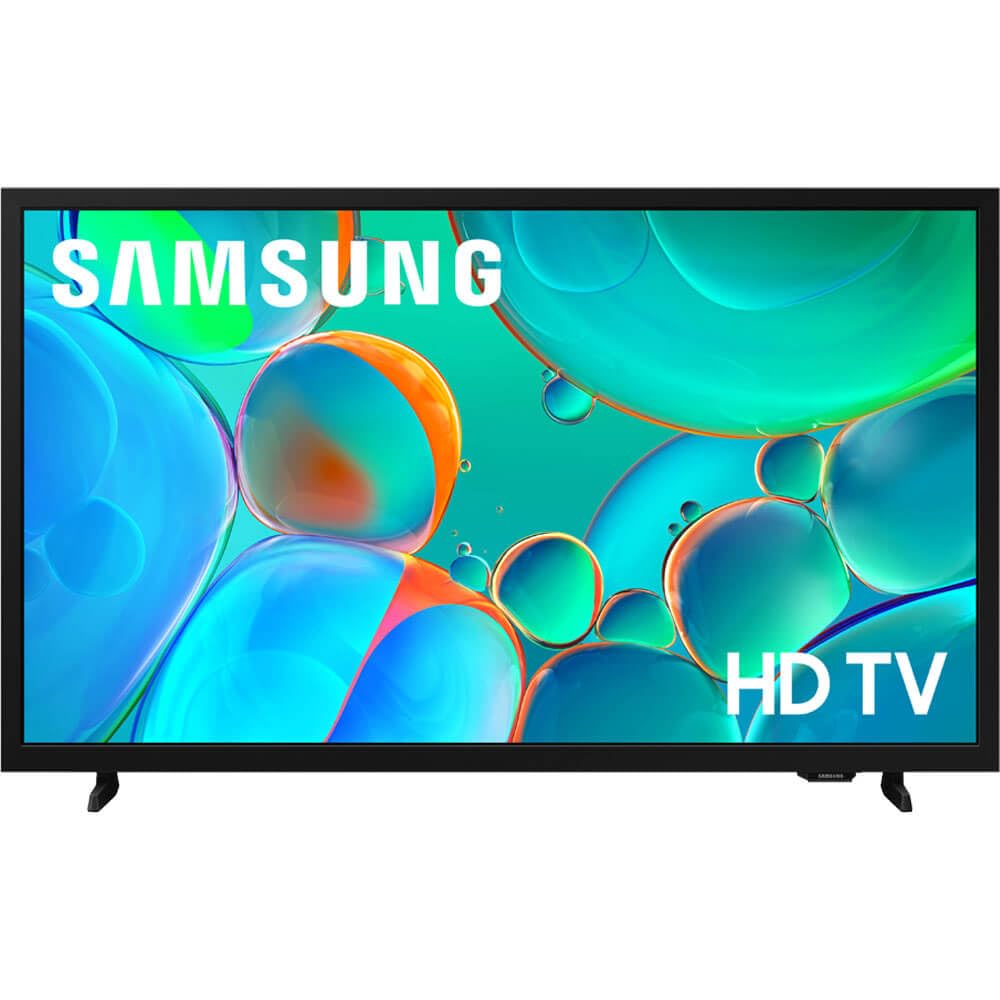
I picked this Samsung when I wanted a straightforward smart TV with screen mirroring, a quad‑core processor, and enough connections for basic streaming needs.
Why I picked it: Screen mirroring and a responsive processor make day-to-day use pleasant.
Best for: Users who want simple smart features and reliable media playback.
A practical compact TV that emphasizes simplicity.
Pros
- Screen mirroring works well
- Responsive quad-core processor
- Multiple input options
- Clear 720p picture
Cons
- Limited HDMI ports
- Some users find initial setup fiddly
My take
This Samsung is a dependable option when I need uncomplicated smart functionality. Screen mirroring worked reliably with my phone and the quad‑core processor kept the UI snappy as I switched between apps.
Out of the box it delivered good picture quality for the class, and the speaker output is adequate for casual viewing. I did encounter a more involved initial setup when integrating certain internet service apps, so allocate a little time if you're connecting multiple streaming accounts.
Overall, it's a solid compact TV when ease of use and reliable connectivity are your priorities.
How I Choose a Smart TV for Streaming
Screen size and viewing distance
I match screen size to the room: 32-inch TVs are perfect for bedrooms, kitchens, and small offices; 43–55 inches are better for living rooms where you sit farther back.
When I plan a purchase, I think about where I'll sit and how close I'll be to the screen — that drives my resolution choice and overall satisfaction.
- 32-inch: ideal for tight spaces and desks
- 43–55 inch: common living-room sweet spot
- Sit 1.5–2.5x the diagonal for HD; 1–1.5x for 4K
Resolution and HDR
I consider 720p acceptable on 32-inch sets because the pixel density is fine at typical viewing distances. For larger screens, I prioritize 4K and HDR support.
If you want richer contrast and cinematic HDR, choose sets with Dolby Vision, HDR10+, or solid local dimming.
- 32-inch: 720p often sufficient
- 4K and HDR for larger living-room sets
- Local dimming improves perceived contrast
Smart platform and app access
I favor platforms that boot quickly and put apps and inputs front and center. Roku and webOS are both easy to navigate; Samsung’s platform is familiar and dependable.
Make sure the TV supports the streaming services you use, and check for voice assistant or mobile app control if those matter to you.
- Choose an OS you find intuitive
- Confirm key apps are preinstalled
- Voice assistant and mobile app can simplify control
Inputs, ports, and gaming features
I always check HDMI counts and whether one supports ARC/eARC for soundbars. If I plan to game, HDMI 2.1 features like 4K@120 and VRR are priorities.
Ethernet can help in congested Wi‑Fi environments; if a TV lacks it, make sure your Wi‑Fi is reliable.
- At least two HDMI ports for streaming stick and console
- HDMI ARC/eARC for easy soundbar setup
- HDMI 2.1 for next-gen gaming
Sound considerations
Built-in speakers on compact sets are often serviceable but not immersive. I budget for a soundbar if I want fuller audio for movies and games.
If space is tight, look for optical or HDMI ARC outputs to connect a compact speaker solution easily.
- Expect modest TV speakers on 32-inch sets
- Use optical or ARC to add external audio
- Consider a compact soundbar for better dialogue
Frequently Asked Questions
Is 720p still a good choice for a 32-inch TV?
Yes. I find 720p to be perfectly acceptable at the normal viewing distances for 32-inch sets, and it keeps costs down while delivering clear, usable picture quality for streaming and casual TV watching.
Do Roku TVs require an account to stream?
You do create a Roku account during setup to manage channels and preferences; I was able to skip any paid subscriptions and still access a lot of free content immediately.
Which TV should I pick for gaming at high frame rates?
I recommend the LG Nano85 — its 4K panel with HDMI 2.1-level features, low input lag, and VRR support give the smoothest experience for current and next-gen consoles.
Are TV speakers good enough or do I need a soundbar?
For casual background viewing I keep TV speakers, but I add a soundbar whenever I want fuller dialogue and movie-scale sound. Most compact TVs benefit noticeably from even an entry-level soundbar.
Final Take
I chose these TVs to cover the common streaming use cases I encounter: compact bedroom sets, low-cost value options, and a higher-end pick for picture and gaming.
If you want the best picture and gaming features, the LG Nano85 is the set I recommend; for small spaces and simple streaming, the TCL Roku models deliver the easiest, most affordable experience.
Use the buying guide checklist above to match a TV's features to your room and habits, and you'll end up with a set that feels right every time I sit down to watch.
