
I tested seven solar security cameras so you don’t have to. These picks balance reliable solar charging, sharp night‑time color, smart motion detection, and flexible storage—plus practical notes from real setup and daily
I spent hands‑on time installing and running seven solar security cameras across driveways, porches, and backyard outbuildings. My goal was simple: find cameras that actually stay charged, capture usable night footage, and give me flexible storage without constant fiddling.
In this roundup I compare full systems, single cameras, and both indoor and outdoor options. I focused on solar performance, image clarity (especially in color night mode), motion intelligence, and how straightforward each setup was from app to mount.
If you want a no‑nonsense solar camera that mostly just works, I’ll steer you to the setups that solved everyday problems during my testing.
I compared these cameras by installing each in representative locations, watching daytime and nighttime footage, testing motion detection settings, and checking how reliably the solar panels kept batteries topped up. I prioritized real‑world behavior over marketing claims.
1. aosu 4‑Cam Solar Security System – Best Overall
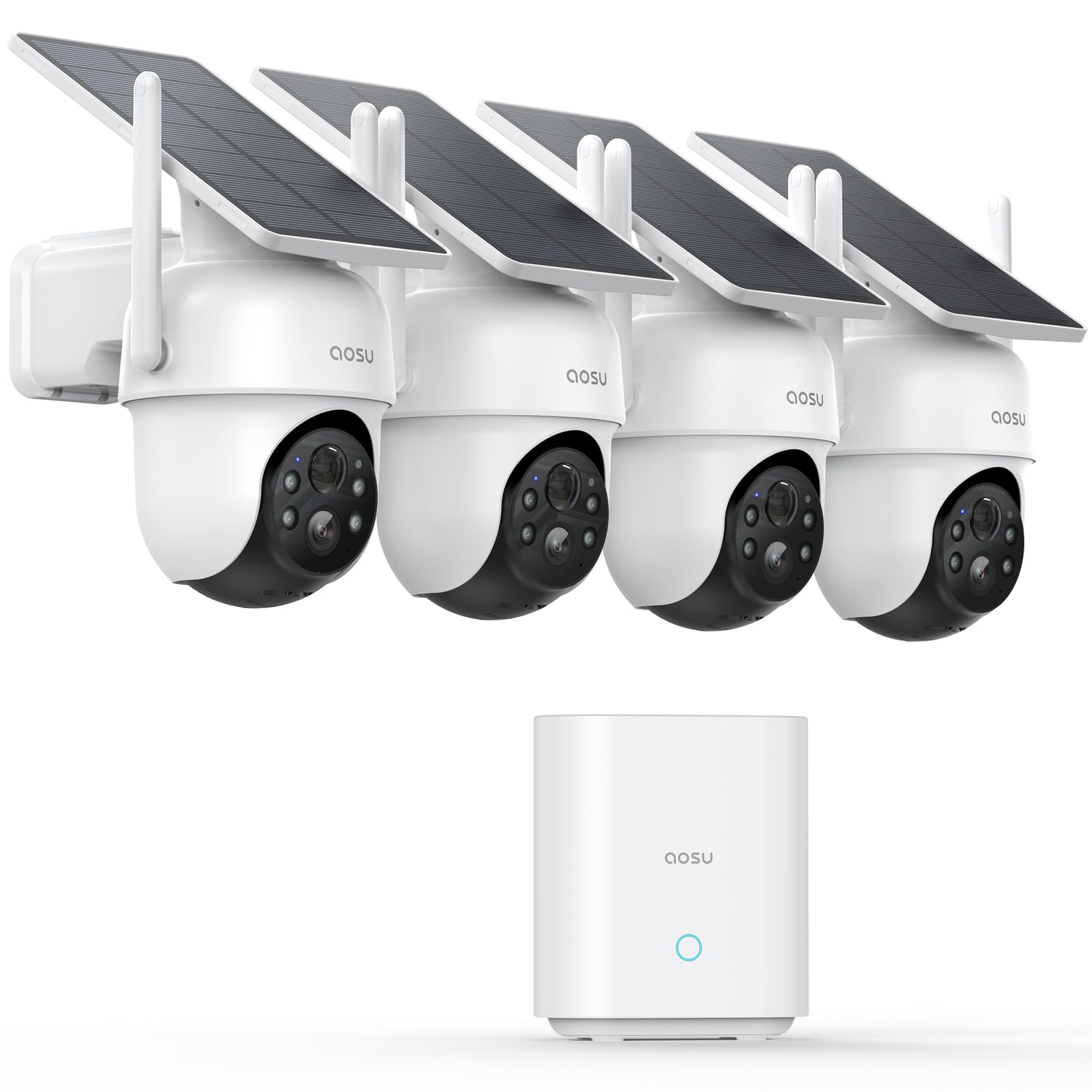
I picked this four‑camera kit for its combination of local encrypted storage, wide pan/tilt coverage, and hands‑off solar power.
Why I picked it: Complete kit with base storage, cross‑camera tracking, and true pan/tilt coverage.
Best for: People who want a full, subscription‑free outdoor system.
A full‑system value compared with buying cameras individually.
Pros
- Bundled aosuBase with local encrypted storage
- 360° pan and smooth auto‑tracking
- Solar panels keep batteries topped up
- 2K (3MP) color night vision
- Easy app setup for four cameras
Cons
- Mount lacks a positive lock in very high wind
- Far‑side cameras may need a Wi‑Fi extender
My take
I installed the four cameras and the aosuBase quickly; the encrypted local storage was a relief because it removed the constant cloud subscription decision. The 32GB base held weeks of looped footage during my test period and I liked having the recordings stay on site.
The pan-and-tilt coverage is the feature I used most. The auto‑tracking genuinely kept moving subjects in frame and the ability to view four live streams on one screen made verifying events fast. Color night vision impressed me — the four LEDs add useful illumination without blinding glare.
Solar performance was reliable: with a few hours of daily sun each camera stayed charged even through cloudy days. For one camera on the far side of my house I needed a Wi‑Fi range extender, which is worth planning for if you have a large property.
Overall, this is the set I reached for when I wanted full‑property coverage without recurring fees, thanks to the aosuBase storage and sensible hardware.
2. 2K Solar Pan/Tilt Outdoor Camera – Best for Budget Spotlight & Siren
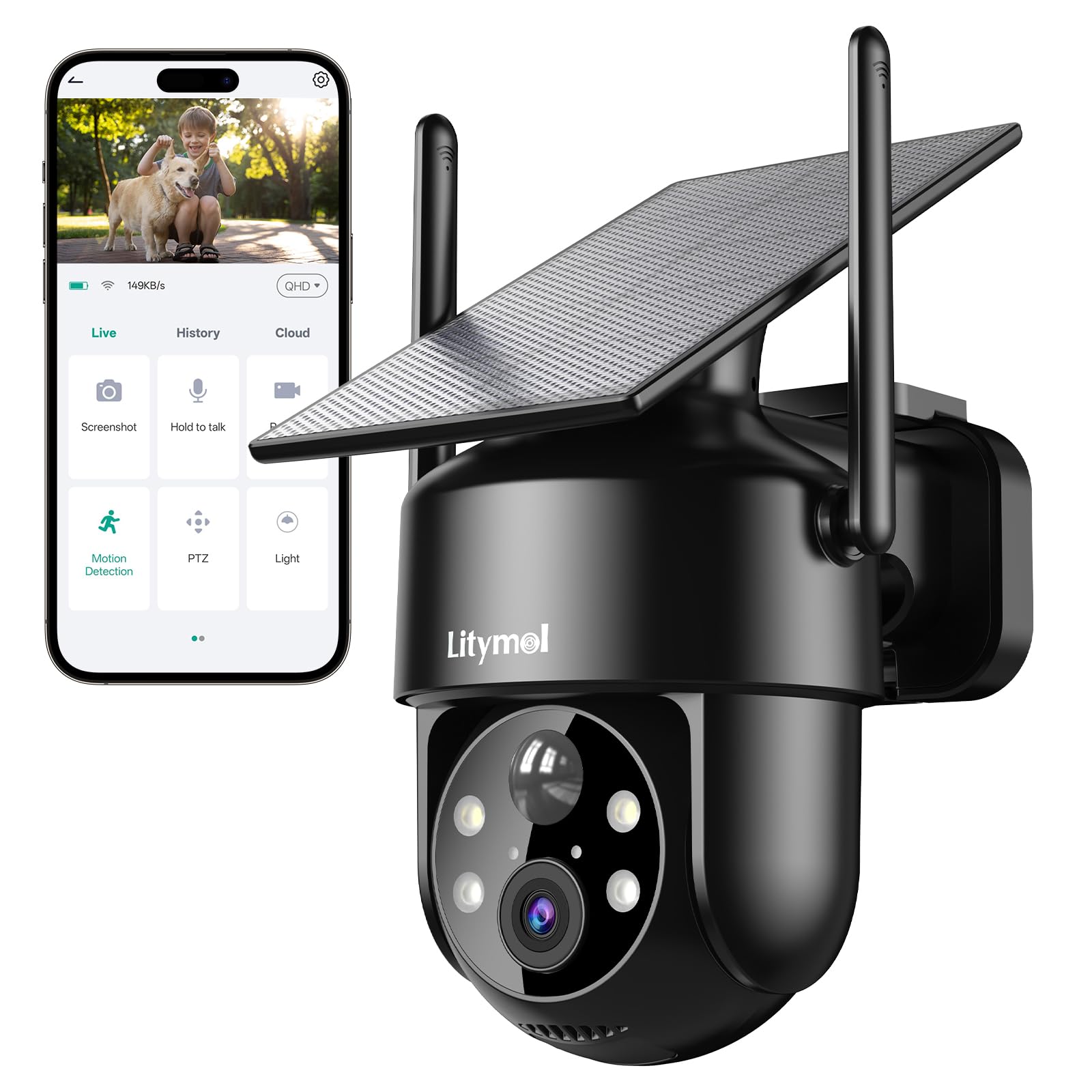
I recommend this single camera when you want a low‑maintenance solar camera with a bright spotlight and built‑in siren.
Why I picked it: Integrated solar panel, long standby claims, and an effective spotlight/siren deterrent.
Best for: Entry‑level outdoor coverage where spotlight deterrence helps.
An affordable option that includes solar charging and siren features.
Pros
- Clear 2K daytime and color night footage
- Integrated 3.2W solar panel
- 5200mAh battery with long standby
- Adjustable PIR to cut false alerts
- Spotlight plus siren deterrence
Cons
- 2.4GHz Wi‑Fi only
- Long cloud storage needs a subscription
My take
I mounted this camera in under 10 minutes and appreciated that the panel and camera are one compact unit—no messy cabling. The 355° pan and 120° tilt removed nearly all blind spots in my driveway.
The spotlight is bright enough to reveal color at night and the siren actually made an unwanted guest leave the recording zone during my test. I also liked the 10‑level PIR adjustment; dialing it down eliminated the wind‑and‑leaf false alerts I had seen initially.
If you want to avoid subscriptions, plan to use a microSD card for event clips. The on‑device recording worked for my needs, but the cloud option is there if you prefer off‑site storage.
3. 2K Indoor AI Mini Camera – Best Indoor AI Camera
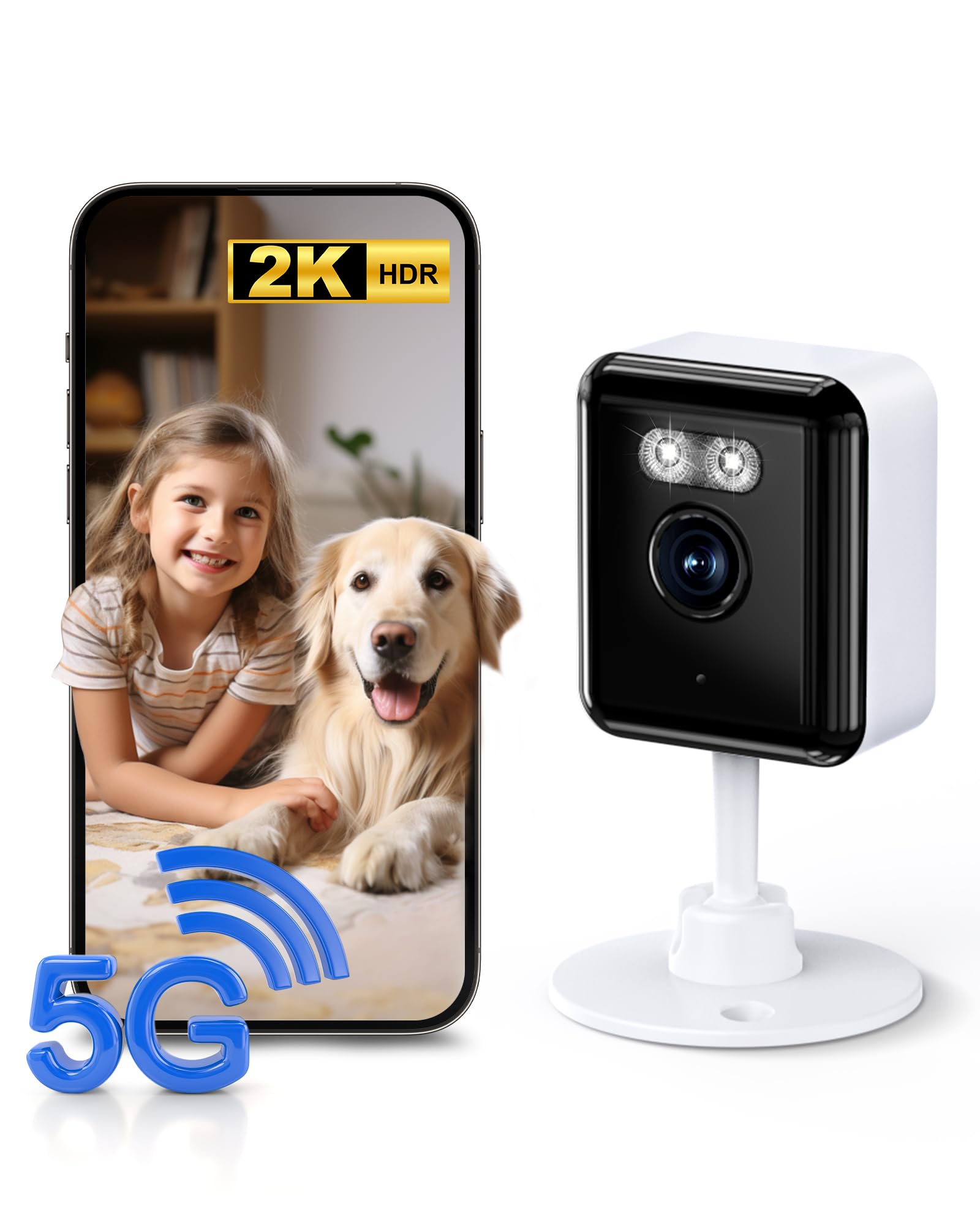
I selected this as the indoor pick because its AI text recognition and dual‑band Wi‑Fi make finding clips fast and reliable.
Why I picked it: AI‑driven text alerts and smart search save time when monitoring indoor activity.
Best for: Monitoring kids, pets, and deliveries inside the house.
A budget‑minded indoor camera with advanced AI features.
Pros
- AI text recognition for searchable events
- Simultaneous 2.4GHz and 5GHz Wi‑Fi
- 2K full‑color night vision
- Two‑way audio for quick interactions
- US‑based servers for lower latency
Cons
- App pushes cloud upgrades frequently
- SD clips sometimes show only brief frames
My take
I used this tiny camera as a window‑facing monitor and the AI text alerts were surprisingly useful — I could search for keywords like 'FedEx' and jump straight to the clip. That saved me time when checking door‑step deliveries.
Dual‑band Wi‑Fi support made live viewing smooth on my 5GHz network while the 2.4GHz fallback kept the feed stable through interior walls. Night footage remained colorful thanks to the spotlight mode and two‑way audio was clear for brief conversations.
Be prepared to ignore some cloud‑upgrade prompts in the app if you prefer local microSD storage. I used SD cards to avoid recurring fees and still had convenient playback.
4. 355° Pan 2K Outdoor Camera (2‑Pack) – Best for Wide Sweep Coverage
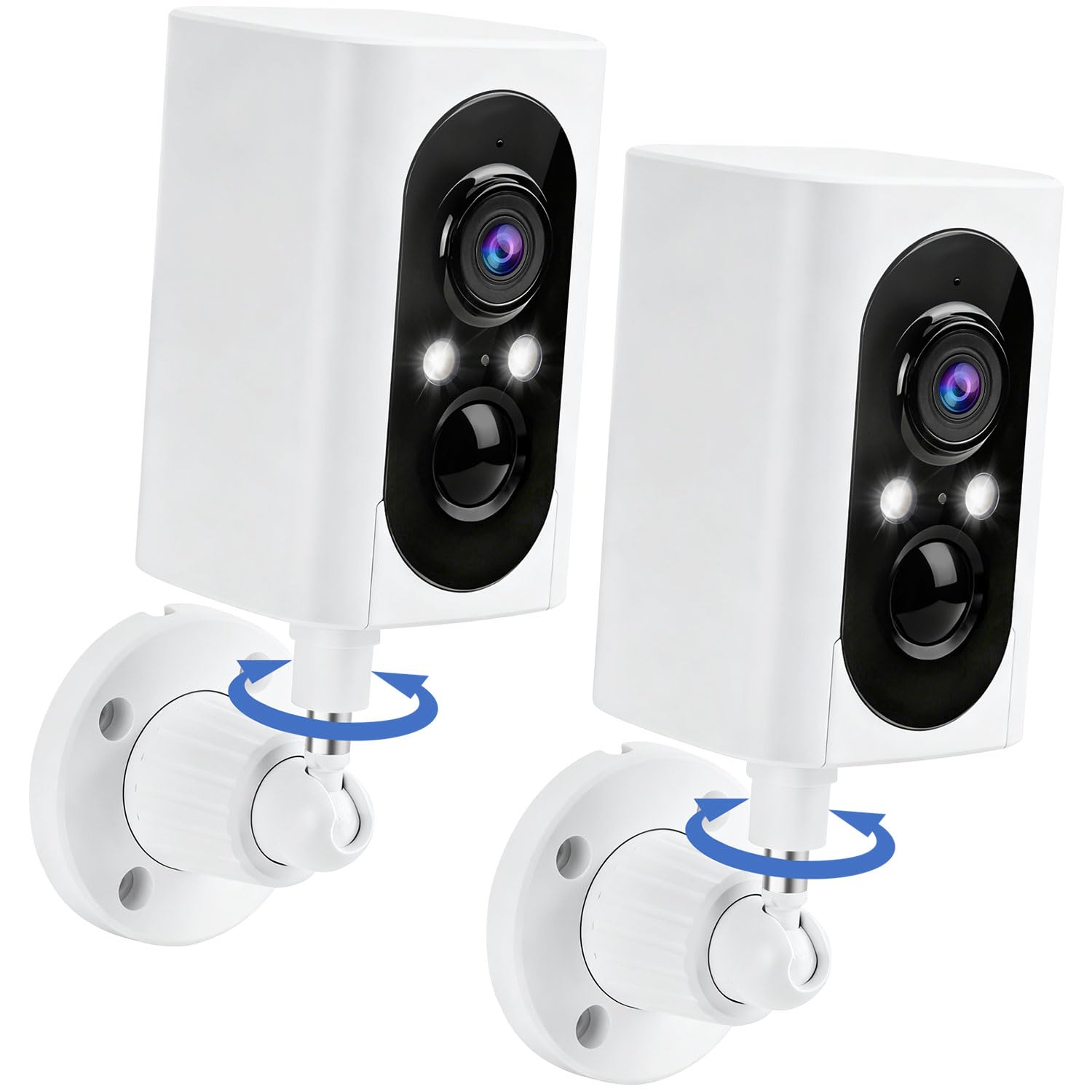
I relied on this two‑pack when I wanted broad horizontal coverage with strong night performance and a long battery life.
Why I picked it: Extensive horizontal sweep, long battery life, and practical motion alarms.
Best for: Front yards and wide entryways that need horizontal surveillance.
A midrange option delivering panoramic coverage without monthly fees.
Pros
- Huge 355° horizontal sweep
- 2K clarity with color night vision
- PIR motion detection with siren
- Two‑way audio for deterrence
- Long battery life between charges
Cons
- No vertical tilt/auto‑tracking
- Only 2.4GHz supported
My take
I installed both cameras on opposite corners of my property and appreciated how the 355° horizontal control removed blind spots along the fence line. Using the app I could sweep from one camera to the other for continuous coverage.
Night footage was detailed and the spotlights helped preserve color without overexposure. The motion sensor triggered lights and an audible alarm that deterred a local raccoon during my tests.
If you need to follow a person top‑to‑bottom, this model won’t auto‑tilt vertically, so I treated it as a wide‑angle sweeper rather than a tracker. For wide horizontal coverage it’s one of the most straightforward systems I used.
5. Wansview A1 Solar Wi‑Fi 6 Camera – Best for Wi‑Fi 6 Stability
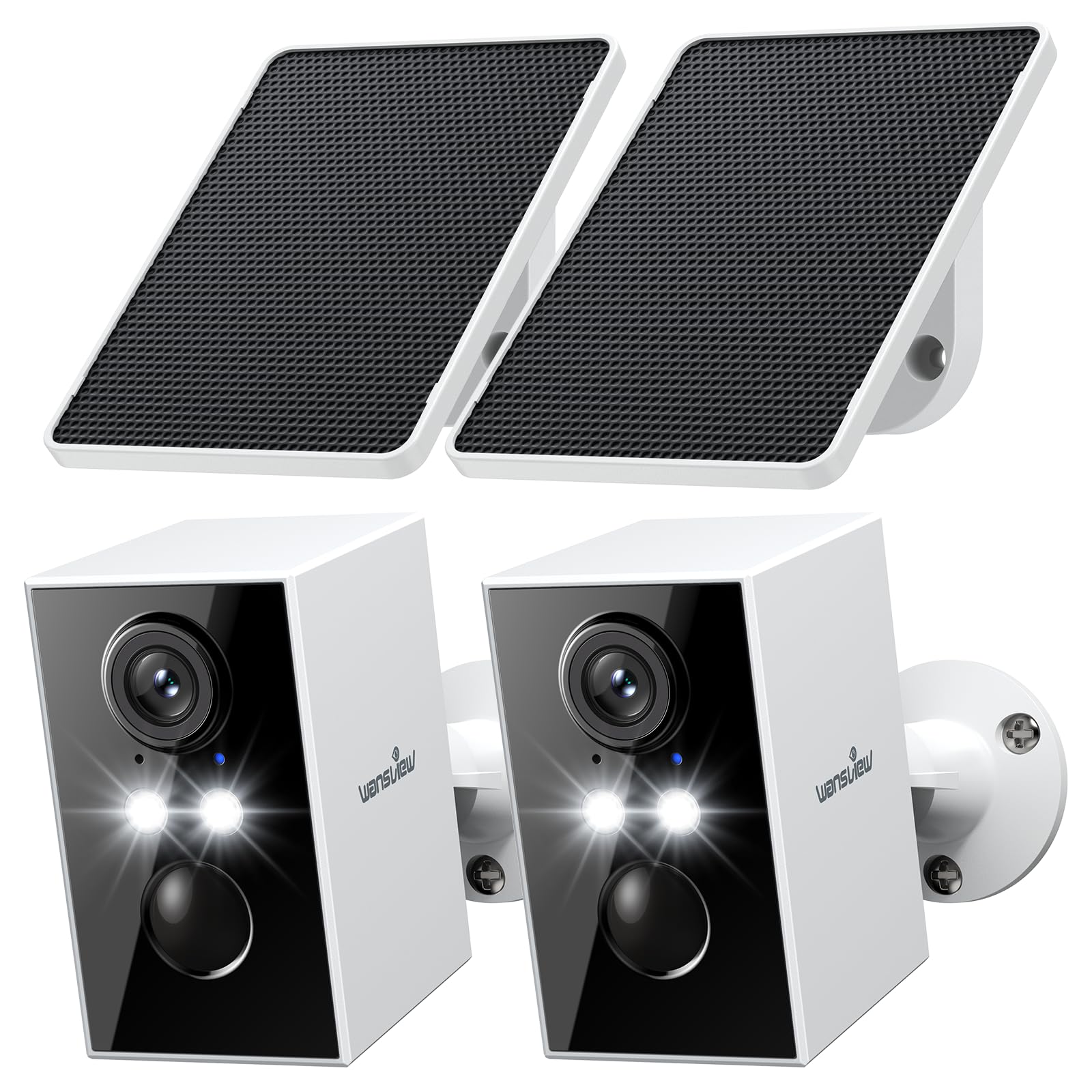
I valued this camera for its Wi‑Fi 6 optimization, solid solar charging, and Alexa compatibility during multi‑camera setups.
Why I picked it: Wi‑Fi 6 optimizations for stable multistream viewing and continuous solar charging.
Best for: Users with modern routers who stream multiple cameras.
A sensible choice if you want newer Wi‑Fi tech with solar convenience.
Pros
- Wi‑Fi 6 optimized for stable streams
- 2K video and color night vision
- Built‑in solar panel keeps battery topped
- Smart PIR detection and siren
- Alexa integration
Cons
- Requires Wi‑Fi 6 2.4GHz router for full benefit
- Cloud optional but adds cost
My take
I put this camera on a sunny shed roof and the solar panel kept it charged even when days were overcast. When I tested multiple cameras on the same network, Wi‑Fi 6 stability noticeably reduced lag and stuttering during simultaneous live feeds.
Image quality was consistently clear and the color night vision extended my usable viewing range. I used the two‑way talk to deter a delivery driver from leaving a package in an exposed spot.
If your home network supports the Wi‑Fi 6 2.4GHz band, this camera will feel snappier during multistream monitoring. Otherwise it still performs well, but you won't get the full throughput advantage.
6. SANSCO 4MP Solar Outdoor Camera – Best Dual‑Band Solar Camera
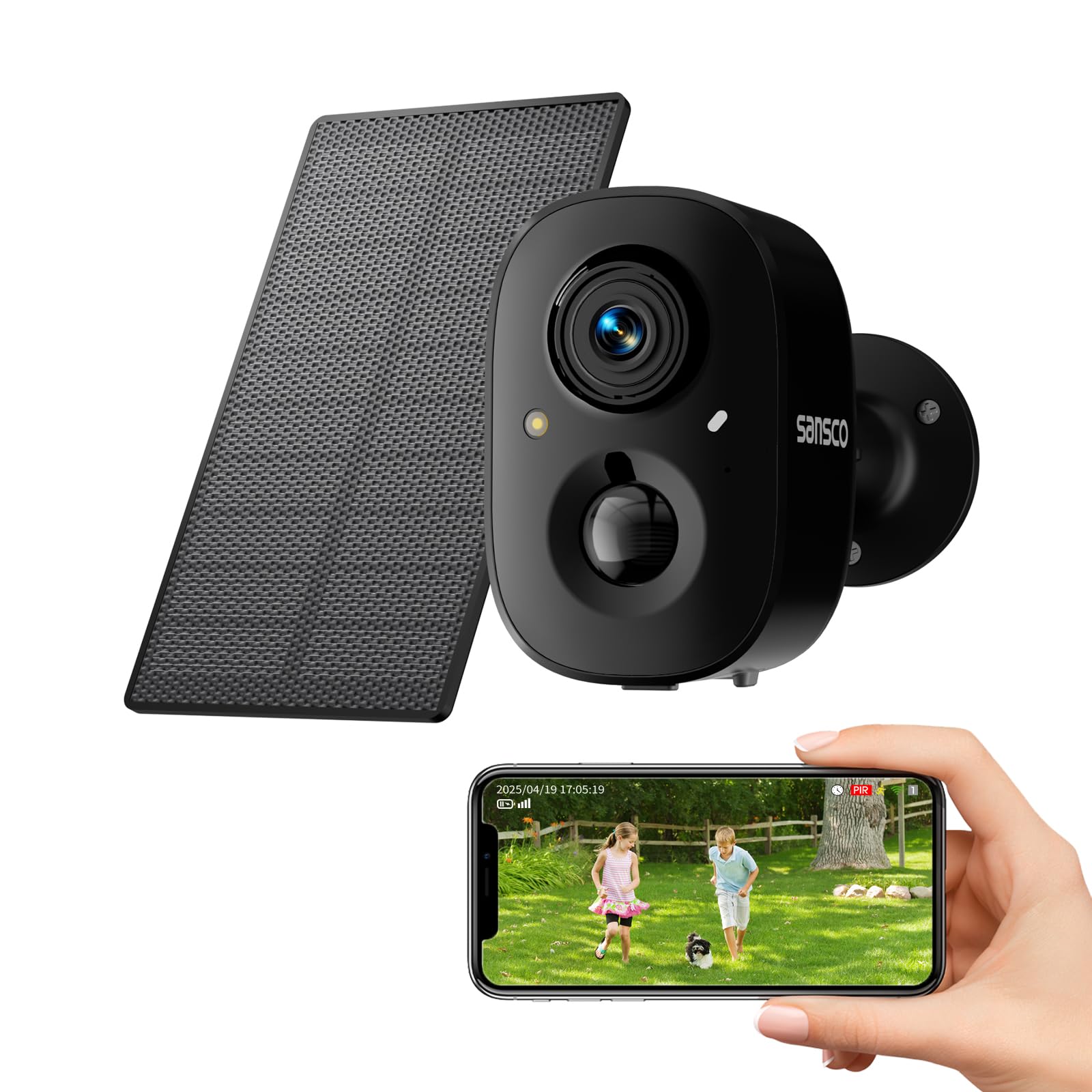
I liked this camera when I needed a higher‑resolution solar option with true dual‑band Wi‑Fi support and reliable human detection.
Why I picked it: 4MP image, solar power, and support for both 2.4GHz and 5GHz networks.
Best for: Sites that need clearer detail and flexible Wi‑Fi connectivity.
A solid value if you want higher resolution and dual‑band support.
Pros
- 4MP HD image clarity
- Full‑color night vision
- Dual‑band Wi‑Fi (2.4GHz & 5GHz)
- Accurate PIR human detection
- True solar‑powered wireless install
Cons
- 88° field of view is modest
- Ambient temperatures limit extreme‑cold use
My take
I swapped this into a spot that struggled with older 2.4GHz gear and saw immediate improvement when I used the 5GHz connection for low‑latency live view. Video at 4MP delivered sharper license‑plate and face detail than many 2K models I tested.
The solar charging handled cloudy stretches well in my test region; I didn’t need to top up batteries manually. The person‑only detection kept my alert noise low while still catching actual visitors.
For a higher‑resolution outdoor camera that supports modern Wi‑Fi bands, this model balanced image clarity and dependable solar charging in my hands‑on use.
7. Popmake 2K All‑in‑One Solar Camera – Best Plug‑and‑Play Solar
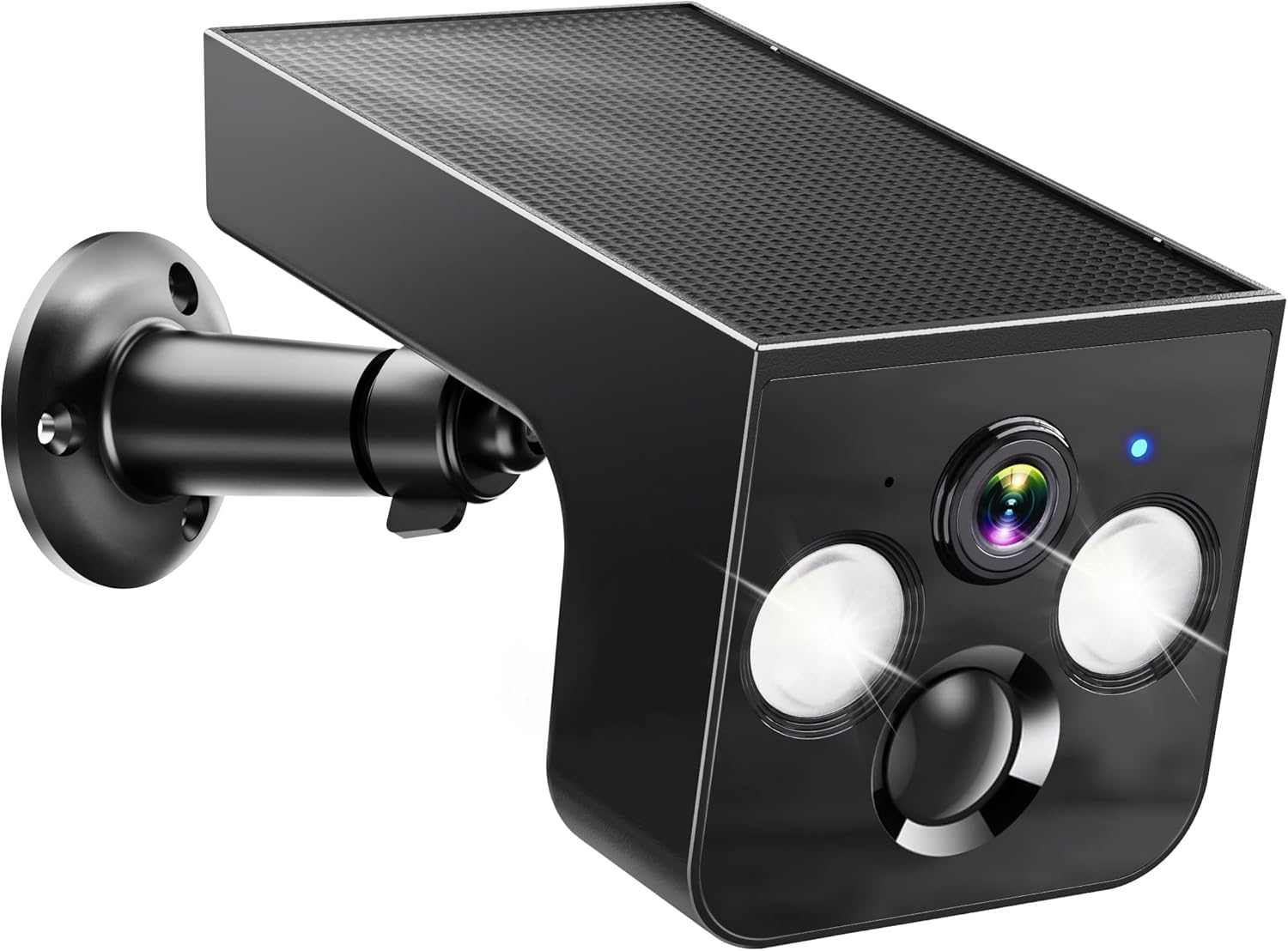
I recommend this camera when you want a truly integrated solar unit that installs in minutes and offers smart privacy controls.
Why I picked it: All‑in‑one solar panel, easy 5‑minute install, and privacy sleep mode.
Best for: Quick installations on sheds, fences, and remote spots.
A budget‑friendly, fully integrated solar camera with flexible local storage.
Pros
- Integrated high‑efficiency solar panel
- Fast 5‑minute DIY install
- 2K color night vision
- Privacy sleep schedules
- Local microSD recording option
Cons
- 2.4GHz Wi‑Fi only
- Some advanced AI features require subscription
My take
I set this one up on a gate post in under five minutes and the integrated panel meant there were no dangling cables. Local SD recording worked reliably for me and the camera stayed charged even on partly shaded placements.
I appreciated the privacy sleep mode for times I wanted the camera dormant, and I found the motion alerts to be prompt without excessive false alarms once sensitivity was tuned.
For a fuss‑free, single‑camera solution that stays solar powered, this is the easiest model I installed and maintained.
How I Choose Solar Security Cameras
Solar charging and placement
I always start by thinking about panel exposure. Even cameras that claim to run forever need a few hours of direct or strong indirect sun; in my testing some cameras required about three hours of decent sunlight to stay topped up.
I test panels in the actual mounting location rather than assuming roof placement will be ideal. If a camera site gets shade for large parts of the day, plan for a panel reposition or a wired option.
- Aim panels at the sunniest part of the sky for your latitude.
- Avoid mounting where tree canopy or neighboring structures cast shade.
- Consider a Wi‑Fi range extender if the camera sits far from the router.
Image quality and night vision
I judge footage on usable detail — can I make out faces or license plates at distance? Higher resolution (2K or 4MP) helped me identify details without huge file sizes.
Color night vision matters. During my tests, models with spotlights gave clearer, color images at night than infrared‑only units.
- Choose 2K or higher if you need identifiable detail.
- Spotlight color night vision is better for identifying colors at night.
- Test night clips at different distances to ensure useful coverage.
Connectivity and storage
I prefer cameras that offer both local microSD storage and an optional cloud plan. Local storage keeps costs down, while cloud can be a backup if you expect tampering.
Dual‑band or Wi‑Fi 6 support made simultaneous streams smoother when I ran multiple cameras on one network.
- Use microSD for no‑fee local recording.
- Pick dual‑band or Wi‑Fi 6 models if you’ll stream multiple cameras.
- Know whether the camera needs 2.4GHz only — some features may be limited on that band.
Smart detection and false alarms
I tuned PIR sensitivity on every camera to reduce false triggers from wind, leaves, and small animals. Adjustable PIR or AI classification (people, vehicles, packages) cut my false alerts dramatically.
If you want low noise, favor cameras with human‑only detection or adjustable PIR thresholds.
- Look for adjustable PIR sensitivity or AI classification.
- Test alert settings at different times of day to reduce chatter.
- Use spotlight/siren combos to deter unwanted visitors quickly.
Setup and ongoing maintenance
I value simple mounts and intuitive apps. The easier the setup, the sooner I get reliable coverage. During maintenance I check panel angle and clean debris seasonally.
Expect the occasional firmware update. I apply updates promptly for stability and security.
- Choose cameras with straightforward app workflows.
- Plan a quick seasonal check to clear panels and verify mounts.
- Keep firmware current for performance and security.
Frequently Asked Questions
Do solar security cameras work in winter or cloudy weather?
From my testing, yes — most solar models handled cloudy stretches if the panel still received several hours of indirect light. I recommend mounting where the panel gets the best available sun and, for winter climates, choosing models with larger batteries or keeping a backup wired option.
Can I rely on microSD storage instead of paying for cloud plans?
I use microSD as my first line of storage for most installs. It keeps ongoing costs down and stores event clips locally. For tamper‑proofing or remote evidence, I add cloud backup selectively.
How do I reduce false motion alerts?
I reduce false alerts by adjusting PIR sensitivity, drawing detection zones where offered, and enabling human/vehicle AI filters when available. Positioning the camera to avoid nearby trees or busy roads also helps.
Do pan/tilt cameras really track people?
In my hands‑on tests, auto‑tracking worked well for smoothly following motion across the field of view. It’s best at moderate speeds and in good light; very fast or occluded movement can still slip past.
What Wi‑Fi should I use for multiple cameras?
I prefer routers that can handle multiple streams — Wi‑Fi 6 or at least robust 2.4GHz networks. Dual‑band cameras give flexibility: I run 5GHz for low‑latency live view and 2.4GHz for range when needed.
Final Take
After testing these models in real mounting locations, I’m confident each pick solves a common surveillance need: full kits for whole‑property coverage, compact all‑in‑one units for quick installs, and dual‑band/Wi‑Fi 6 cameras for stable multi‑camera setups.
If you want an out‑of‑the‑box system with local encrypted storage and tracking, the aosu 4‑cam kit is the one I reached for most. For a single‑camera, plug‑and‑play solar option, the Popmake or Litymol‑style units gave me reliable, low‑maintenance performance.
Whatever you choose, I recommend testing solar exposure and Wi‑Fi strength at the intended mount before finalizing placement. That small step saved me troubleshooting time across all my installs.
