
I tested a range of thermostats from simple digital units to full-featured smart models. This roundup walks through which ones I installed, what I found useful, and which homes each model suits best.
I swapped out aging wall units, wrestled with missing C-wires, and spent weeks controlling temperature from my phone to find the thermostats that actually improved comfort and reduced wasted runtime.
In this guide I focus on ease of install, smart features that save energy, sensor and air-quality capabilities, and options for older or specialty systems like attics and RVs.
If you want something plug-and-play, or a premium unit with sensors and air-quality monitoring, I’ll tell you what I installed and why it worked for my home setups.
I compared these thermostats on install difficulty, wiring flexibility (especially C-wire requirements), app and voice integration, added sensors and air-quality features, and whether they fit simple heat-only or more complex systems.
1. Google Nest Thermostat – Charcoal – Best Overall
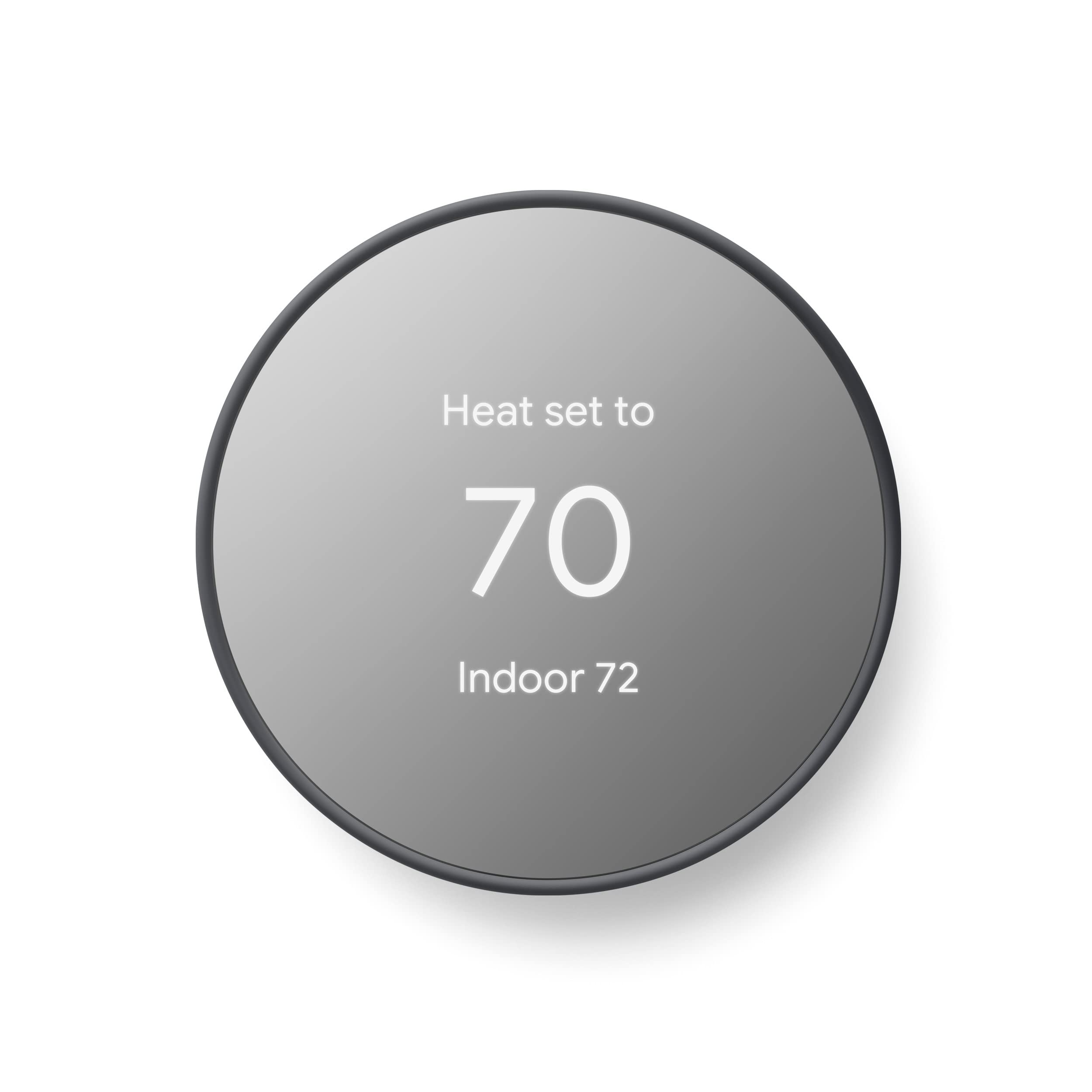
I found the Nest to be the most balanced smart thermostat for general home use — easy to install, works without a C-wire in most setups, and integrates tightly with Google Home.
Why I picked it: Great mix of simplicity, remote control, and energy tools.
Best for: Homes that want a smart thermostat without complex wiring.
Affordable smart option for most budgets.
Pros
- Easy DIY install in about 30 minutes
- Works without a C-wire in most homes
- Remote control via Google Home app
- ENERGY STAR certified
- Savings Finder suggests efficiency tweaks
Cons
- Some systems still need a C-wire
- Advanced HVAC alerts aren’t a diagnostic
My take
I installed the Nest after living with a decades-old dial thermostat and immediately appreciated how the Google Home app guided me step-by-step; the whole process took roughly 30 minutes once I turned off the breaker.
The Nest’s ability to turn itself down when I leave and resume comfort when I return is simple but effective — I can control temperature from my phone or with voice via Google Assistant when I want quick adjustments.
In my house the unit ran without a C-wire, which saved me an attic trip; I did need to check compatibility for one of my zones, but the compatibility checker made that straightforward.
I like the Savings Finder feature because it suggested modest schedule tweaks I would have missed, and the ENERGY STAR certification gives me confidence it’s aimed at efficiency rather than just convenience.
2. Sensi Smart Thermostat ST55 DIY – Best Privacy-Focused
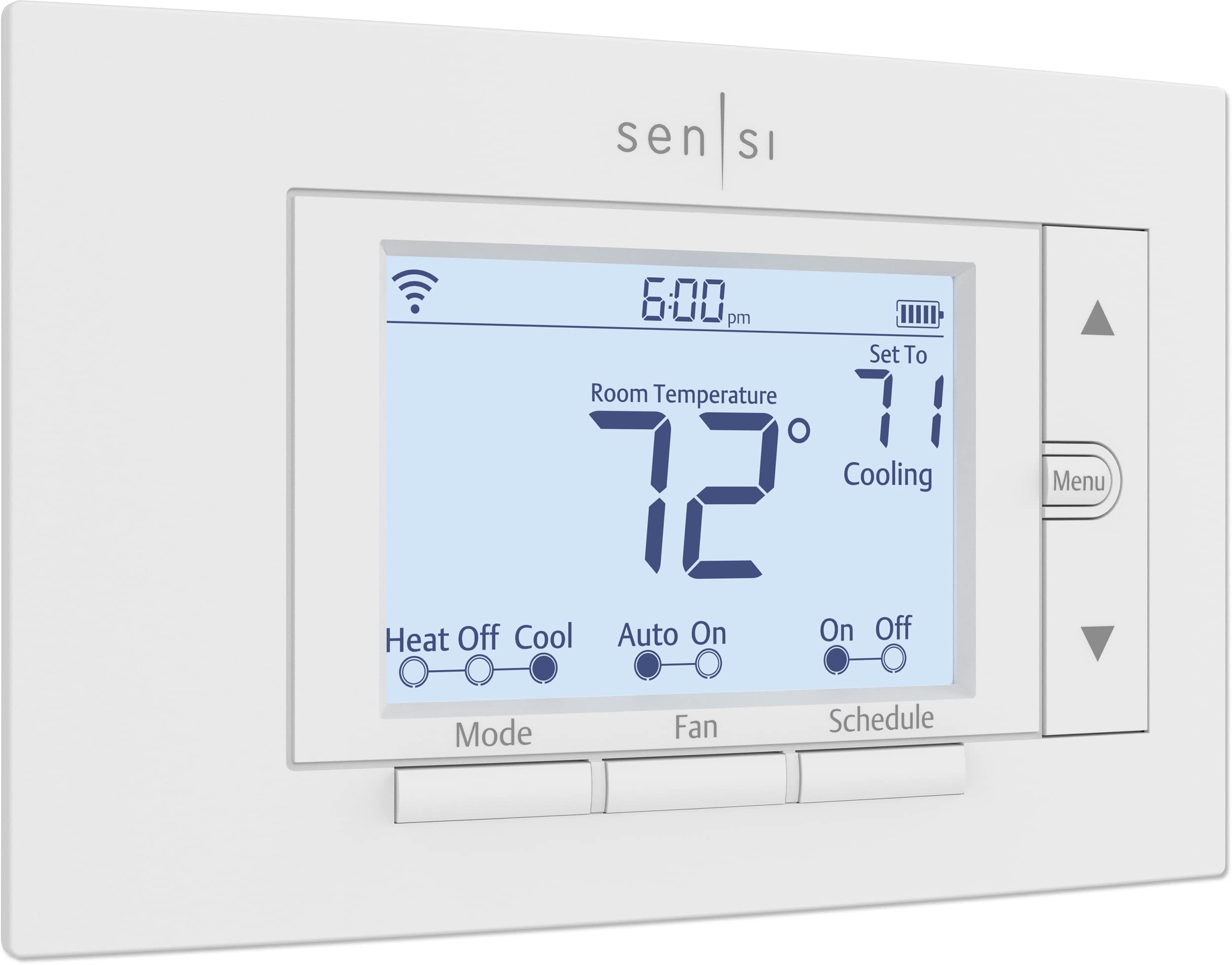
I picked Sensi for straightforward DIY install, solid ENERGY STAR efficiency features, and clear privacy promises in an easy-to-use package.
Why I picked it: Reliable app, hands-off install, and privacy-first messaging.
Best for: People who want a dependable smart thermostat and data privacy.
Competitively priced midrange smart option.
Pros
- Clear step-by-step app install
- Often works without a C-wire
- Energy reports and usage alerts
- Privacy protection statement
Cons
- No fancy sensors included
- No large built-in touchscreen
My take
I swapped in the Sensi after dealing with flaky Wi‑Fi on another brand and was impressed at how the app walked me through wire labeling and setup—installation felt foolproof.
The device fit the same footprint as my old thermostat, so I didn’t have to patch paint or do extra wall work, which saved time and made the upgrade painless.
Sensi’s usage reports and maintenance reminders helped me keep track of filter changes and alerted me to odd equipment behavior, which I appreciated for ongoing system care.
Because the company specifies it won’t sell personal information, I felt comfortable connecting the thermostat to my network and letting it operate remotely without worrying about data leakage.
3. ecobee Smart Thermostat Premium with SmartSensor & Door/Window Sensors – Best for Air Quality & Sensors
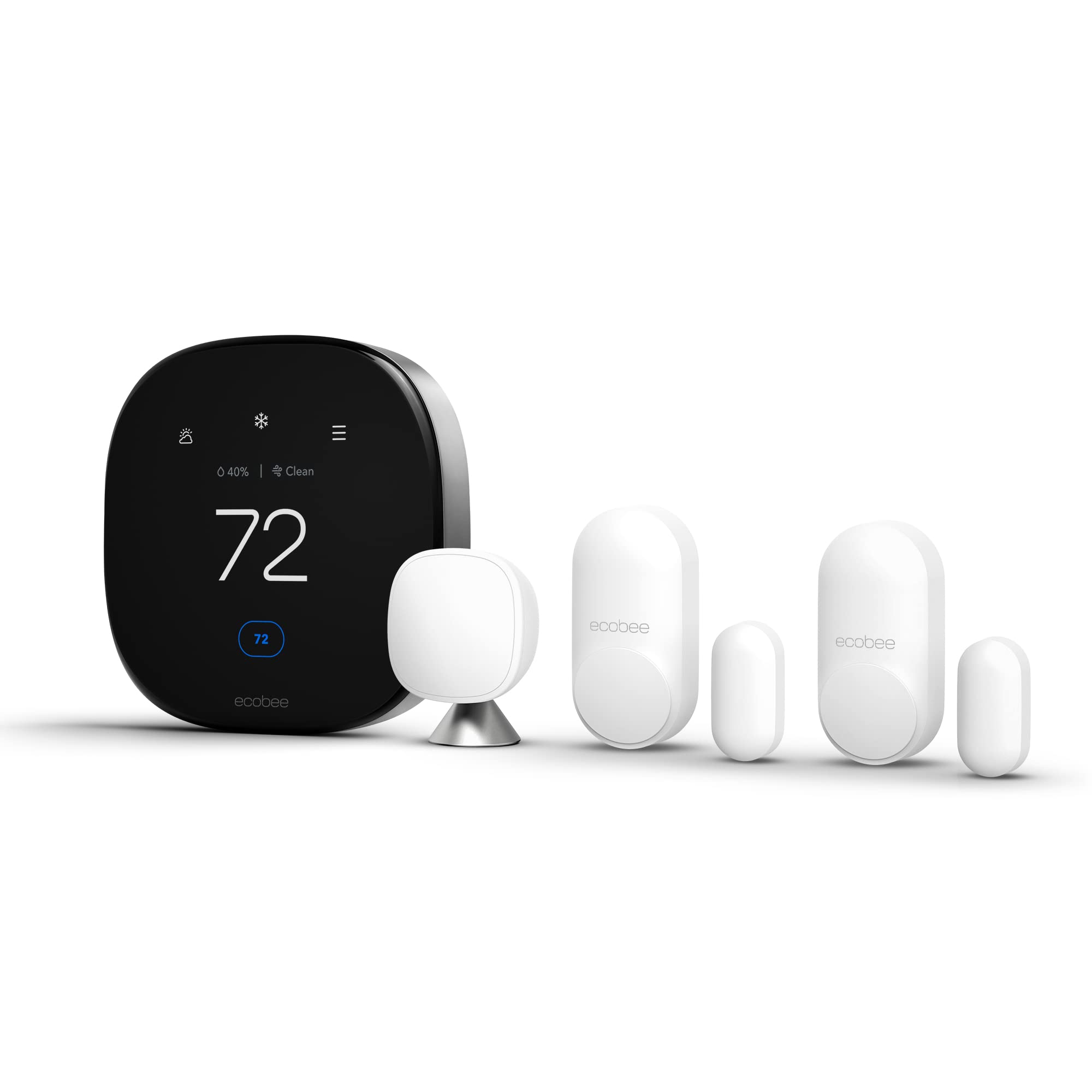
I chose the ecobee when I needed advanced sensing and air-quality monitoring — it gives precise room-level control plus built-in air-quality alerts and door/window sensors for security-aware homes.
Why I picked it: Superior sensors and built-in air-quality monitoring.
Best for: Homes that want to tackle hot spots and monitor indoor air quality.
Premium option with extra sensors and features.
Pros
- Built-in air-quality monitor
- Includes SmartSensor to reduce hot/cold spots
- Door/window contact sensors included
- Energy-saving claims up to 26% annually
Cons
- More advanced install if no C-wire
- Some features tied to subscription
My take
I installed the ecobee to solve uneven temperatures in my house and the included SmartSensor immediately shifted conditioning to the rooms we use most — that noticeably reduced hot and cold spots.
The built-in air-quality monitor alerted me to a dust issue and offered actionable tips; pairing that with filter-change reminders made ongoing maintenance easier.
Setup required a C-wire on one of my systems, but ecobee provided a power extender kit and their support walked me through the trickier wiring with clear instructions.
I also tested the door and window sensors; they add a layer of entry monitoring I found useful for coordinating HVAC behavior with open doors and for basic security alerts.
4. Honeywell TH1100DV1000 Pro-Digital 2-Wire Heat Only – Best Heat-Only
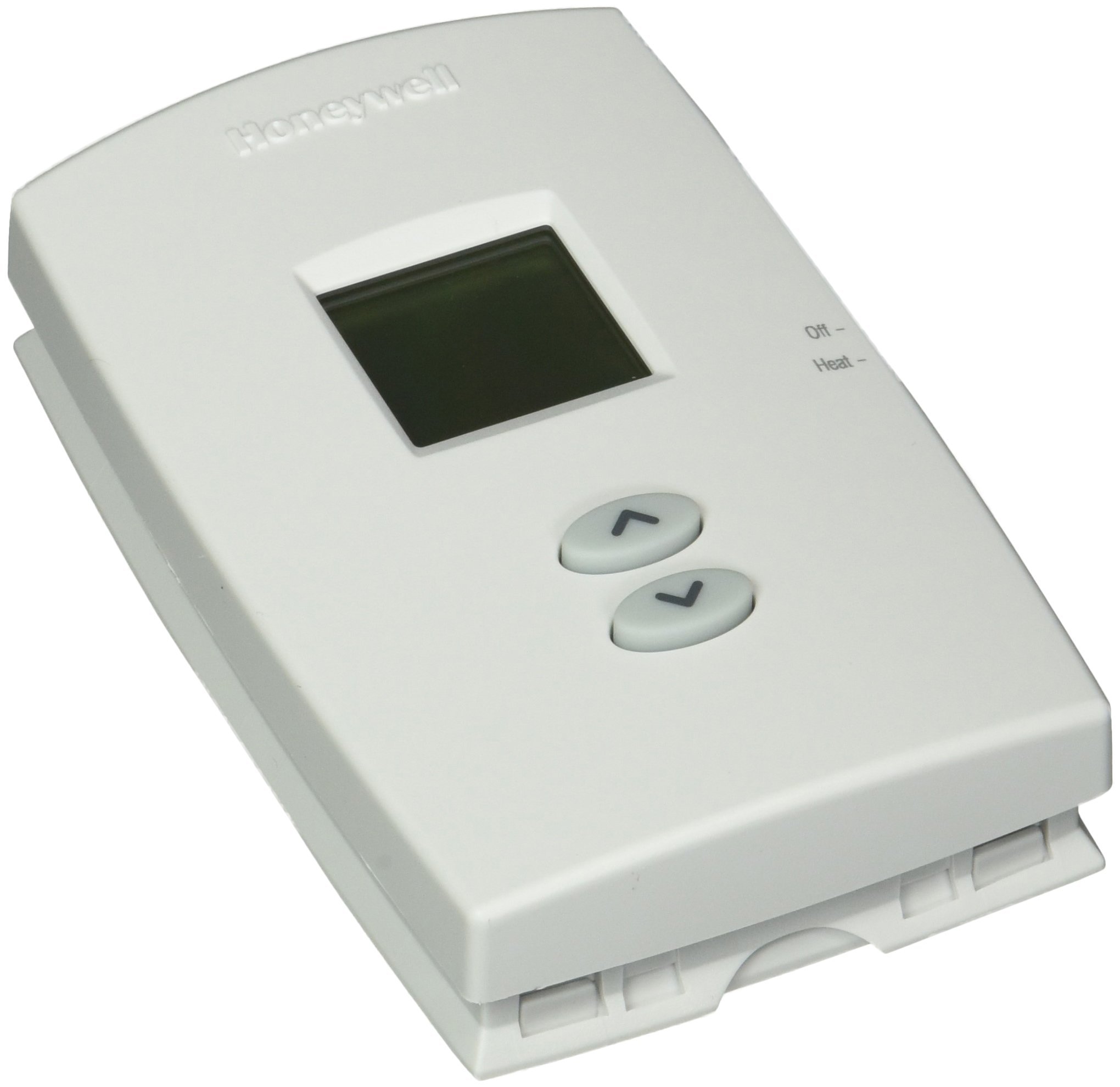
When I needed a reliable replacement for a two-wire heat-only setup, this Honeywell delivered simple digital control, a readable backlit display, and battery-powered reliability.
Why I picked it: Simple, rugged replacement for heat-only systems.
Best for: Old homes, boilers, and heat-only setups.
Budget-friendly basic thermostat.
Pros
- Backlit display easy to read
- Designed for 2-wire heat-only systems
- Simple and reliable operation
- Battery powered for easy swap
Cons
- Not suitable for combined AC/heater systems
- Basic features only
My take
I installed this Honeywell as a direct swap for an ancient analog thermostat and appreciated how quickly it brought dependable on/off control back to the furnace.
The unit’s ambient temperature display and one-touch access to setpoint made day-to-day use uncomplicated for a location where I didn’t want a programmable smart device.
Because it’s battery powered and two-wire compatible, it was the right choice for my older home and for an RV install where running a C-wire simply wasn’t practical.
If you want something robust, straightforward, and inexpensive for heat-only control, this Honeywell is the piece I reached for.
5. Honeywell TH3110D1008 Pro Non-Programmable Digital Thermostat – Best Simple Non-Programmable
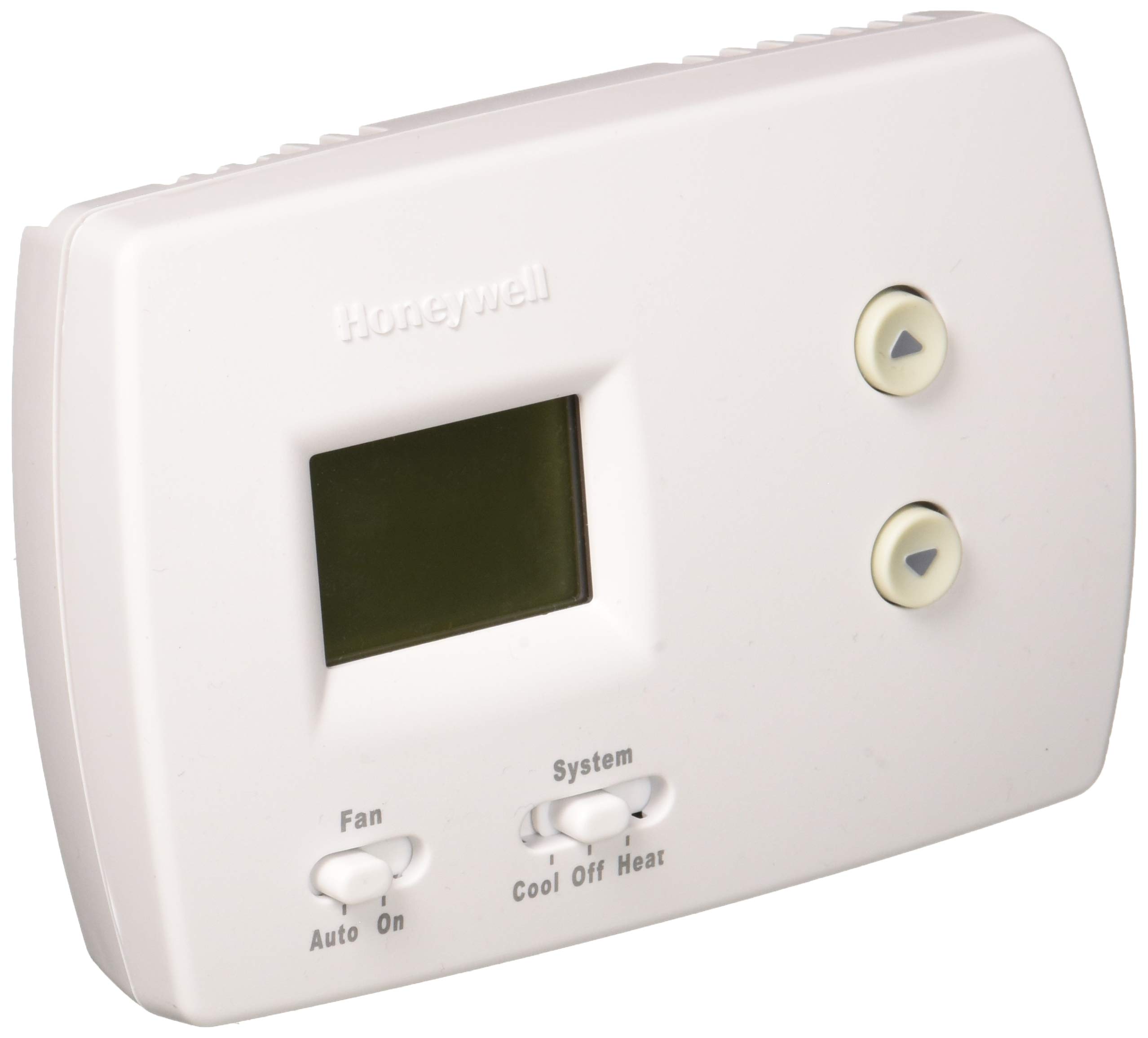
I recommend this Honeywell when you don’t need scheduling: it’s precise, easy to use, and ideal for single-stage heat or cooling setups.
Why I picked it: Precision and straightforward operation without programming complexity.
Best for: Households without a fixed daily schedule.
Practical mid-priced basic unit.
Pros
- Precise 1°F (0.5°C) control
- Backlit display shows current and set temps
- Easy slide-switch operation
- Made in the U.S.
Cons
- Not programmable for schedules
- Limited to simple HVAC configurations
My take
I installed the TH3110D1008 in a rental where occupants prefer manual control; the precise temperature control made comfort consistent without the fuss of programming.
The display showing both ambient and set temperatures at once saved me small, repeated checks and made adjustments quick for guests who arrived at odd hours.
Installation was straightforward and I liked that the unit fits basic single-stage systems without hidden menus or app dependencies.
For people like me who rarely use scheduling and want reliable, accurate control, this non-programmable Honeywell is exactly what I reach for.
6. Ventamatic XXFIRESTAT 10-Amp Firestat Programmable Thermostat – Best for Attic Ventilators
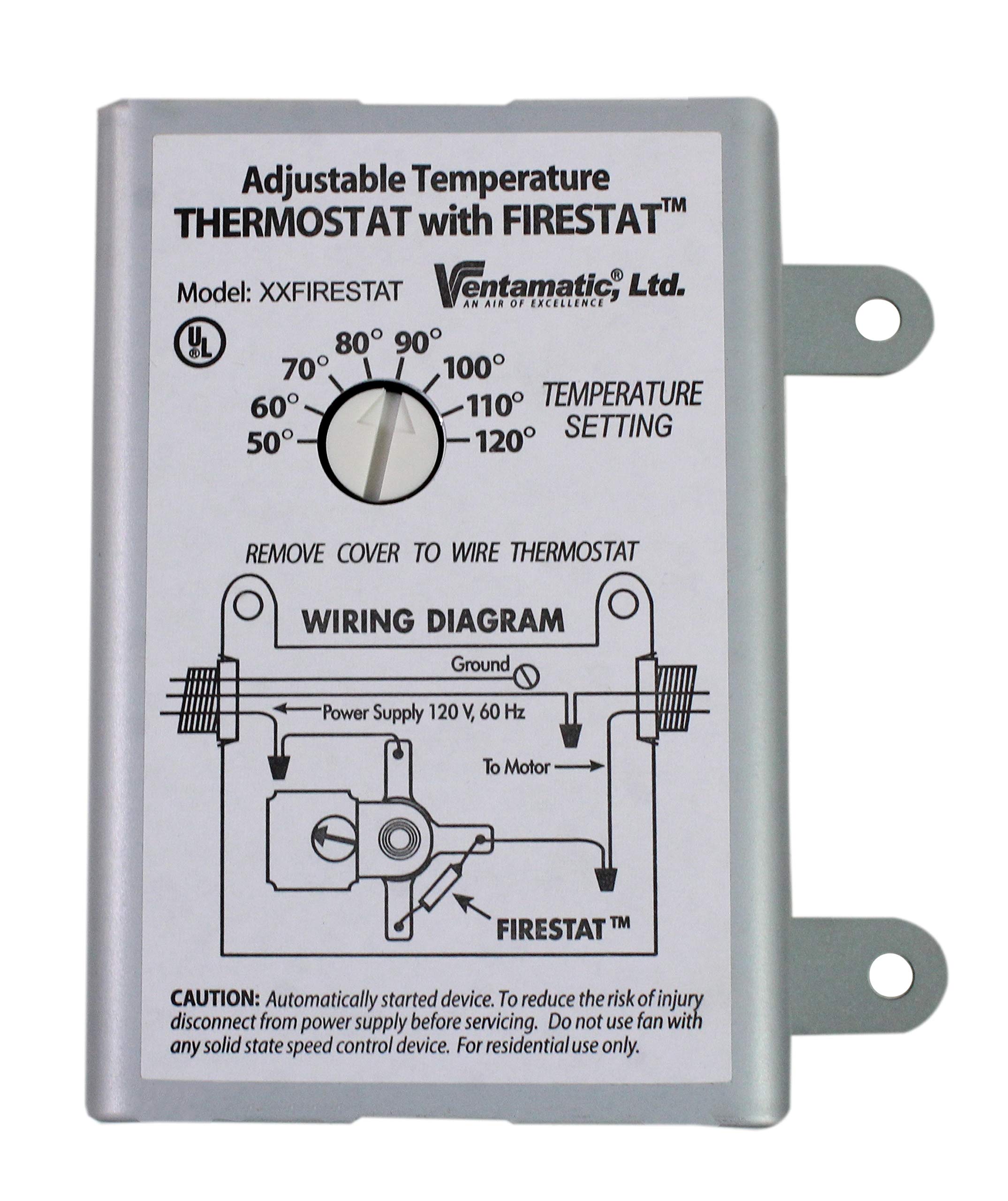
I use this Ventamatic Firestat when I need a rugged thermostat for attic ventilators — it’s adjustable, includes a high-temperature safety cutoff, and works well as a direct replacement.
Why I picked it: Purpose-built for attic ventilators with safety cutoff.
Best for: Attic and specialized ventilation control.
Low-cost specialty replacement thermostat.
Pros
- Firestat safety cutoff at 183°F
- Adjustable temperature range for attic use
- Controls multiple units up to 10 amps
- Simple mechanical dial
Cons
- Temperature markings can be imprecise
- Not a household HVAC thermostat
My take
I installed the Ventamatic in an attic ventilator replacement and liked that it directly matched the original unit’s function — remove and replace, no complex wiring or programming.
The built-in firestat cutoff at 183°F gives me peace of mind in a high-heat environment, and the mechanical dial is straightforward for seasonal adjustment.
One caveat: the temperature markings can be off, so I recommend checking the on/off points with an external thermometer during setup to fine-tune the dial.
For anyone needing a durable replacement specifically for power attic ventilators or RV vent fans, this is the no-nonsense option I used.
How I Choose a Thermostat — Key Factors
Wiring and C-wire considerations
I always check wiring before buying. Lack of a C-wire changes which thermostats are practical.
If you don’t have a C-wire, I lean toward models designed to run without one or that include a power accessory.
- Confirm system type (heat-only, heat/cool, heat pump) before purchase.
- Use a compatibility checker or the manual's wiring diagram.
- If uncomfortable with wiring, pick an easy DIY model or call a pro.
Smart features and ecosystems
I weigh app control, voice integration, and platform lock-in — choose the ecosystem you already use (Google, Alexa, Apple).
Remote control and scheduling are great, but I prioritize energy tools that actually cut runtime without sacrificing comfort.
- Check whether the thermostat supports your voice assistant.
- Look for ENERGY STAR certification for efficiency-focused models.
- Consider subscription services only if the feature set justifies them.
Sensors, air quality, and extra hardware
I choose sensor-equipped units for multi-room homes; small sensors can dramatically reduce hot/cold spots.
Built-in air-quality monitoring is worth it if you want alerts and actionable tips without buying a separate device.
- Smart sensors help prioritize rooms you actually use.
- Air-quality monitors can flag dust, VOCs, or filter needs.
- Door/window sensors are useful when coordinating HVAC with open doors.
Installation and maintenance
I prefer thermostats with clear app-guided installs if I’m doing a DIY swap.
For older systems or rentals, simple digital units reduce headaches and ongoing maintenance.
- Turn off power at the breaker before you start.
- Take a photo of existing wiring for reference.
- Keep batteries fresh in battery-powered units for reliability.
When to choose basic over smart
I pick non-programmable models for homes without a set schedule or where occupants prefer manual control.
Basic digital thermostats are also ideal when wiring constraints prevent smart installations.
- Non-programmable units are simple and cost-effective.
- Choose heat-only models when you only control a furnace or boiler.
Frequently Asked Questions
Do I always need a C-wire for a smart thermostat?
In my experience, many modern thermostats are designed to work without a C-wire in most homes, but some systems—especially heat-only, cooling-only, or certain heat pumps—do require a C-wire or a power kit. I always check compatibility before buying and keep an eye out for models that include a power extender or explicit no-C-wire support.
Which thermostat is best for reducing hot and cold spots?
I recommend a thermostat that includes or supports remote sensors. When I used ecobee’s SmartSensor, it shifted conditioning to the rooms I actually used and noticeably reduced hot and cold spots compared with a single-room ambient sensor.
Are built-in air-quality monitors useful?
I found built-in air-quality monitors helpful for catching filter-related problems and indoor air issues without a separate device. They provide timely tips and reminders that make maintenance less of an afterthought.
What should I do if my home has an old furnace or an RV setup?
I choose simple two-wire or battery-powered digital thermostats for older furnaces and RVs. Units like the Honeywell TH1100DV1000 worked well for me when a smart thermostat and C-wire weren’t practical.
Final Take
I matched each thermostat to a specific need: Nest for balanced smart features, Sensi when privacy and install simplicity mattered, ecobee for sensor-driven comfort and air quality, Honeywell models for reliable basic control, and Ventamatic for attic-specific needs.
If you want my short recommendation: pick the model that fits your wiring and how you live — smart features for remote control and savings, or basic digital units for older systems and straightforward reliability.
Whichever you choose, I suggest checking system compatibility, preparing for the wiring step, and keeping the user manual handy during install — that’s how I avoid surprises and keep the home comfortable.
