
I tested a range of full-motion and heavy-duty TV wall mounts so you can pick the right fit for your TV size, stud spacing, and viewing needs. Here are the stands that delivered the best mix of strength, motion, and ease
I installed and used six full-motion and heavy-duty TV mounts across bedrooms, living rooms, and a concrete column to find the most reliable options for different setups.
In this roundup I focus on what actually matters when you hang a TV: fit to VESA and weight, stud compatibility, range of motion, and how easy the mount makes leveling and wiring.
I compared each mount on compatibility (VESA and weight), range of motion, ease of installation, and real-world build quality—prioritizing mounts that perform safely on studs and that make centering and cable management straightforward.
1. Mounting Dream MD2380 — 32″–65″ Full Motion, 99 lbs, 16″ Studs – Best Value
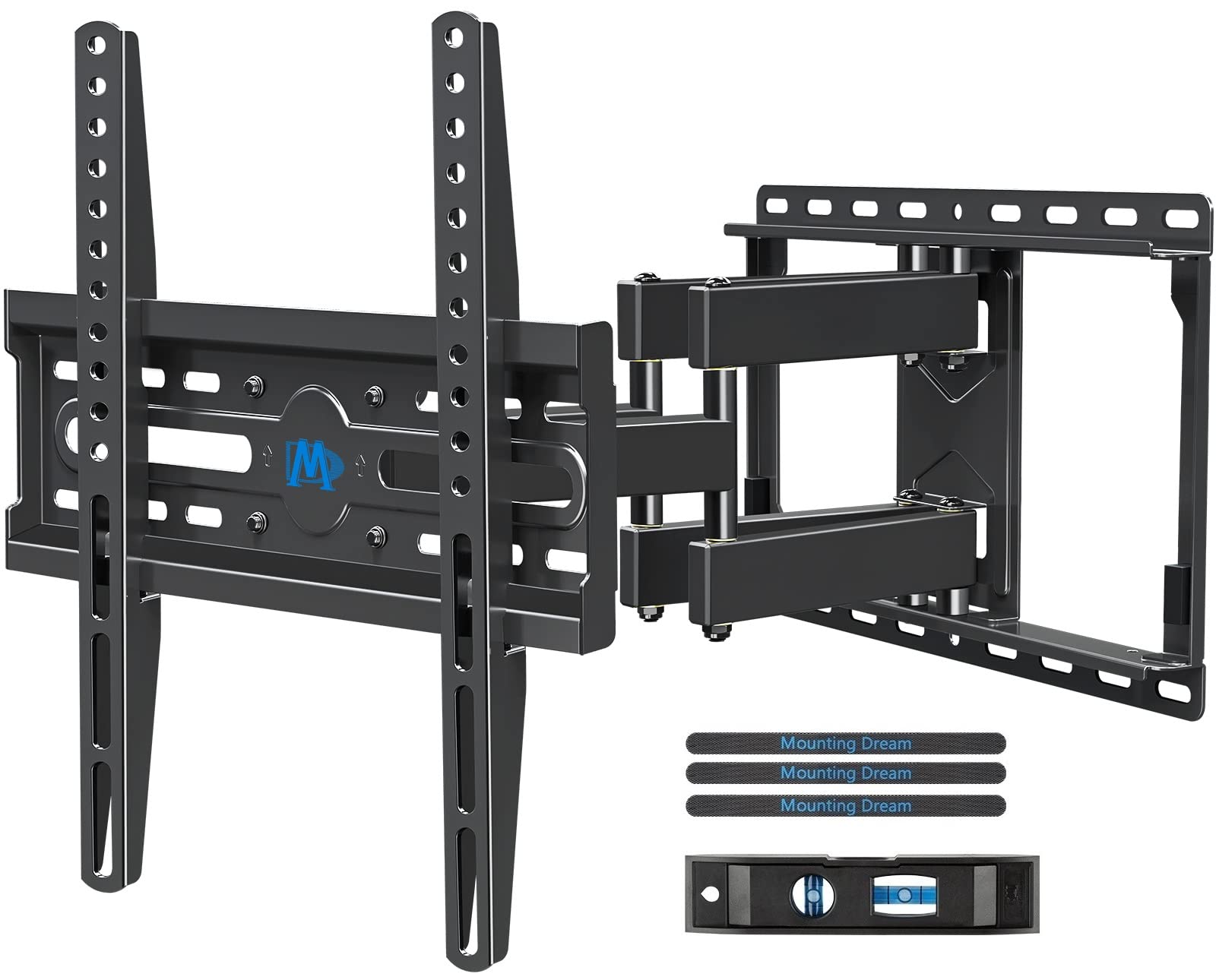
A versatile full-motion mount for 32–65" TVs with six articulating arms, 17.5" extension, and simple leveling tools.
Why I picked it: Universal fit and rugged articulated design that delivers big motion for a modest cost.
Best for: Mid-size living rooms or bedrooms where flexible viewing and value matter.
Affordable option that punches above its price for features.
Pros
- Wide TV compatibility
- Sturdy robot-welded construction
- Long 17.5" extension
- Easy post-install leveling
Cons
- Not for drywall-only walls
- Optimized for 16" stud spacing
My take
I used this mount on a 55" bedroom TV and appreciated how straightforward the install was. The paper template and well-labeled hardware removed the guesswork, and the little Allen key storage is a thoughtful touch I actually used.
Once mounted, the motion impressed me — it extends far enough to bring the TV into the room and collapses nearly flat when I want it tidy. The tilt and swivel move smoothly and hold position, and +/-3° leveling made it easy to get the picture true without re-drilling.
My only strong caveat is stud-only installation: I drilled into studs and felt confident with the included lag bolts, but I would not hang this on drywall alone. For the money, it's the best balance of features and sturdiness I found.
2. Mounting Dream MD2377 — 26″–55″ Swivel & Tilt, 60 lbs, Perfect Center Design – Best for Small TVs
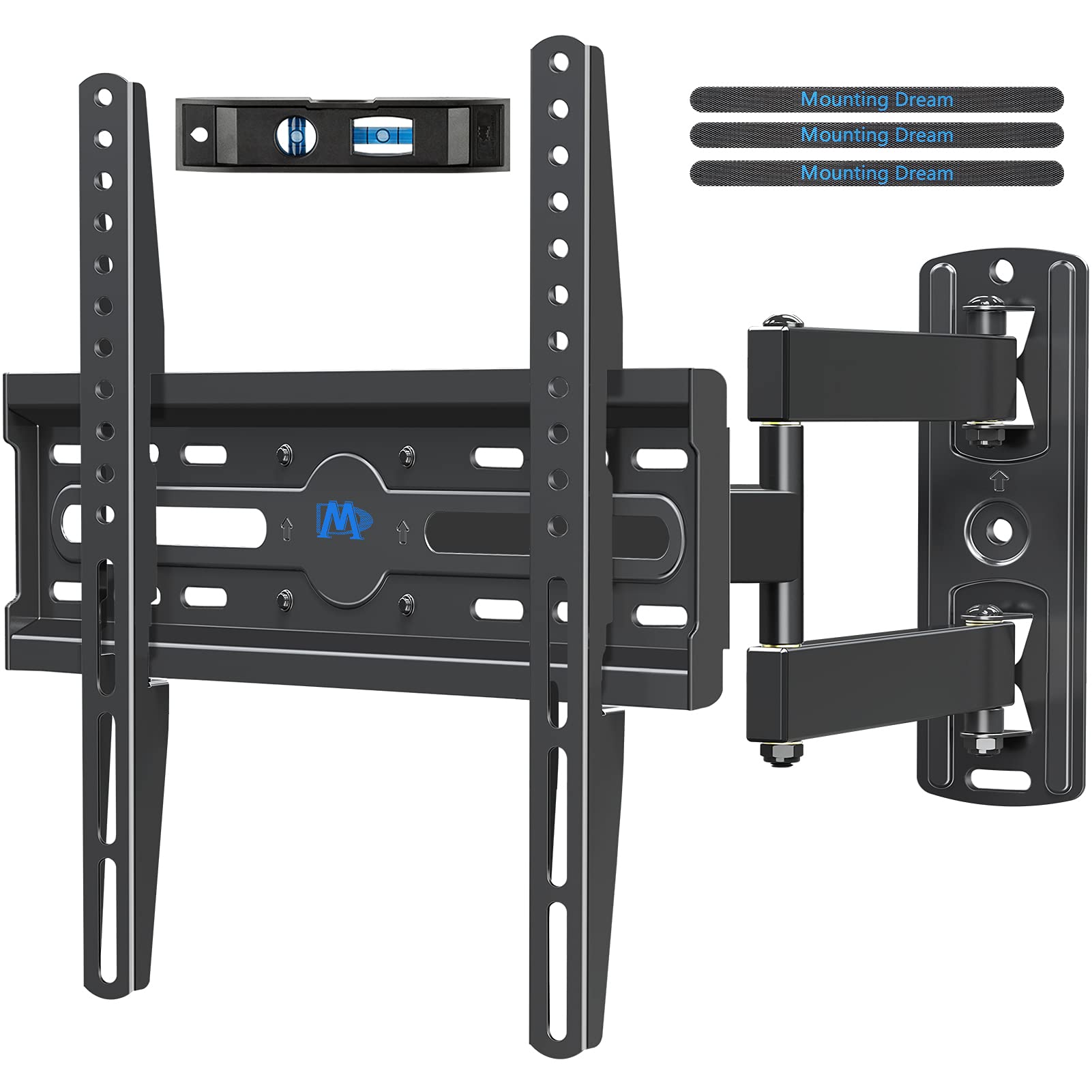
Compact full-motion mount designed to center smaller TVs and provide smooth tilt and swivel.
Why I picked it: Centered bracket and compact footprint make it easy to align small to mid-size TVs.
Best for: Bedrooms, kitchens, small living spaces, or side-wall installs with lighter TVs.
Budget-friendly choice for smaller displays and tighter spaces.
Pros
- Centered adjustment for centering TV
- Smooth tilt and swivel
- Comes with level and cable ties
- Compact retraction
Cons
- Shorter reach than long-arm mounts
- Best with lighter TVs under limit
My take
I installed this on a 32" bedroom set and was impressed by how neatly it centers the screen even when studs are off-center. The sliding capability let me shift the TV side-to-side so the screen sits visually centered on the wall.
Hardware came in labeled bags and the little bubble level in the box was actually handy. Movement is smooth and the mount holds position without drifting; the +/-3° leveling corrected a slight tilt after mounting.
If you plan to reposition the TV constantly or need a long reach, a long-arm option makes more sense. For small TVs where neat centering and a clean look matter, this mount is a smart, economical pick.
3. Mounting Dream MD2296 — 42″–84″ Full Motion, 100 lbs, Dual Arms – Best for Large TVs
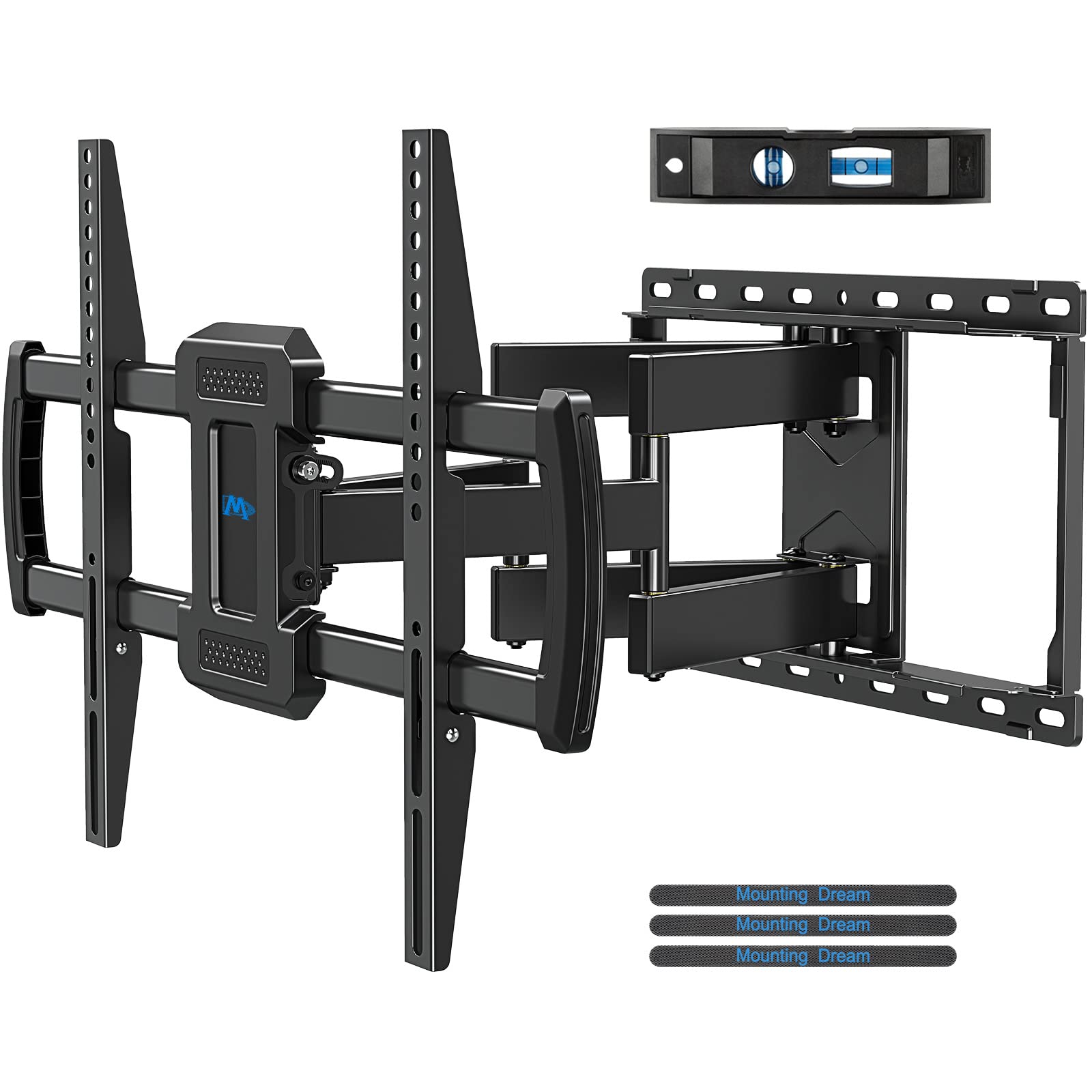
Heavy-duty dual-arm mount built for 42–84" TVs with extended motion, EVA pad, and cable management strips.
Why I picked it: Robust dual arms and thoughtful extras for larger TVs and cleaner installs.
Best for: Large living-room TVs that need solid support and good motion.
Mid-range price for heavy-duty capability.
Pros
- Supports up to 100 lbs
- Good extension and retract
- Includes cable management straps
- Small level included
Cons
- 16" stud spacing required
- Instructions are a bit generic
My take
I mounted a 65" 4K set on this bracket and immediately noticed the solid feel — the robotic welds and thick steel give real confidence when the TV is on the wall. The EVA pad on the wall plate is a nice touch that cushions the assembly.
Setup was straightforward thanks to the template and labeled hardware; the included velcro strips made cleaning up cables behind the TV quick. The arm range lets me tilt and swivel to knock down glare and find comfy sightlines in the room.
If your studs match the 16" spacing and you want a dependable heavy-duty mount without spending top dollar, this is the one I would reach for first.
4. Mounting Dream MD2617-24K — 42″–84″ Full Motion, 100 lbs, 16/18/24″ Studs – Best for Wide Stud Spacing
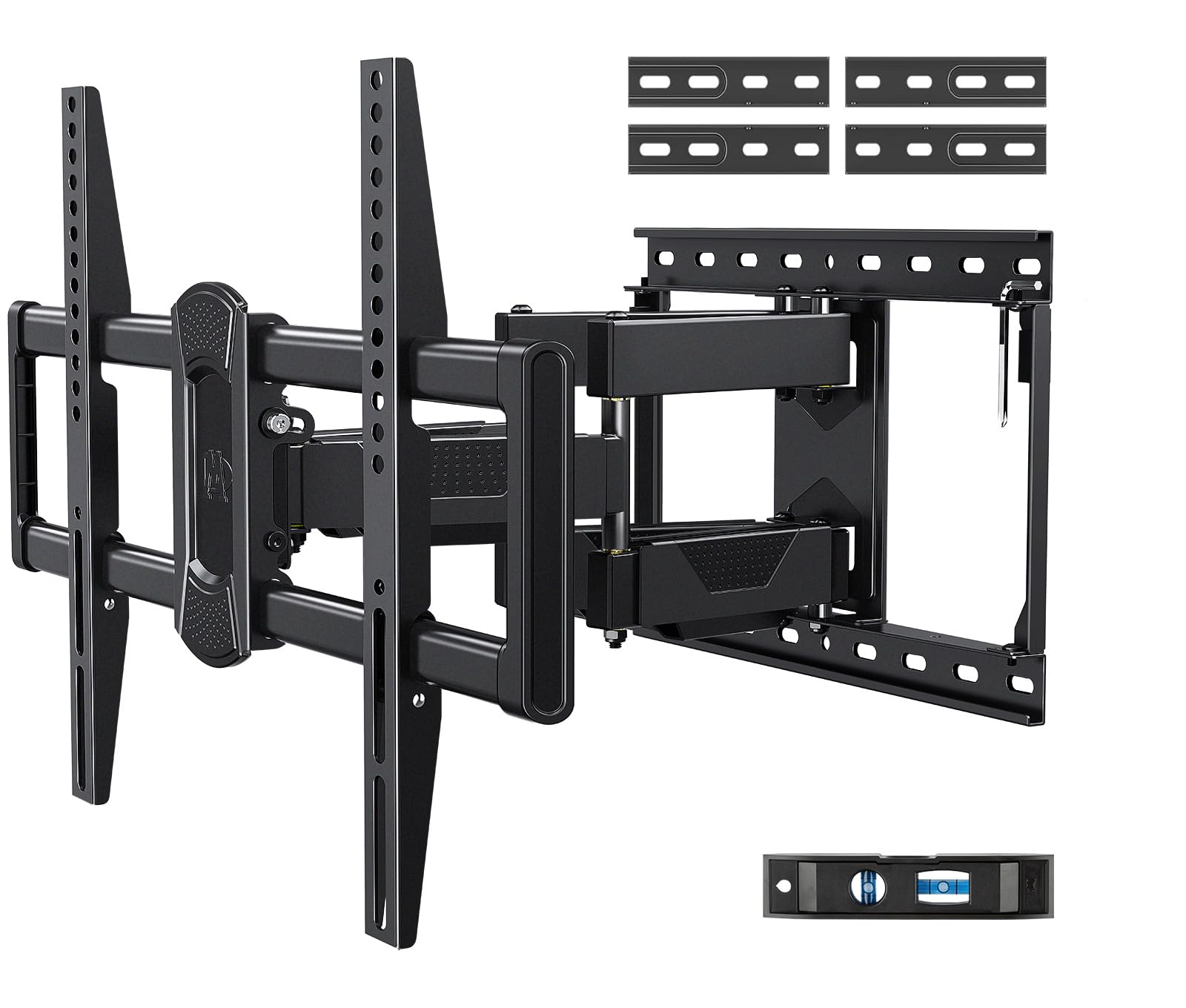
Versatile full-motion mount that supports 16", 18", and 24" stud spacing via extension arms.
Why I picked it: Flexibility for nonstandard stud layouts plus sturdy scissor-style arms.
Best for: Walls with wider or odd stud spacing and heavier mid-size TVs.
A more versatile option that justifies its slightly higher cost.
Pros
- Supports multiple stud spacings
- Robust scissor dual-arm design
- Cord guides for neat cables
- ±4° post-install leveling
Cons
- Requires assembling extension arms
- Heavier and less discreet
My take
I needed a mount that worked with 17" stud spacing and the extension arms on this model did the trick. I installed a 65" TV alone and the buy-in to the extension parts let me position the TV where it needed to sit.
The scissor-style arms feel more solid than single-arm mounts, and the vertical brackets distribute load cleanly so adjustments don’t stress the TV casing. My kids pushed on the screen and the whole assembly never budged — that level of stability is reassuring.
Measure studs before buying — this mount gives you options if your studs don’t match the common 16" pattern, and the cord guides keep things tidy when you need to get behind the set.
5. USX MOUNT Ultra-Large — 42″–97″ Heavy Duty, 150 lbs, 8″ Sliding Design – Best for Extra-Large TVs
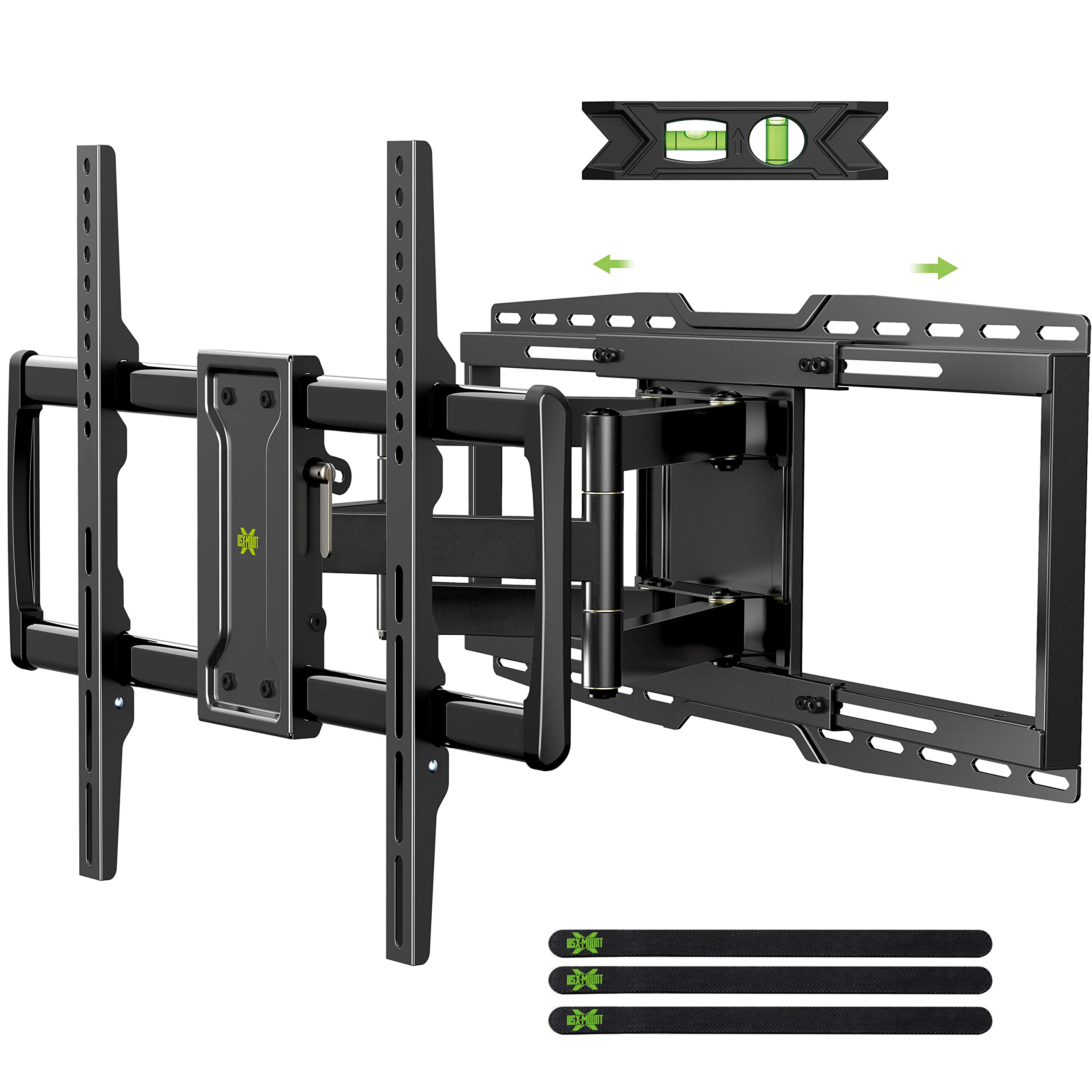
A heavy-duty bracket engineered for very large TVs and wide stud compatibility, with an 8" sliding function for centering.
Why I picked it: High weight capacity and sliding centering make it ideal for very large screens.
Best for: Home theaters and installations with very large, heavy TVs.
Premium handling for extra-large screens at a sensible premium.
Pros
- Up to 150 lbs capacity
- 8" sliding centering feature
- Fits up to 24" stud spacing
- Smooth tilt and swivel
Cons
- Requires two people for heavy installs
- Larger, bulkier wall plate
My take
I used this mount for an older 80" TV weighing 131 lbs and it felt utterly secure. The build quality is substantial and the sliding function made centering the screen on my wall simple without sacrificing strength.
Installation was straightforward when I anchored into studs under cement board; the kit includes varied bolts and spacers so I didn’t need extra trips to the hardware store. Tilt and swivel perform smoothly and hold position even under load.
If you have a very large TV and want something that won’t flex under pressure, this is the most capable option I tested — just plan for a two-person lift at hanging time.
6. Perlegear Long Arm — 37″–75″ Full Motion, 31.5″ Extension, Built-in Surge Power – Best for Corners & Power Integration
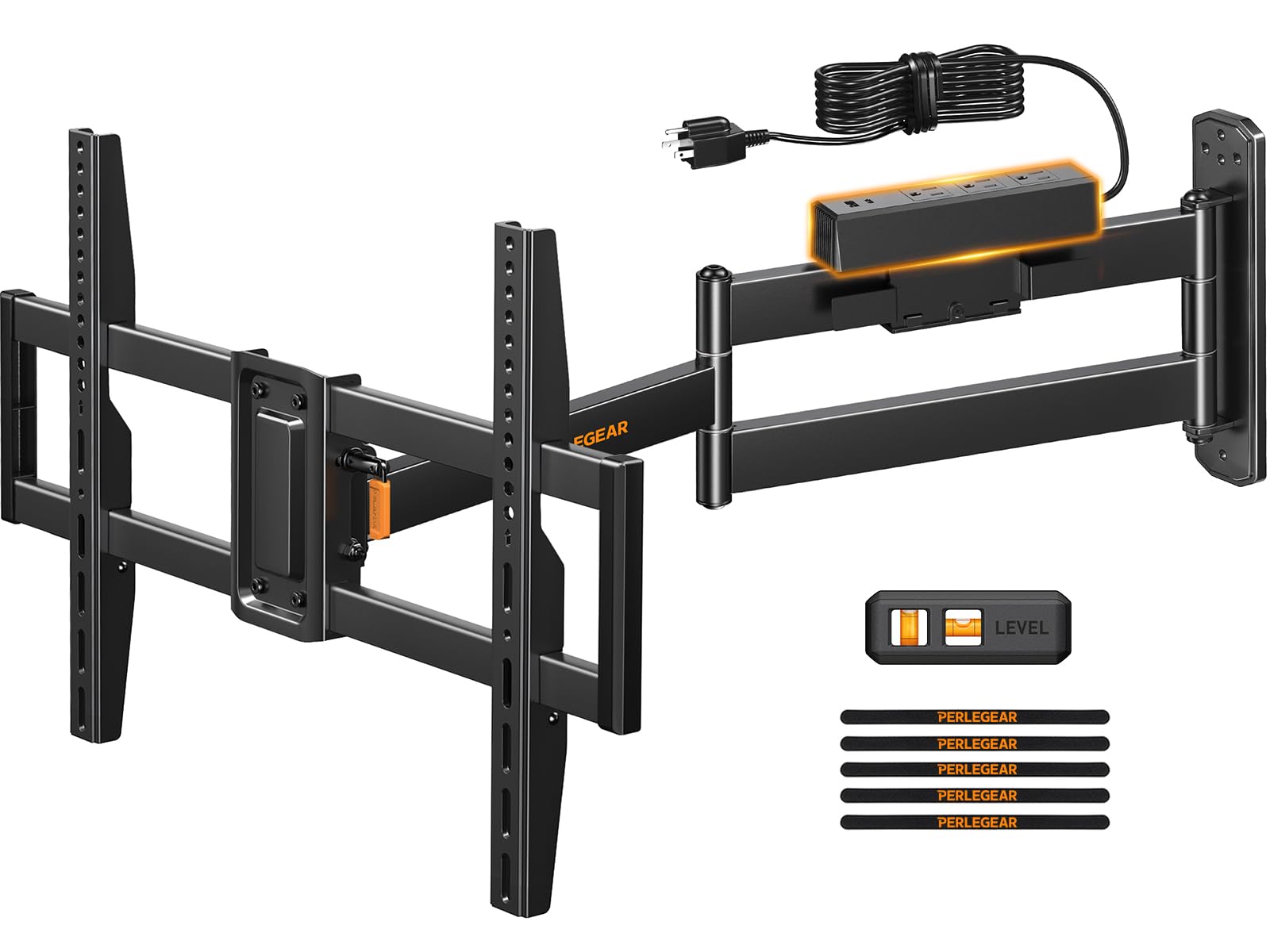
Long-arm corner mount with an integrated surge-protected power strip and USB ports for tidy power routing.
Why I picked it: Unique built-in power strip plus long 31.5" reach for corner and multi-zone viewing.
Best for: Corner installs, multi-zone viewing, and setups that need power behind the TV.
Higher-priced, but adds integrated power and impressive reach.
Pros
- Built-in surge-protected power strip
- 31.5" long extension
- +/−90° swivel capability
- Single-stud or concrete option
Cons
- Assembly can be fiddly
- Power strip placement limits siting
My take
I mounted this on a concrete column and the integrated power strip changed how clean my setup looked — AC and USB ports behind the TV mean fewer dangling extension cords and a tidier cable path.
The long 31.5" arm gives a reach many other mounts don’t offer, making corner placement and multi-room viewing easy. The thicker arm construction felt appreciably more rigid, and once adjusted the TV stayed where I put it.
Assembly requires patience and a couple of hands for hanging bigger sets, but the functionality — especially the surge protection and USB-C port — makes it a smart choice for setups that need power behind the screen.
How I Pick a TV Wall Mount
Match TV weight and VESA pattern
I always verify my TV’s VESA pattern and weight first. If the mount’s listed VESA or weight limit is lower than the TV, I don’t proceed.
Wide compatibility in a mount saves hassle; smaller mounts can fit many TVs, but be honest about weight limits for safety.
- Measure horizontal and vertical VESA hole spacing
- Check the TV weight including any accessories
- Leave margin: pick a mount rated above your TV weight
Check stud spacing and wall type
I never hang a heavy TV on drywall alone. Most of the mounts I recommend require stud mounting or concrete anchors.
If your studs aren’t 16" on center, choose a mount that supports 18" or 24" spacing or includes extension arms.
- Use a reliable stud finder
- Consider mounts with sliding centering if studs are off-center
- Get concrete anchors from the manufacturer for masonry walls
Decide how much motion you need
For bedrooms or tight spaces a low-profile tilting mount is often ideal. For multi-zone viewing or corners, long-arm mounts are worth the extra reach.
Think about how often you’ll swivel or adjust—some mounts are smoother for frequent use.
- Tilt-only = smaller profile, fewer moving parts
- Full-motion = best viewing flexibility
- Long arm = best for corner installs
Installation and extras that matter
I prefer mounts that include a template, bubble level, labeled hardware, and cable-management options—those save time and frustration.
Integrated features such as sliding centering or a power strip can simplify final placement and reduce visible wiring.
- Look for labeled hardware and a mounting template
- Bubble level and post-install leveling screws are valuable
- Cord guides or integrated power strips tidy the final install
Frequently Asked Questions
Can I install these mounts on drywall alone?
I avoid drywall-only installs for full-motion and heavy-duty mounts. Every mount in this roundup requires anchoring into studs or using concrete anchors for safe installation.
How do I center my TV if the studs aren’t centered?
I use mounts with sliding or offset brackets, or extension arms, to shift the TV left or right so the screen appears centered on the wall plate.
Do these mounts include everything I need to install?
Most of the mounts I tested come with labeled hardware, a paper template, and a small level. I still bring my own tools and verify anchor type if mounting to masonry.
Final Take
I chose mounts in this roundup to cover the most common scenarios: compact, long-arm, heavy-duty, and wide-stud installs. Each option performed well when used within its specified limits.
If you have a mid-size TV and want the best value, the MD2380 is the versatile pick. For very large or heavy screens, the USX mount offers the safest margin. And if you need corner reach plus tidy power, the Perlegear long-arm made my setup far cleaner.
Measure studs, confirm VESA and weight, and choose the mount that matches your wall type and viewing habits—do that, and the install will go smoothly.
