
I mounted dozens of TVs and organized a garage while testing these wall mounts. Here are the models that delivered the most consistent performance, whether you need a heavy-duty articulating arm, a no-drill drywall mount
I spent time installing and living with a range of wall mounts so I could tell you which ones actually solve common headaches: uneven TVs, cramped corners, drywall-only walls, and crowded garages.
This roundup focuses on mounts that balance build quality, ease of installation, and useful adjustability. I’ll tell you which one I’d pick for large OLEDs, which I use when studs are out of reach, and when a simple hook is the better choice.
I grouped these mounts by use case so you can quickly match one to your room, TV size, and installation surface.
1. Mounting Dream MD2296 Full-Motion TV Wall Mount – Best Full-Motion for Large TVs
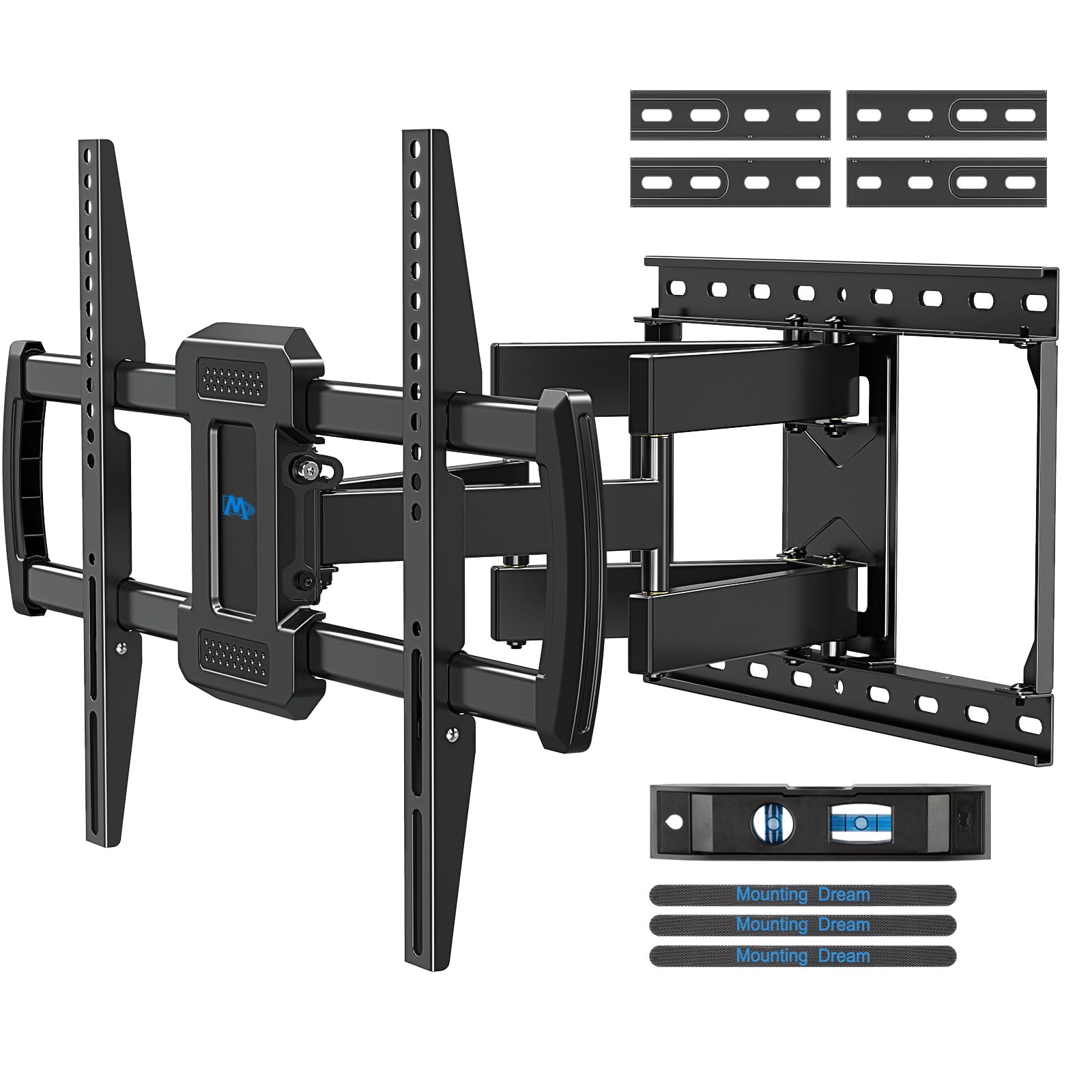
A heavy-duty articulating mount I trust for 42–84" TVs; solid build and wide adjustment range.
Why I picked it: Strong materials, a long wall plate for flawless centering, and full-motion range for big screens.
Best for: Large living-room OLEDs and setups where centering and range of motion matter.
Premium performance without specialty boutique pricing.
Pros
- Supports up to 100 pounds
- Wide VESA support to 600x400mm
- 24" wall plate for lateral adjustment
- Tilt, swivel, and post-install level
Cons
- Too large for small TVs
- Not for drywall-only installs
My take
I mounted a 60" 4K TV using this bracket and felt secure the moment the lag bolts bit into the studs. The 24-inch wall plate made centering the TV straightforward, and the included bubble level took the guesswork out of alignment.
Movement is smooth but firm: I can tilt the screen 5° up or 15° down, and get about 45° of swivel when the setup allows. Post-install lateral and fine-level adjustments let me dial out a millimeter of drift without loosen-re-tight cycles.
Installation comes with clearly labeled hardware and cable ties for a tidy finish. I appreciate the 10-year warranty as a sign the manufacturer stands behind the build quality; just remember this is for solid walls or studs, not drywall alone.
2. USX MOUNT Full-Motion TV Wall Mount – Best Heavy-Duty Reach
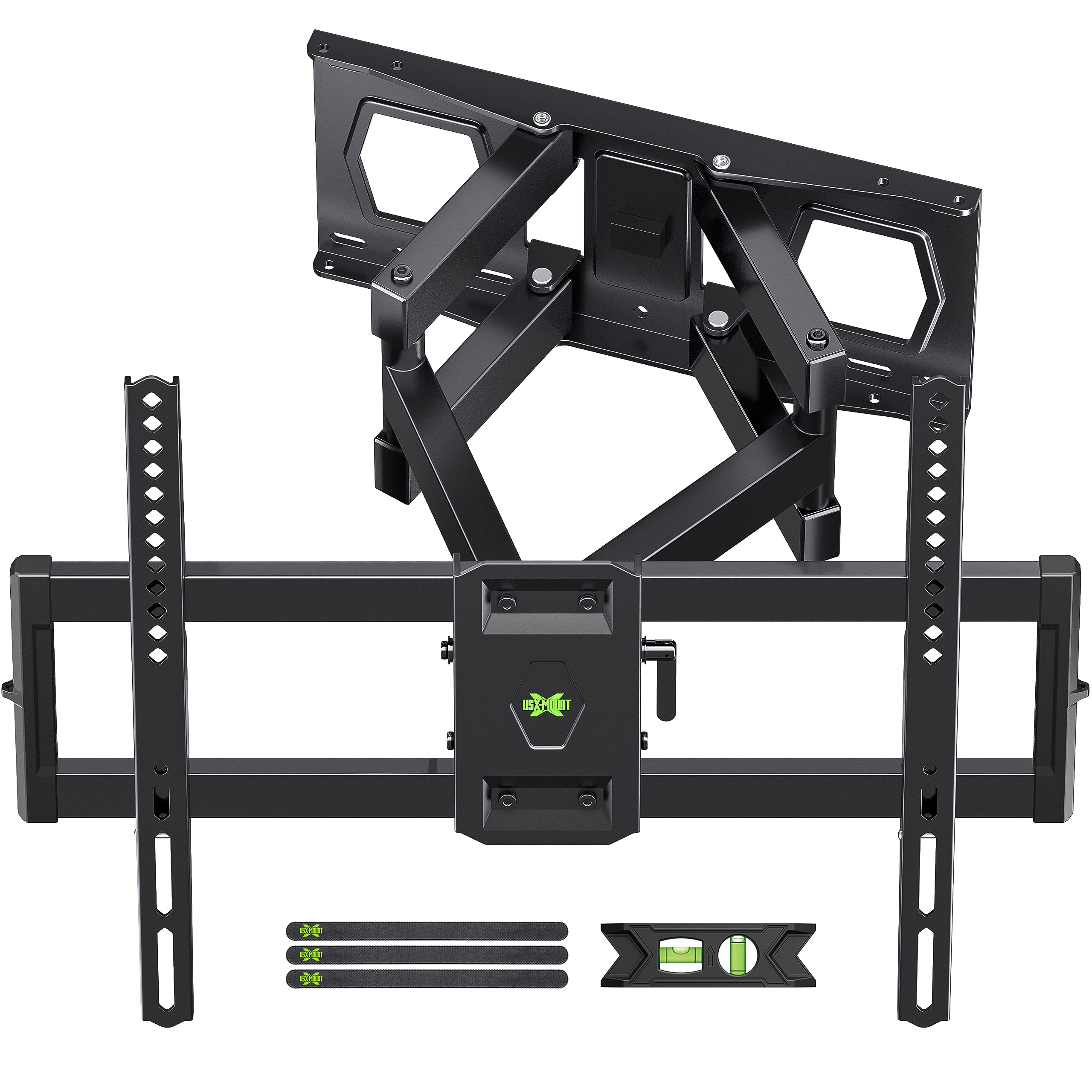
A heavy-duty dual-arm mount with long extension and large weight capacity for oversized TVs.
Why I picked it: Dual articulating arms and long extension let me pull a big screen into the room when I need to.
Best for: Rooms where you need to swing or extend a large TV frequently.
A value-oriented heavy-duty option.
Pros
- High weight capacity (over 120 lbs)
- Extends over 15 inches
- Wide VESA compatibility
- Includes bubble level and cable ties
Cons
- Extension can be stiff out of box
- Concrete anchors not included
My take
I installed this on 12"–16" wood studs and it handled a 65" screen without any sag. The dual arms give a reassuringly solid feel even at full extension, which is where many mounts wobble but this one didn’t.
The unit ships with a level and well-labeled hardware, which made the single-person install quicker than I expected. I did free up the arm joints with a bit of lubricant on the first day to get fully smooth motion.
If you need reach and load capacity without complicated hardware, this is the mount I go to for larger TVs that I want to move around the room.
3. ECHOGEAR No-Stud Slim TV Mount – Best No-Stud Low-Profile
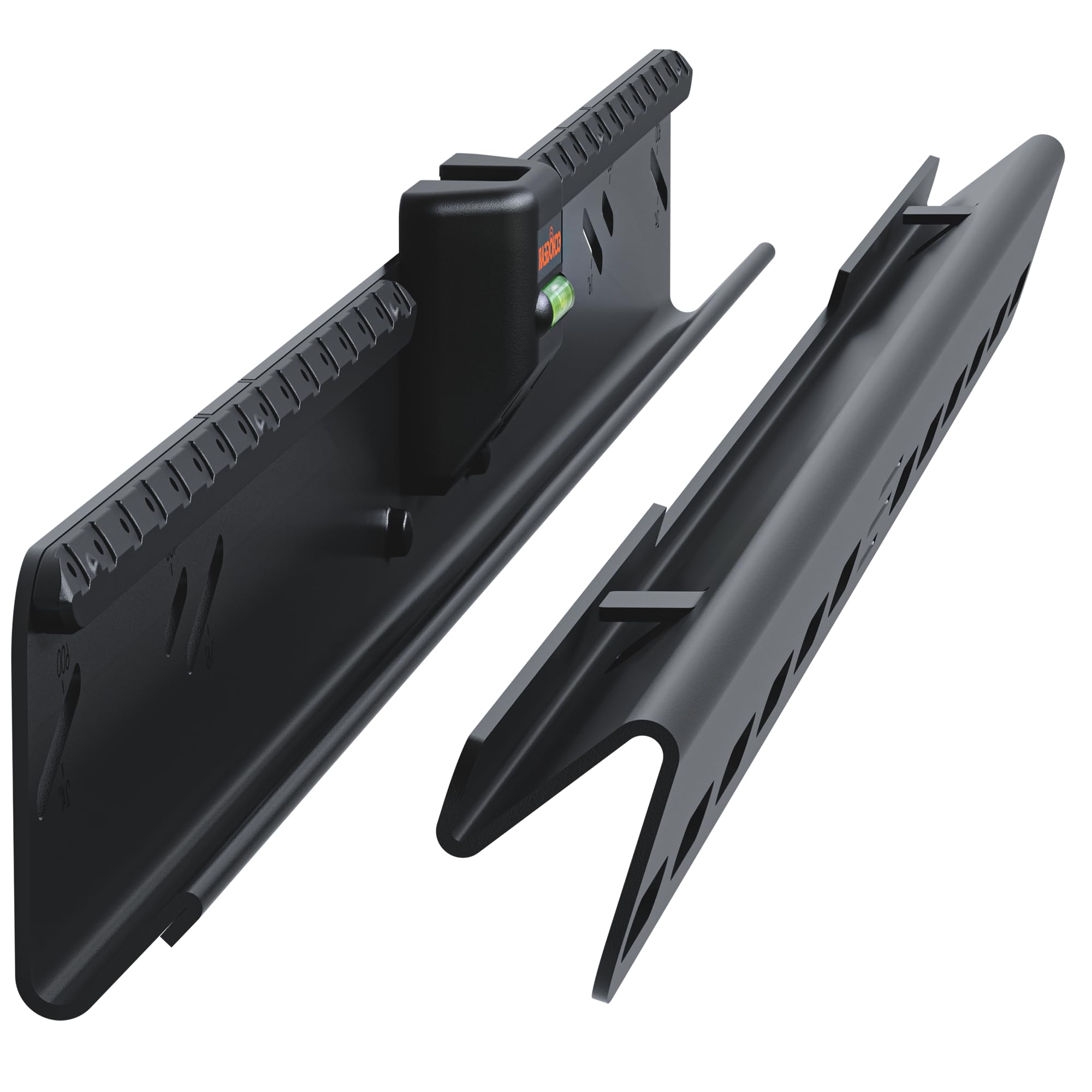
A slim, no-drill option that lets me center a TV on drywall when studs aren’t where I want them.
Why I picked it: True studless installation using a nail array so I can mount TVs where studs aren’t available.
Best for: Apartments, rental walls, or anywhere I can’t use traditional stud mounting.
A practical, low-profile specialist option.
Pros
- No drilling or studs required
- Holds up to 100 pounds
- Only 1.18" profile from wall
- Built-in bubble level
Cons
- Requires drywall meeting thickness specs
- Not adjustable for big swivels
My take
When studs were out of position for my intended layout, I used this mount to center a 60" TV exactly where I wanted it. The installation relies on a matrix of small nails; following the instructions gave a fast, confident install.
The TV sits very close to the wall and the built-in level and safety button make the final steps satisfying. If you need a flush look and the wall meets the thickness requirement, this is the easiest no-stud route I’ve used.
I treated the mounting as a permanent placement—this isn’t about frequent remounts, it’s about getting a precise, low-profile finish without chasing studs.
4. Rubbermaid FastTrack Multi-Purpose Hook – Best Garage Hook
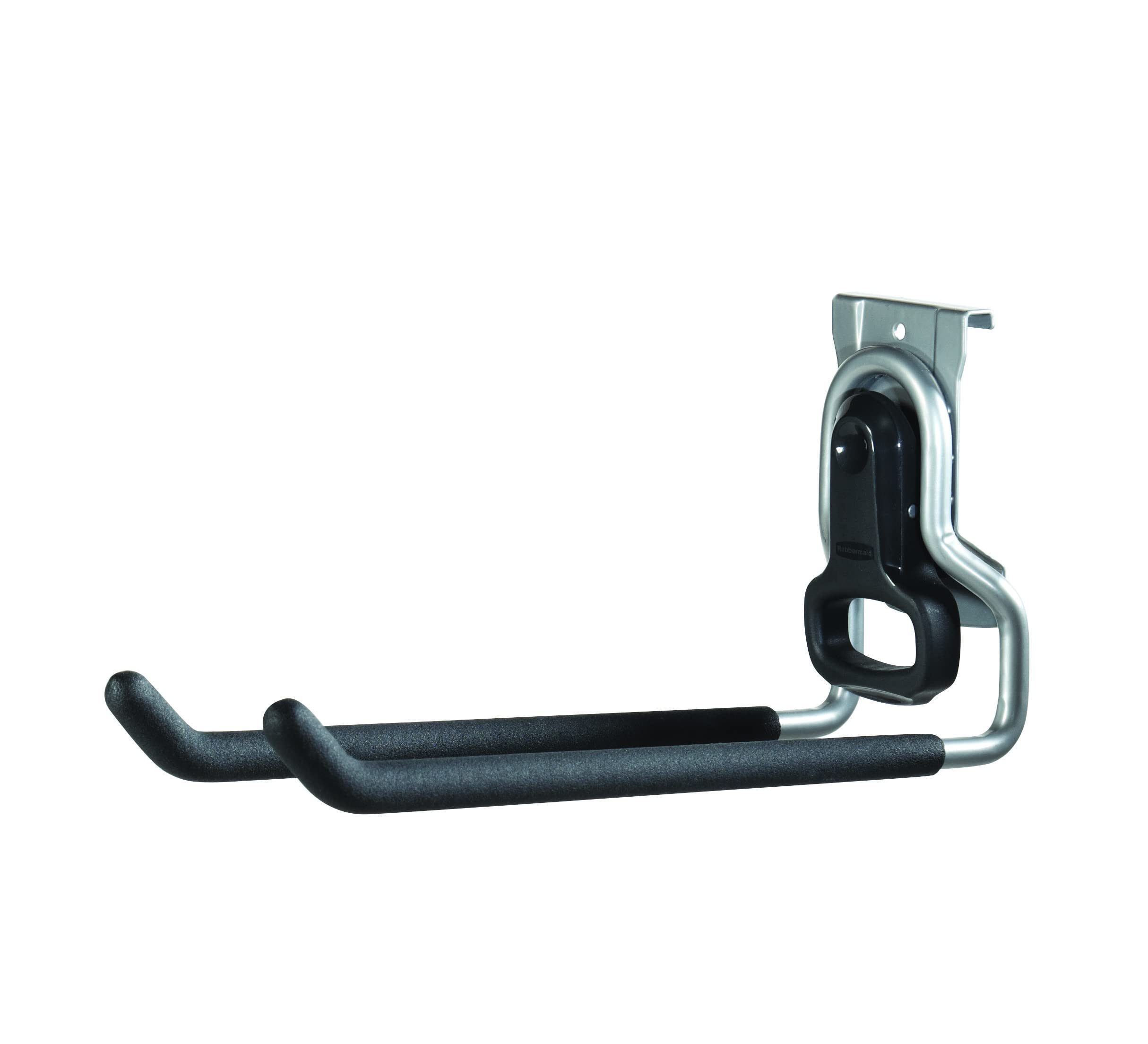
A dependable hook for the FastTrack rail system; I used it to free up floor space and hang bulky tools.
Why I picked it: Simple, sturdy, and designed to snap into the FastTrack rail for flexible placement.
Best for: Garages and storage areas where modular organization matters.
A single-piece hook that extends a modular storage system.
Pros
- Holds up to 50 pounds
- Soft coating protects tools
- Relocatable on FastTrack rail
- Folds up when not in use
Cons
- Sold individually — buy multiple for coverage
- A little wobbly with very heavy loads
My take
After installing the FastTrack rail around my garage, this hook became one of the first accessories I reached for. It holds shovels, a ladder, and sports gear with no slip thanks to the protective lip.
The hook snaps into the rail solidly and the satin nickel finish resists grime. I did notice a slight wobble with very heavy, off-balance items, so I reserve it for items under its rated capacity for peace of mind.
If you’re building a modular garage system, these hooks are the simplest way to reclaim floor space and organize awkward items.
5. MOUNTUP Long-Arm Full-Motion TV Mount – Best for Small Screens & Corners
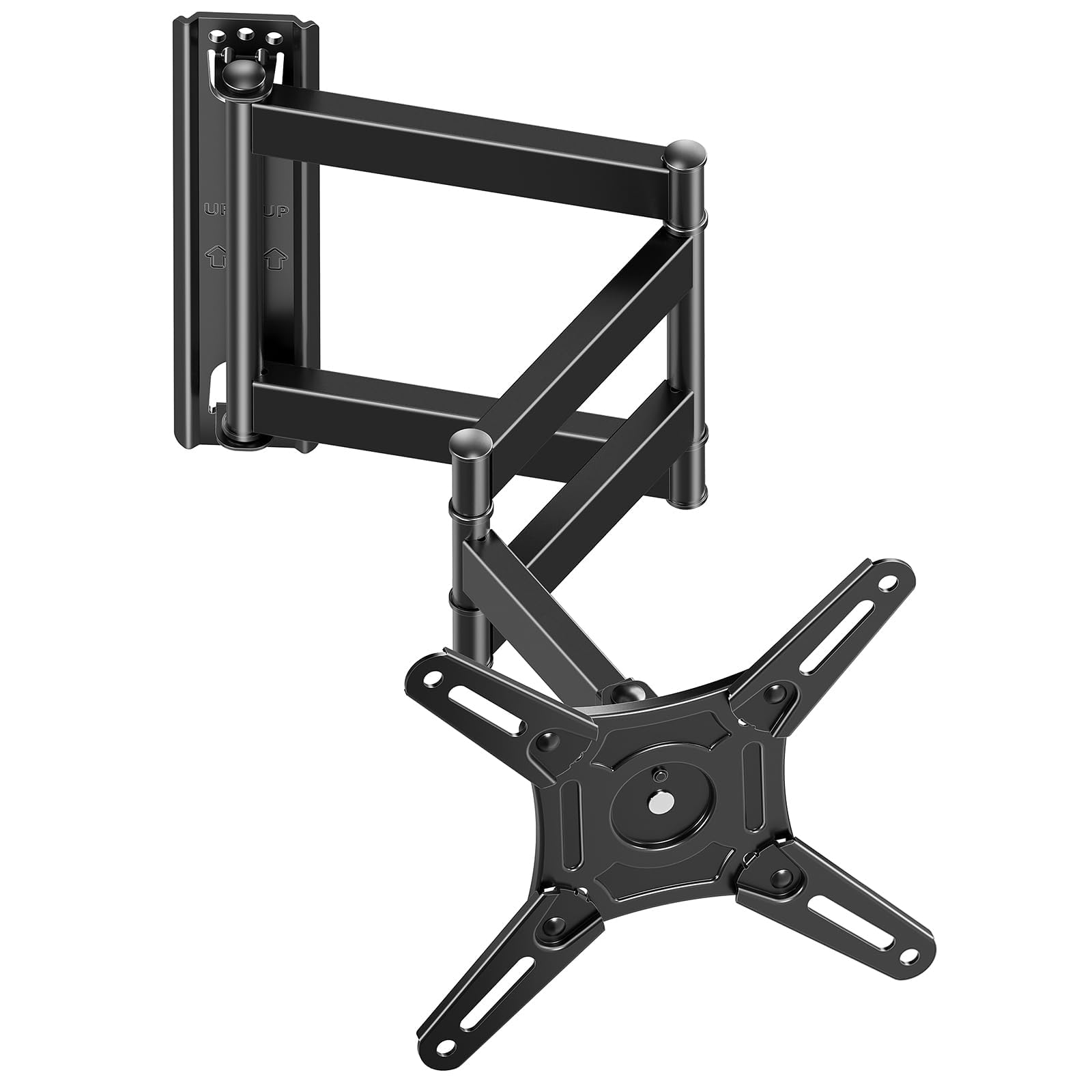
A triple-section long-arm mount I used in a tight corner and on a cabinet—excellent range for small to mid-size screens.
Why I picked it: Triple-section arm that extends a long way yet folds compactly for corners and niches.
Best for: Small TVs, corner installs, and media cabinets where reach and rotation are needed.
Good value for a well-built articulating arm.
Pros
- Extends 21.7 inches
- Portrait and landscape rotation
- Supports monitors and smaller TVs
- Solid cold-formed steel construction
Cons
- Heavy—handle during install
- Arm joints can be stiff initially
My take
I used this mount inside a narrow cabinet and as a corner solution over a dresser; the triple-section arm gave me exactly the reach I needed without a bulky profile when retracted.
Rotation between portrait and landscape is smooth and genuinely useful for content creators or work setups. The mount felt overbuilt for my monitor, which I take as a good sign for longevity.
Installation is straightforward if you secure into a solid surface. The first-day stiffness in the hinges eased after a little movement, and the whole setup now operates predictably.
6. Studless Drywall TV Mount (No-Drill) – Best Studless High-Capacity
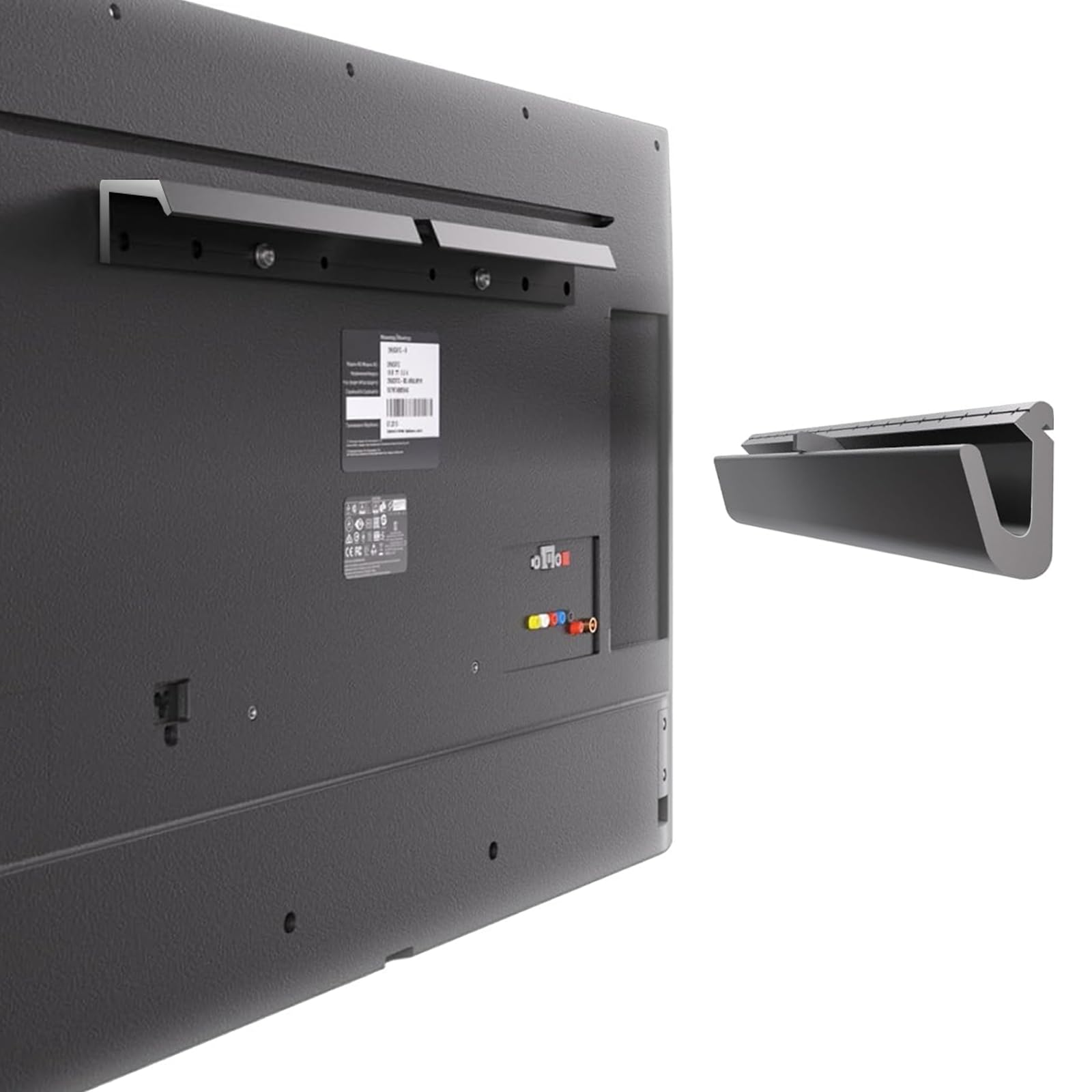
A studless drywall mount that claims high capacity; great when studs are unavailable and you need a fast install.
Why I picked it: Higher stated capacity for a studless design and very quick installation.
Best for: Rooms where drywall mounting is the only practical option and you want a low-profile install.
Competes with other no-drill mounts on ease and capacity.
Pros
- Supports up to 150 pounds
- Fits 32–75" TVs
- Low profile and quick install
- Wide VESA compatibility
Cons
- Requires drywall thicker than 0.3"
- Not recommended for repeated remounting
My take
I tried this mount on a drywall section that could not accommodate studs and was impressed by how quickly it went up. The instructions and included materials made the process nearly tool-free compared with a stud-mounted alternative.
The claimed capacity and wide VESA fit gave me confidence to mount larger sets than I usually would without studs, but I stayed mindful of wall thickness and the manufacturer’s installation notes.
This is my go-to when I need a fast, studless solution that still gives a low-profile, stable finish—just verify your drywall meets the thickness requirement before starting.
How I Choose a Wall Mount
Match the mount to your TV size and VESA
I always check my TV’s VESA pattern and weight before I choose a mount. A mismatch is the easiest way to ruin an otherwise simple install.
Smaller VESA ranges work for monitors and small TVs, while full-motion arms for big OLEDs need broader VESA and higher weight capacity.
- Confirm VESA pattern on the back of your TV.
- Choose a mount rated above your TV’s weight for safety.
Decide on mount type by use case
If I want a clean, flush look, a low-profile or no-stud mount is my first choice. For living rooms where viewing angles change, I pick a full-motion articulating arm.
Corner installs and media cabinets often need longer reach or multi-section arms to clear furniture and allow rotation.
- Low-profile or fixed mounts for minimal gap.
- Articulating mounts for reach and swivel.
- No-drill mounts when studs aren’t usable.
Installation surface matters more than price
I treat wall type—drywall, concrete, or stud—as the single biggest factor. Some mounts explicitly exclude drywall-only installs, while studless options impose drywall thickness limits.
If you have concrete or masonry walls, use the anchors recommended by the mount’s manufacturer. For wood studs, lag bolts into the center of the stud are always my approach.
- Drywall-only mounts require specific products and wall checks.
- Concrete and brick need proper anchors.
- Always mount into studs when the product requires it.
Look for helpful included hardware
I prefer mounts that ship with a bubble level, clearly labeled hardware, cable management clips, and a template. Those items speed the install and reduce trips to the hardware store.
If concrete anchors are omitted, factor that into your plan so you don’t stall during installation.
- Bubble level and template speed alignment.
- Pre-labeled bags reduce installation errors.
- Check if concrete anchors are included or available.
Frequently Asked Questions
Can I mount a TV to drywall without studs?
I will only use a purpose-built studless mount if studs aren’t available. Those mounts rely on a matrix of fasteners and have drywall thickness limits—verify the product specs and follow the instructions exactly.
How do I know if a mount fits my TV’s VESA?
I measure the horizontal and vertical spacing of the mounting holes on the TV and compare them to the mount’s VESA range. If the numbers fall within the stated range, the mount will fit.
Should I worry about the mount’s extension stiffness?
Some articulating arms are tight out of the box. I gently operate the joints several times, and a small amount of lubricant at pivot points usually smooths motion without compromising stability.
Final Take
After installing these mounts in living rooms, bedrooms, and a garage, I’m confident each choice fits a specific need: heavy-duty articulating arms for large TVs, slim no-stud mounts for drywall, and simple FastTrack hooks for storage.
If I had to recommend one starting point: match your wall type and TV size first, then pick the mount that offers the adjustability you actually use. I’ve laid out the options I’d use in each scenario so you can pick the right one quickly.
